

Why Use Shared Libraries?
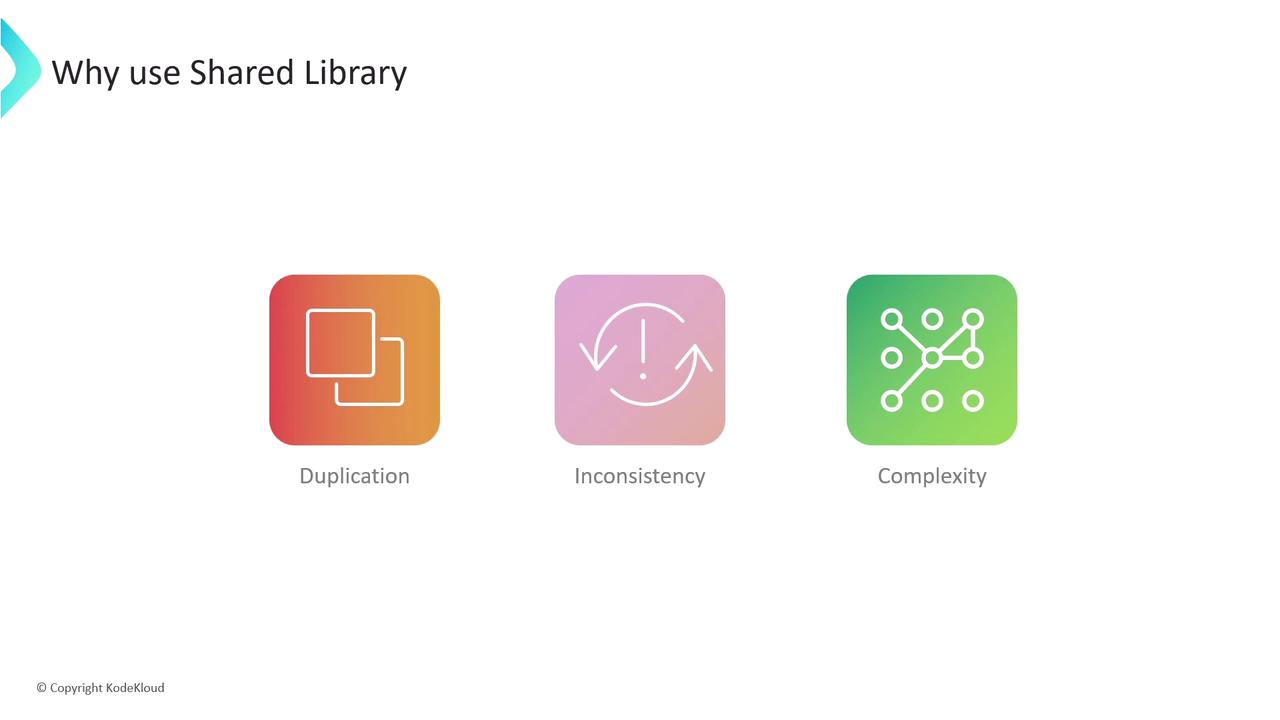
Imagine maintaining dozens of Jenkinsfiles, each running the same build-and-test steps. You’ll encounter:- Duplication: Copy-pasting identical pipeline blocks.
- Inconsistency: Updates applied to one pipeline aren’t reflected in others.
- Complexity: Scattering changes across repositories becomes error-prone.
Following the DRY (Don’t Repeat Yourself) principle helps you write pipeline logic once and use it everywhere.
Example: From Hard-Coded to Library-Driven
Before: Repeating the Welcome Message
After: Centralizing the Welcome Step
Move the welcome logic into a shared library function:welcomeMessage.groovy updates every pipeline automatically.
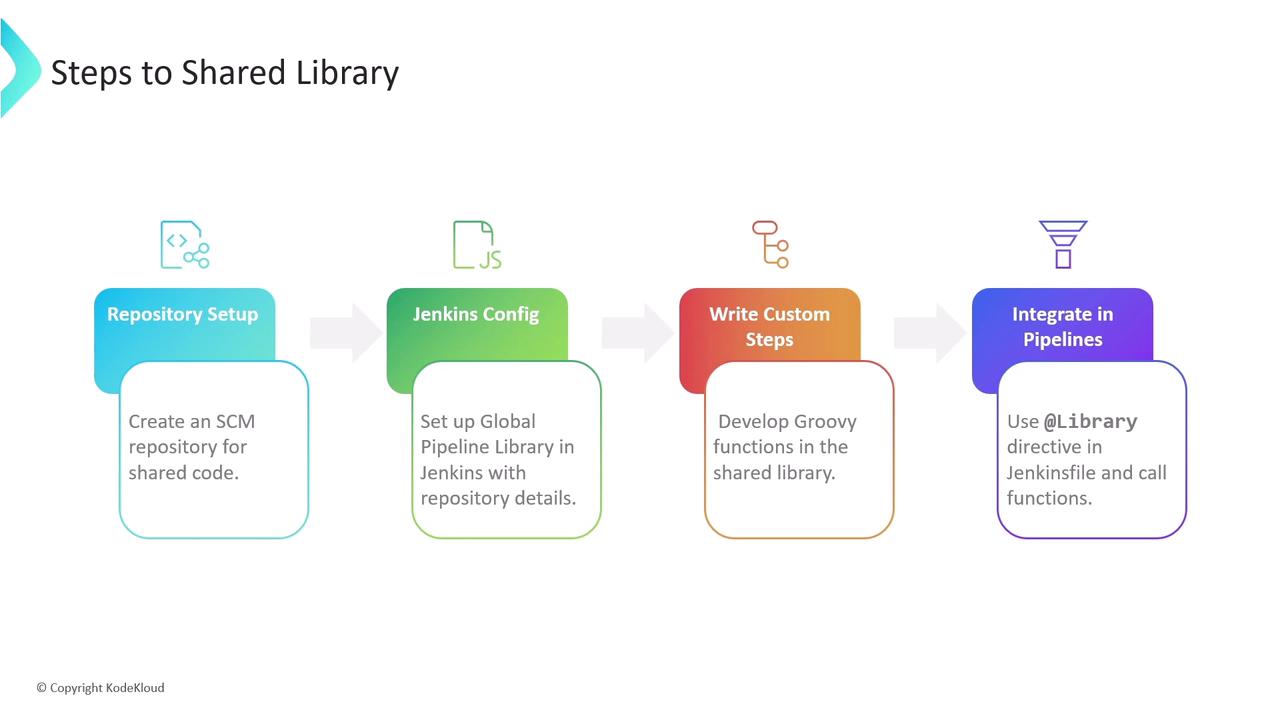
Setting Up Your Shared Library
- Create a Git repository dedicated to your shared library.
- Configure Jenkins under Manage Jenkins > Configure System > Global Pipeline Libraries: define the library name, default version (branch), and SCM details.
- Structure your repo with
src/,vars/, andresources/directories. - Use
@Library('your-library-name')in Jenkinsfiles to load and call your custom steps.
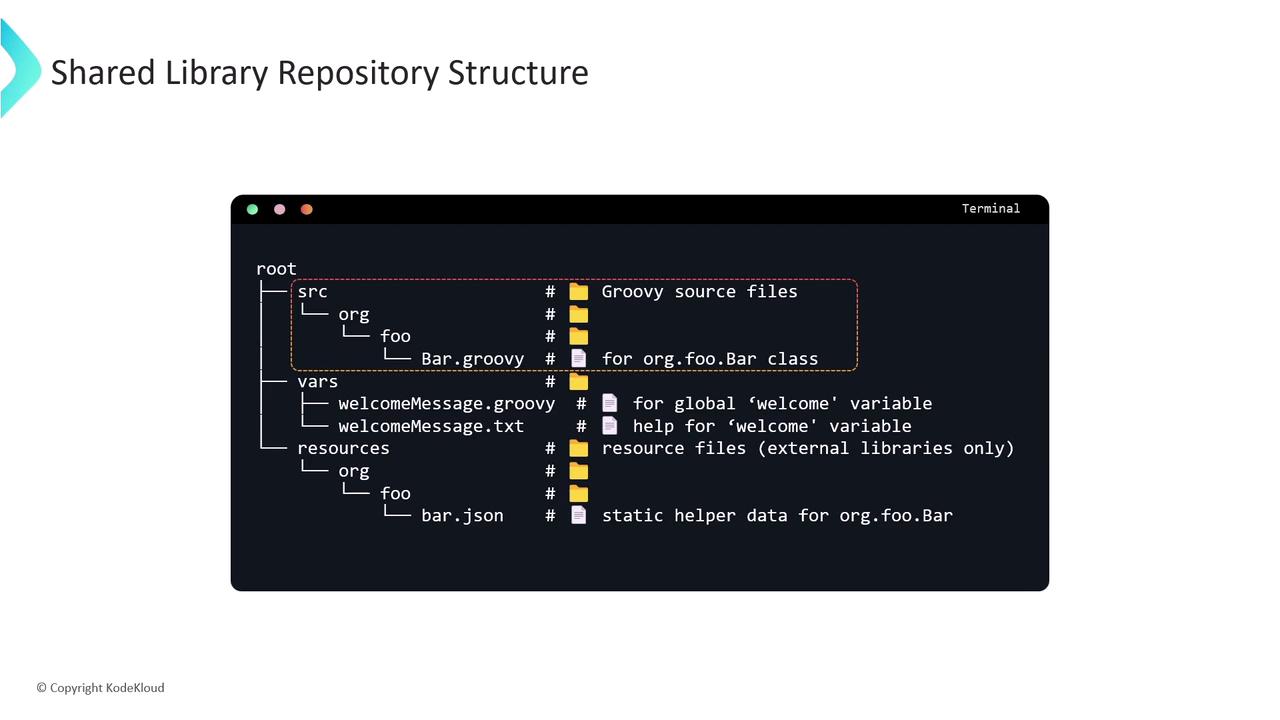
Typical Repository Layout
Configuring Global Pipeline Libraries
In Manage Jenkins > Configure System under Global Pipeline Libraries, add your library: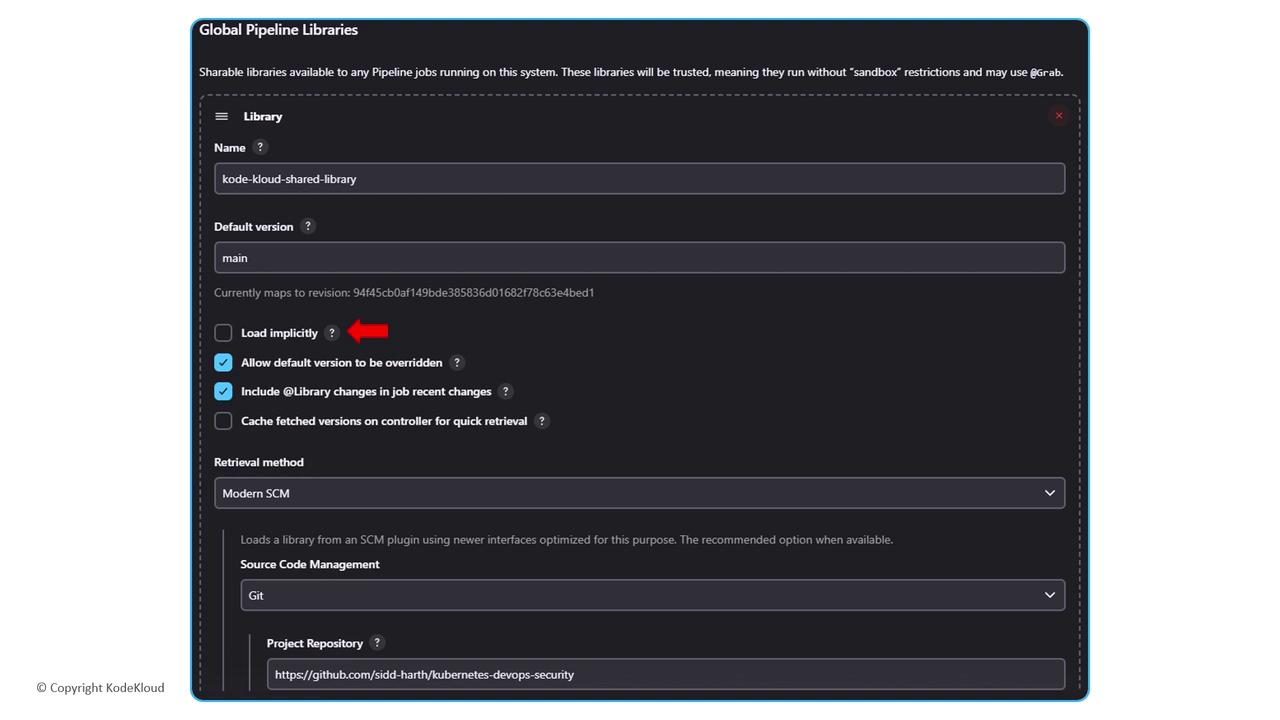
Ensure Jenkins has appropriate read permissions for your Shared Library repository.
Advanced Example: Notification Utility
Add a reusable notification step invars/sendNotification.groovy: