

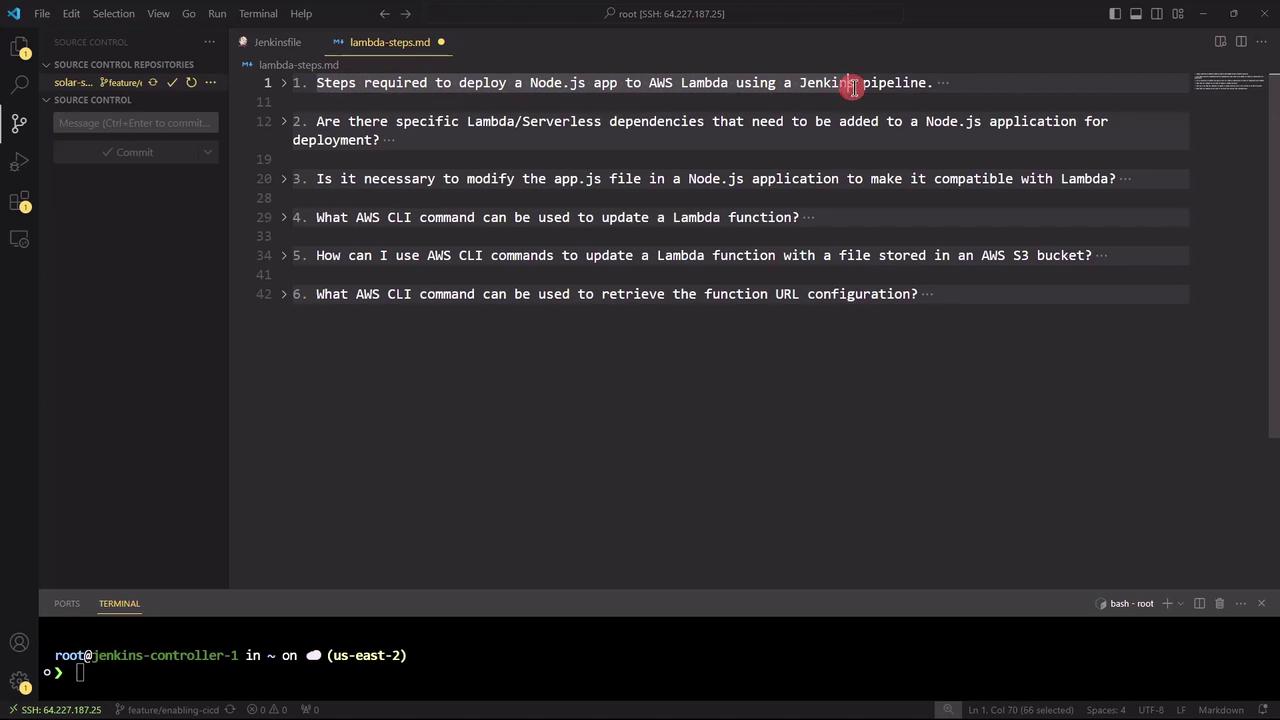
1. What are the steps required to deploy a Node.js application to AWS Lambda using a Jenkins pipeline?
-
Configure AWS and Jenkins
- Ensure AWS CLI is installed and credentials are set:
aws configure - Install Jenkins plugins: Git, NodeJS, AWS Lambda, Pipeline
- Ensure AWS CLI is installed and credentials are set:
-
Install Dependencies
-
Run Tests (if applicable)
-
Package the Application
-
Deploy to Lambda
-
Define Jenkins Pipeline (Jenkinsfile)
Ensure that your Jenkins
aws-creds credential has the necessary IAM permissions to create and update Lambda functions.2. Are there any specific Lambda or serverless dependencies to add?
To adapt Express for Lambda’s event-driven model, install these packages:The
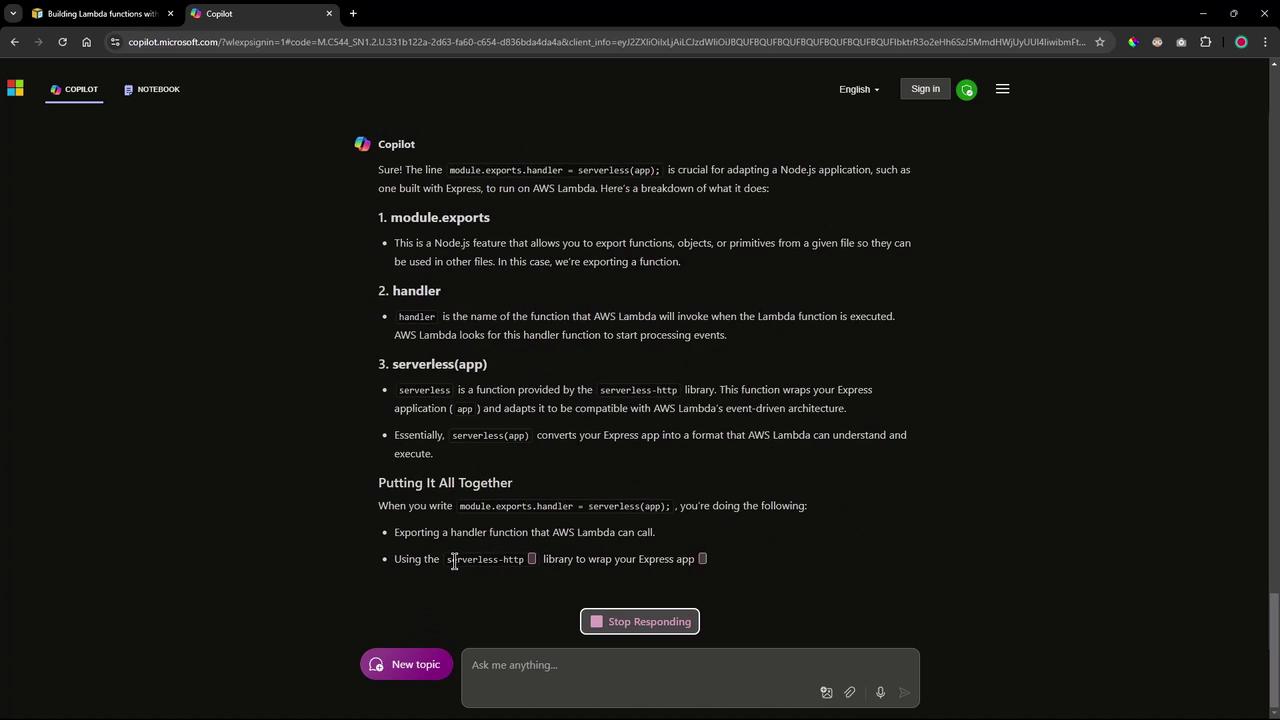
serverless-http library wraps your Express application into a handler function that AWS Lambda can invoke.3. Do we need to modify the application code (app.js) for AWS Lambda?
Yes. Wrap your Express app using serverless-http and export the handler:
4. What is the AWS CLI command to update a Lambda function’s code?
If your function already exists, run:5. How can we retrieve the Function URL configuration via AWS CLI?
To fetch the function URL settings after deployment:With these steps, you now have a clear roadmap:
- Integrate
serverless-httpinto your Node.js app and export a Lambda handler. - Zip your application code and dependencies.
- Use AWS CLI commands within a Jenkins pipeline to deploy and update your Lambda function.
- Retrieve and test the Function URL configuration with a simple CLI call.
Links and References
- AWS Lambda Developer Guide
- Jenkins Pipeline Syntax
- serverless-http on npm
- Serverless Framework Documentation