

Jenkinsfile, you gain version-controlled, reusable, and maintainable pipelines.
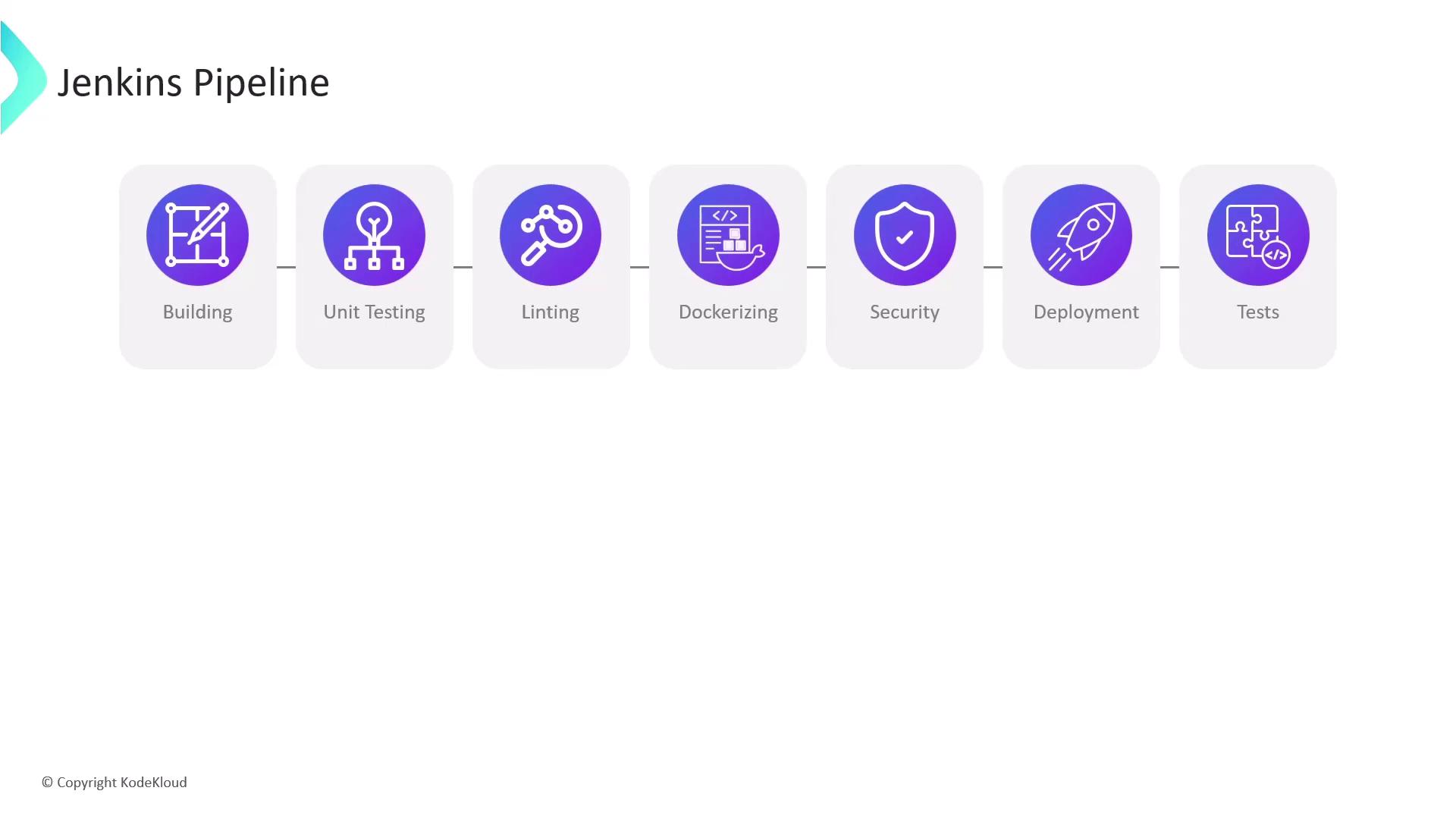
- Achieve clear separation of concerns
- Easily spot failures and bottlenecks
- Parallelize independent tasks (e.g., linting alongside unit tests)
Storing your pipeline stages in code lets you audit history, perform code reviews, and roll back changes through Git.
1. Writing Your Jenkinsfile
AJenkinsfile is a Groovy-based script that describes your pipeline. There are two syntaxes:
2. Declarative vs. Scripted Pipelines
Jenkins supports two pipeline styles. Choose Declarative for simplicity or Scripted for advanced use cases.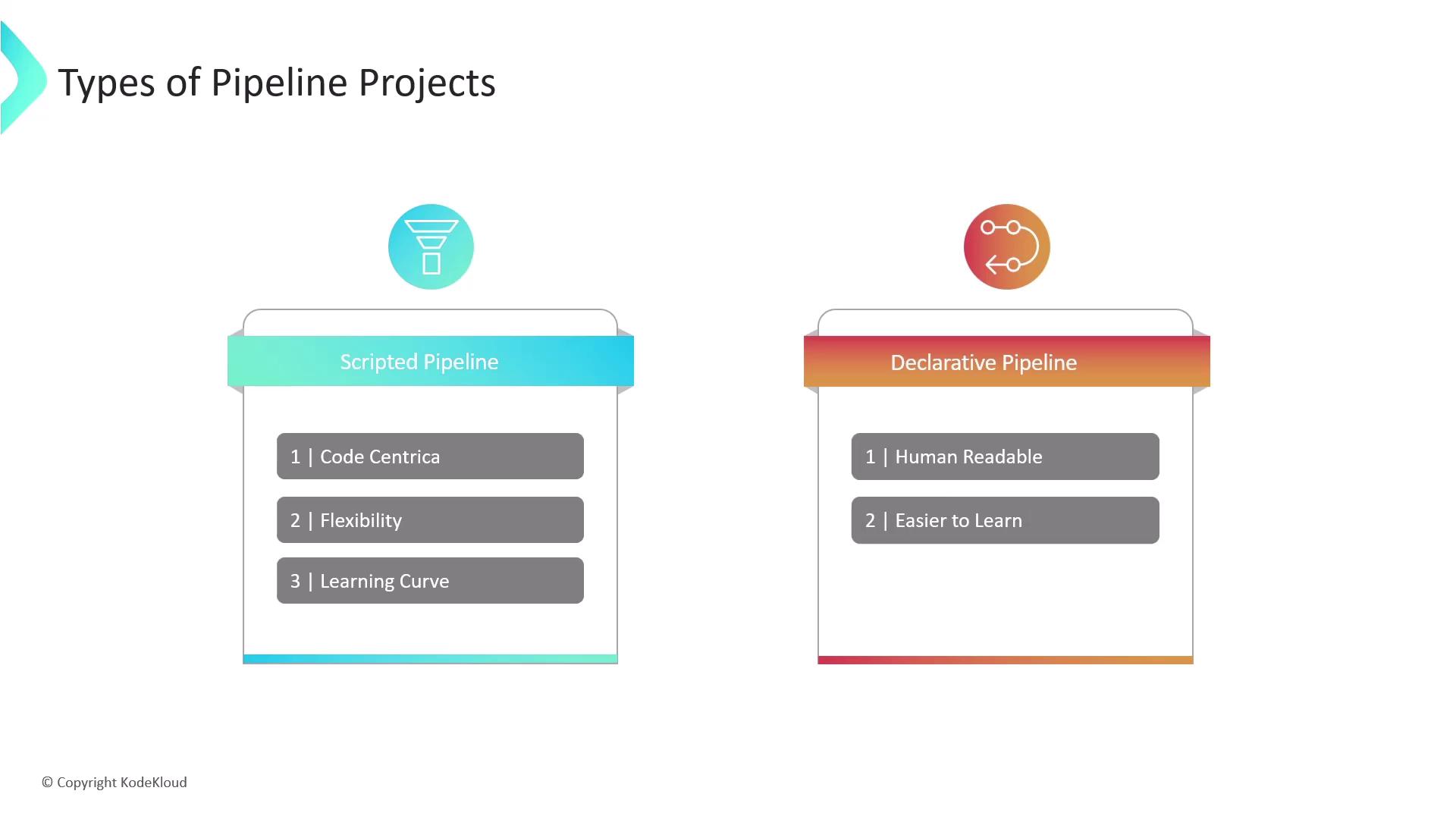
3. Pipeline vs. Freestyle Projects
Freestyle jobs are configured via the Jenkins UI, while Pipeline projects use code. Pipelines offer far greater power, versioning, and resilience.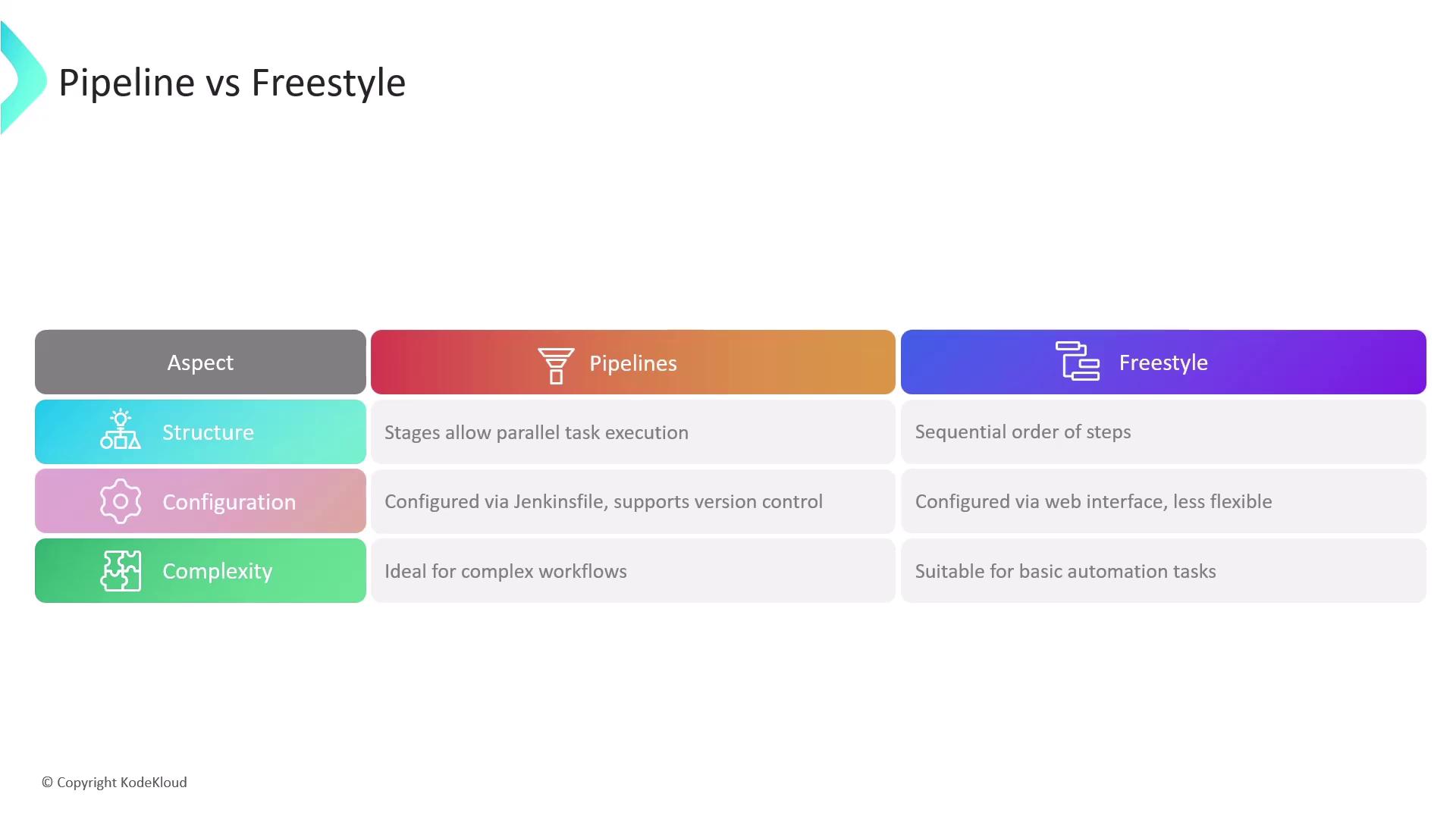
Avoid using Freestyle jobs for multi-stage pipelines or complex branching logic. Migrating to Declarative Pipelines reduces job sprawl and improves traceability.
4. Key Benefits of Jenkins Pipelines
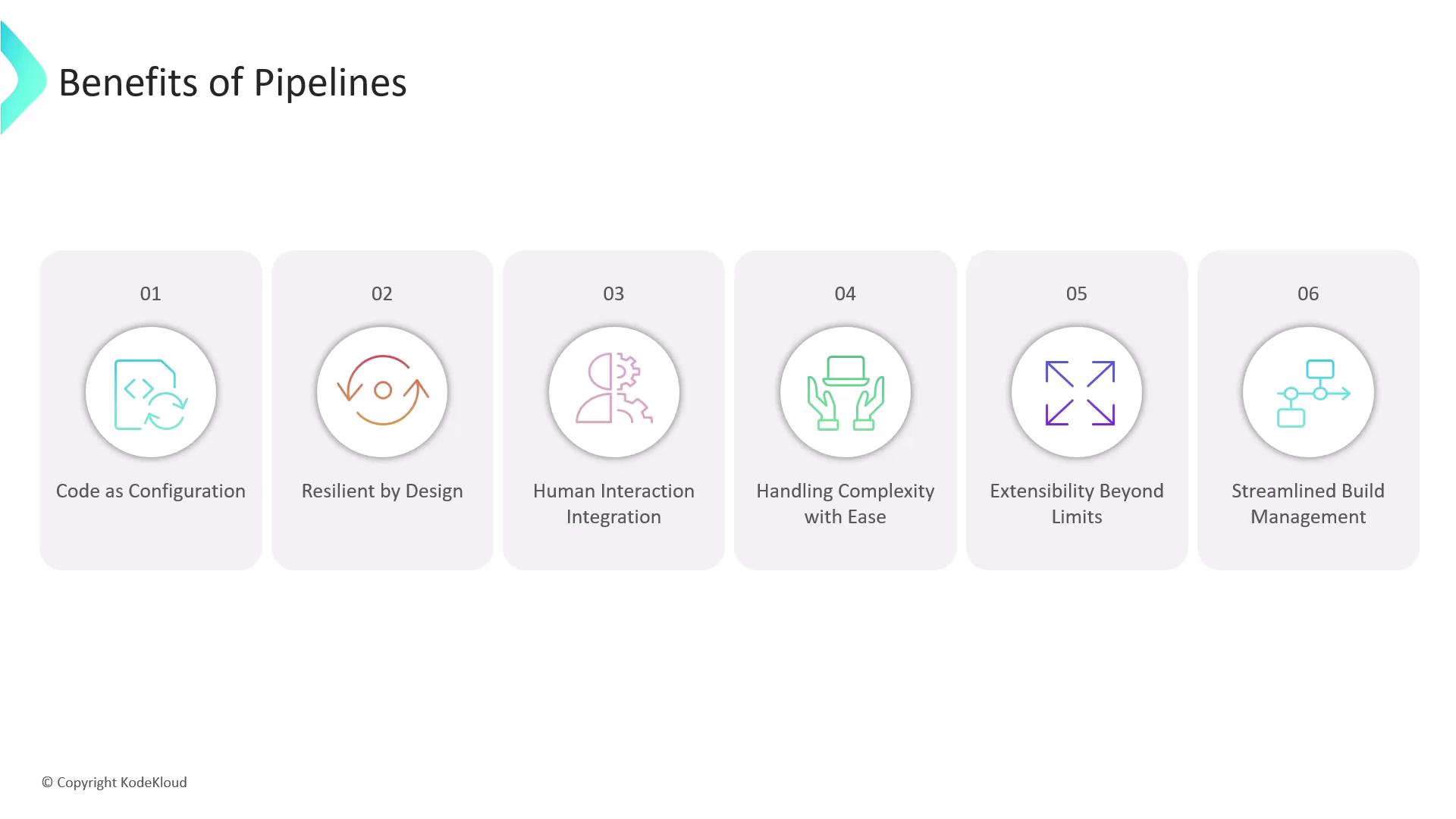
- Code as Configuration
Version yourJenkinsfilealongside application code for audit trails and collaborative editing. - Resilience by Design
Pipelines automatically resume after Jenkins controller restarts, preserving workflow state. - Human Interaction
Pause for manual approvals, input parameters, or interactive prompts. - Advanced Workflow Control
Use forks, joins, loops, and parallel stages to orchestrate complex CI/CD flows. - Extensibility
Leverage plugins or Shared Libraries to add custom pipeline steps. - Unified Job Management
Combine multiple build and deploy steps into a single Pipeline job, reducing maintenance overhead.
Links and References
- Jenkins Pipeline Syntax
- Declarative Pipeline Documentation
- Scripted Pipeline Overview
- Official Jenkins GitHub Repository
- Jenkins Shared Libraries