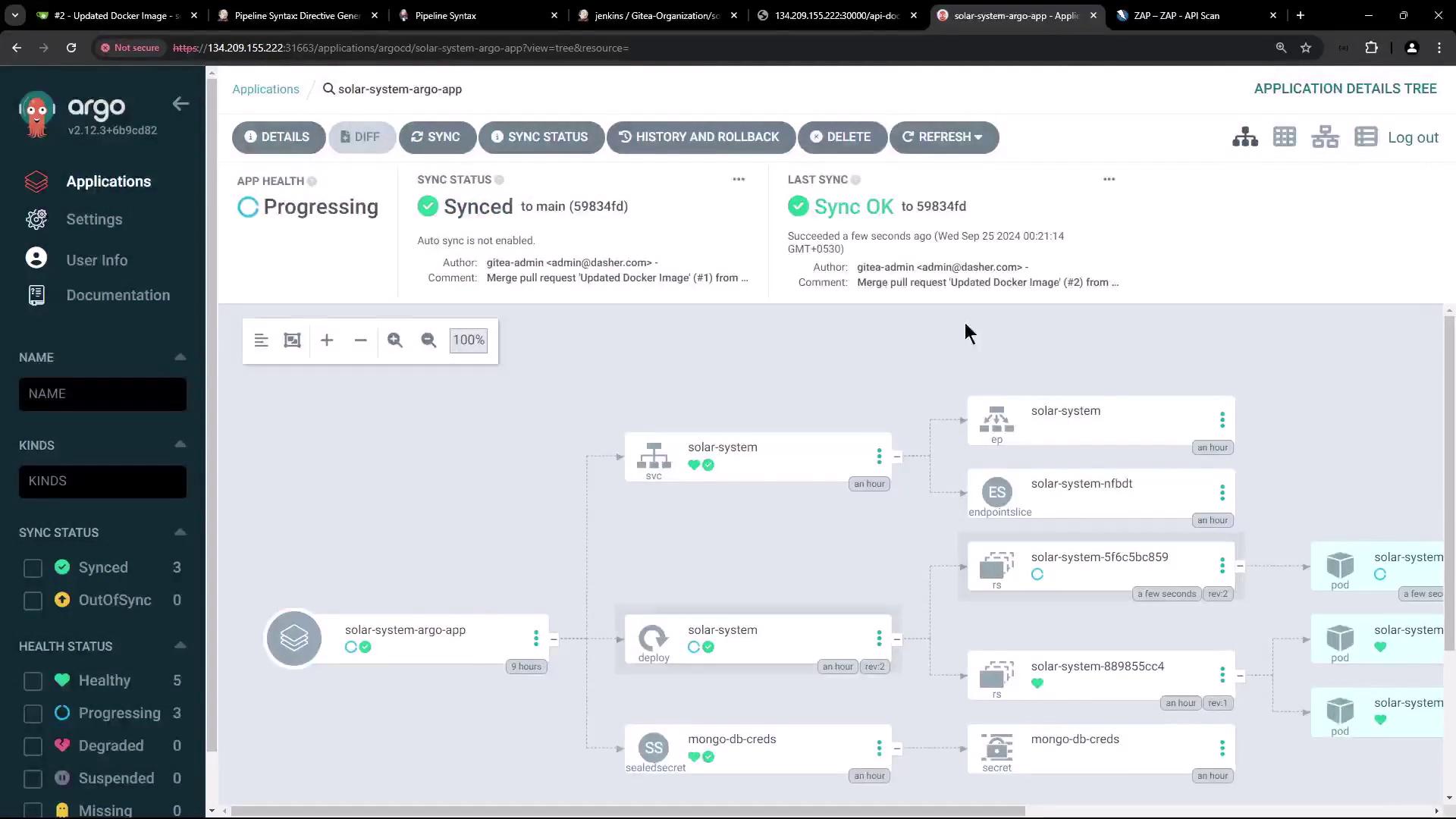
In this guide, we’ll extend our Jenkins pipeline with two new stages:
  1. A manual approval checkpoint after deploying the app via GitOps (Argo CD sync).
  2. A Dynamic Application Security Testing (DAST) step using OWASP ZAP.

What Is DAST?

Dynamic Application Security Testing (DAST) probes a live application for vulnerabilities like SQL injection and XSS. Instead of scanning source code (SAST), DAST injects malicious payloads at runtime to uncover weaknesses in a running service.
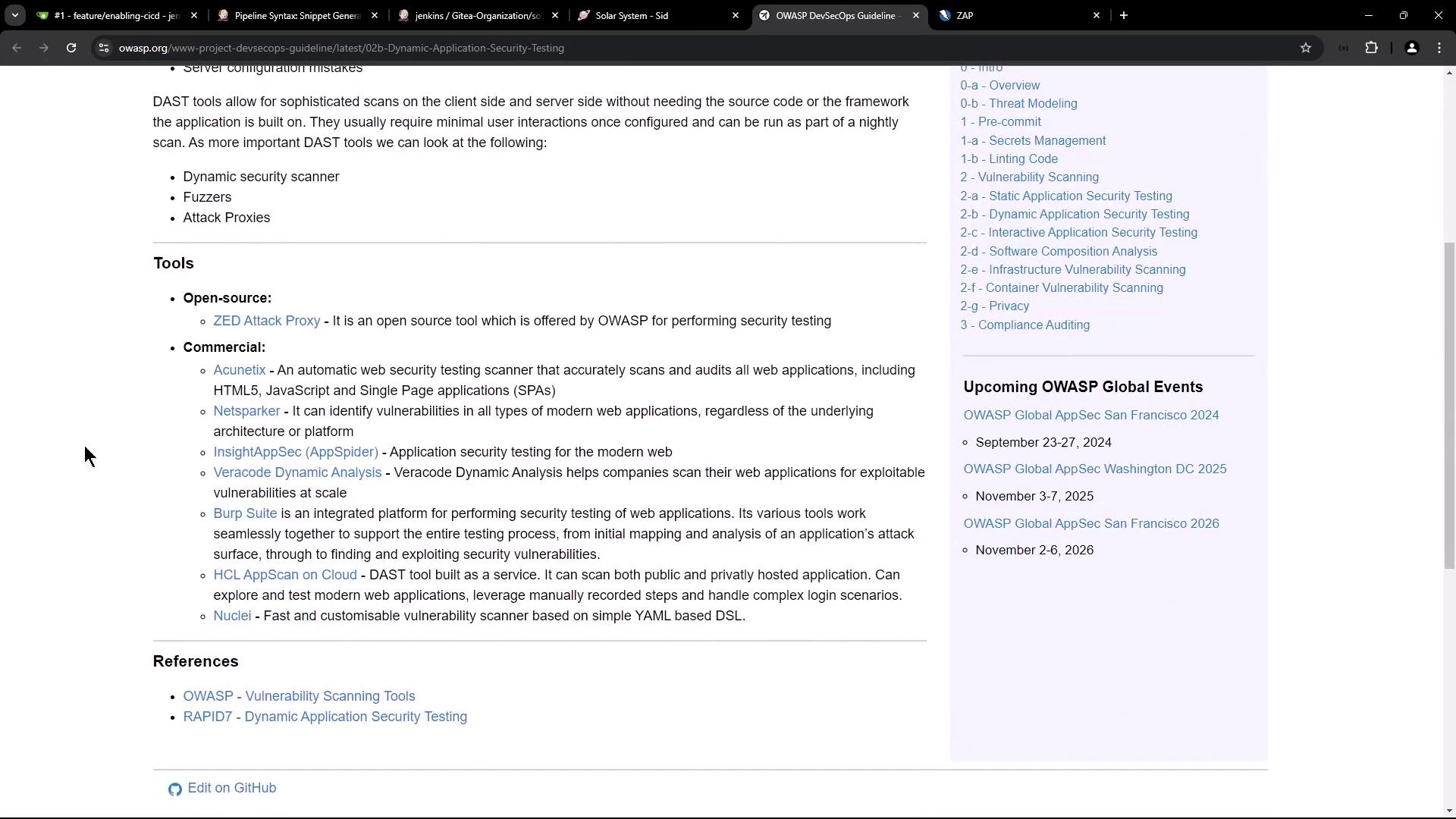
The image shows a webpage from OWASP discussing dynamic application security testing tools, listing both open-source and commercial options, along with upcoming OWASP global events.

OWASP Zed Attack Proxy (ZAP)

OWASP ZAP is an open-source, community-driven web application scanner. It supports passive, active, and API scans.
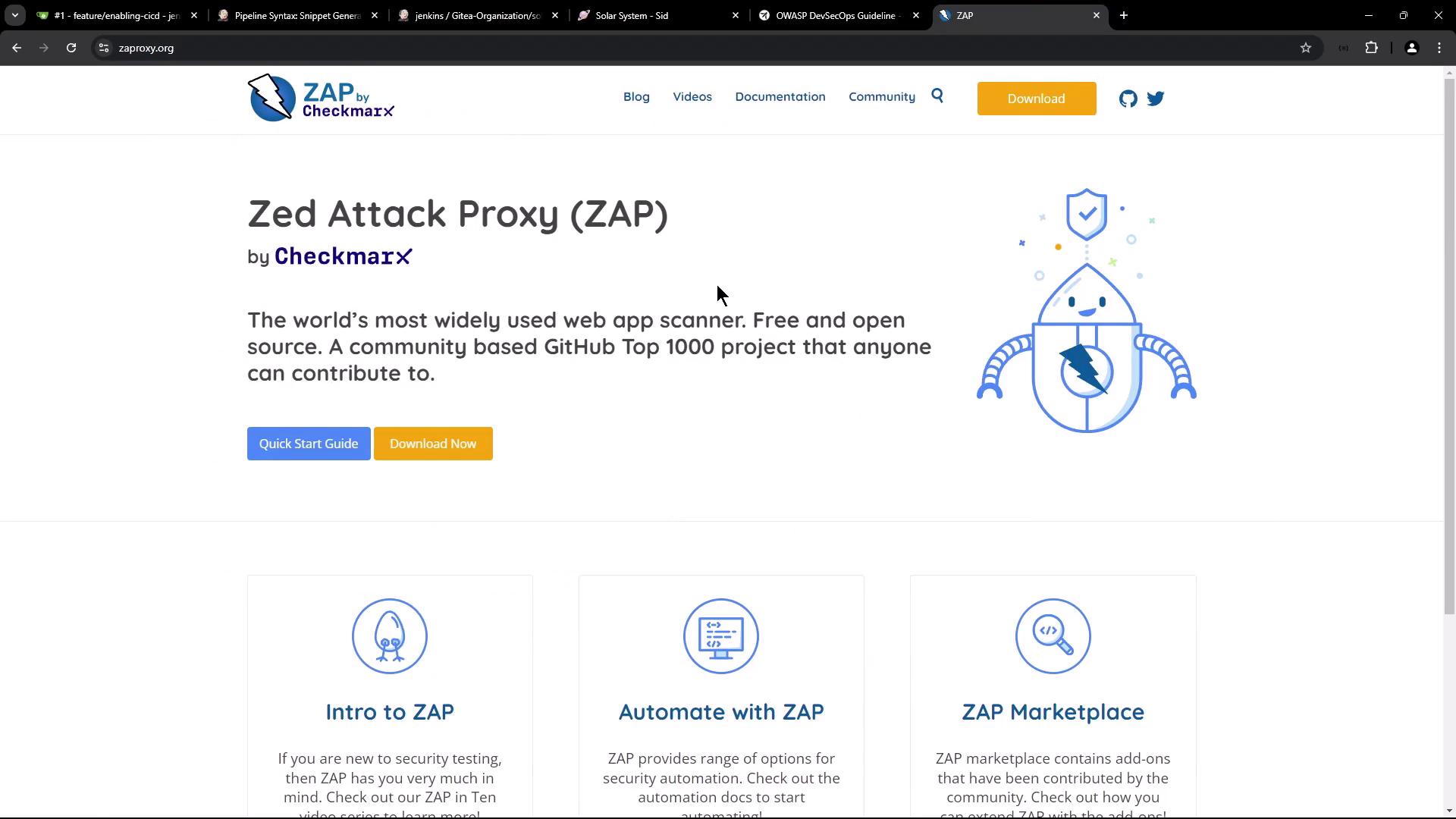
The image is a webpage for Zed Attack Proxy (ZAP) by Checkmarx, describing it as a widely used, free, and open-source web app scanner. It includes options to download the software and links to guides and documentation.

ZAP Scan Modes

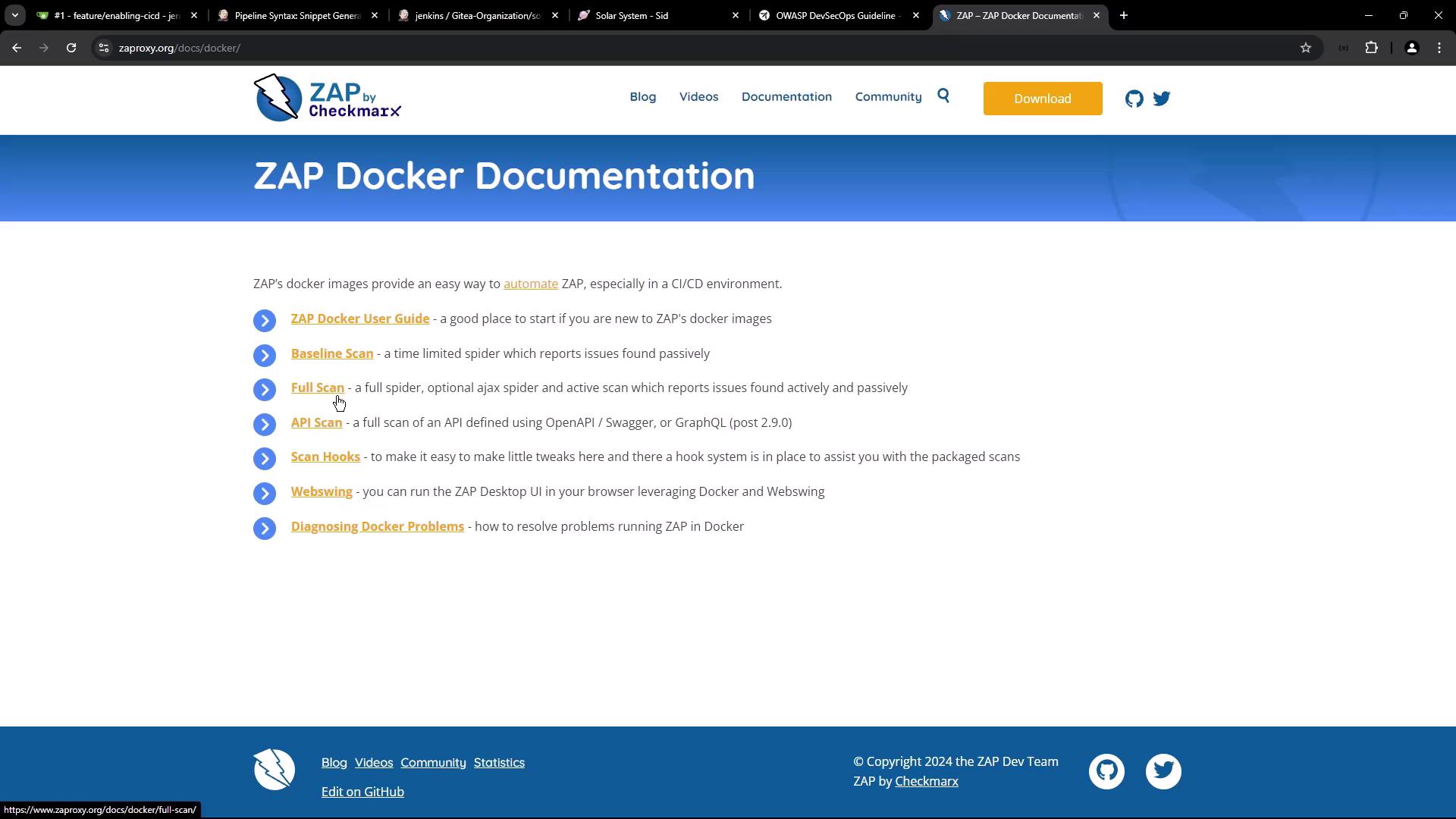
The image shows a webpage titled "ZAP Docker Documentation" with links to various guides and scans related to automating ZAP in a CI/CD environment. It includes sections like "Baseline Scan," "Full Scan," and "API Scan."
We’ll run the API scan against our service’s OpenAPI definition.

zap-api-scan.py Usage

Install or use the Docker image ghcr.io/zaproxy/zaproxy to invoke zap-api-scan.py:
Key options:
For full details, see the OWASP ZAP documentation.

Integrating with Jenkins

Add the following stages to your Jenkinsfile:

1. App Deployed? (Manual Approval)

This stage pauses the pipeline until an operator merges your PR and syncs Argo CD.
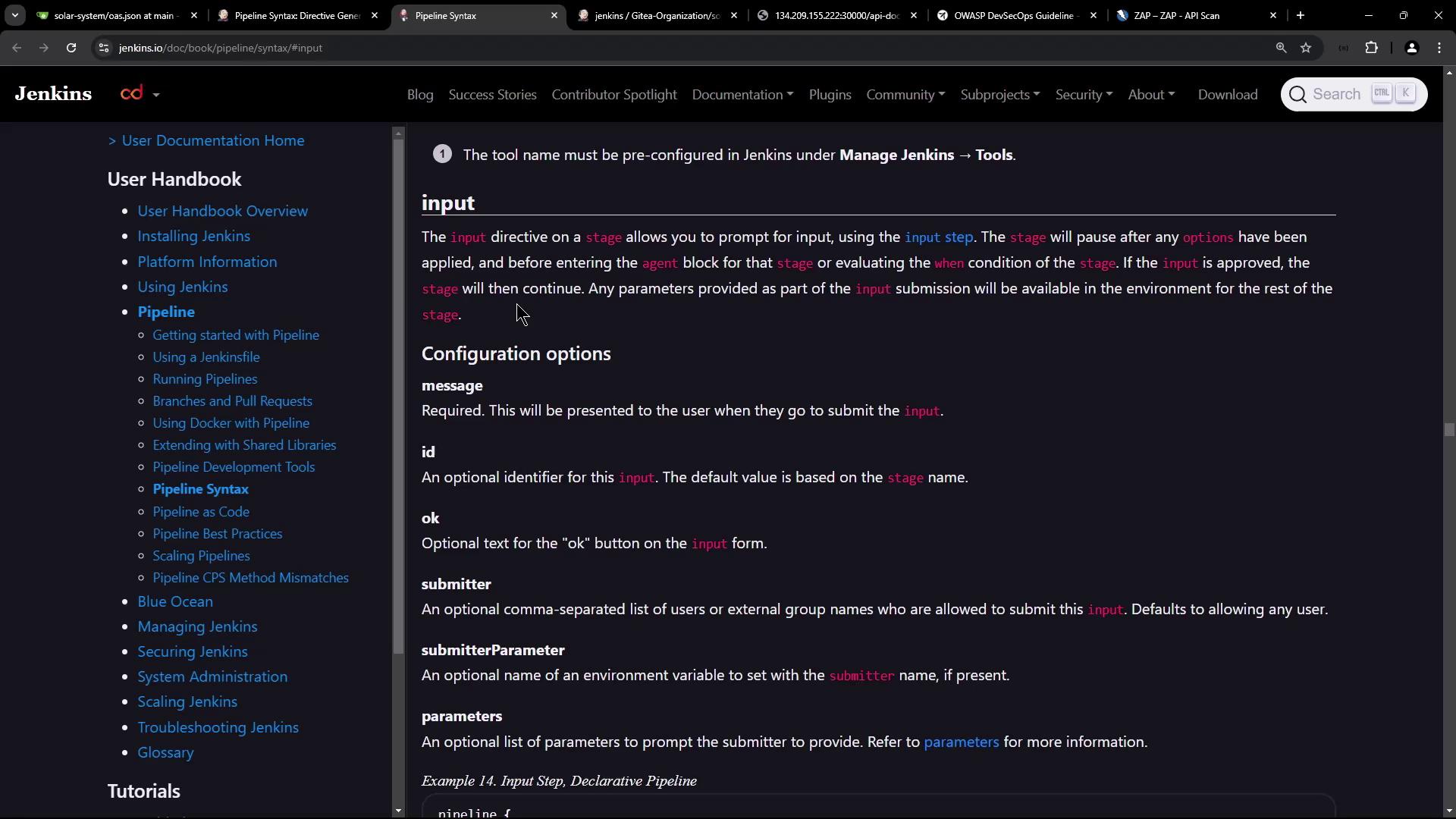
The image shows a webpage from the Jenkins documentation, specifically detailing the "input" directive in pipeline syntax. It includes configuration options and descriptions for using the input step in Jenkins pipelines.
The input step blocks the pipeline until a user clicks Proceed or the timeout expires.

2. DAST – OWASP ZAP

Once approved, execute ZAP against your live API:

Sample OpenAPI Definition

Our service exposes /api/docs/ with this minimal spec:
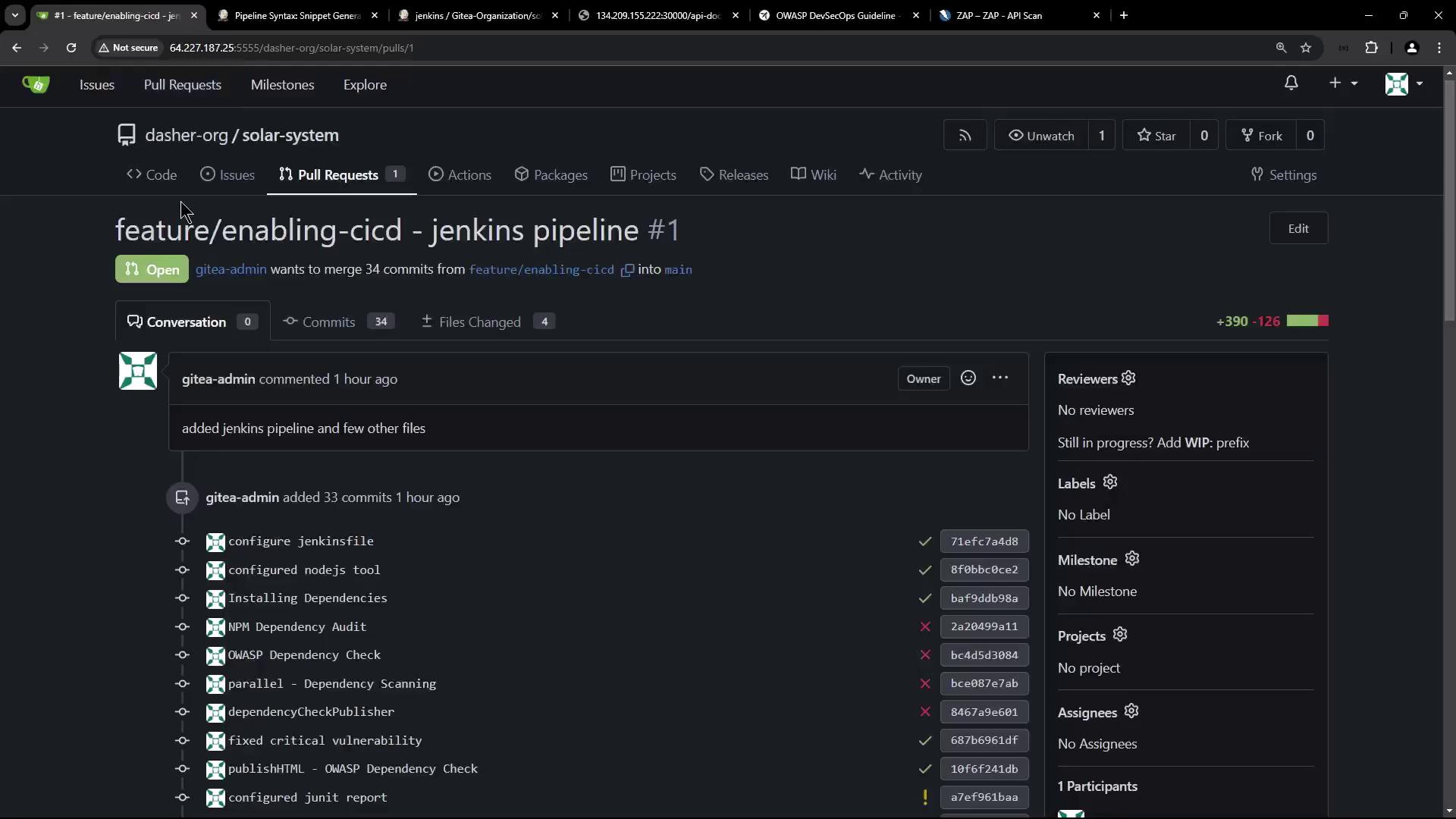
The image shows a pull request on a code repository platform, where a user is attempting to merge changes related to a Jenkins pipeline. It includes details about commits, files changed, and review status.

Running the Pipeline

  1. Commit your Jenkinsfile changes and open a PR.
  2. Jenkins triggers a new build:
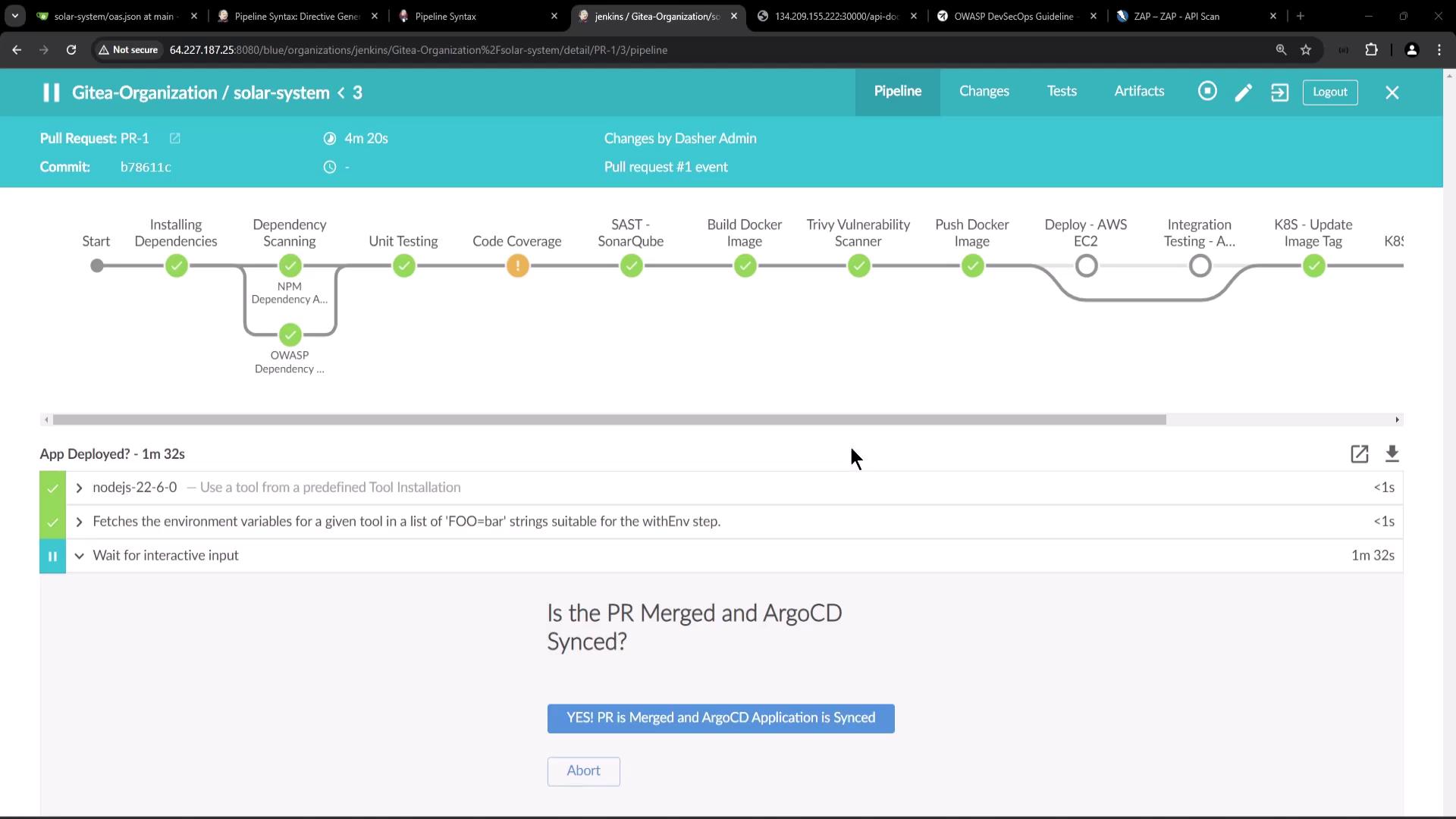
The image shows a Jenkins pipeline interface with various stages of a build process, including installing dependencies, unit testing, and deploying, with some stages marked as completed.
  1. App Deployed? waits for merge and Argo CD sync.
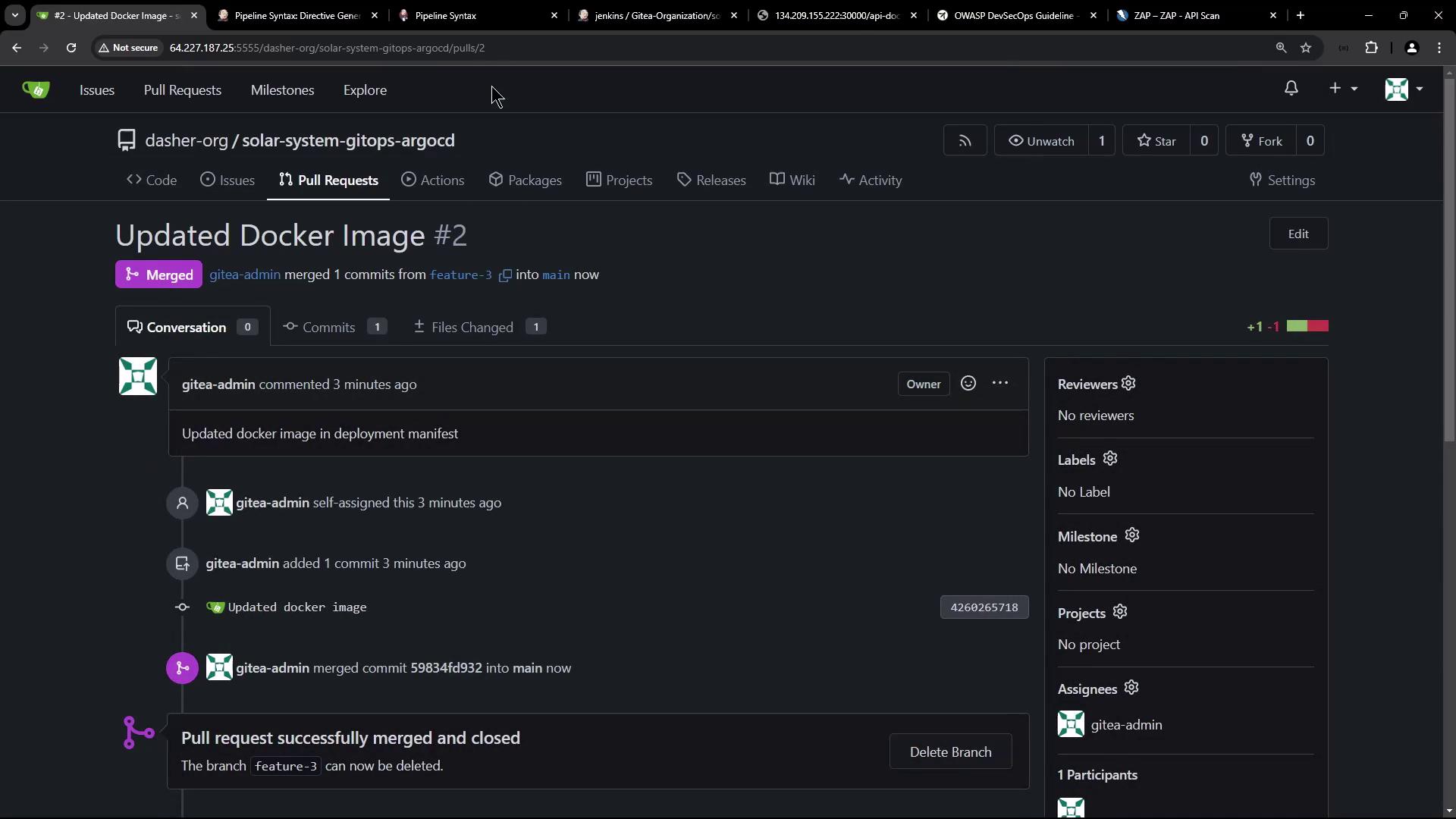
  2. Merge the PR:
The image shows a GitHub pull request page where a Docker image update has been merged into the main branch. The pull request is titled "Updated Docker Image #2" and has been successfully merged and closed.
  1. Sync your app in Argo CD:
The image shows a dashboard from Argo CD, displaying the status and details of an application deployment named "solar-system-argo-app," with a visual representation of its components and their sync status.
  1. Approve and let the pipeline proceed to the DAST stage. ZAP will scan and generate reports.
If ZAP detects critical issues or unexpected content types, it exits with a non-zero code, causing the stage (and pipeline) to fail. Adjust your -c config or handle alerts as needed.

References

Watch Video