

Plugins Overview
1. Installing the Copy Artifact Plugin
We already have a job called ascii-build-job that fetches advice from an external API: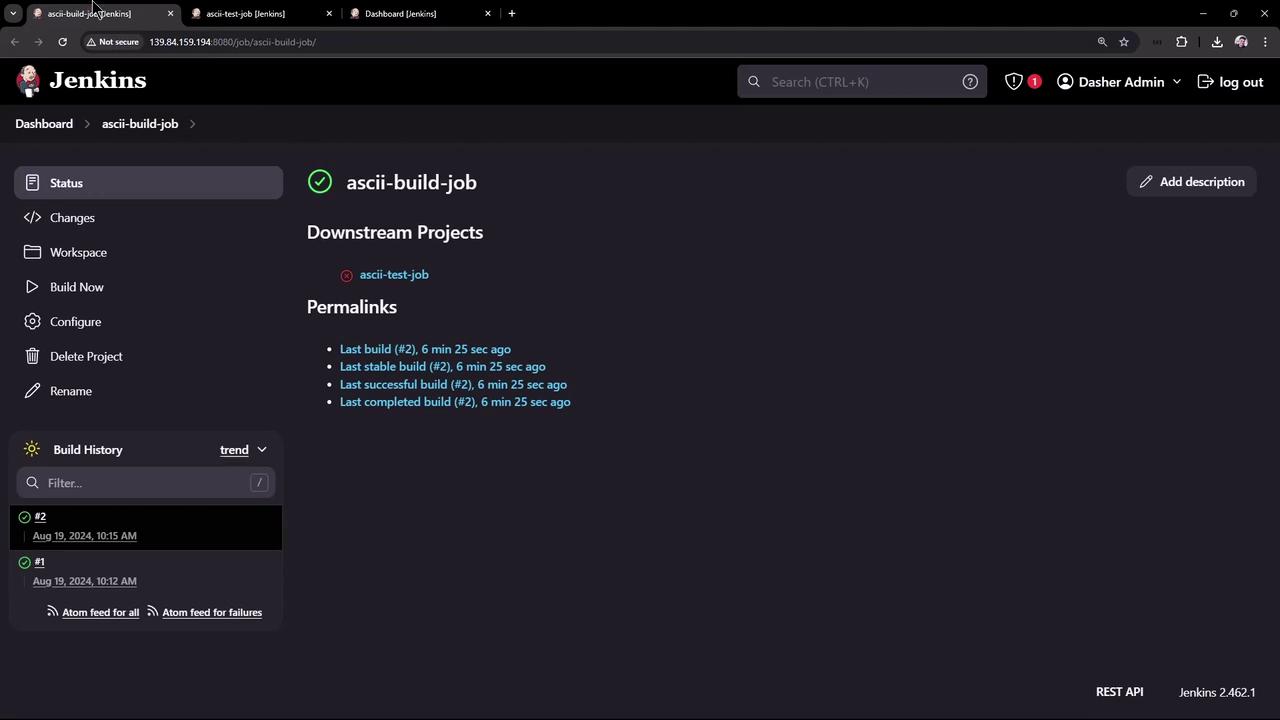
advice.json, install Copy Artifact:
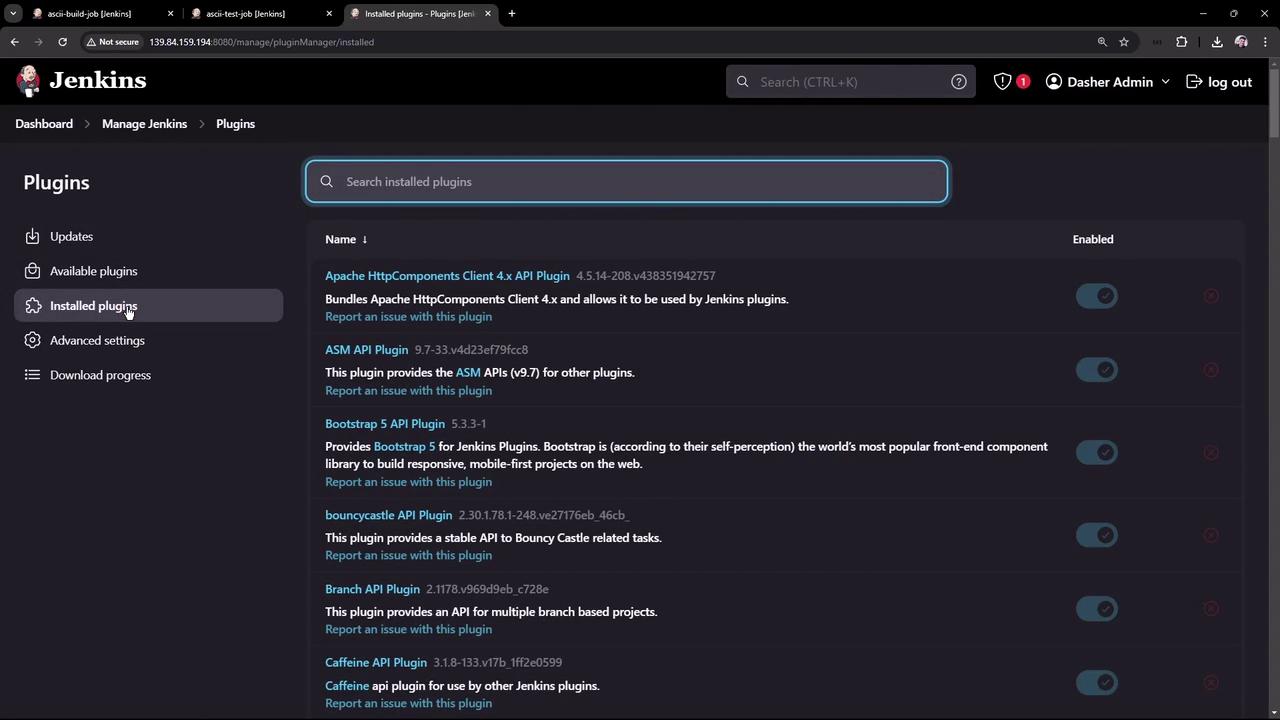
- Navigate to Manage Jenkins → Manage Plugins.
- Click the Installed tab to check which plugins are already present:
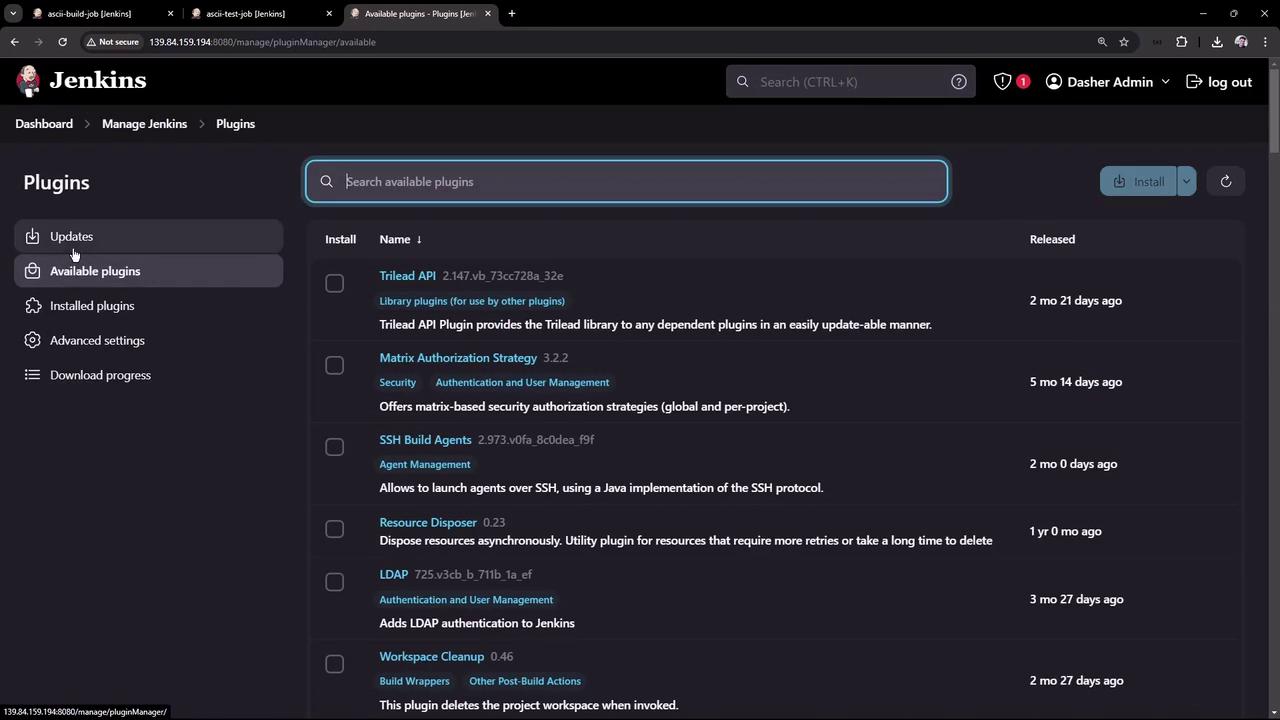
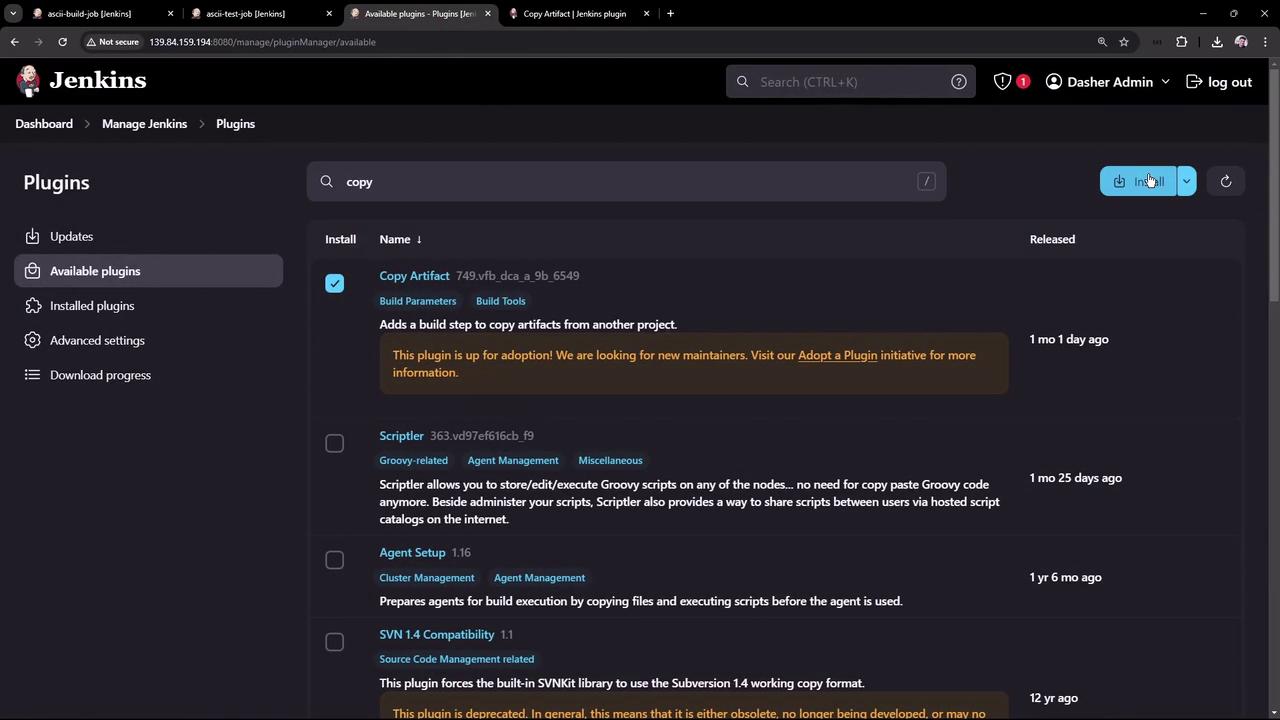
- Go to the Available tab, search for “copy artifact”, select it, then click Install without restart:
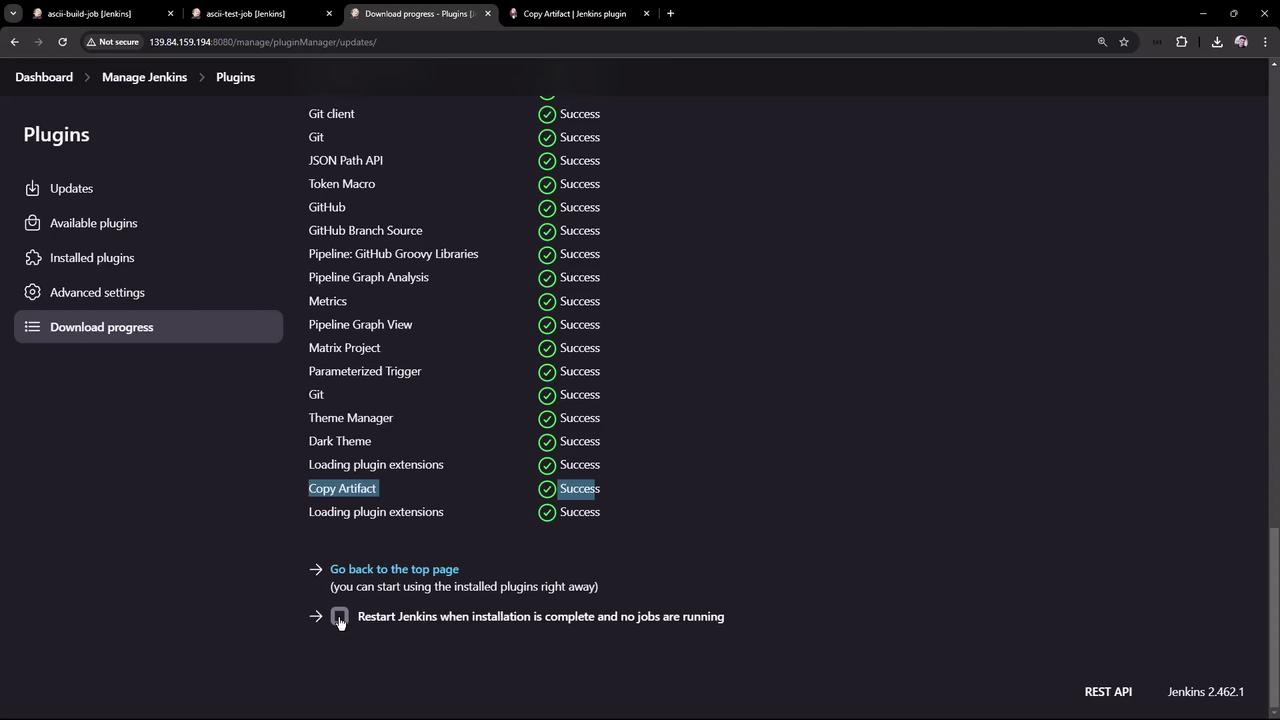
- Wait until the status indicator reads Success:
- Review the plugin’s usage patterns, including declarative pipeline snippets and CLI installation:
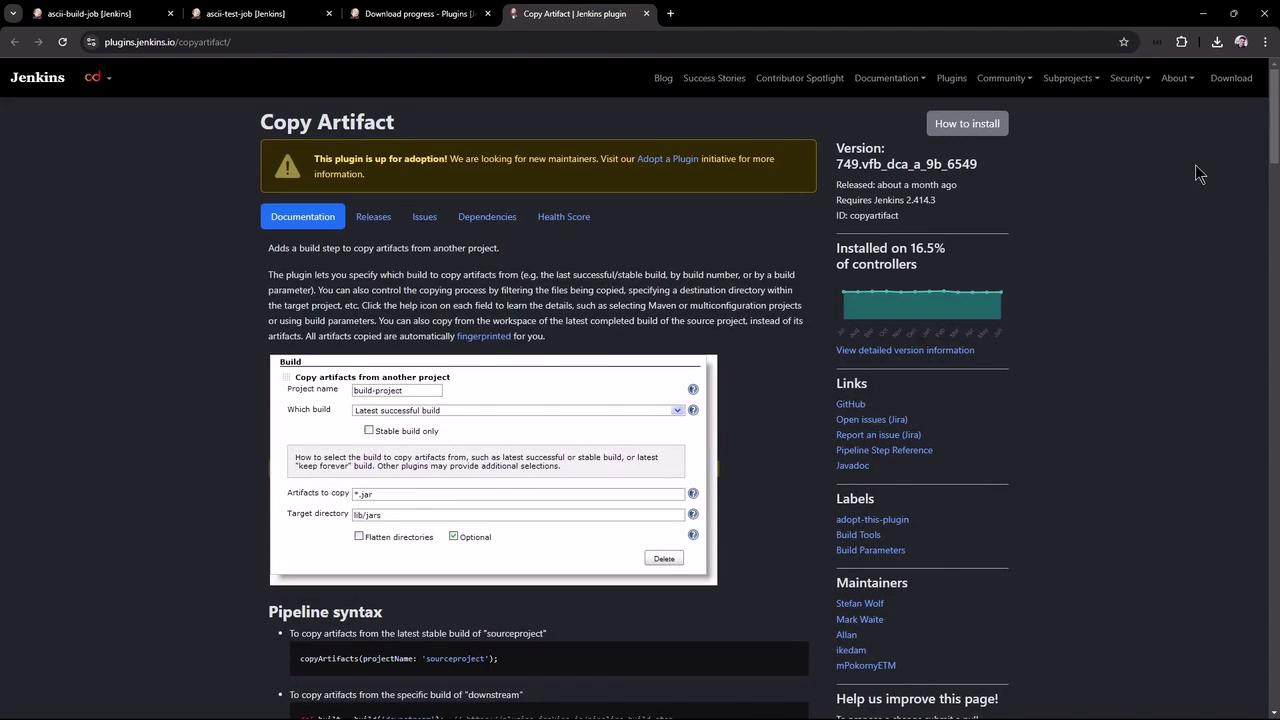
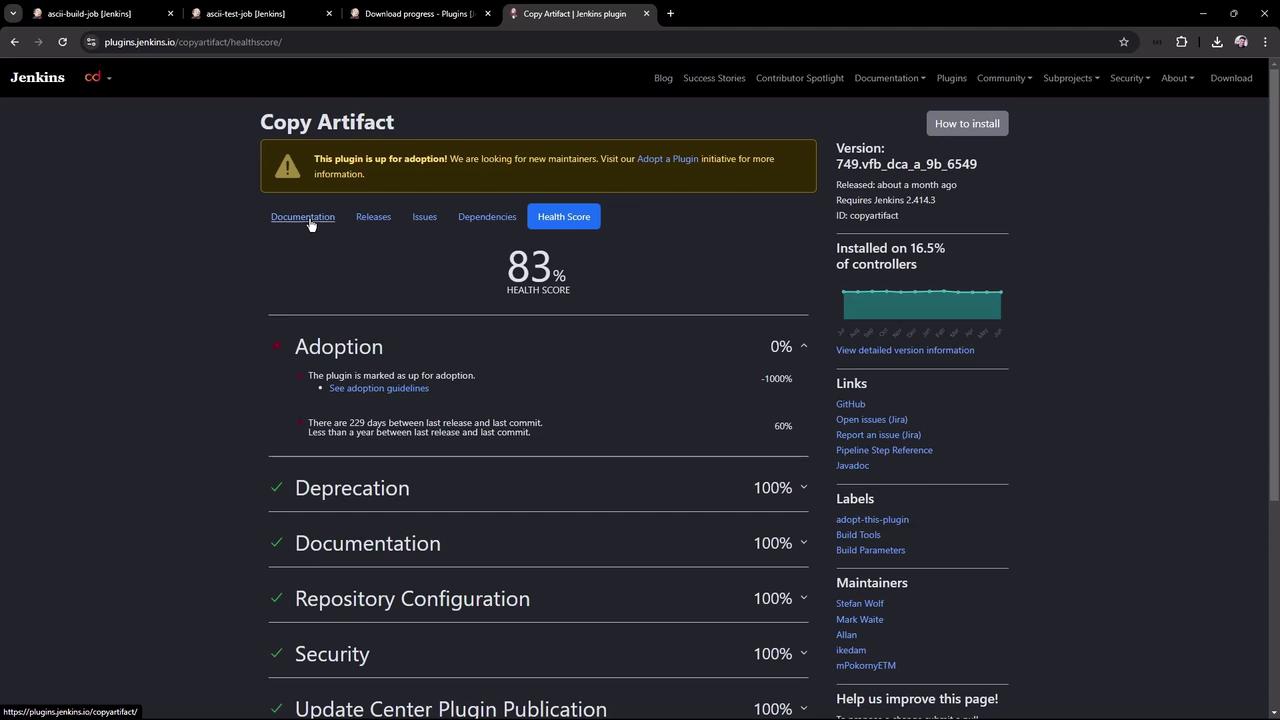
If you install via CLI, ensure Jenkins has been restarted or the plugin has been dynamically loaded. Always verify compatibility with your Jenkins version.
2. Configure the Build Job (ascii-build-job)
Edit ascii-build-job to fetch and archive advice:- Execute Shell – Fetch advice and output to
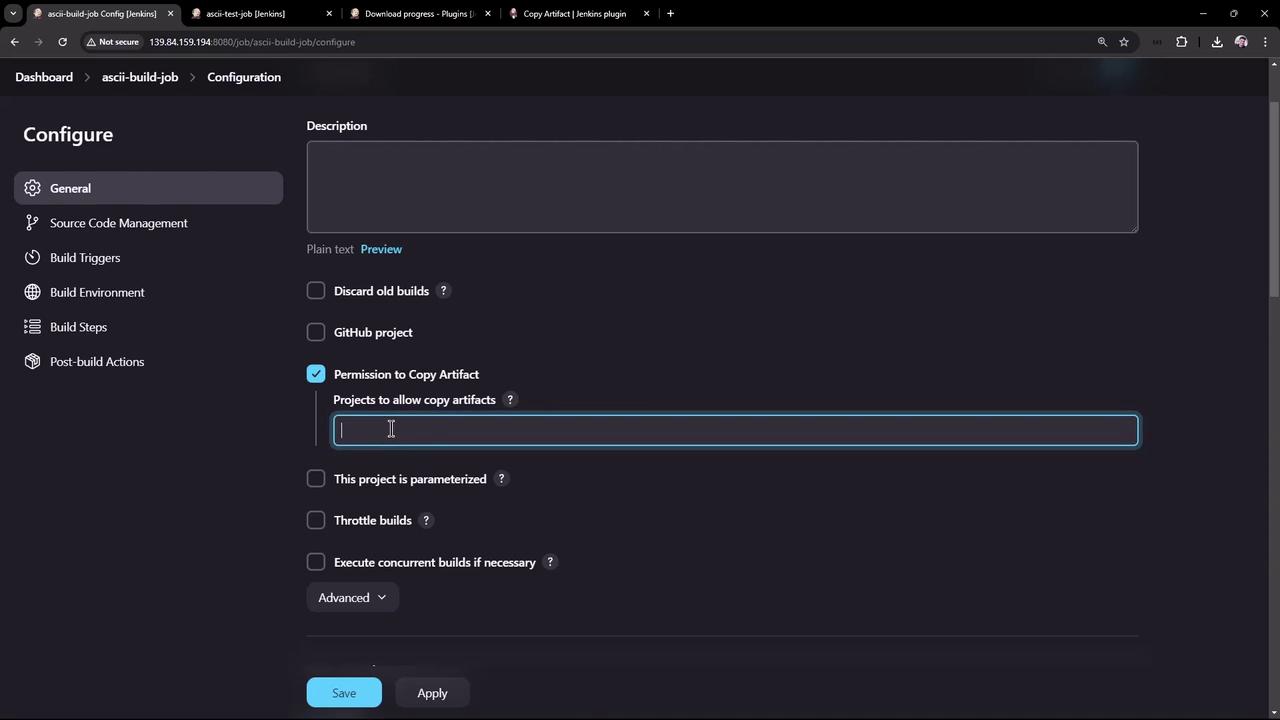
advice.json: - Allow Copy Artifact – Under Configure → Permission to Copy Artifact, add
ascii-test-job:
- Archive Artifacts – Post-build action to archive
advice.json:
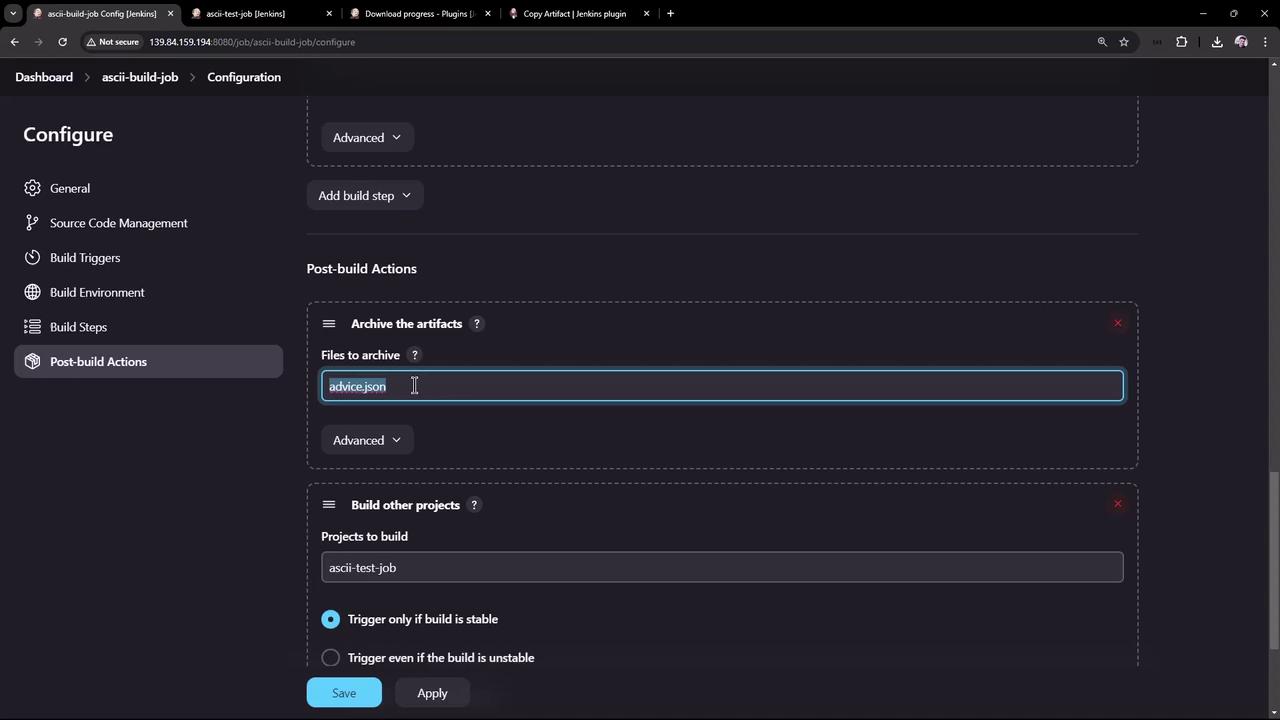
advice.json archived under Build Artifacts.
3. Configure the Test Job (ascii-test-job)
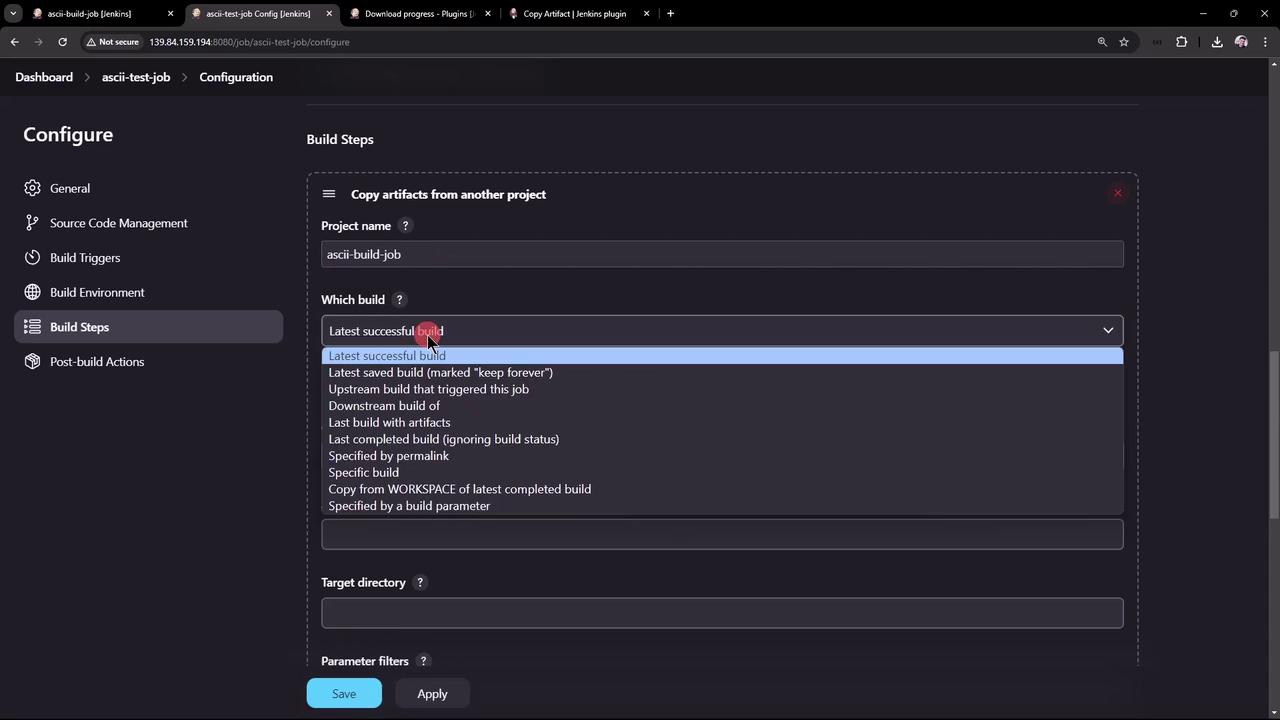
Now set up ascii-test-job to pull that artifact and validate its content:- Copy Artifacts from Another Project (drag this step to the top):
- Project Name:
ascii-build-job - Which Build: Latest successful
- Artifacts to Copy:
advice.json
- Project Name:
- Execute Shell – Validate the advice message length:
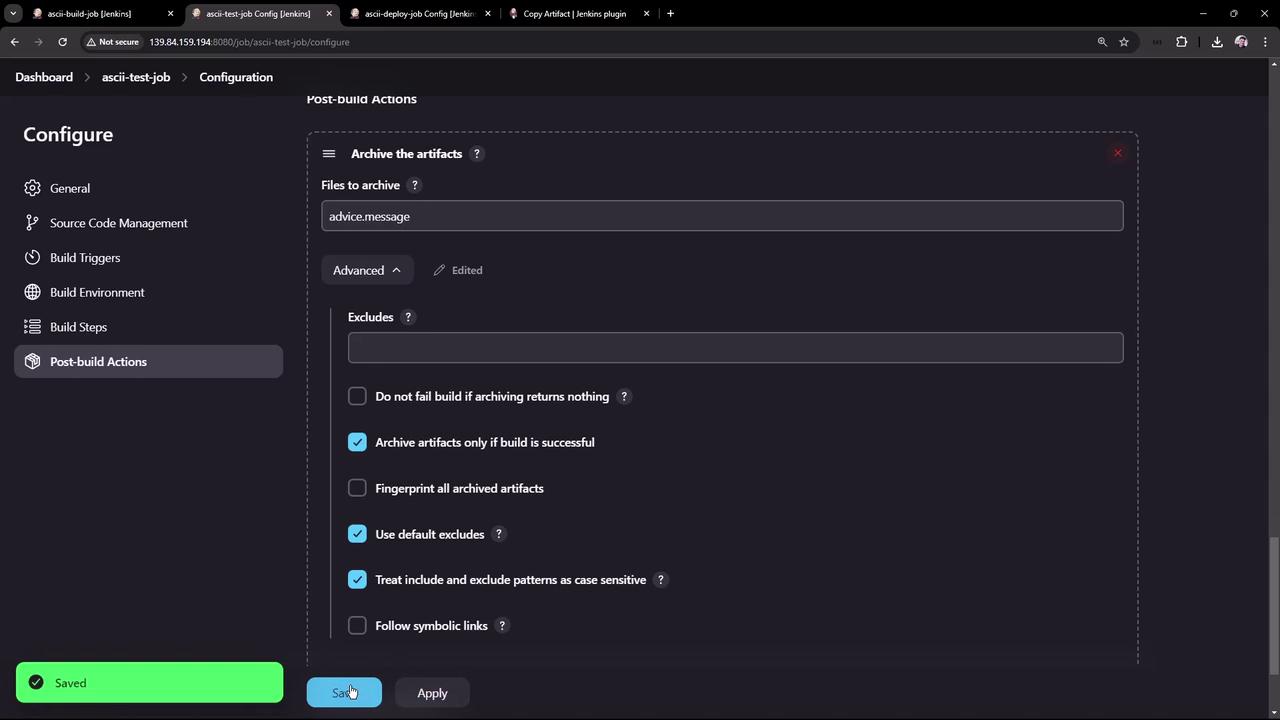
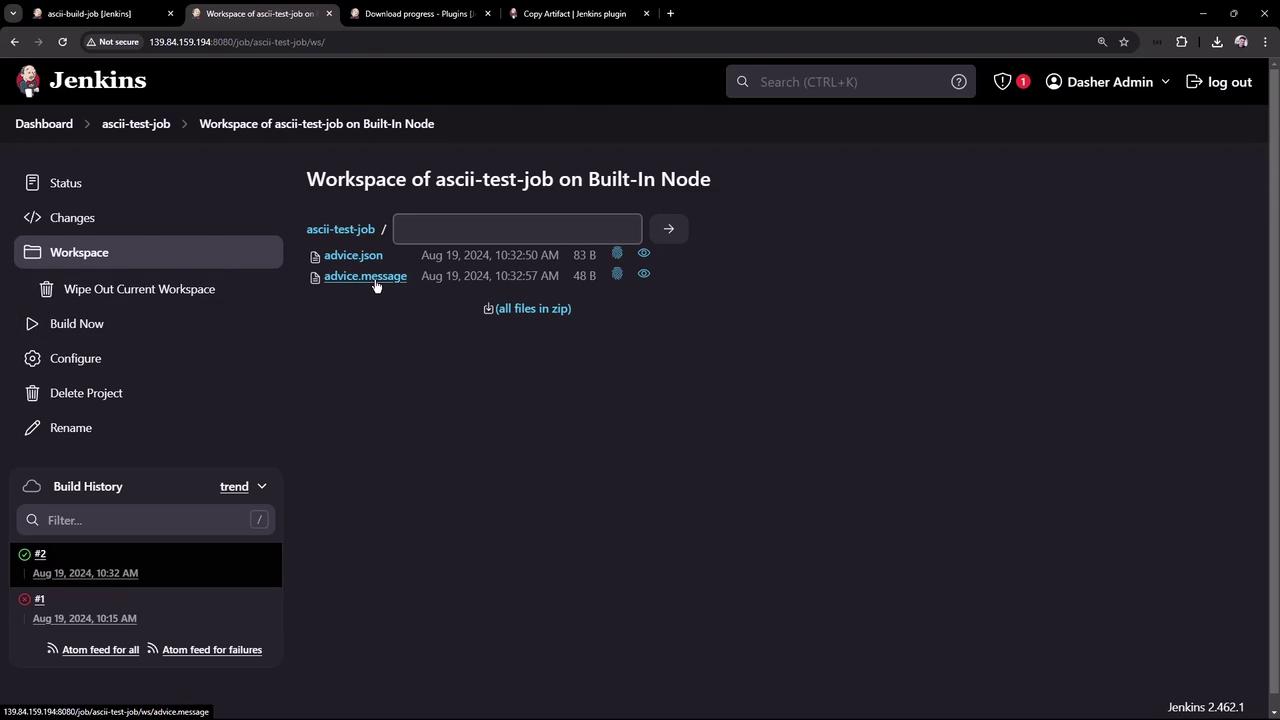
- Archive Artifacts – Only archive
advice.messageon success:
4. Configure the Deploy Job (ascii-deploy-job)
Create ascii-deploy-job to consumeadvice.message and display it with cowsay:
- Copy Artifacts from
ascii-test-job(Latest stable), artifacts:advice.message. - Execute Shell:
- Build Trigger – Under Build Triggers, select Build after other projects are built →
ascii-test-job(stable only).
- ascii-build-job runs first and archives
advice.json. - ascii-test-job copies that artifact, extracts
advice.message, and archives it. - ascii-deploy-job triggers automatically and displays the advice in a random cow figure.
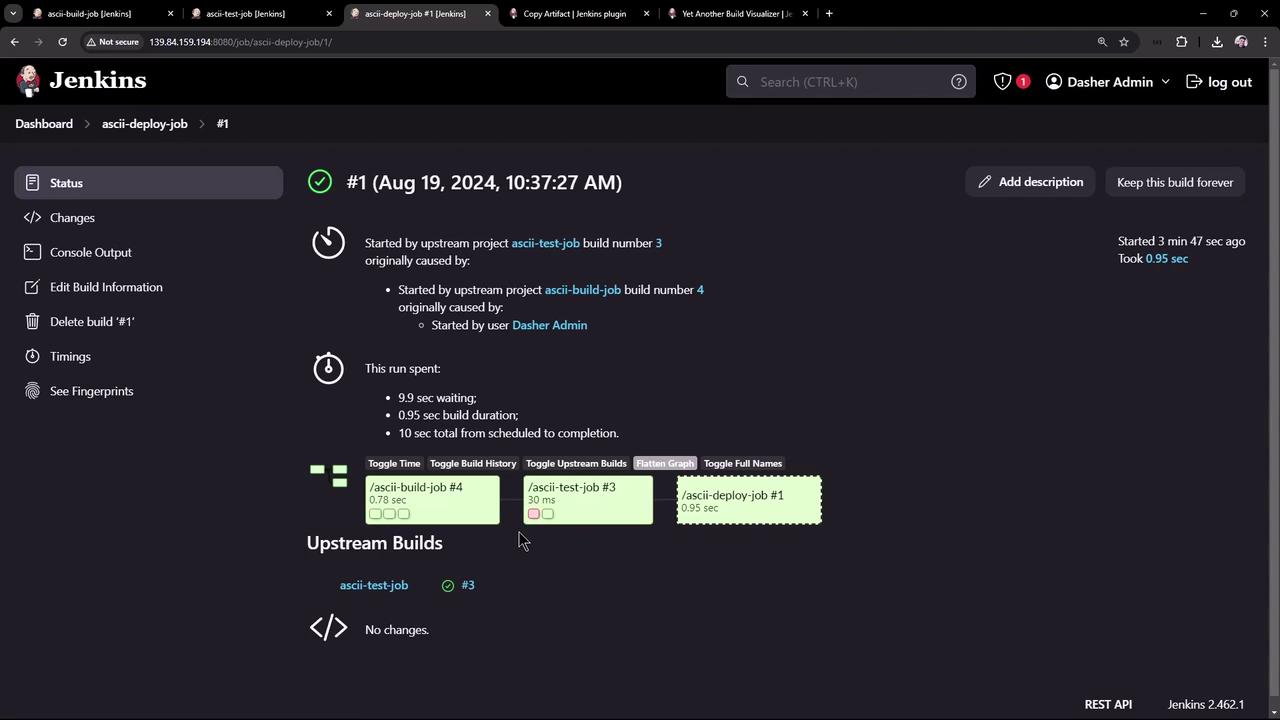
5. Visualizing the Build Flow
To graphically map upstream/downstream relationships, install Yet Another Build Visualizer:- Download the latest HPI from the [releases page]:
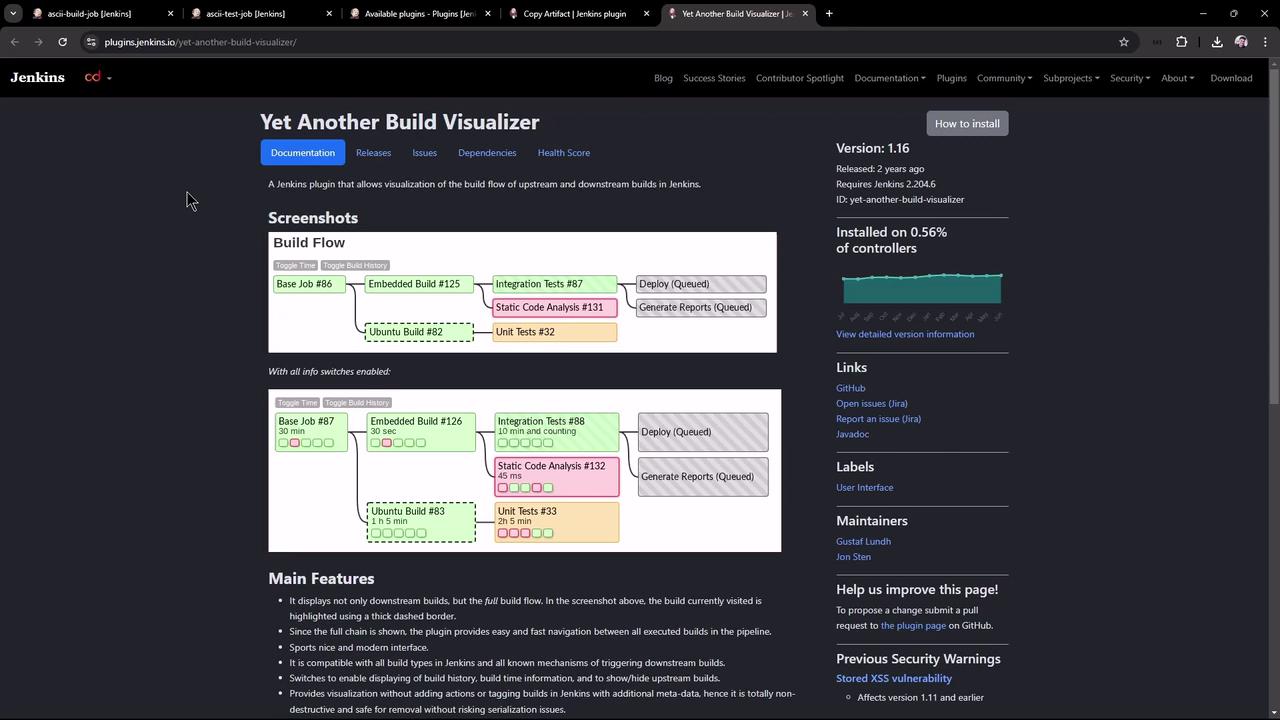
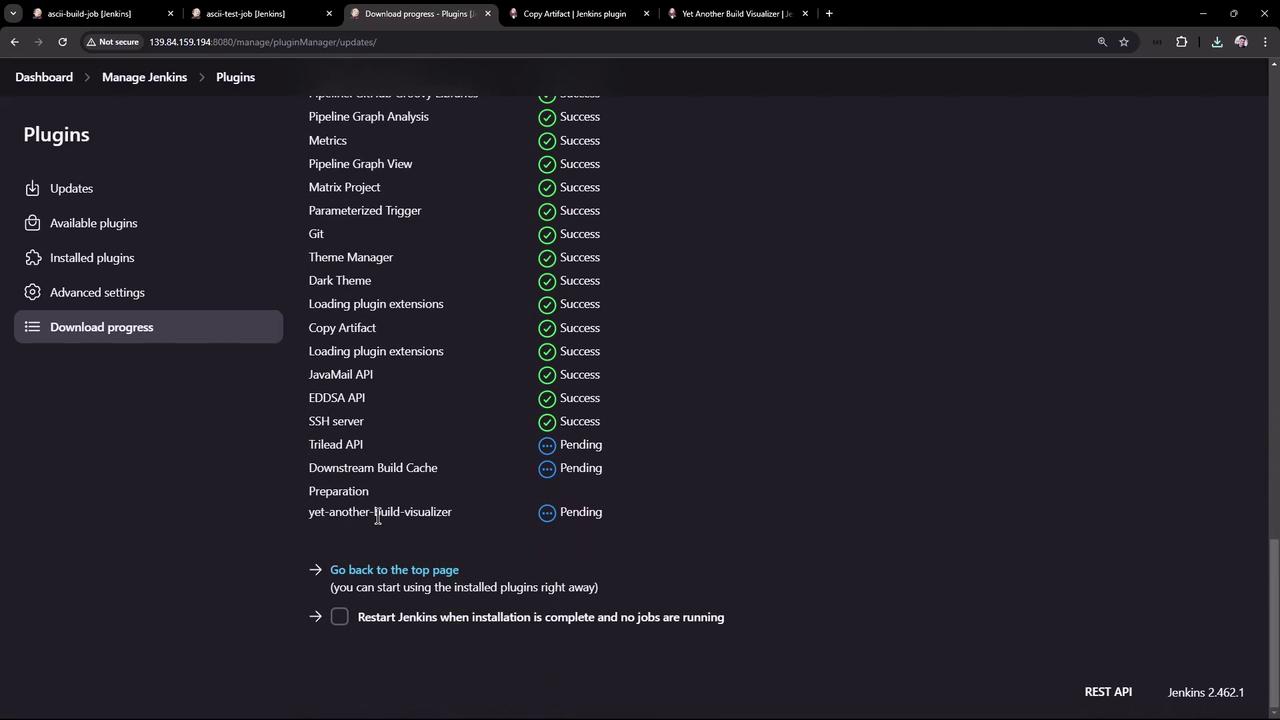
- In Manage Jenkins → Manage Plugins → Advanced, upload and deploy the HPI:
- Open ascii-build-job to view the build flow diagram:
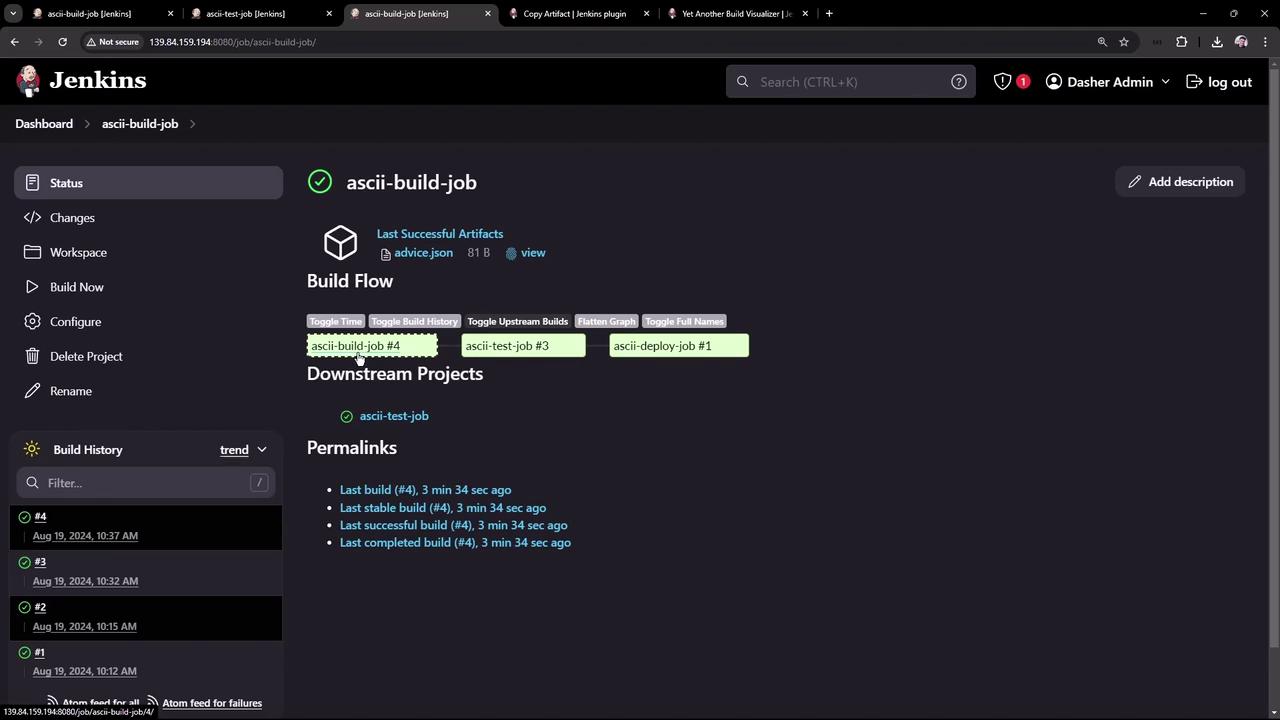
That’s it! You’ve successfully installed and configured the Copy Artifact and Yet Another Build Visualizer plugins to streamline artifact sharing and gain clear insights into your Jenkins build pipelines.