In this tutorial, you’ll configure Jenkins to scan project dependencies using two methods:
  1. NPM Audit (critical-level checks)
  2. OWASP Dependency-Check (via Jenkins plugin)
These scans help you catch vulnerabilities early and enforce quality gates in your CI pipeline.

Table of Contents


1. NPM Dependency Audit

Add an NPM audit stage to your Jenkinsfile:
What happens:
  • npm install --no-audit installs dependencies without auditing.
  • npm audit --audit-level=critical checks for critical vulnerabilities and exits 1 if found.

Sample package.json

CLI Output Example

NPM Audit supports four severity levels: low, moderate, high, and critical.
Adjust --audit-level based on your policy.

2. OWASP Dependency-Check Plugin

The OWASP Dependency-Check plugin scans multiple formats (HTML, XML, JSON, CSV) and supports quality gates.

2.1 Install the Plugin

  1. Manage Jenkins > Manage Plugins > Available
  2. Search OWASP Dependency-Check, install, and restart.
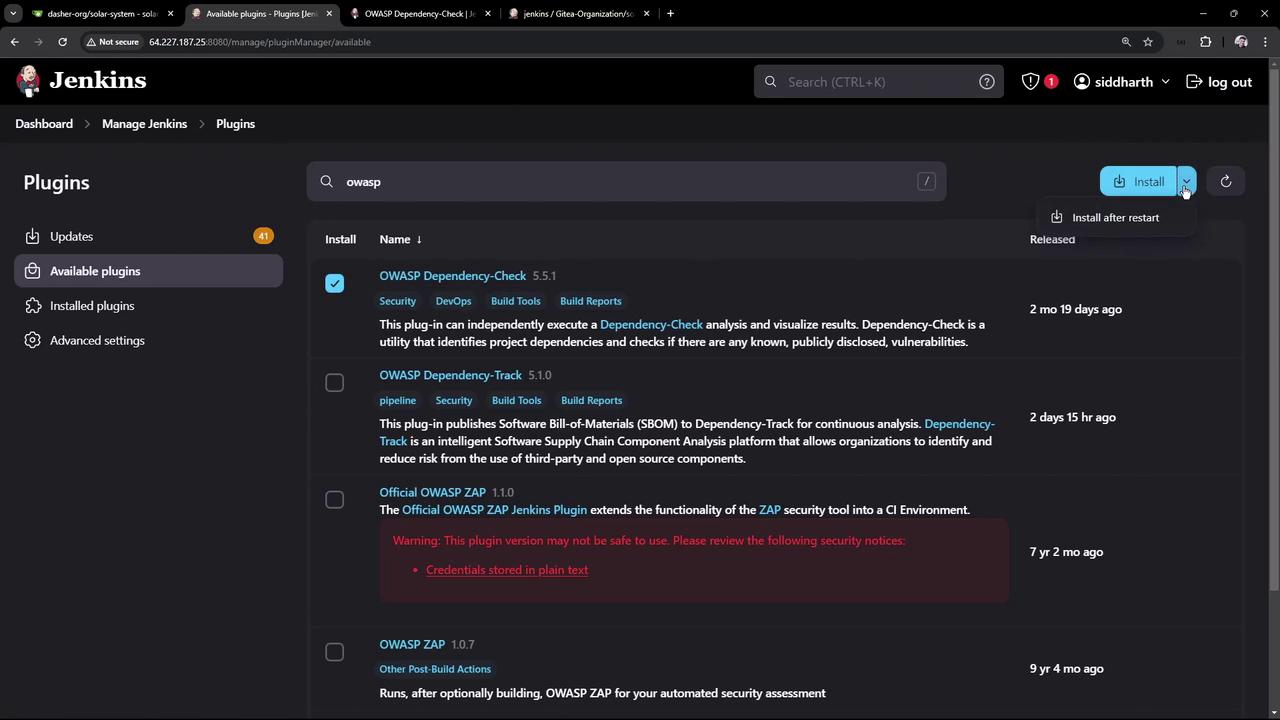
The image shows a Jenkins interface displaying a list of available plugins related to OWASP, with options to install them. The interface includes details about each plugin, such as name, version, and description.

2.2 Global Tool Configuration

After restarting, go to Manage Jenkins > Global Tool Configuration.
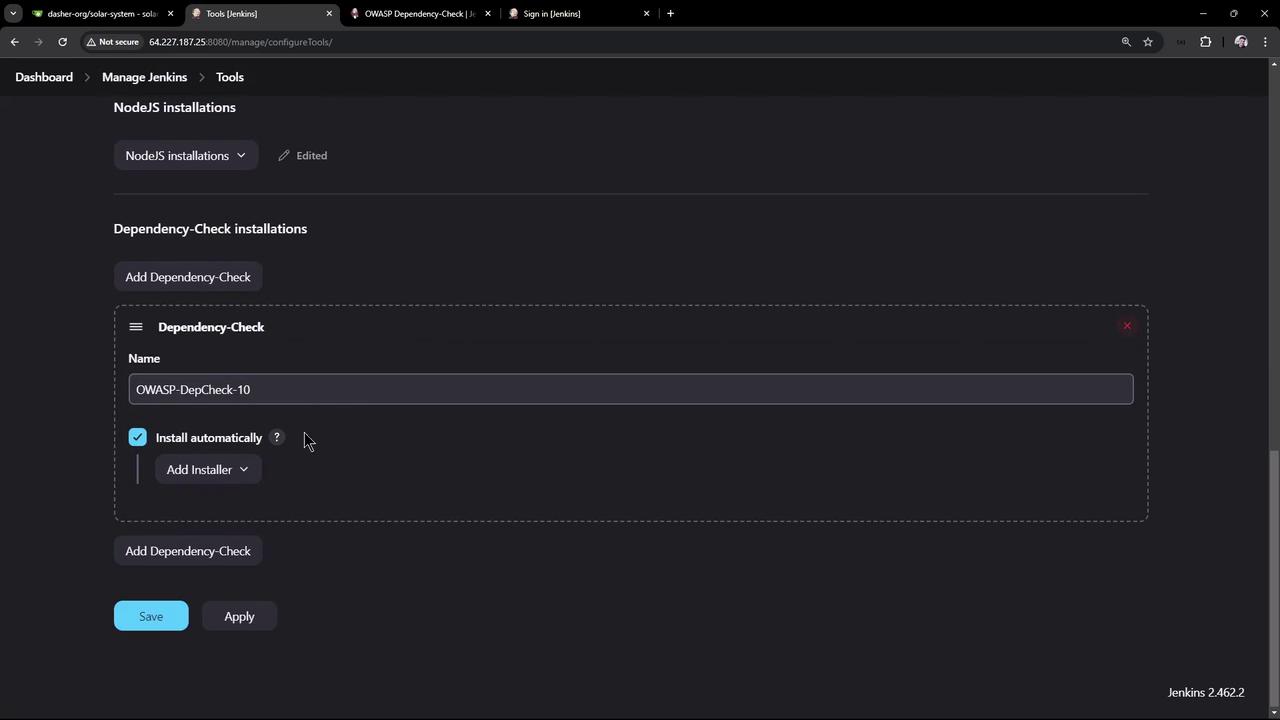
Add a Dependency-Check installation (e.g., version 10.0.3) and enable auto-install from GitHub.
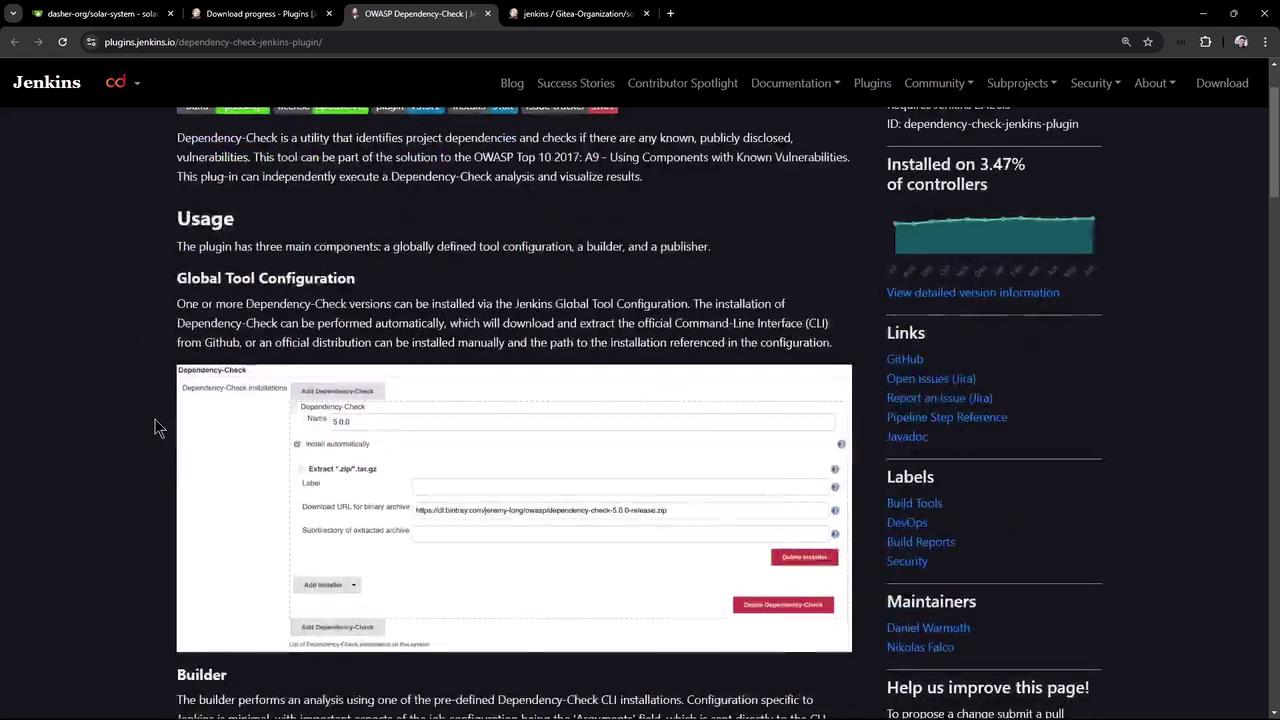
The image shows a webpage from the Jenkins website detailing the usage and configuration of the OWASP Dependency-Check plugin, including a section on global tool configuration with a form interface.
The image shows a Jenkins configuration page for managing tools, specifically focusing on NodeJS and OWASP Dependency-Check installations. The OWASP Dependency-Check is set to install automatically.

2.3 Generate Pipeline Snippet

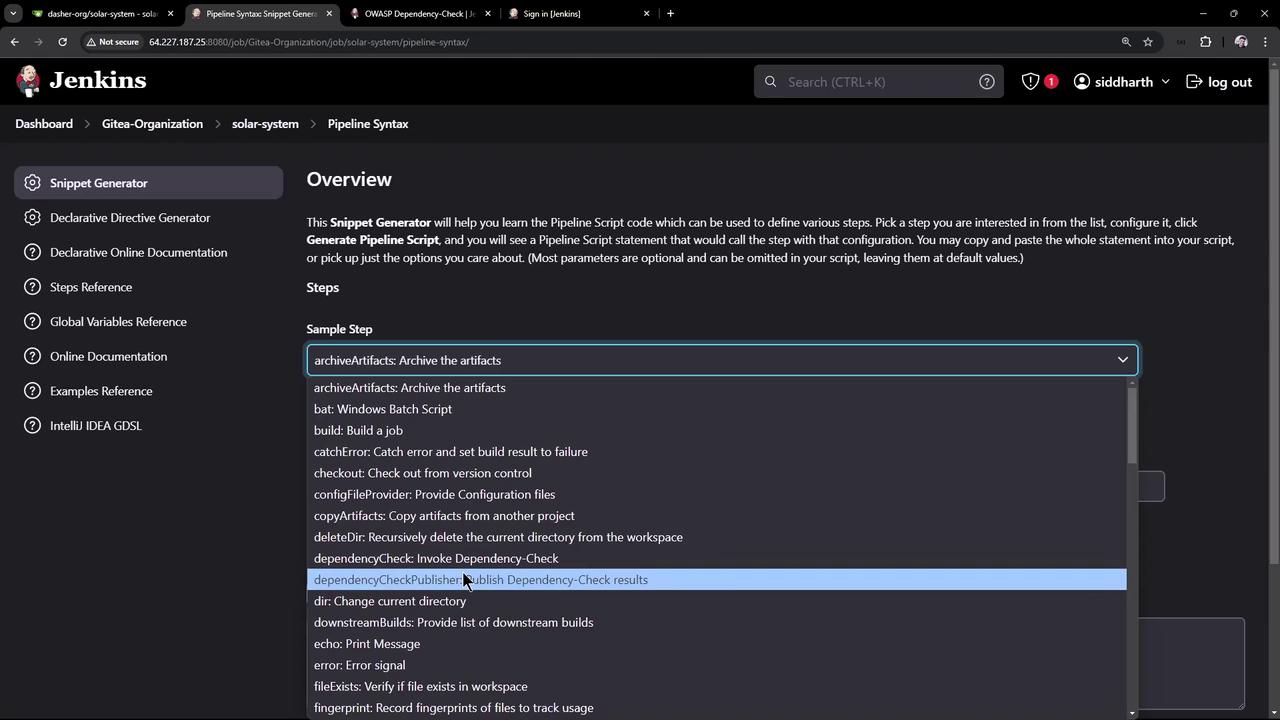
In Pipeline Syntax > Snippet Generator:
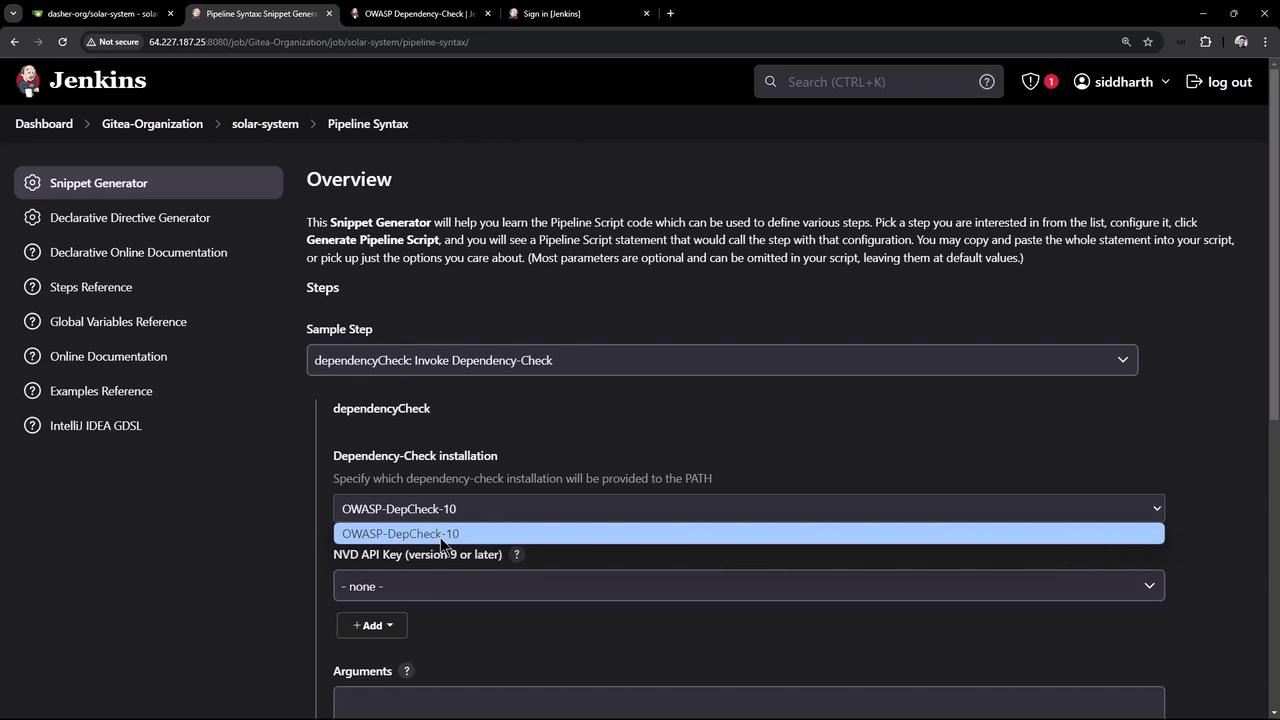
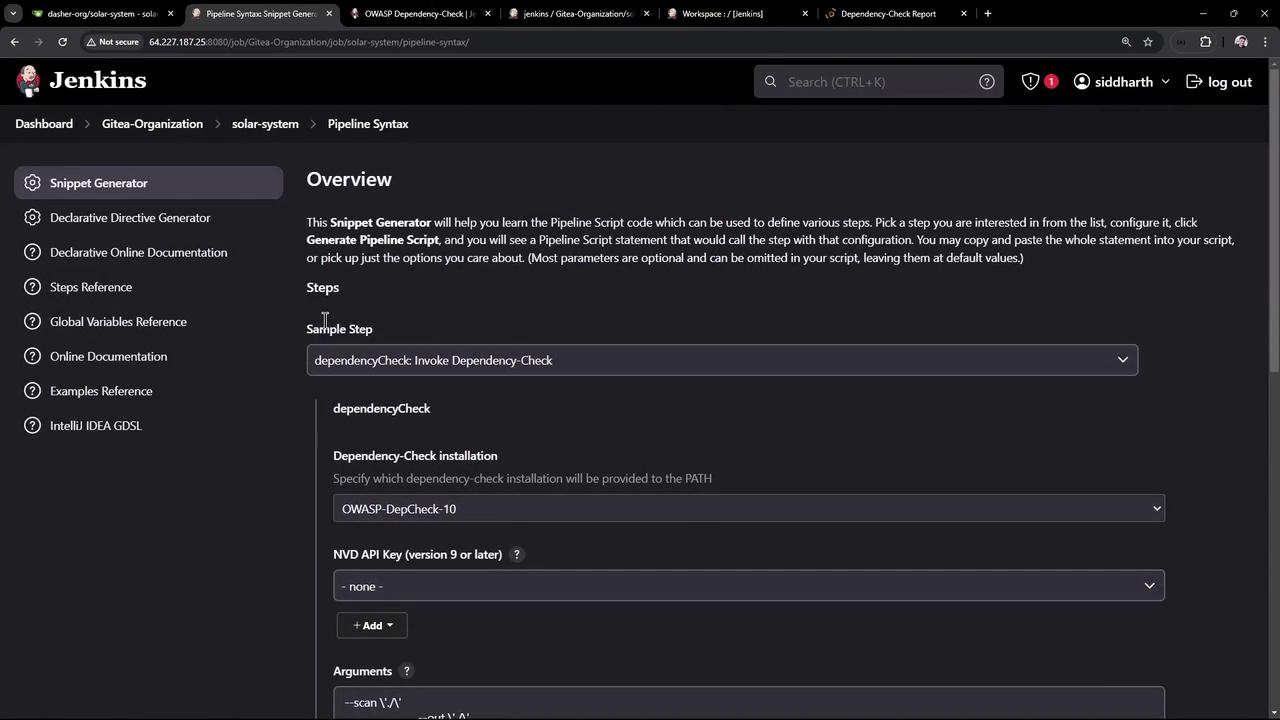
  • Step: Invoke Dependency-Check
  • Installation: OWASP-DepCheck-10
  • Arguments:
The image shows a Jenkins interface with a "Snippet Generator" for creating pipeline scripts. It includes a dropdown menu with various sample steps like "archiveArtifacts" and "dependencyCheckPublisher."
The image shows a Jenkins interface with a "Snippet Generator" for creating pipeline scripts, specifically focusing on invoking a dependency check using OWASP-DepCheck-10. The interface includes options for selecting dependency-check installations and adding arguments.
Insert into your Jenkinsfile:

3. Running the Pipeline

Commit and push your Jenkinsfile. The first run downloads the NVD database (~263 000 records), taking about 20–30 minutes. Look for logs like:
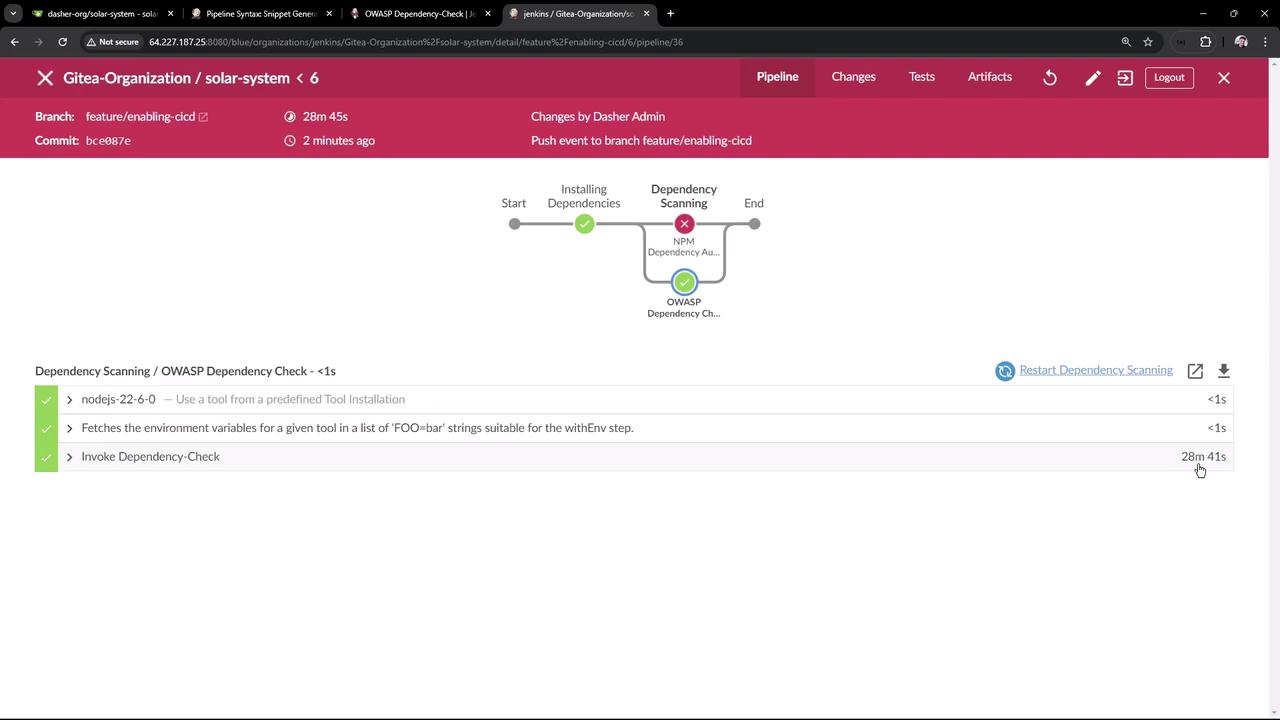
The image shows a Jenkins pipeline interface for a project named "solar-system" under "Gitea-Organization." It displays the progress of a build process, highlighting a failed NPM dependency audit and a successful OWASP dependency check.
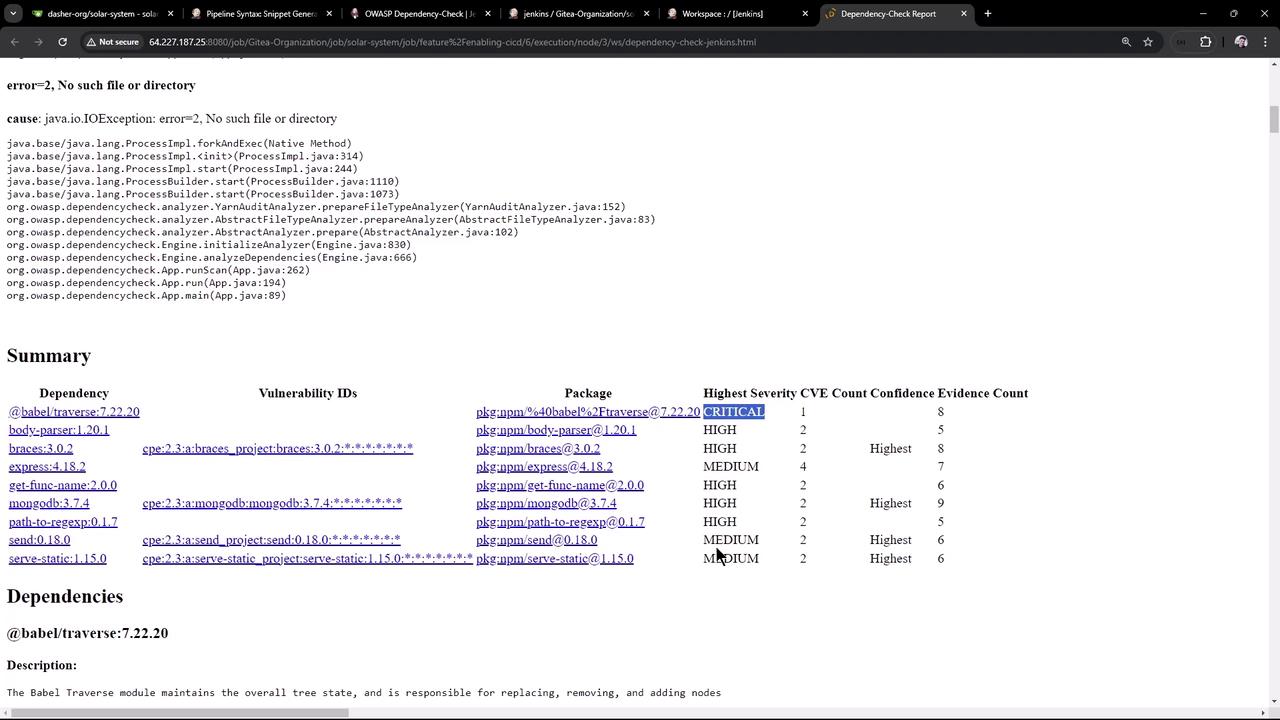
Reports generated in the workspace:
The image shows a dependency-check report with a summary of vulnerabilities in various packages, listing their highest severity levels and other details.
By default, findings don’t fail the build:
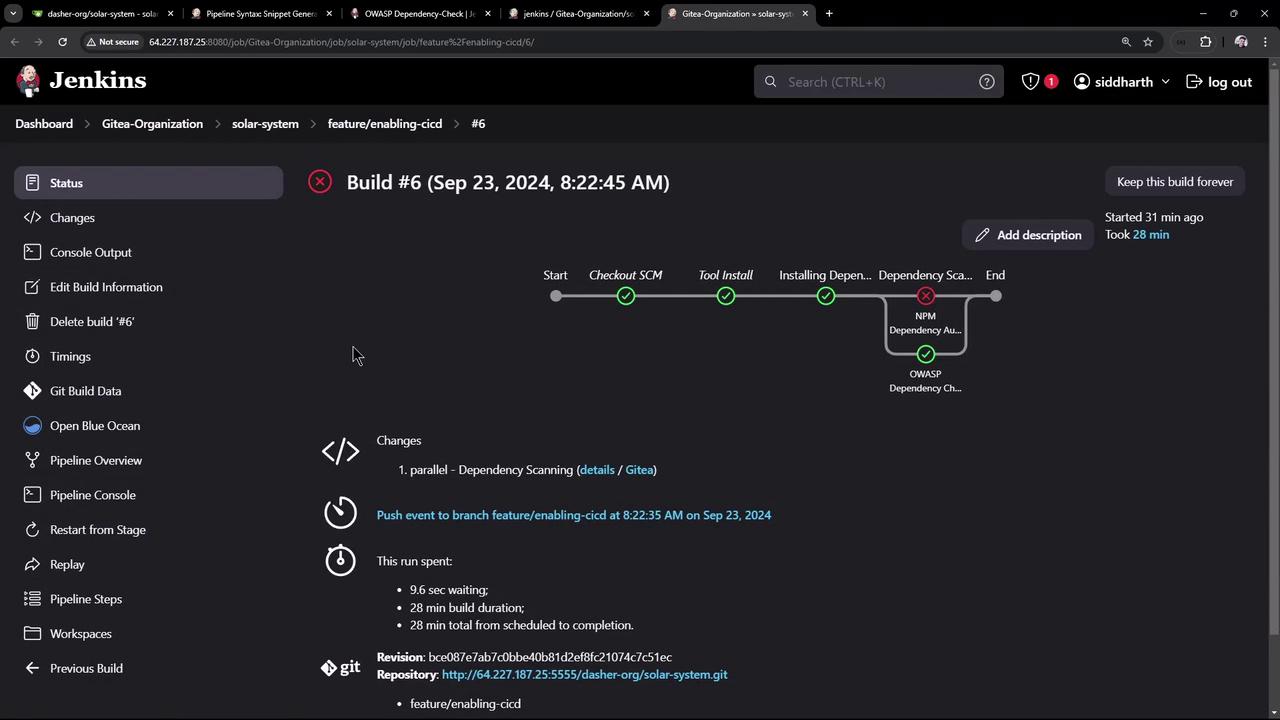
The image shows a Jenkins build status page for "Build #6" with a pipeline view, indicating stages like "Checkout SCM" and "Tool Install," and a failed "NPM Dependency Audit" step. It includes details about the build duration and changes.

4. Enforcing Quality Gates

Fail builds if thresholds are exceeded:
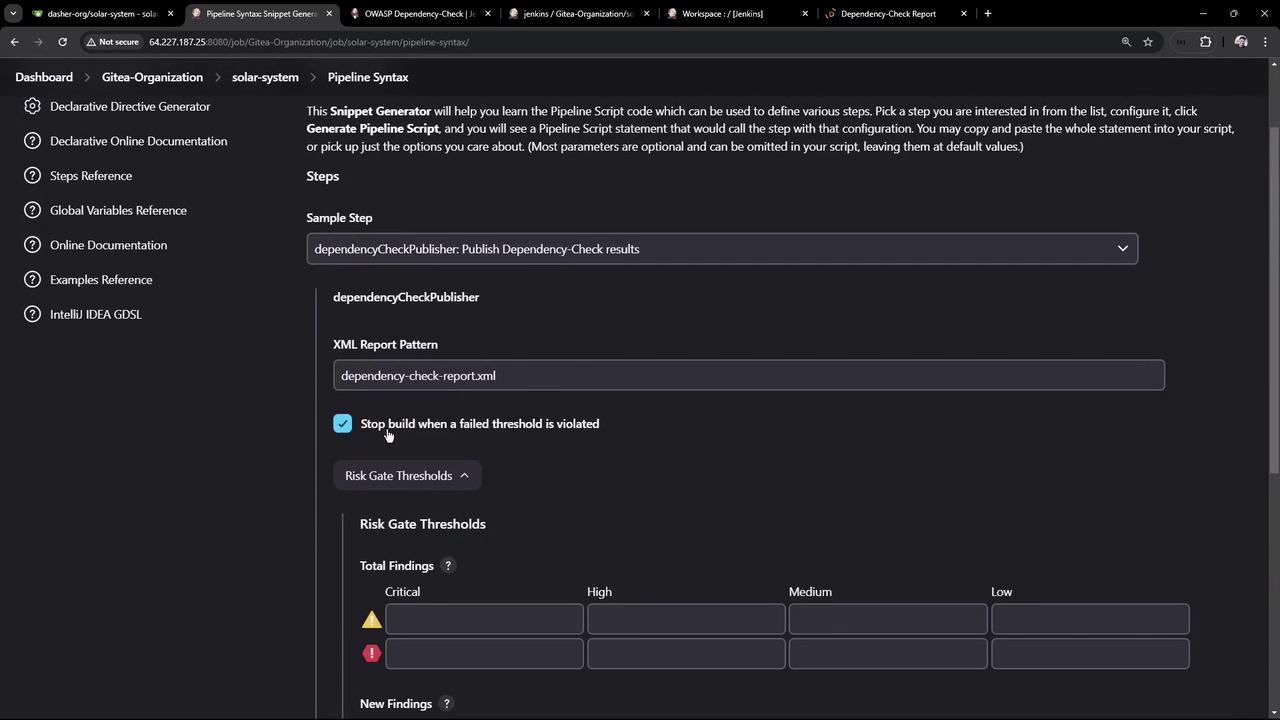
  1. In Snippet Generator, select Publish Dependency-Check results
  2. Configure:
    • XML report pattern: dependency-check-report.xml
    • Stop build on threshold violation
    • Failed total critical: 1
The image shows a Jenkins interface with a "Snippet Generator" for creating pipeline scripts, specifically focusing on invoking a dependency check. Various configuration options are visible, such as selecting a dependency-check installation and adding arguments.
The image shows a Jenkins Pipeline Syntax configuration page for publishing Dependency-Check results, with options for setting XML report patterns and risk gate thresholds.
Generated snippet:
Combine both scans in parallel:
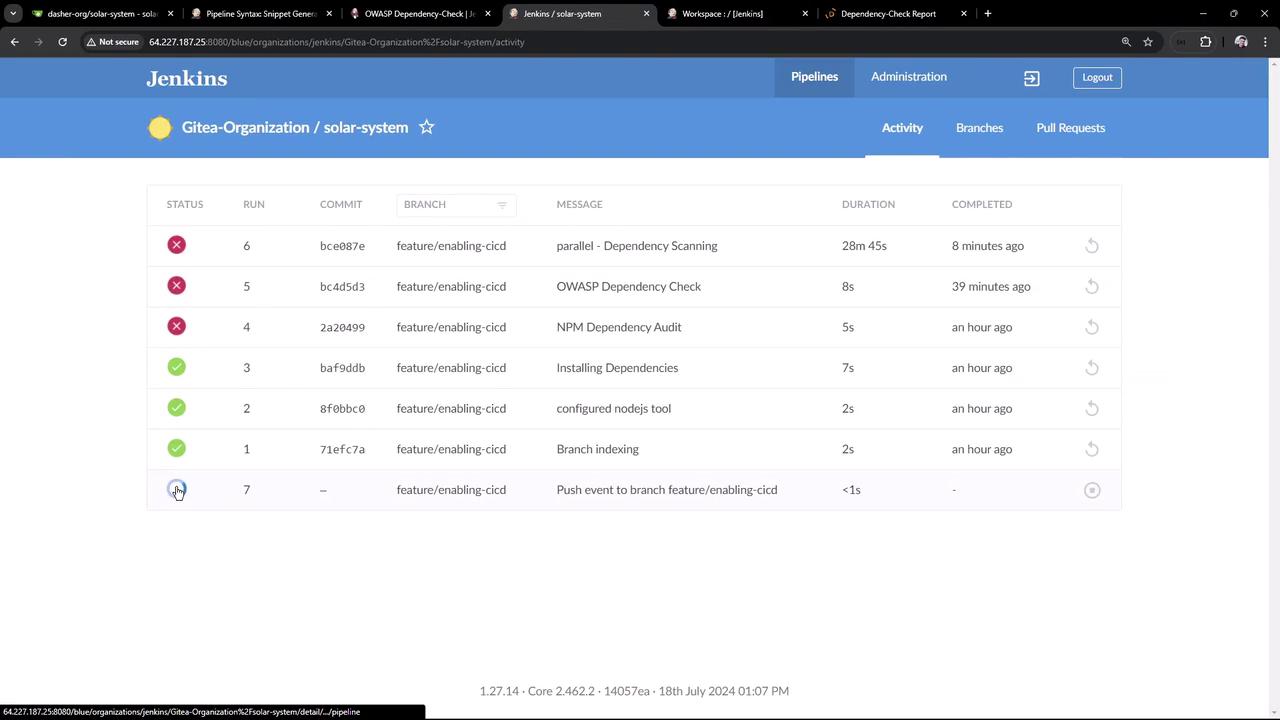
On the next build you’ll see:
The image shows a Jenkins dashboard displaying the build status of various commits in a project named "solar-system" under the "Gitea-Organization." It lists the status, commit ID, branch, message, duration, and completion time for each build.
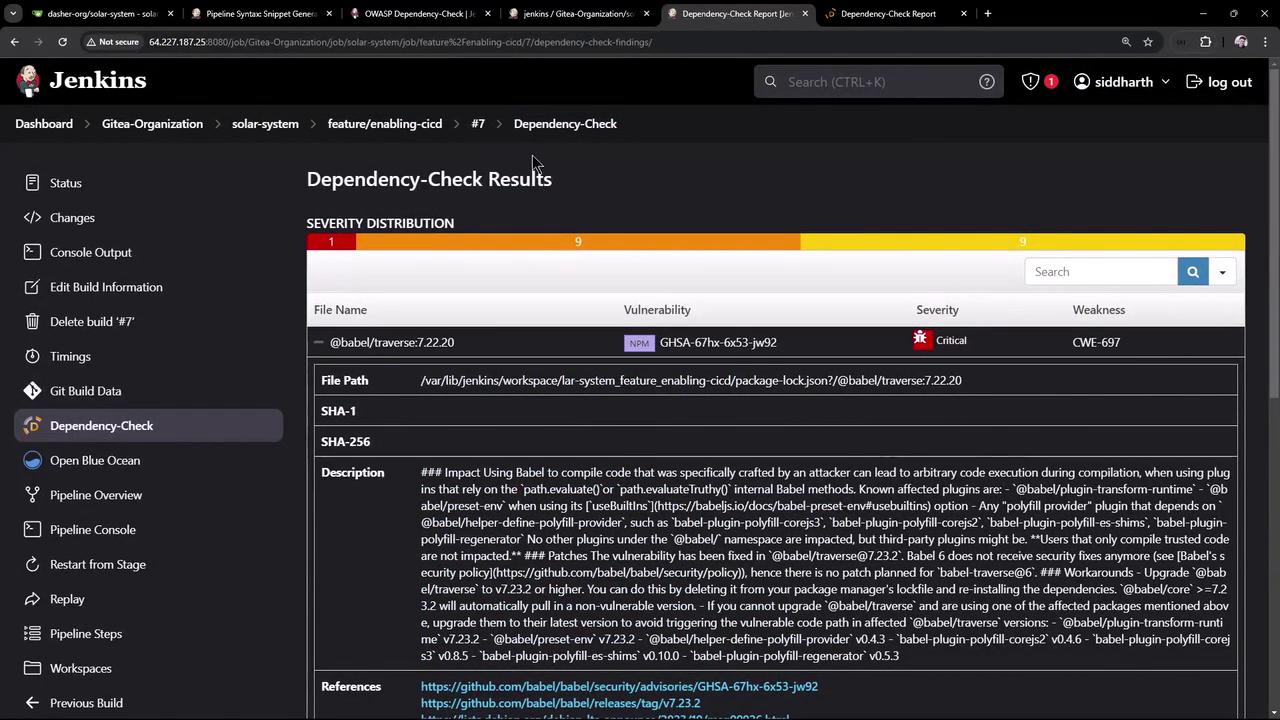
The image shows a Jenkins interface displaying Dependency-Check results, highlighting a critical vulnerability in a specific file with details such as severity, file path, and description.
Builds will now fail if critical vulnerabilities exceed your defined threshold.
Review detailed results in the Jenkins UI to remediate issues.

Conclusion

In this guide, we have:
  • Integrated NPM Audit to catch critical Node.js vulnerabilities.
  • Configured OWASP Dependency-Check for comprehensive scanning.
  • Parallelized both stages to reduce build time.
  • Enforced quality gates to automatically fail on critical findings.
Address the flagged vulnerabilities to keep your application secure.

Watch Video