

These general best practices apply to both Scripted and Declarative Pipelines in Jenkins.
General Best Practices
Scripted Pipeline–Specific Guidelines
-
Stick to Basic Groovy Syntax
Use only core Groovy features (loops, conditionals, closures). Avoid DSL meta-programming or AST transformations that make debugging difficult. - Avoid Direct Jenkins API Calls
Do not invoke Jenkins internal APIs (e.g.,
For advanced integration, develop a custom Pipeline Step Plugin instead.
hudson.model.*) from your Jenkinsfile.For advanced integration, develop a custom Pipeline Step Plugin instead.
-
Prefer CLI Parsers Over Groovy Libraries
For XML/JSON manipulation, use tools like xmllint or jq rather than in-pipeline Groovy parsing to reduce controller memory usage. - Don’t Perform Raw Network or I/O Operations
Never fetch URLs or read/write files directly in your
Wrap these operations in
Jenkinsfile.Wrap these operations in
sh, bat, or custom steps to ensure proper error handling and resource cleanup.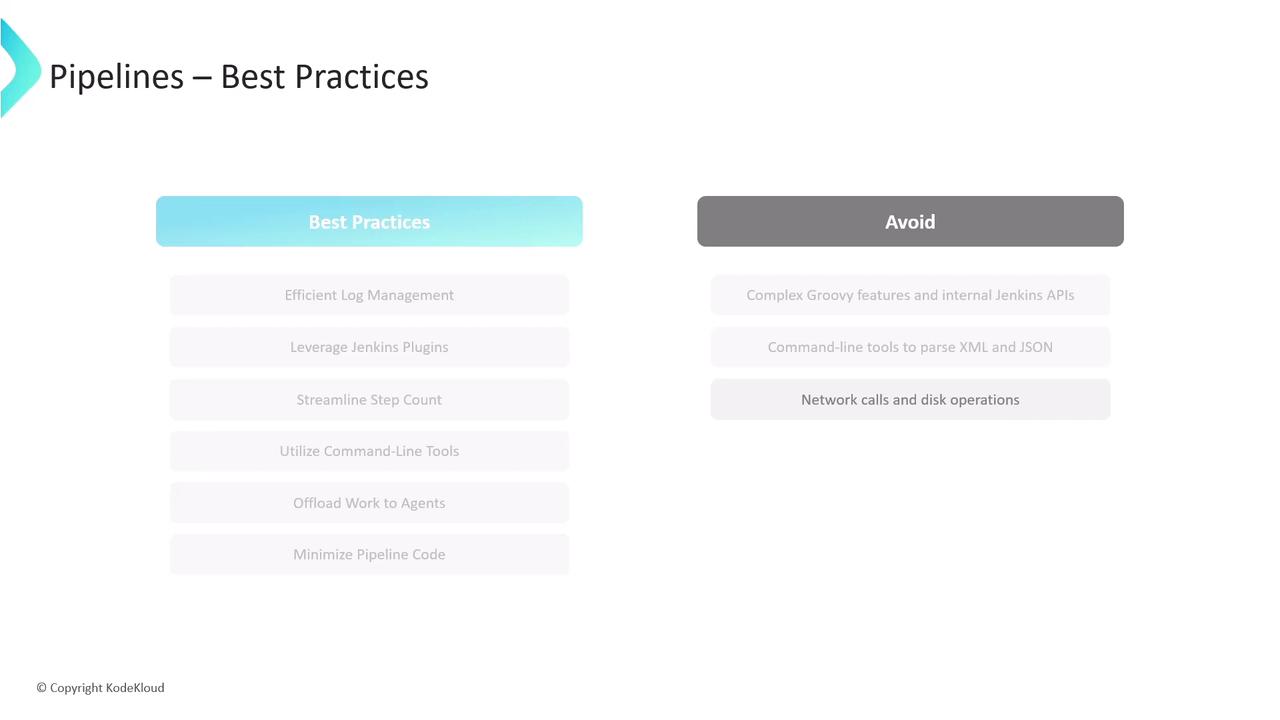
References
- Jenkins Pipeline Syntax
- Jenkins Plugin Development – Pipeline Steps
- xmllint Documentation
- jq User Guide