

stash and unstash. This is especially useful when stages run on different agents or when you need to resume a job from a later stage.
Table of Contents
- Creating the Pipeline
- Running on a Different Agent
- Sharing Files with stash/unstash
- Restarting from a Later Stage
- Preserving Stashes Across Builds
- References
Creating the Pipeline
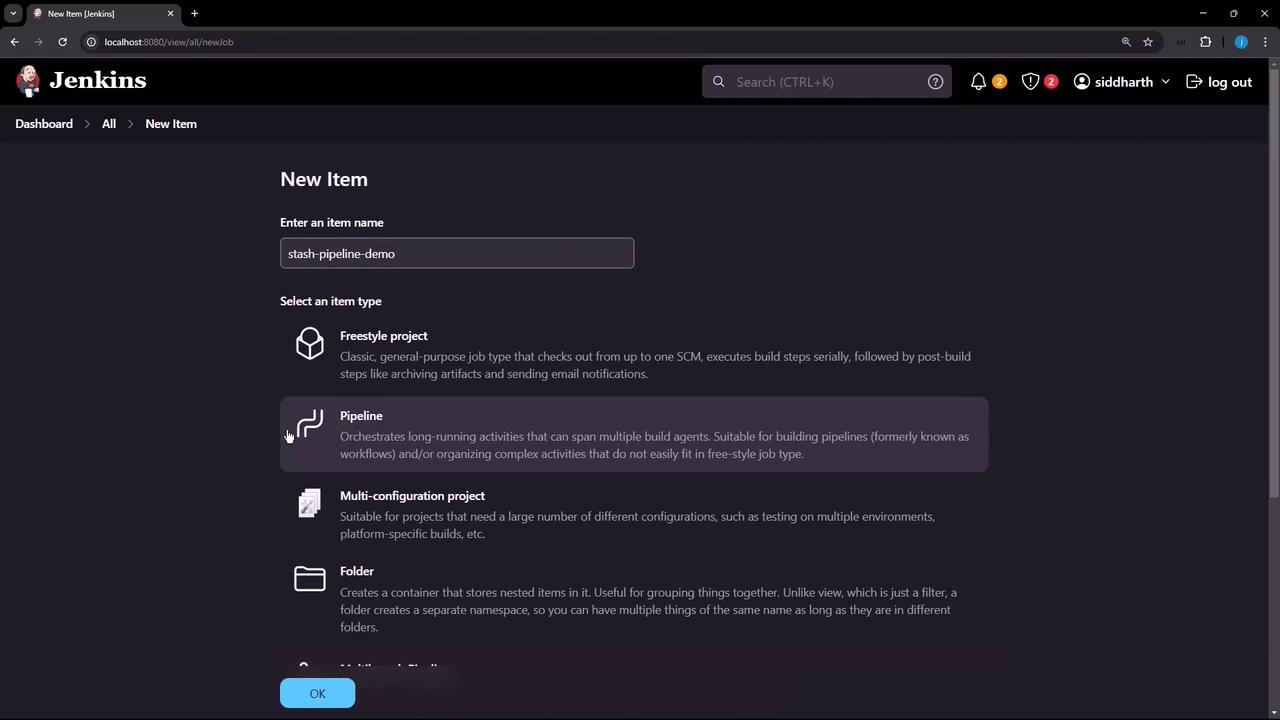
- In Jenkins, click New Item.
- Enter stash-pipeline-demo, select Pipeline, and click OK.
- Paste this basic pipeline script. It has two stages on the same agent, so
quote.txtis created and read successfully.
Running on a Different Agent
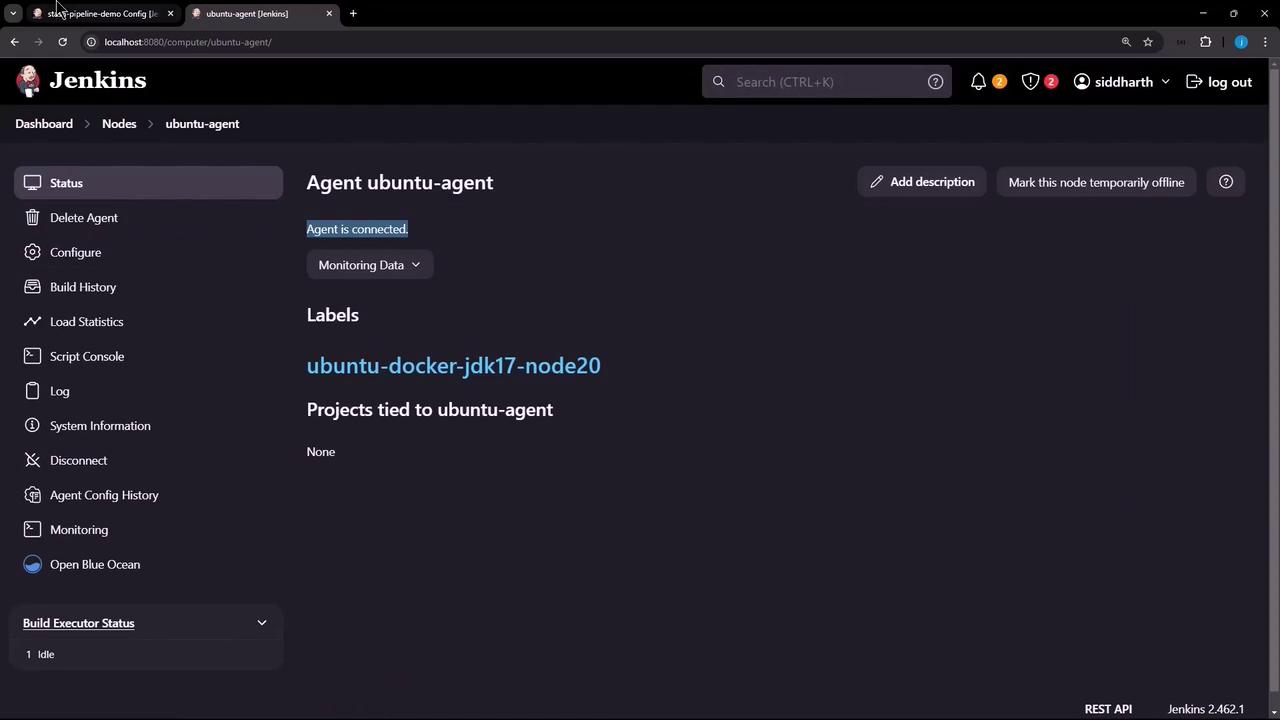
If you assign the first stage to a different agent, the file won’t persist on the controller:quote.txt doesn’t exist on the controller:
Sharing Files with stash/unstash
To transferquote.txt from one agent to another, use the stash and unstash steps:
After running, you’ll see:
Restarting from a Later Stage
By default, restarting the pipeline at Display Motivational Quote fails since the stash from the previous run isn’t retained: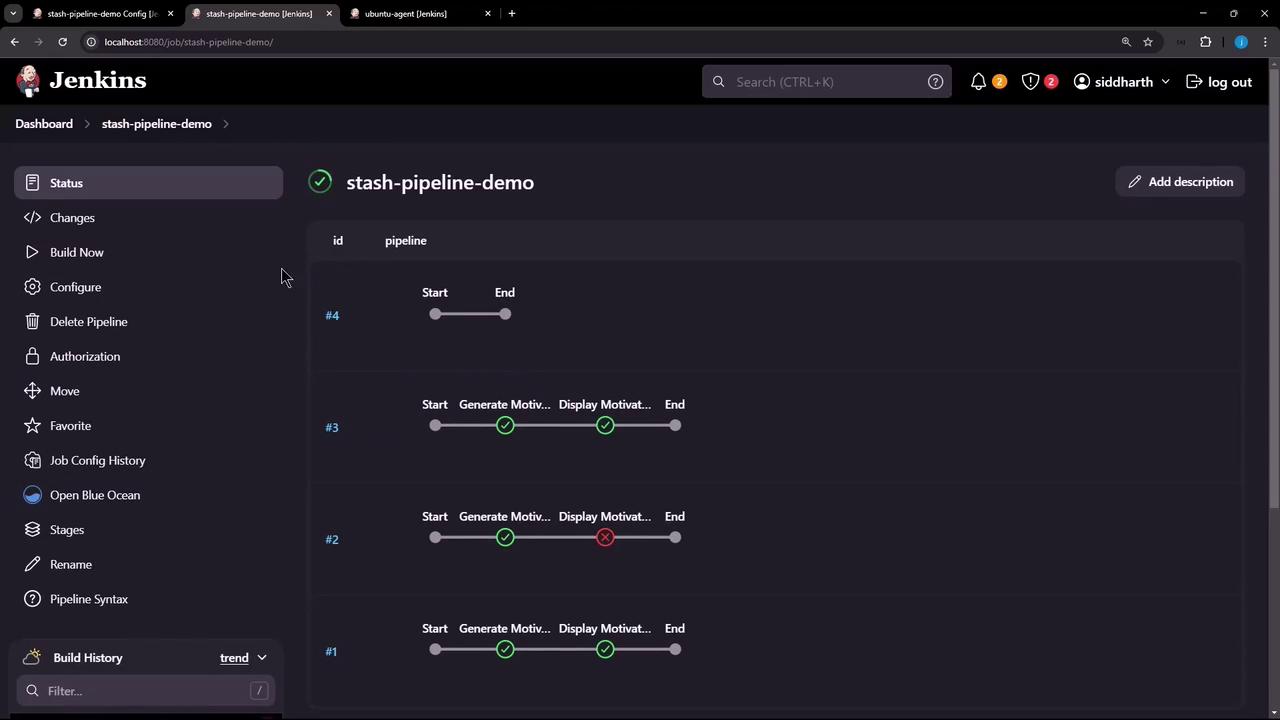
Preserving Stashes Across Builds
Use thepreserveStashes option in your pipeline to keep stashes from recent builds. You can generate this snippet with the Declarative Directive Generator:
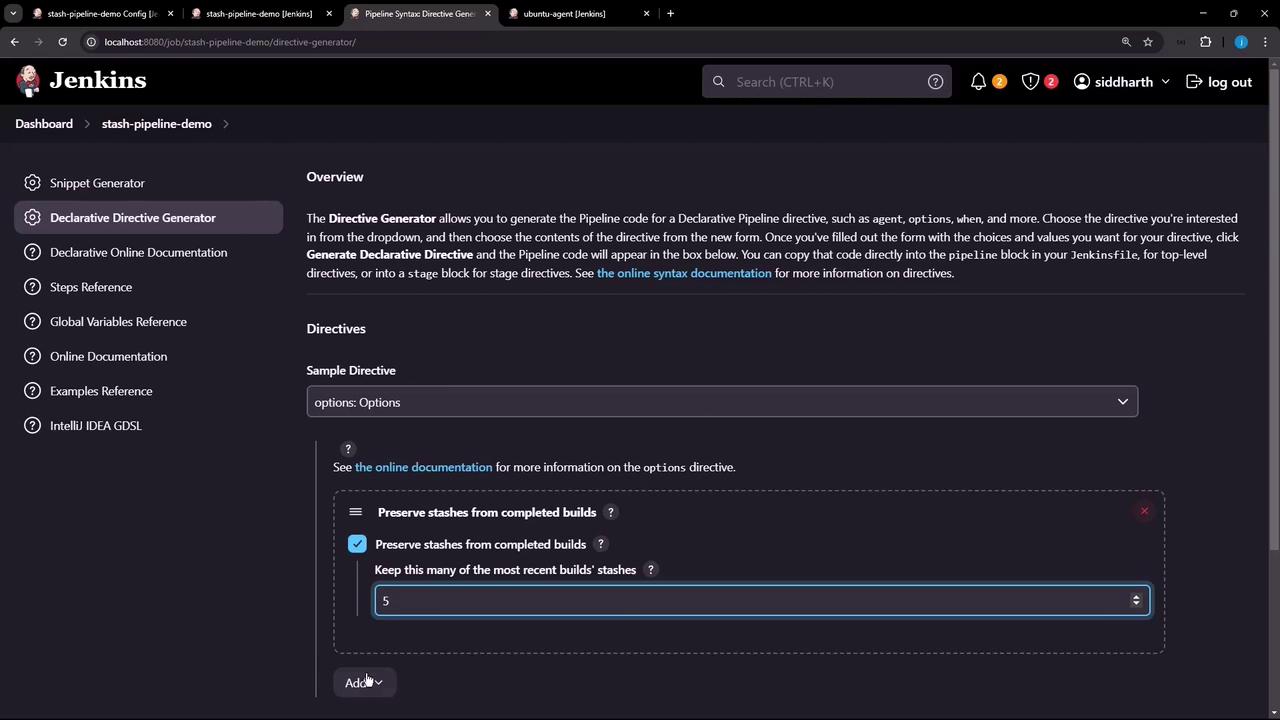
preserveStashes(buildCount: 5) retains stashes from the last 5 builds. Adjust buildCount according to your retention policy.preserveStashes, you can confidently resume your Declarative pipelines without losing critical artifacts.