

Introduction
The Jenkins Script Console enables administrators to execute Groovy scripts directly on the controller or any connected agent. This powerful interface is ideal for debugging, configuration, and maintenance tasks.The Script Console provides unrestricted control over your Jenkins instance. Only trusted users with admin privileges should have access.
Accessing the Script Console
You can open the Script Console in two ways:- From the Jenkins dashboard:
- Go to Manage Jenkins → Script Console.
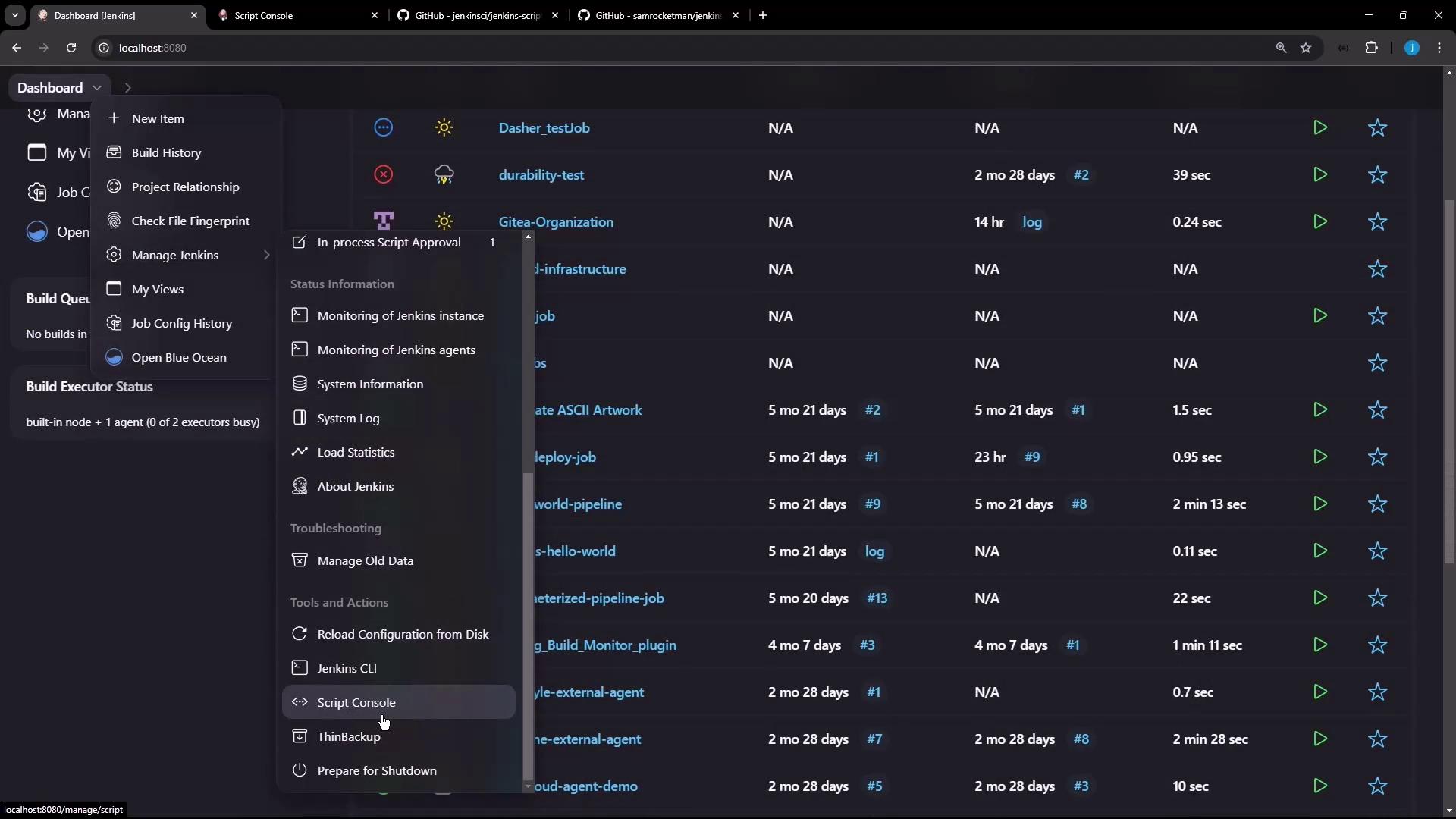
- From Manage Nodes:
- Select the Built-In Node and click Script Console.
Basic Groovy Scripts
Most common Jenkins classes are pre-imported, so you can start scripting immediately:Printing the Jenkins Version
Explicitly import theJenkins class to fetch the current version:
Retrieving Job Details
This script iterates through all jobs and prints key attributes:Leveraging Community Scripts
jenkinsci/jenkins-scripts
The jenkinsci/jenkins-scripts repository provides numerous utilities. For example, count executors on each node: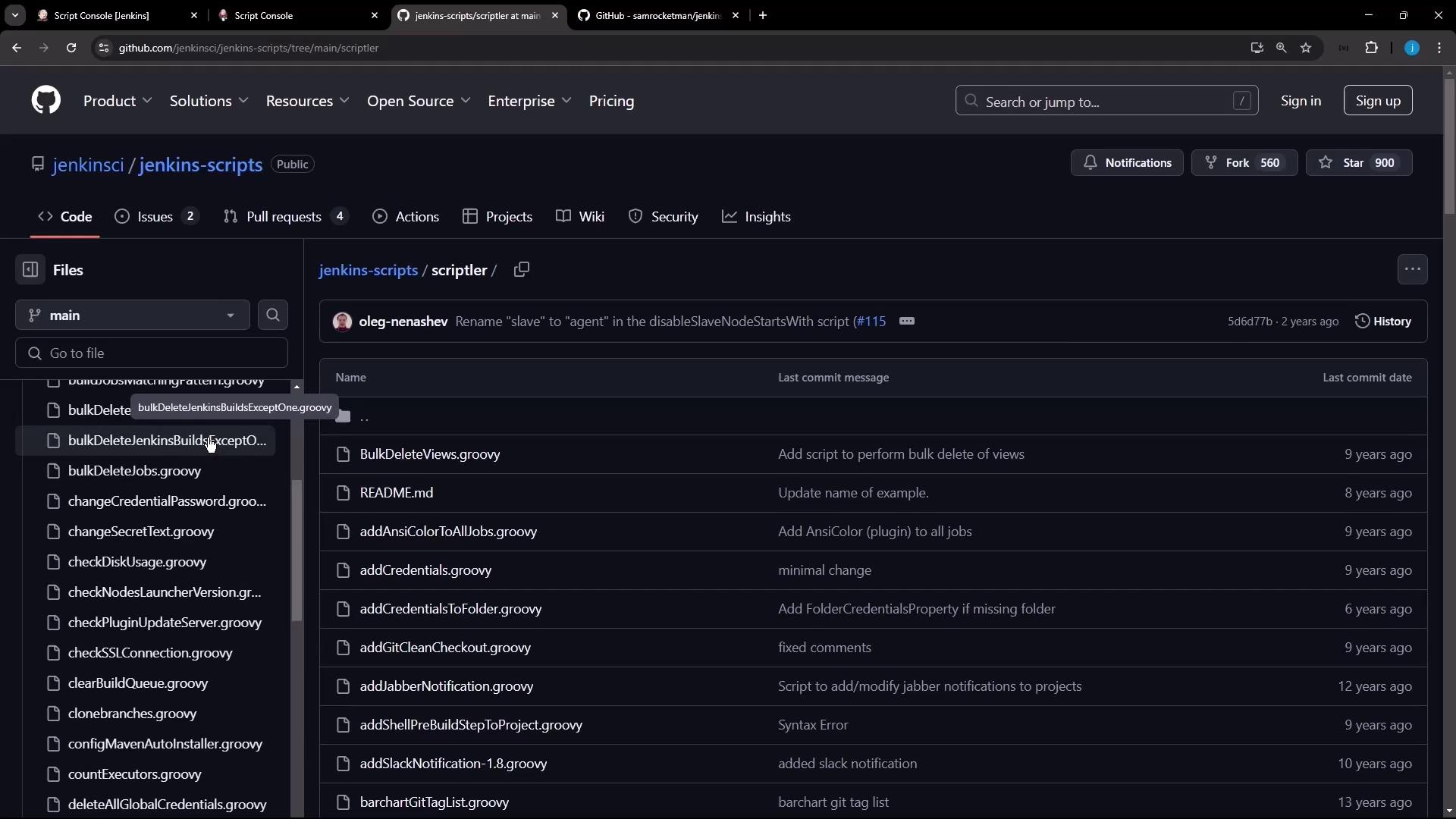
samrocketman/jenkins-script-console-scripts
Another valuable collection is samrocketman/jenkins-script-console-scripts. The Jenkins stats script gathers metrics on jobs, users, builds, and more: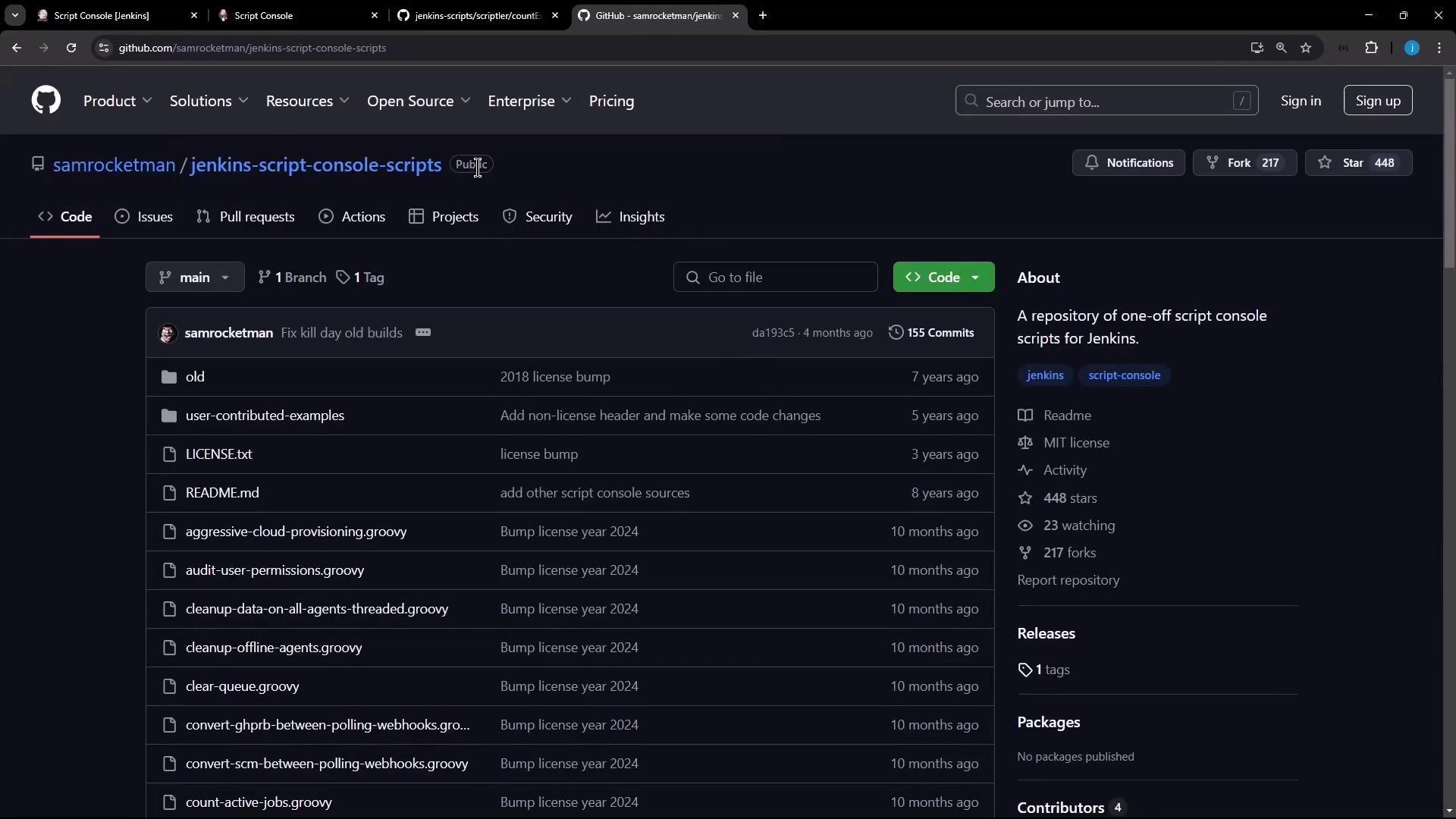
Always review third-party scripts before executing to ensure they’re safe and free of malicious code.
Disabling the Jenkins CLI
To disable CLI access (both TCP and/cli URL), run the following Groovy script:
Conclusion
The Script Console is a powerful Jenkins feature for automation, diagnostics, and configuration. Always proceed with caution and restrict console access to trusted administrators.Links and References
- Jenkins Official Documentation
- Groovy Language Documentation
- jenkinsci/jenkins-scripts
- samrocketman/jenkins-script-console-scripts