- Markup Formatting: Preventing XSS attacks
- CSRF Protection: Defending against CSRF exploits
1. Markup Formatting
User-supplied descriptions (job descriptions, system messages, view notes) are rendered with a chosen formatter. Without proper controls, malicious users could inject HTML or scripts, leading to cross-site scripting vulnerabilities.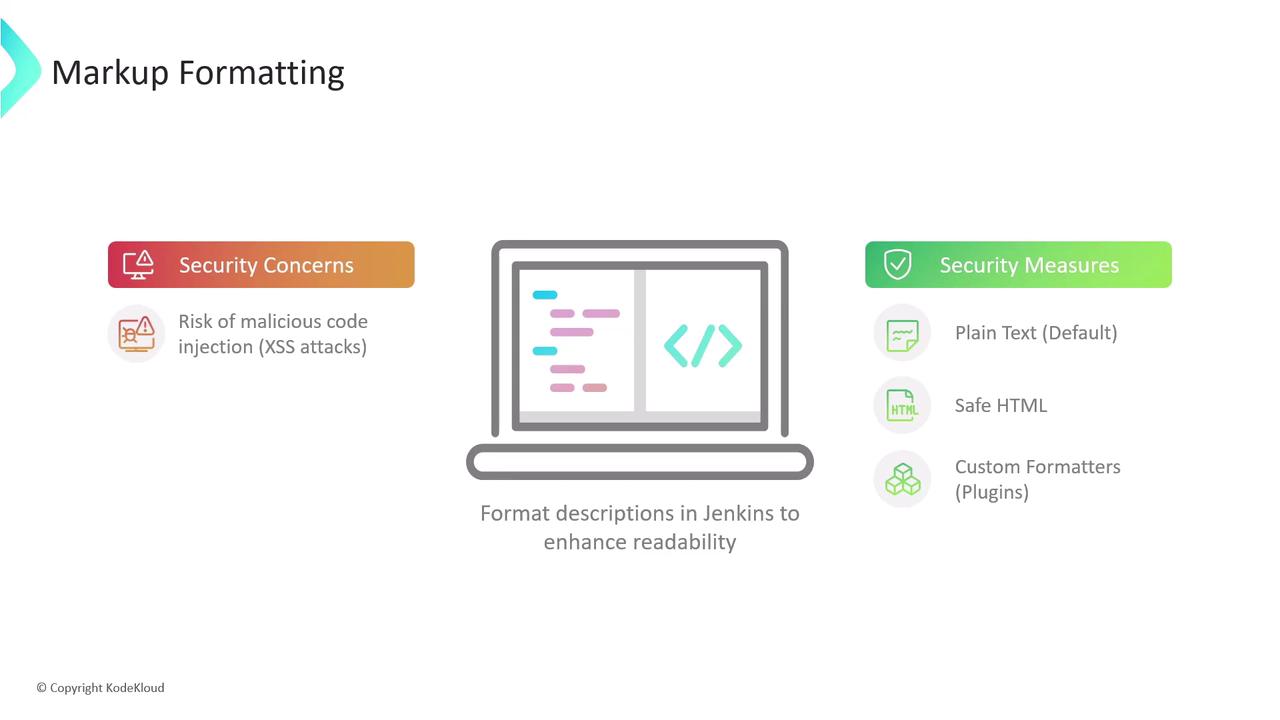
1.1 Plain Text Formatter
With Plain text, all markup is escaped:Plain text is ideal for high-security environments where formatting isn’t required.
1.2 Safe HTML Formatter
The Safe HTML option strips unsafe elements (like<script>) but lets through simple styling tags:
Welcome to KodeKloud Jenkins Controller
Even with Safe HTML, avoid embedding untrusted content. Review any custom tags allowed by your HTML sanitizer.
2. CSRF (Cross-Site Request Forgery) Protection
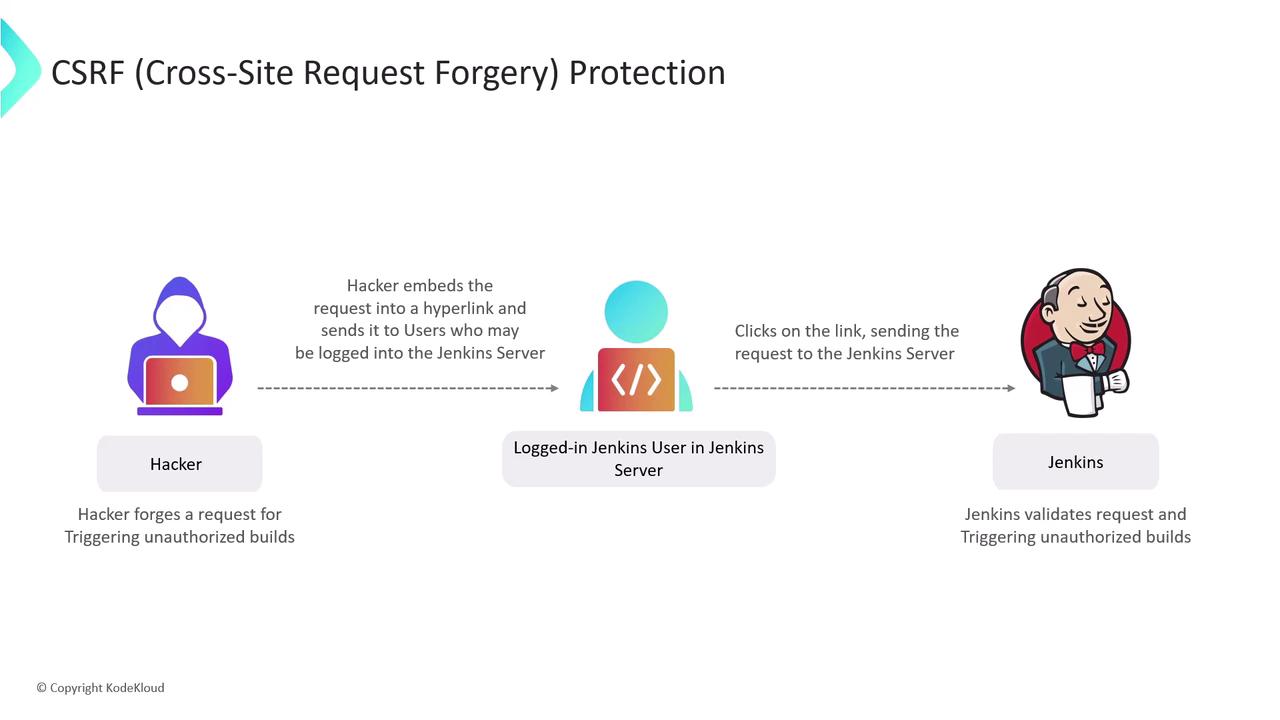
CSRF attacks trick authenticated users into submitting unintended requests—triggering builds, deleting artifacts, or changing settings without consent.2.1 How CSRF Works
- Attacker crafts a malicious link or form targeting a Jenkins endpoint.
- Authenticated user clicks the link while logged into Jenkins.
- Jenkins executes the request under the user’s credentials, unaware it wasn’t initiated from the UI.
2.2 Enabling Crumb-Based Protection
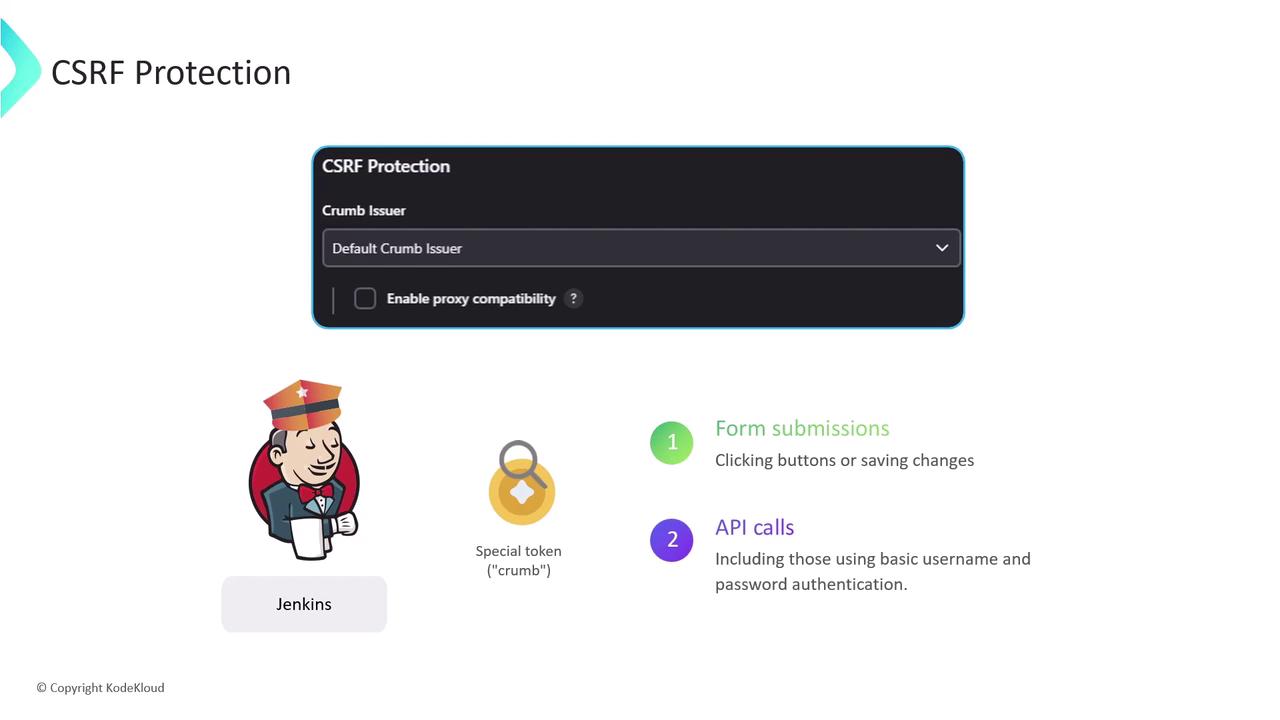
Jenkins defends against CSRF by issuing a crumb (token) for every form and state-changing API call. Requests missing a valid crumb are rejected.-
Enable CSRF Protection
In Manage Jenkins > Configure Global Security, ensure “Prevent Cross Site Request Forgery exploits” is checked. Jenkins will use the default crumb issuer or a custom implementation. -
Educate Users
Remind team members to avoid clicking unknown links while logged into Jenkins.