

Why Configuration as Code?
As organizations grow, manual server and application setup slows down delivery, introduces errors, and lacks repeatability. Infrastructure as Code tools like Ansible, Terraform, Chef, and Puppet enable you to define infrastructure declaratively: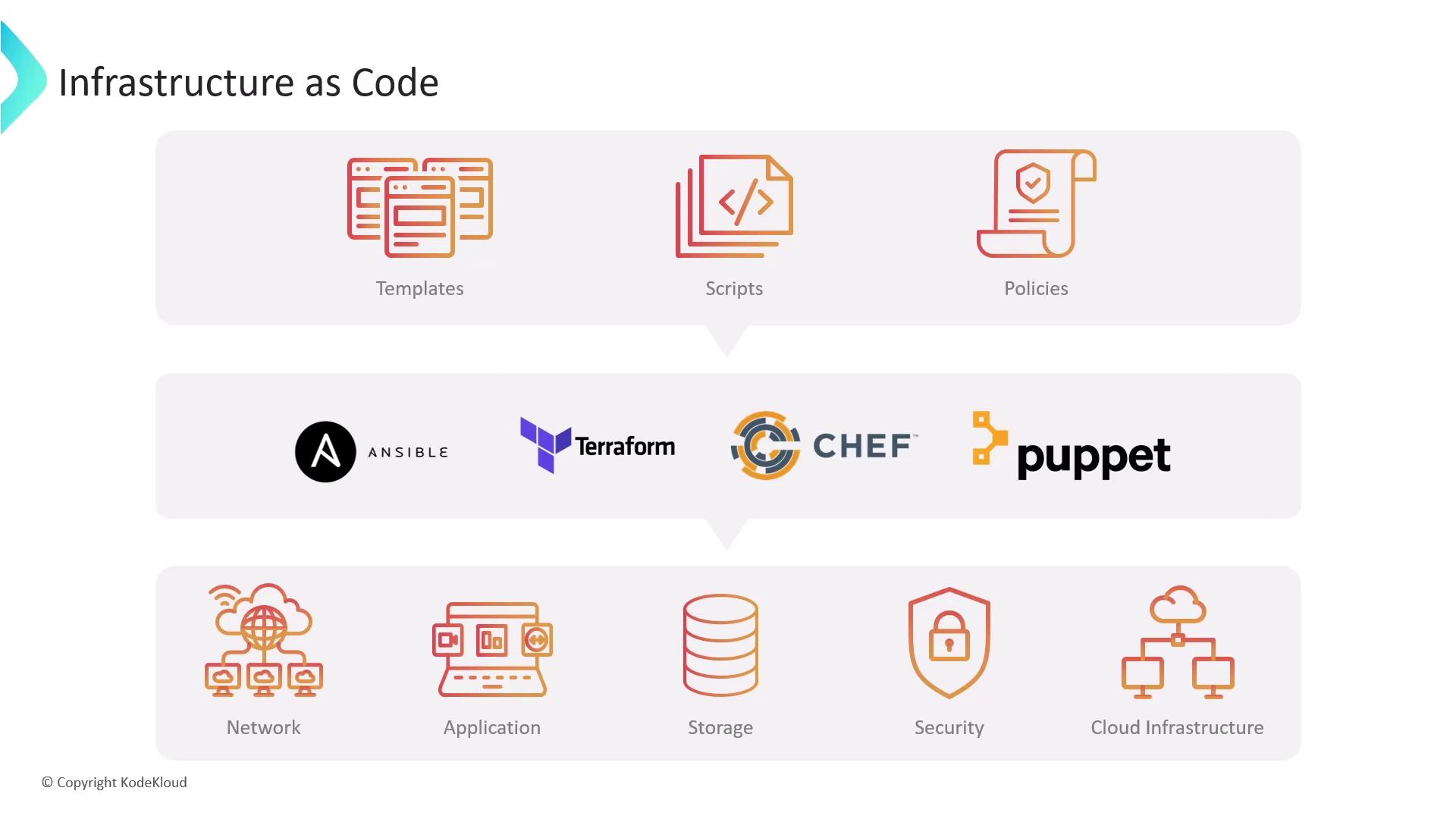
- Repeatable deployments
- Version control of infrastructure definitions
- Faster onboarding and consistency across environments
Extending IaC to Jenkins
Jenkins Configuration as Code lets you define in code:- Jenkins infrastructure: agents, nodes, clouds
- Job and pipeline definitions: steps, triggers, settings
- Global system settings: security, credentials, plugins

Managing Jenkins Jobs at Scale
When you have dozens or hundreds of jobs, the Jenkins web UI becomes unwieldy. Code-centric approaches include:- Job DSL Plugin: Define jobs using a Groovy-based domain-specific language
- Job Builder Plugin: Write job configurations in YAML or JSON
- Pipelines (Declarative/Scripted): Create
Jenkinsfileworkflows in SCM - Multibranch Pipeline: Automatically generate pipelines per Git branch
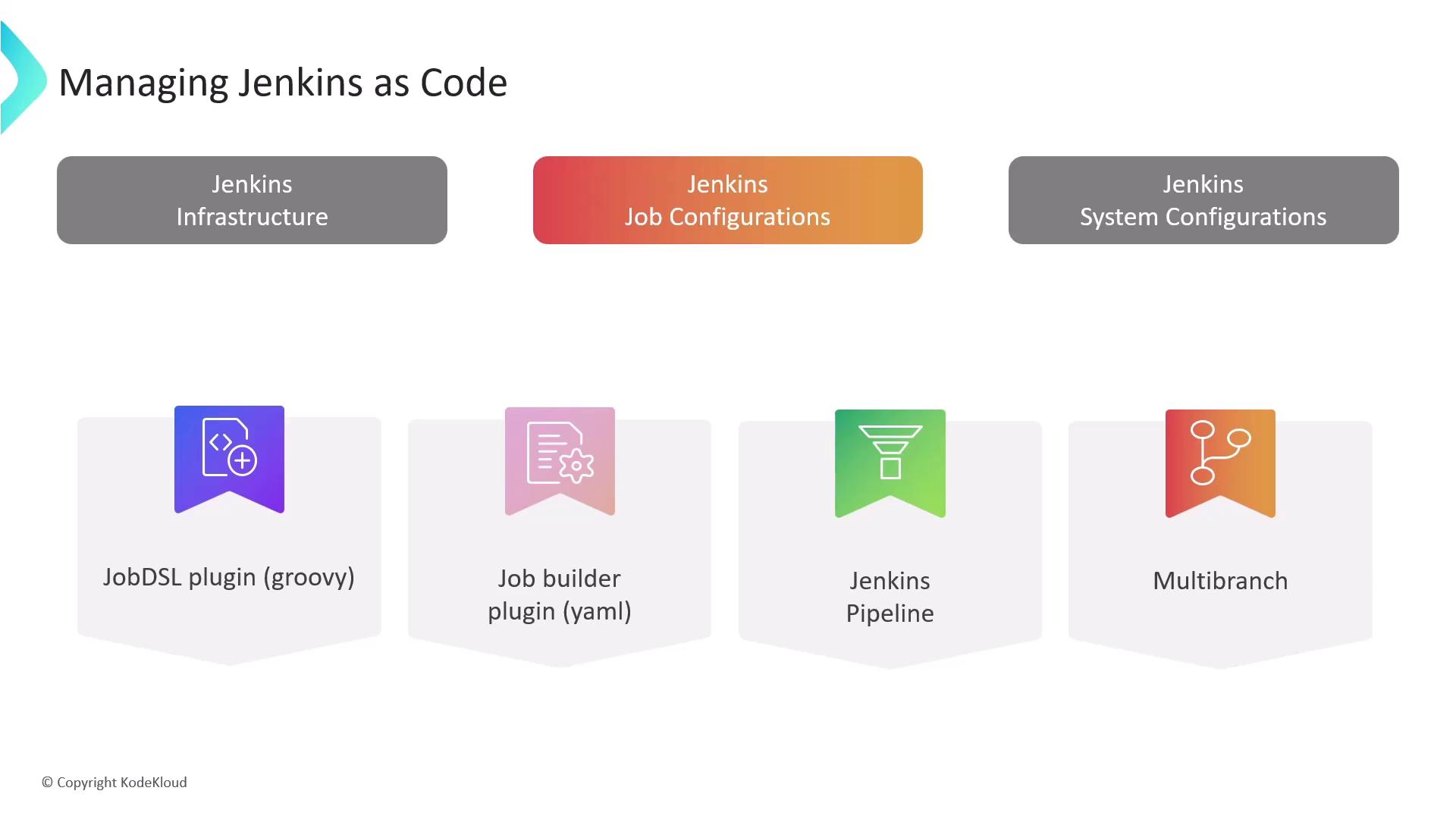
By defining jobs in code, you get full audit trails, PR-driven changes, and reproducible pipelines.
Challenges of Manual System Configuration
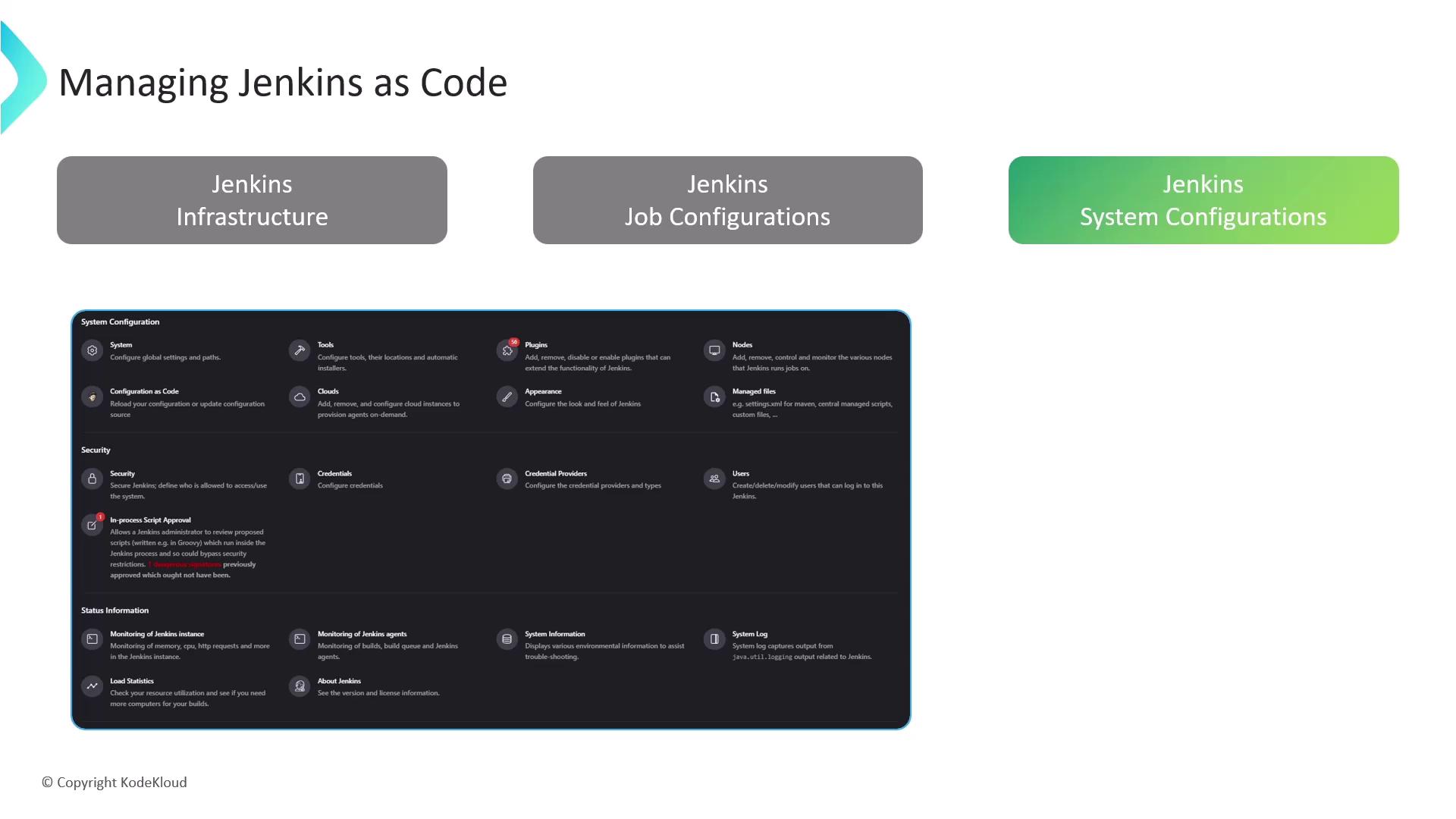
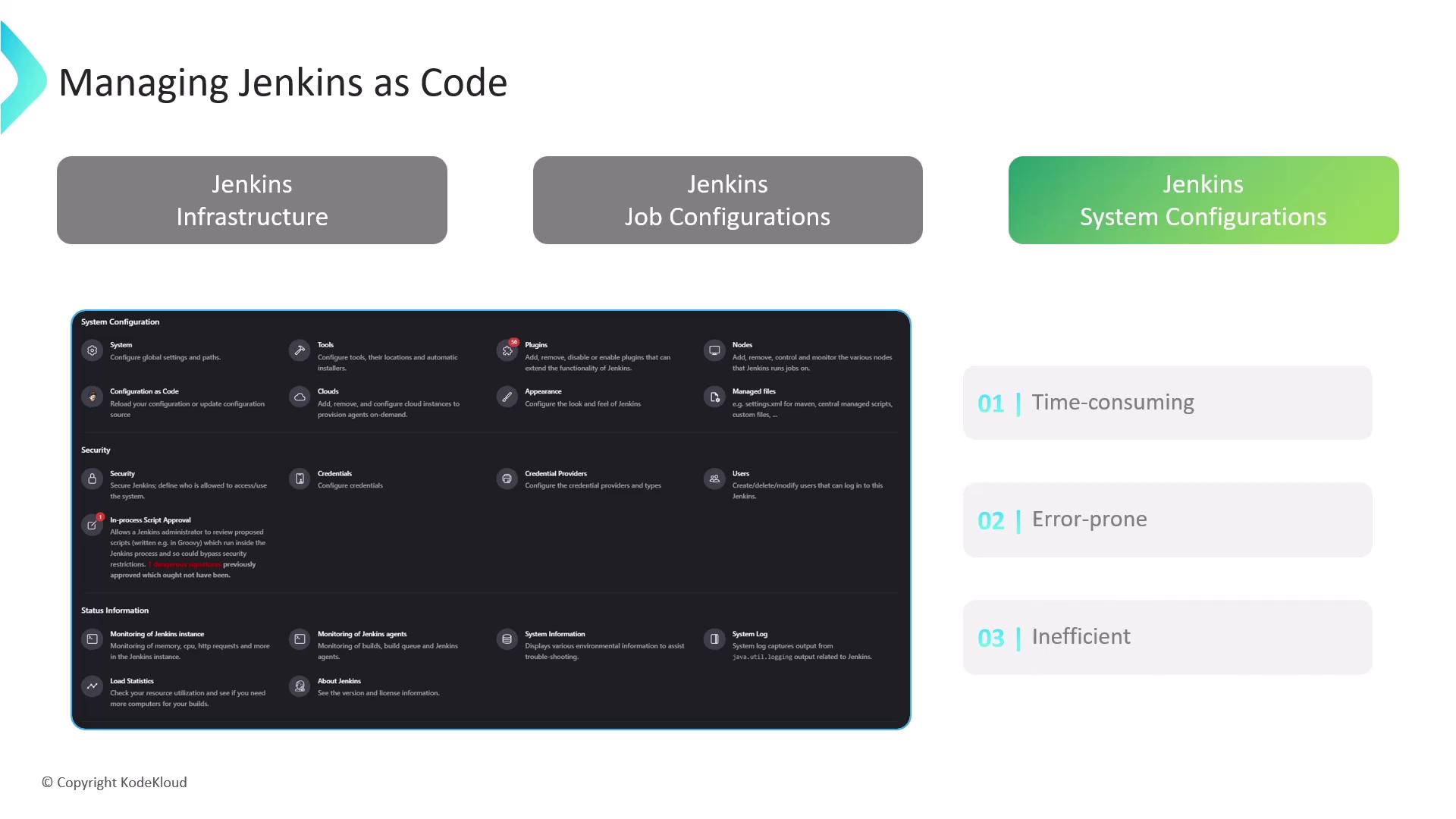
Using Manage Jenkins in the UI for credentials, nodes, tools, plugins, and security:- Becomes time-consuming for complex setups
- Introduces human error with repeated clicks
- Makes consistency across multiple instances difficult
- Require deep knowledge of Jenkins internals
- Depend on undocumented APIs
- Are difficult to maintain as Jenkins evolves
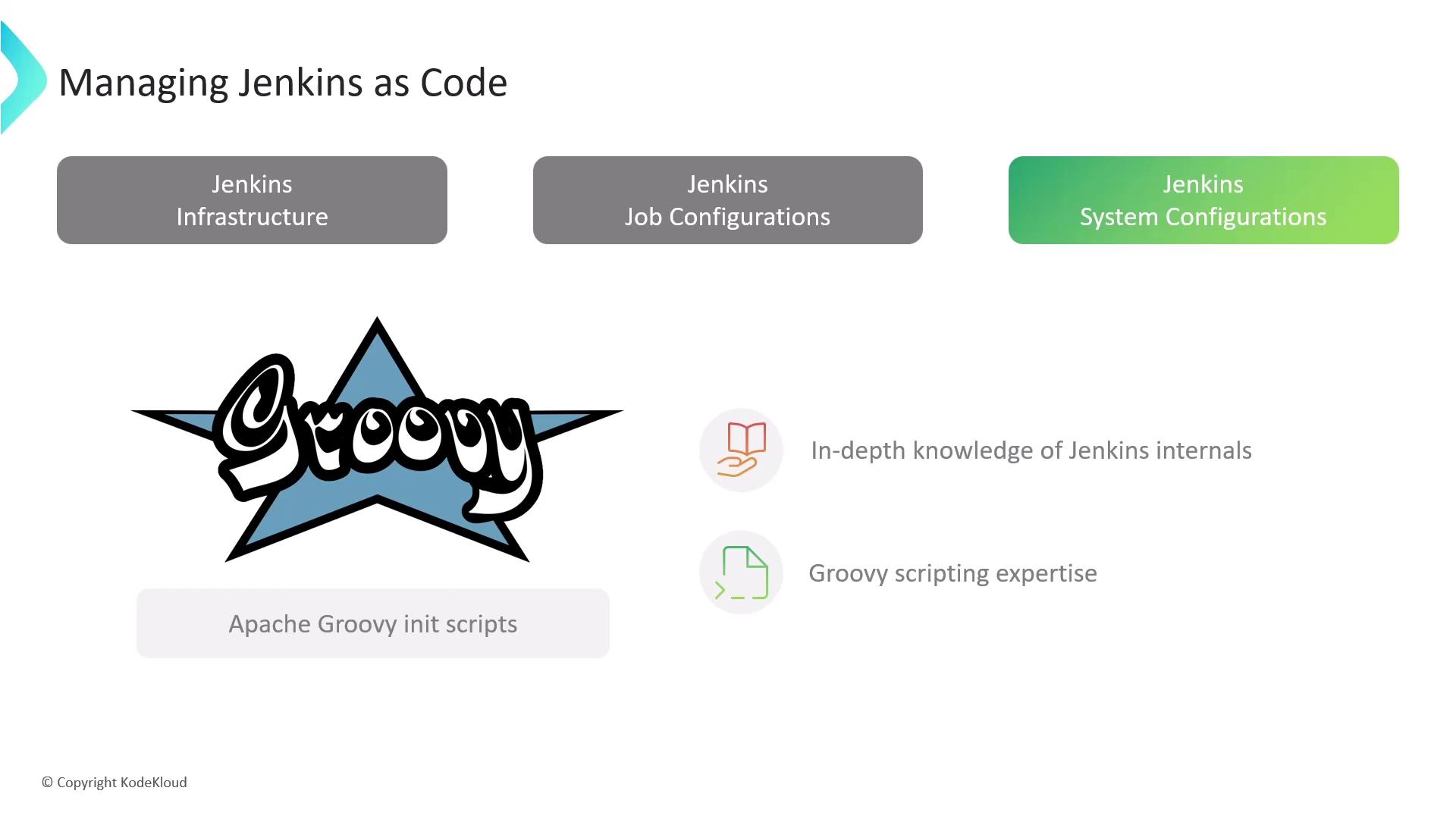
Groovy init scripts can break after Jenkins upgrades. Prefer JCasC for long-term maintainability.
Introducing Jenkins Configuration as Code
The Jenkins Configuration as Code Plugin lets you declare your entire Jenkins controller in YAML. It mirrors the UI settings so you can:- Store configurations in Git for version control
- Apply changes automatically on startup or via the UI
- Eliminate manual form-filling and clicks
- Reduce human errors and simplify rollbacks
Always commit your exported YAML to your SCM. Even without immediate customization, it provides a historical configuration record.
Structure of a JCasC YAML File
A standard JCasC YAML includes these top-level sections:
Additional sections may appear depending on installed plugins, nodes, clouds, and other extensions.
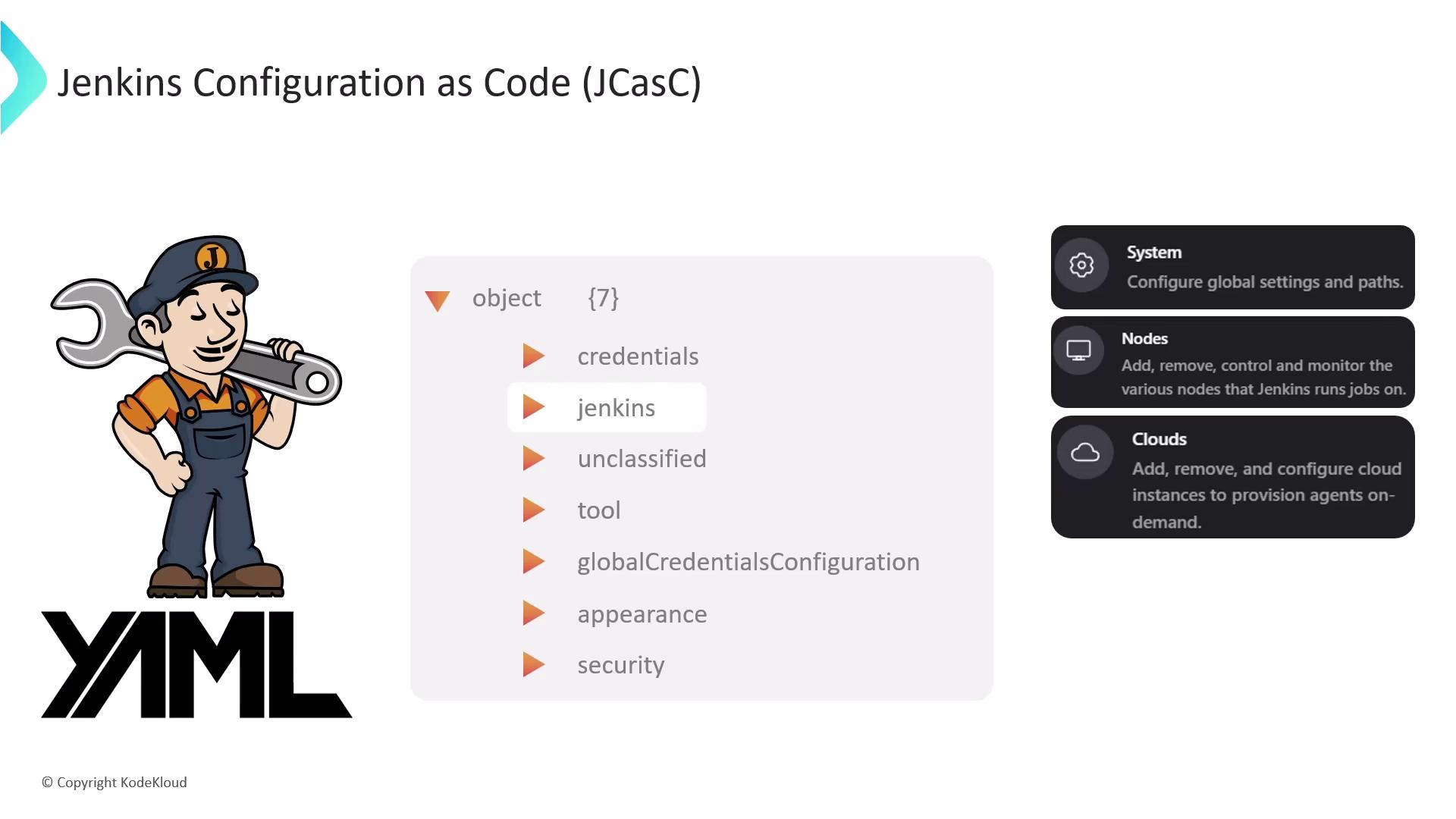
Customizing Your JCasC File
Edit your YAML to tailor Jenkins. For example:Links and References
- Jenkins Configuration as Code Plugin
- Official Jenkins Documentation
- Infrastructure as Code Overview
- Job DSL Plugin
- Pipeline as Code