

Jenkinsfile in the solar-system repository to send Slack notifications based on build outcomes. By the end, you’ll have a reusable Groovy helper and a DRY pipeline that alerts your team of successes, instabilities, and failures.
1. Create a Feature Branch
Start by branching off frommain:
2. Generate the Slack Step
Open Pipeline Syntax in Jenkins:- Select Slack Send.
- Configure your channel (e.g.,
#dasher-notifications). - Set a default message and a hex color for “Build Started.”
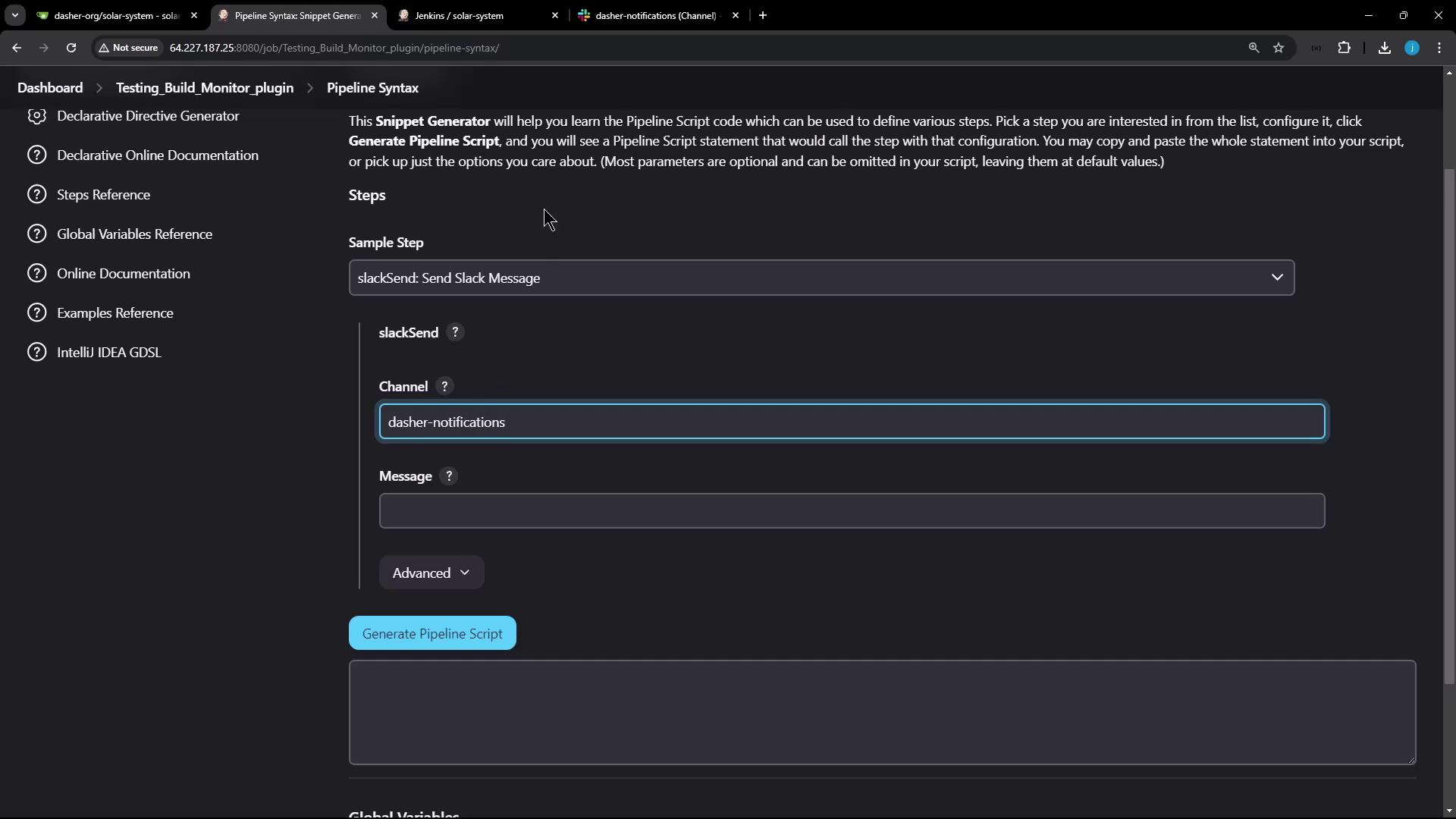
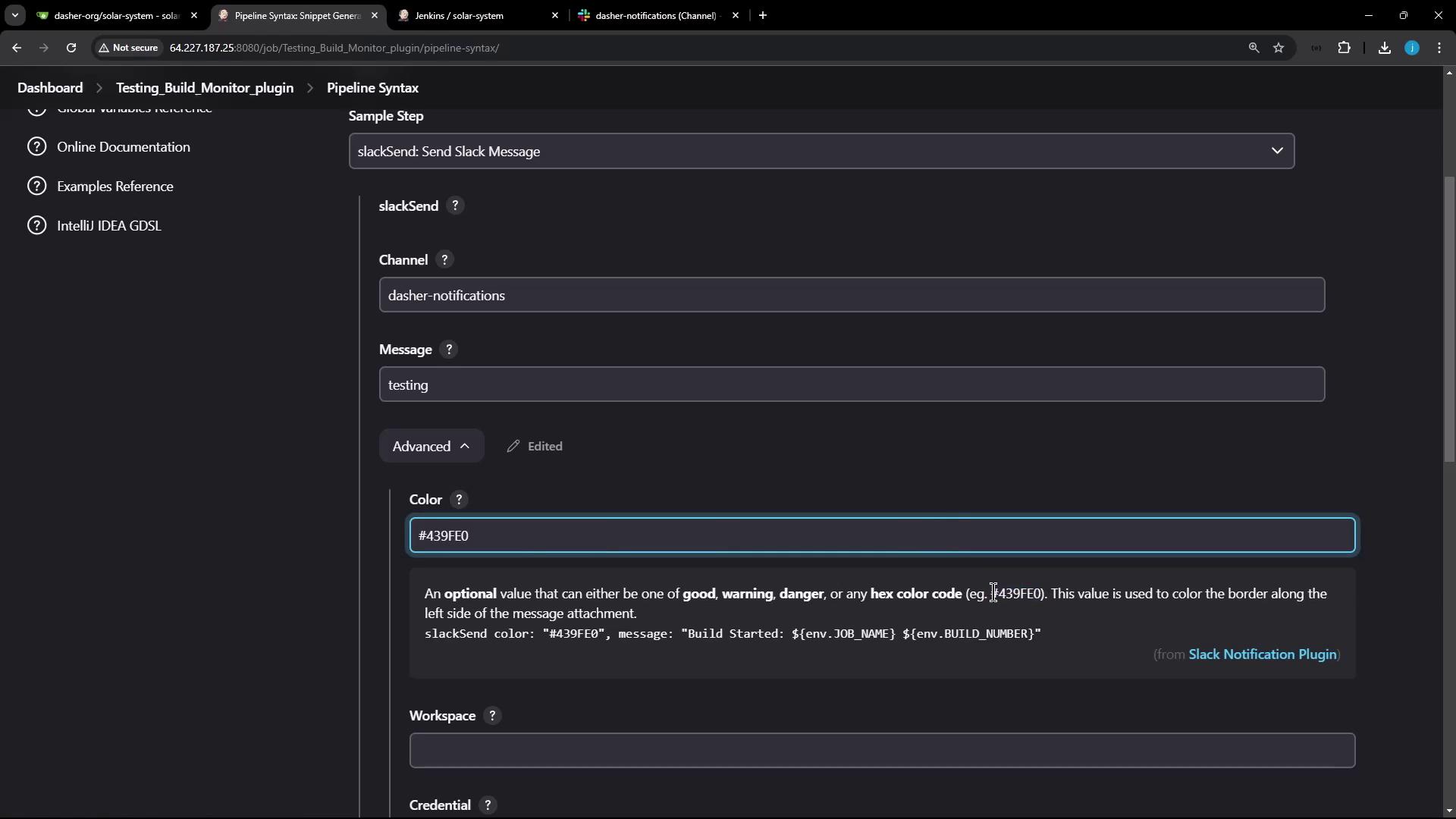
Ensure you have configured your Slack App and credentials in Jenkins Manage Credentials before using
slackSend.3. Why Reuse Is Better
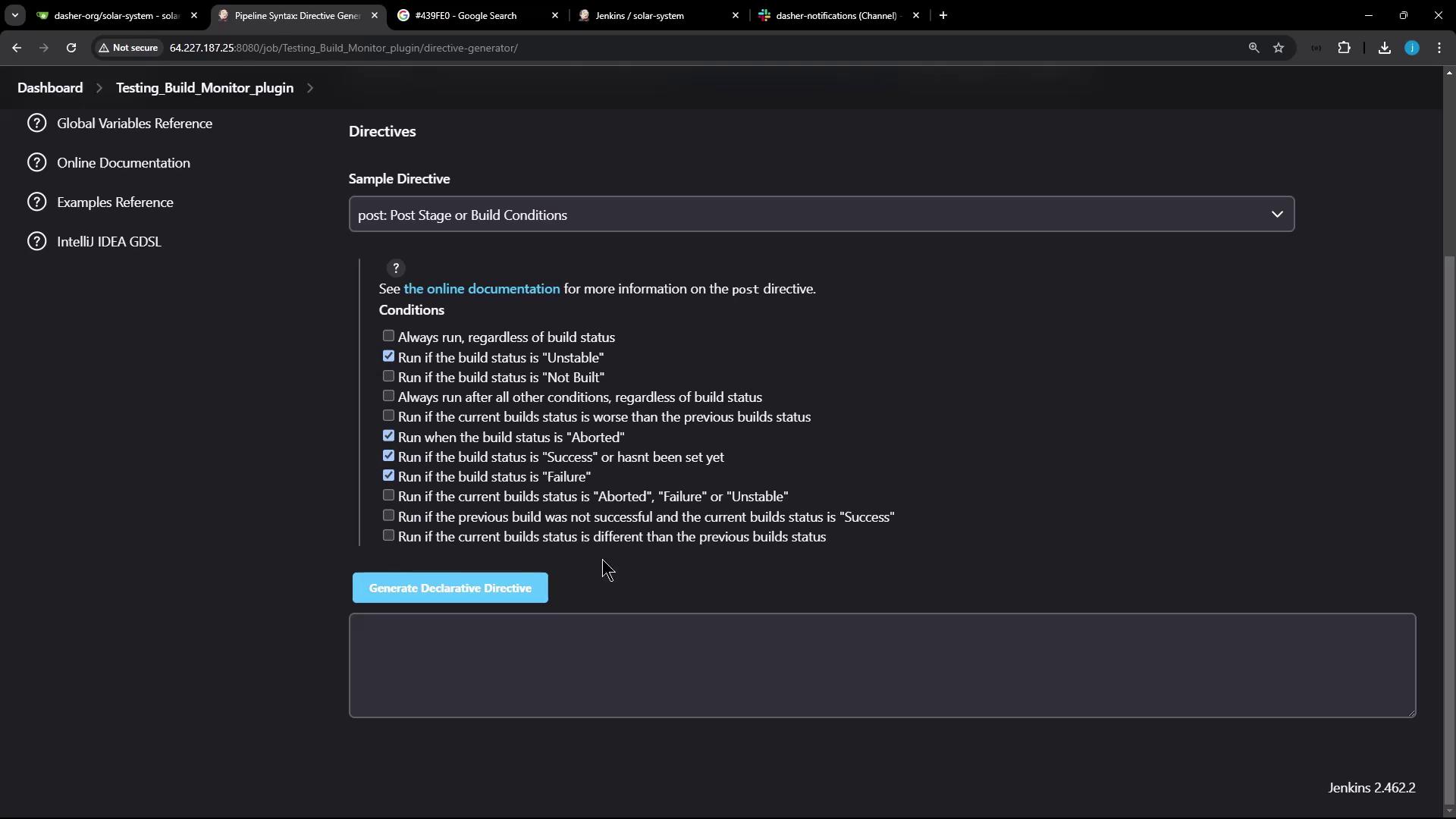
Adding identicalslackSend calls under every stage’s post block quickly becomes unwieldy:
4. Define a Reusable Slack Method
At the top of yourJenkinsfile, add:
Build Status Color Mapping
5. Update the Pipeline
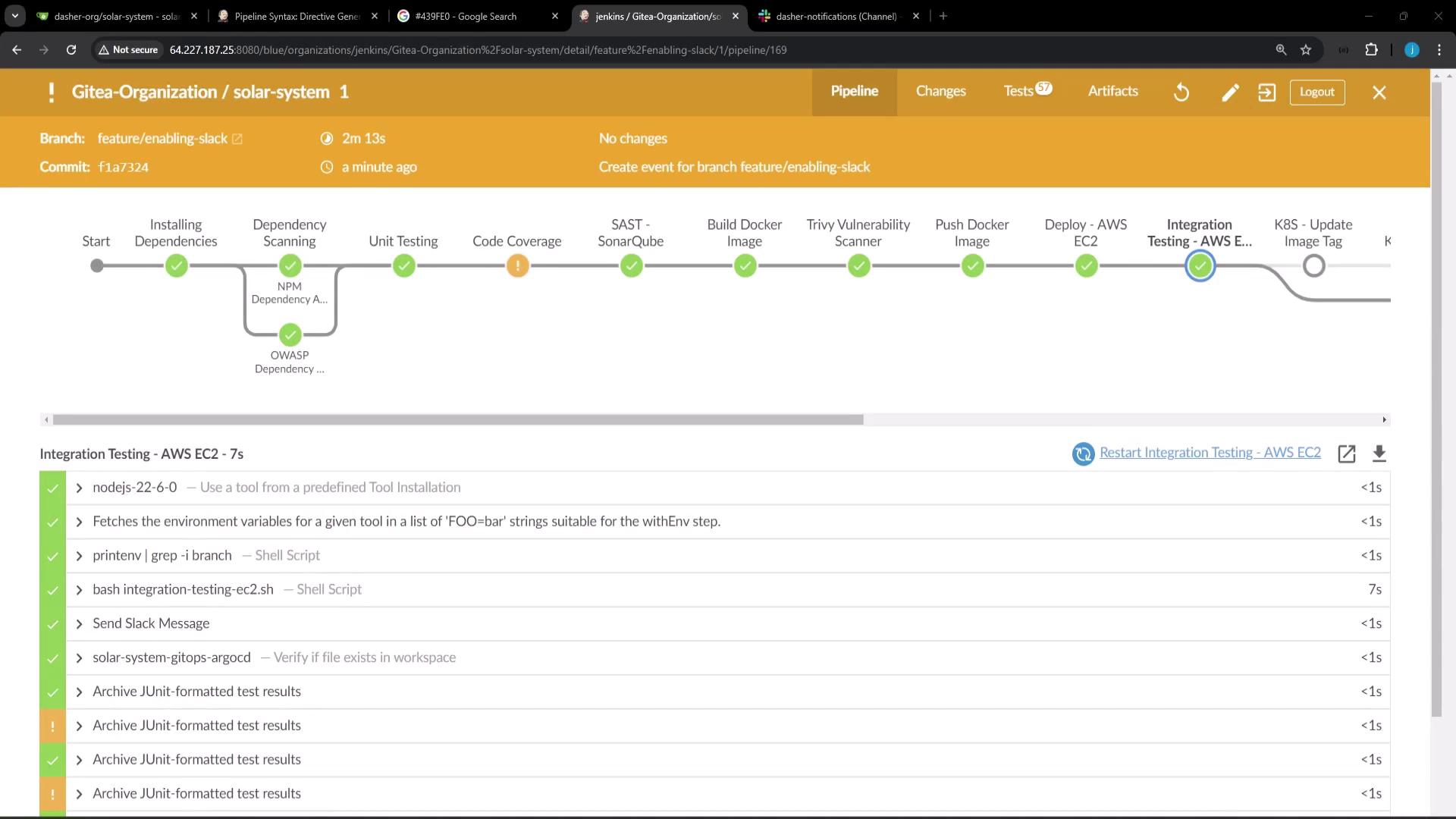
Use a singlepost { always { ... } } block:
6. Demonstrate Failure
Add a failing step to confirm a red alert:Never hardcode sensitive tokens in your
Jenkinsfile. Use Jenkins Credentials Binding for secure handling.7. Next Steps
To reuseslackNotification across multiple repositories, extract it into a Shared Library. This centralizes common pipeline logic and keeps your Jenkinsfile lean.