

Jenkins supports over 1,800 plugins, making it easy to connect with version control systems, build tools, testing frameworks, and cloud providers.
How Jenkins Works
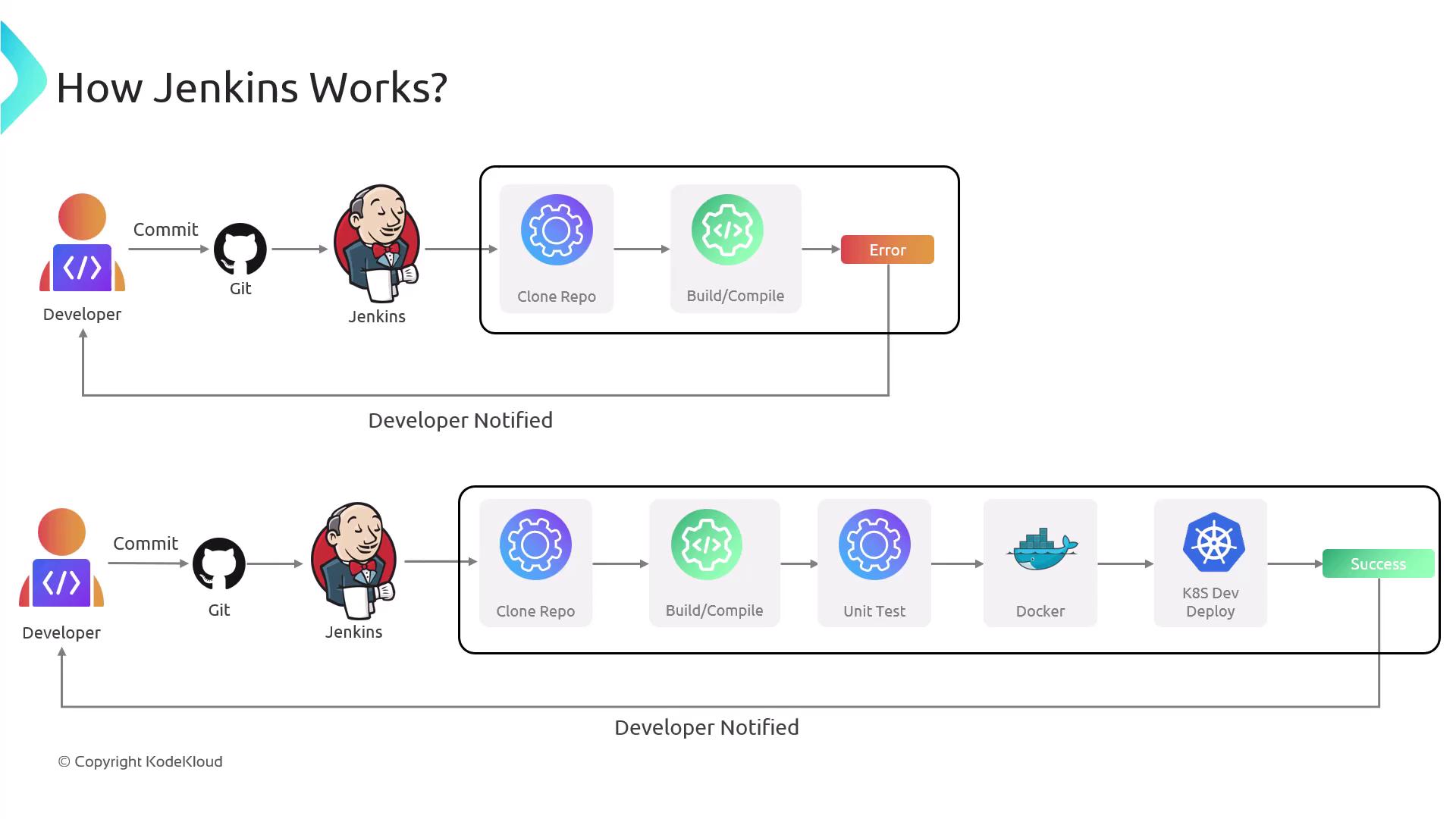
- Trigger
A developer pushes code changes to a Git repository (e.g., GitHub, GitLab, Bitbucket). - Detection
Jenkins polls the repository or listens for webhooks. - Checkout & Build
The server clones the latest code, compiles it, and runs unit tests. - Test & Report
If tests fail, Jenkins notifies the team via email, Slack, or other channels. - Deploy
On success, Jenkins can package the artifact into a Docker image and deploy it to a Kubernetes cluster or EC2 instance. - Feedback
Build and deployment statuses are displayed in the Jenkins UI and communicated back to the team.
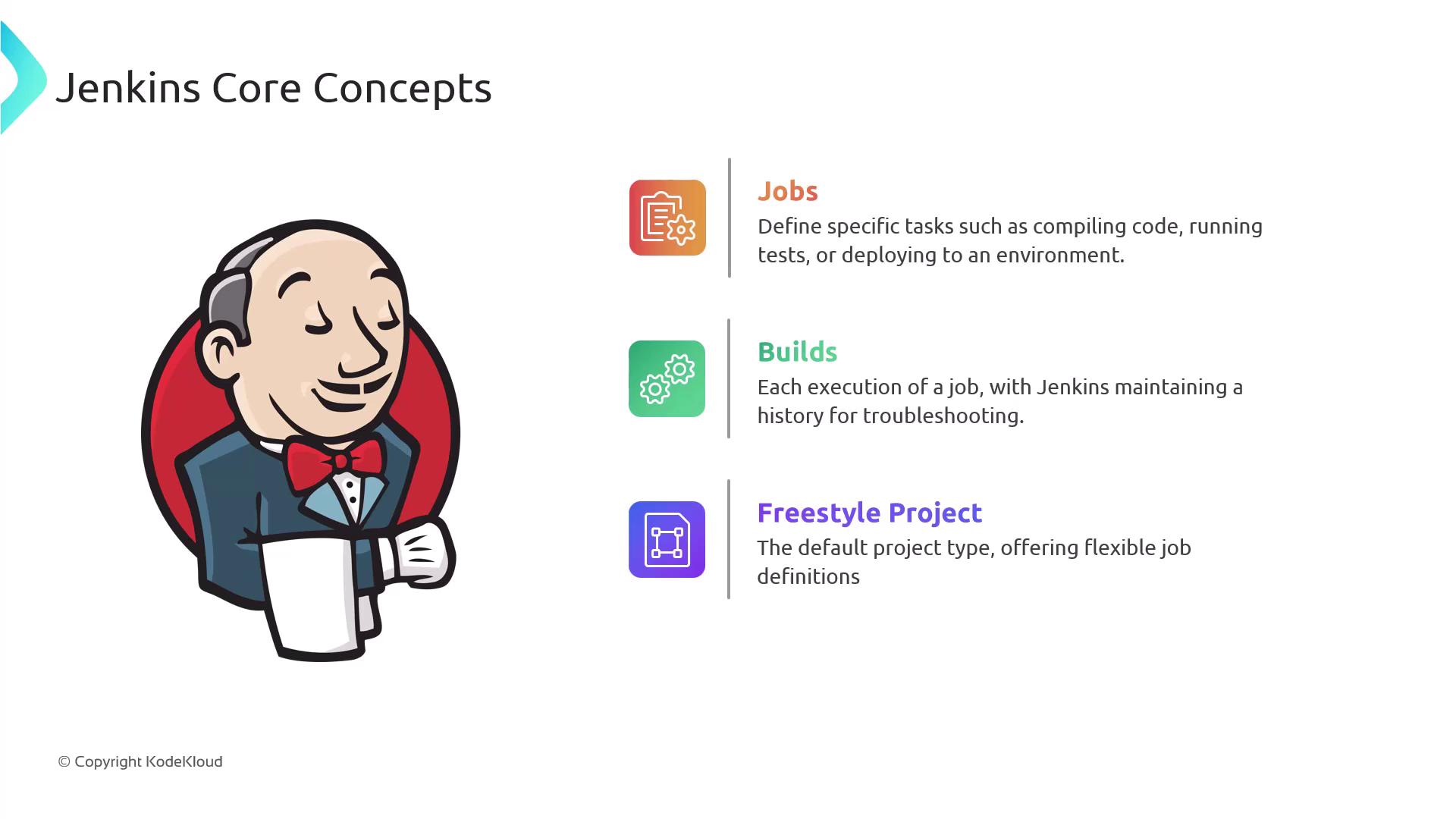
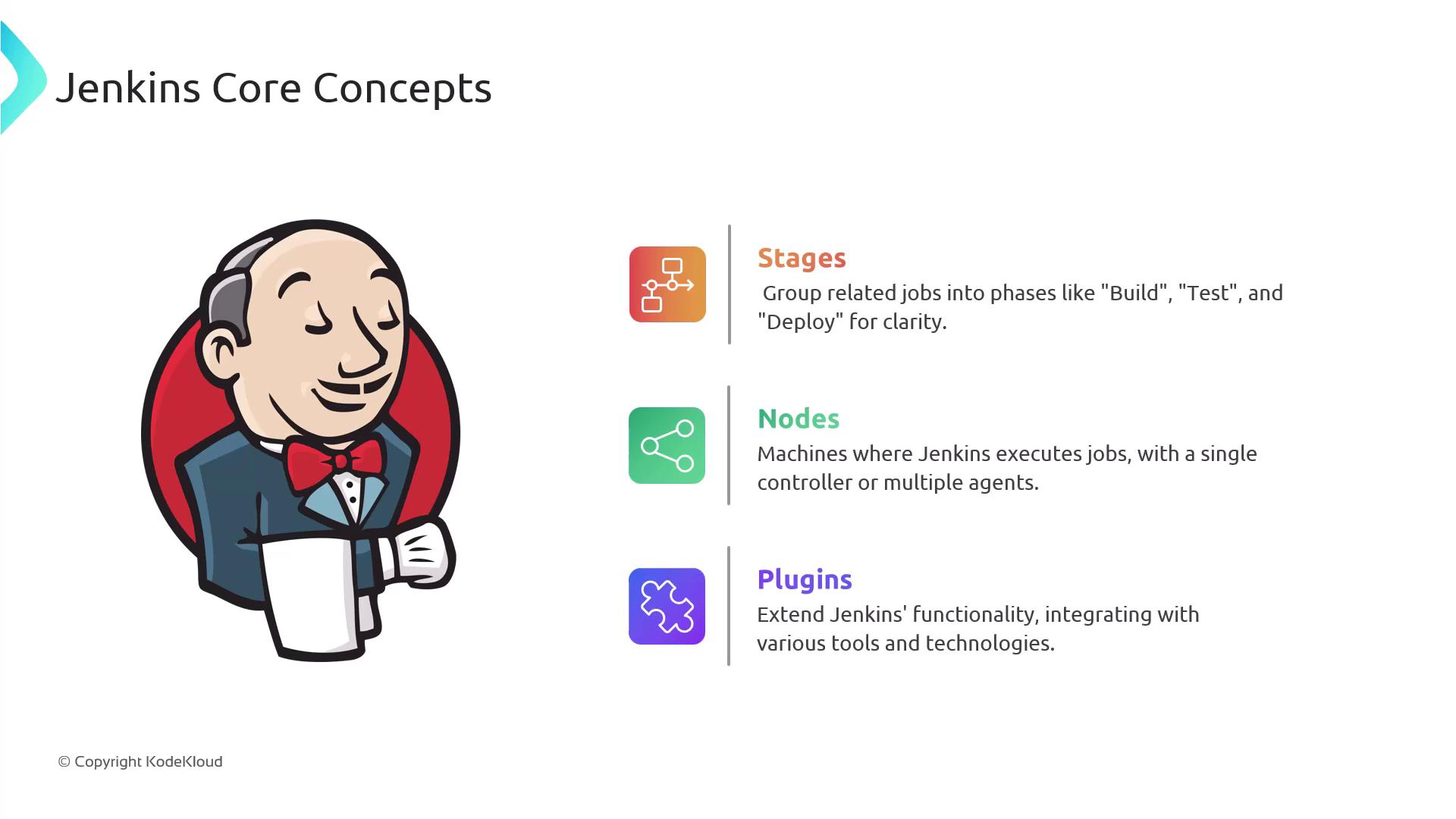
Core Concepts
Pros and Cons
Pros
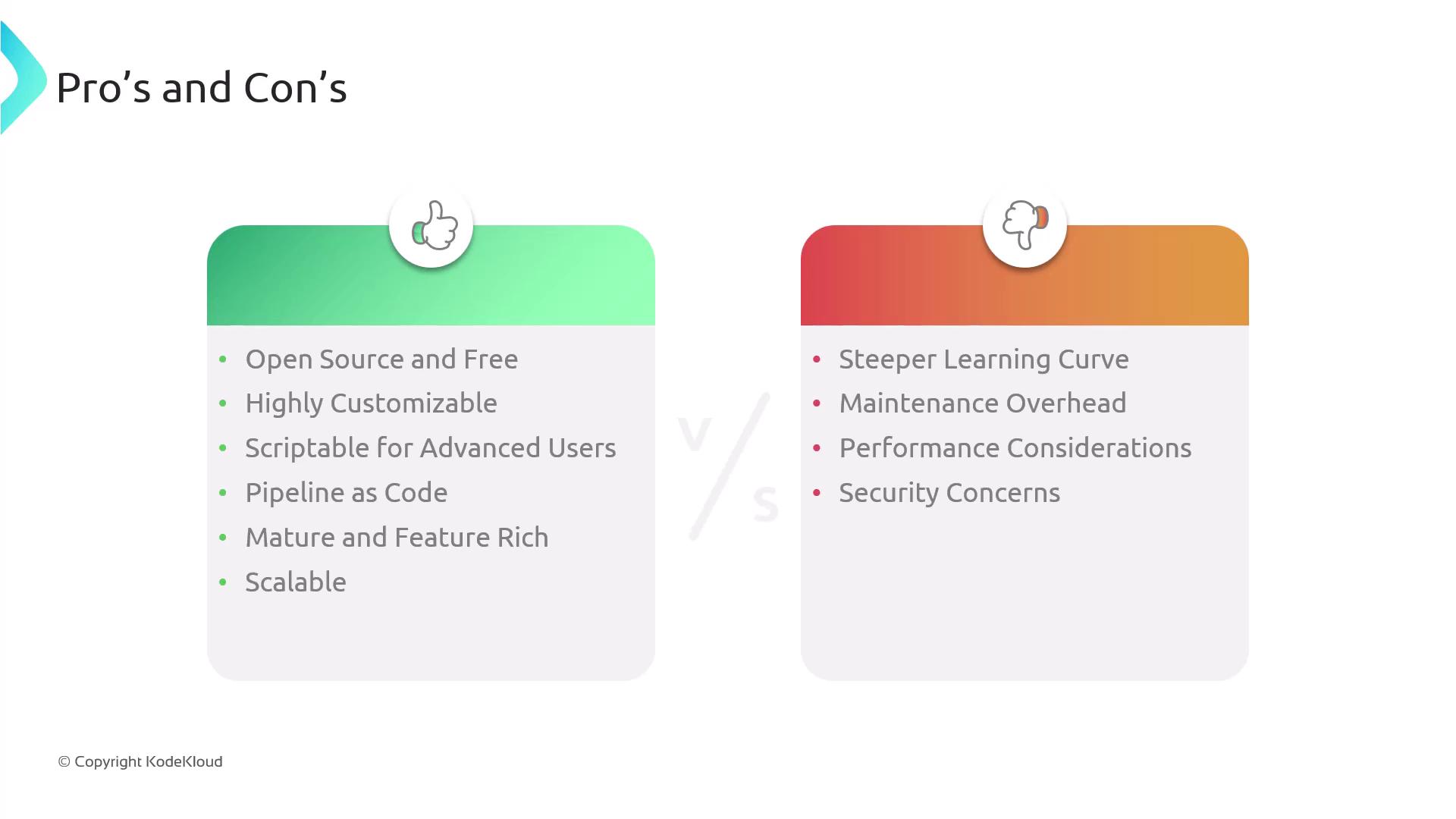
- Free and open-source with no licensing fees.
- Huge plugin ecosystem for SCM, containers, cloud, and testing.
- Pipeline as Code: Version-controlled
Jenkinsfilefor reproducible builds. - Customizable with Groovy scripts and shared libraries.
- Scalable through distributed agents and cloud-based executors.
- Rich reporting: parallel builds, artifacts, test results, and notifications.
Cons
- The UI and configuration options can be complex for new users.
- Requires regular maintenance—core updates and plugin compatibility checks.
- A single server may become a bottleneck; additional agents are needed for heavy workloads.
- Security is user-managed: choose trusted plugins, apply patches, and enforce role-based access.
- Unlike hosted solutions (e.g., GitHub Actions, GitLab CI/CD), you handle hosting and scalability.
Ensure you follow security best practices: upgrade Jenkins regularly, limit plugin installations, and configure proper access controls.
Further Reading & References
- Jenkins Official Documentation
- Jenkins Pipeline Syntax
- Continuous Integration with Jenkins
- Docker Hub
- Kubernetes Documentation
- Terraform Registry