

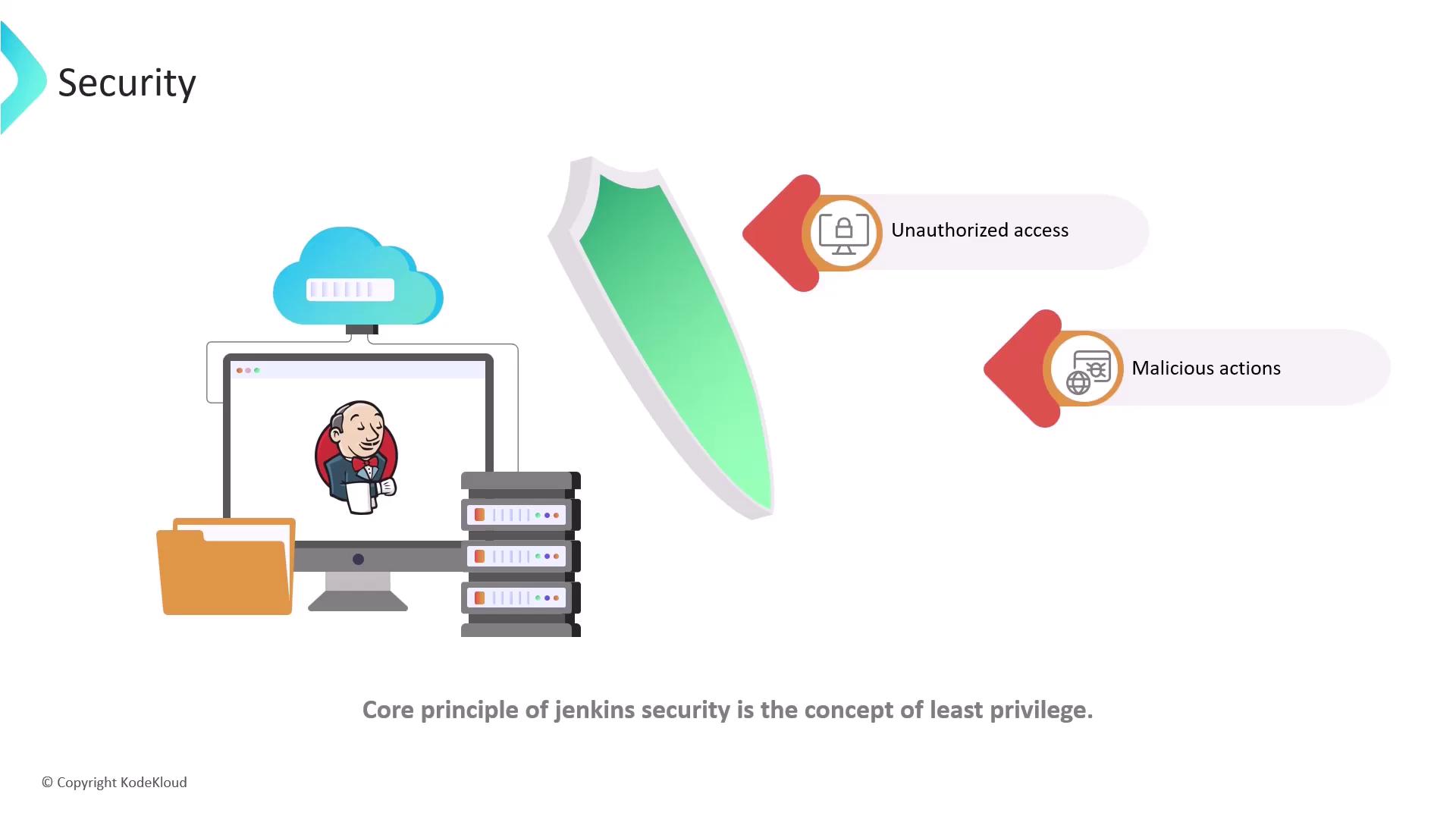
Least privilege reduces your attack surface. Always review permission assignments regularly and audit access logs.
Authentication vs. Authorization
Authentication confirms a user’s identity (e.g., username/password, API token), while authorization controls access to resources and actions once authenticated.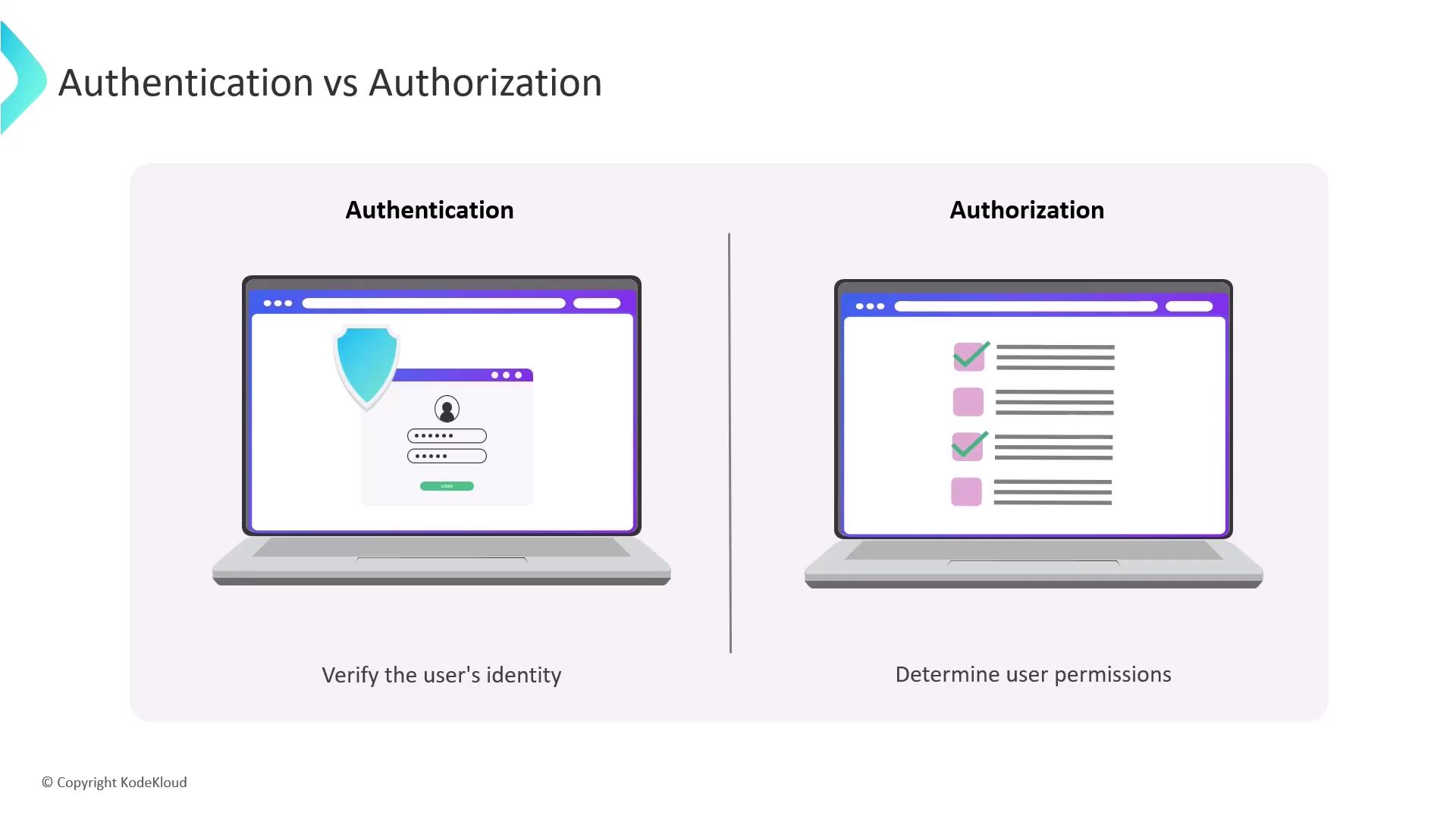
- Authentication: Presenting your ID at a hotel front desk.
- Authorization: Receiving a room key that opens only your assigned room.
Jenkins Authentication Methods
Jenkins integrates with various identity providers to authenticate users: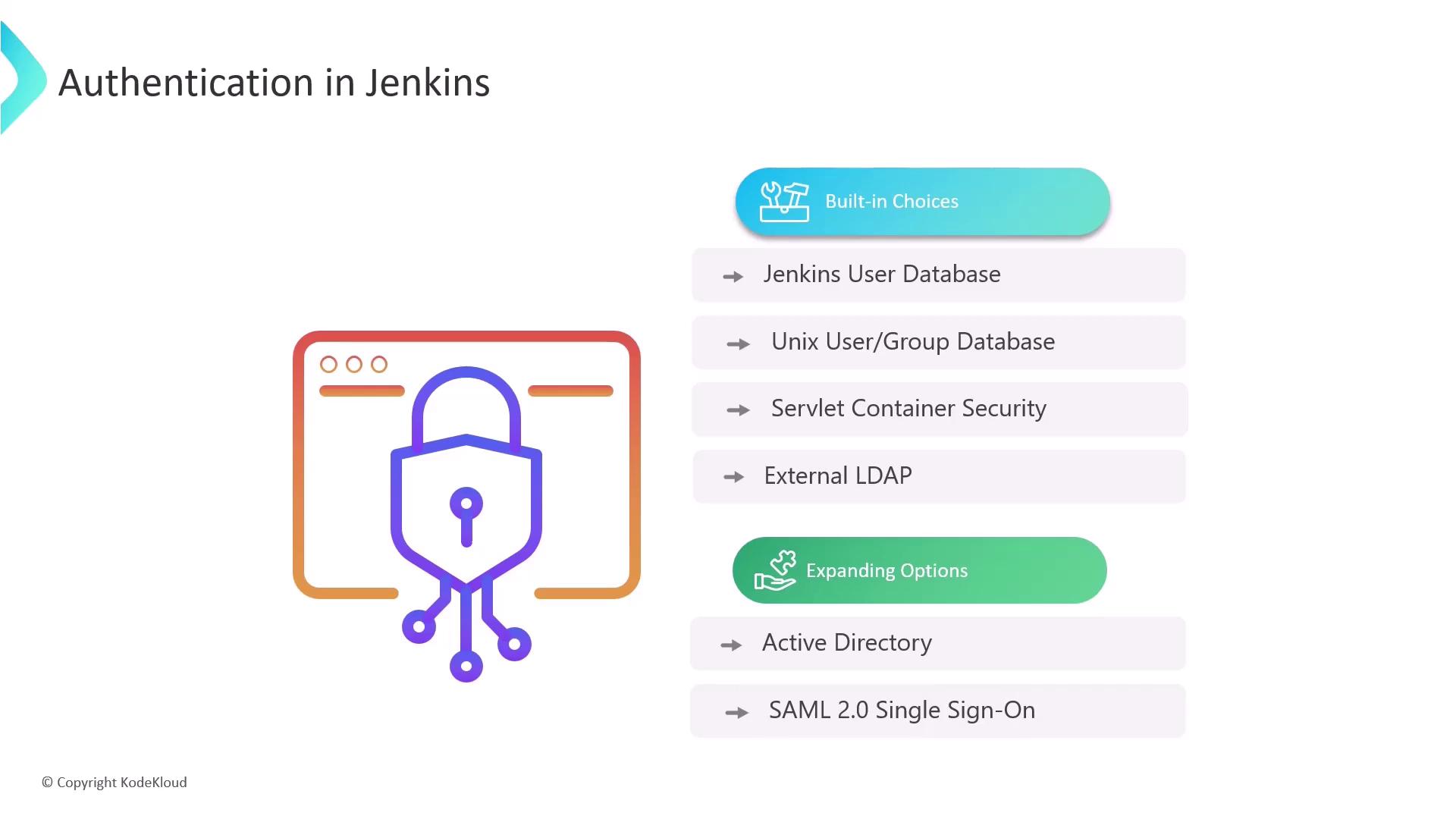
Selecting the Right Authentication
For small teams, Jenkins’ internal user database is often sufficient. In larger organizations, integrating with LDAP or Active Directory streamlines user management and enforces corporate policies.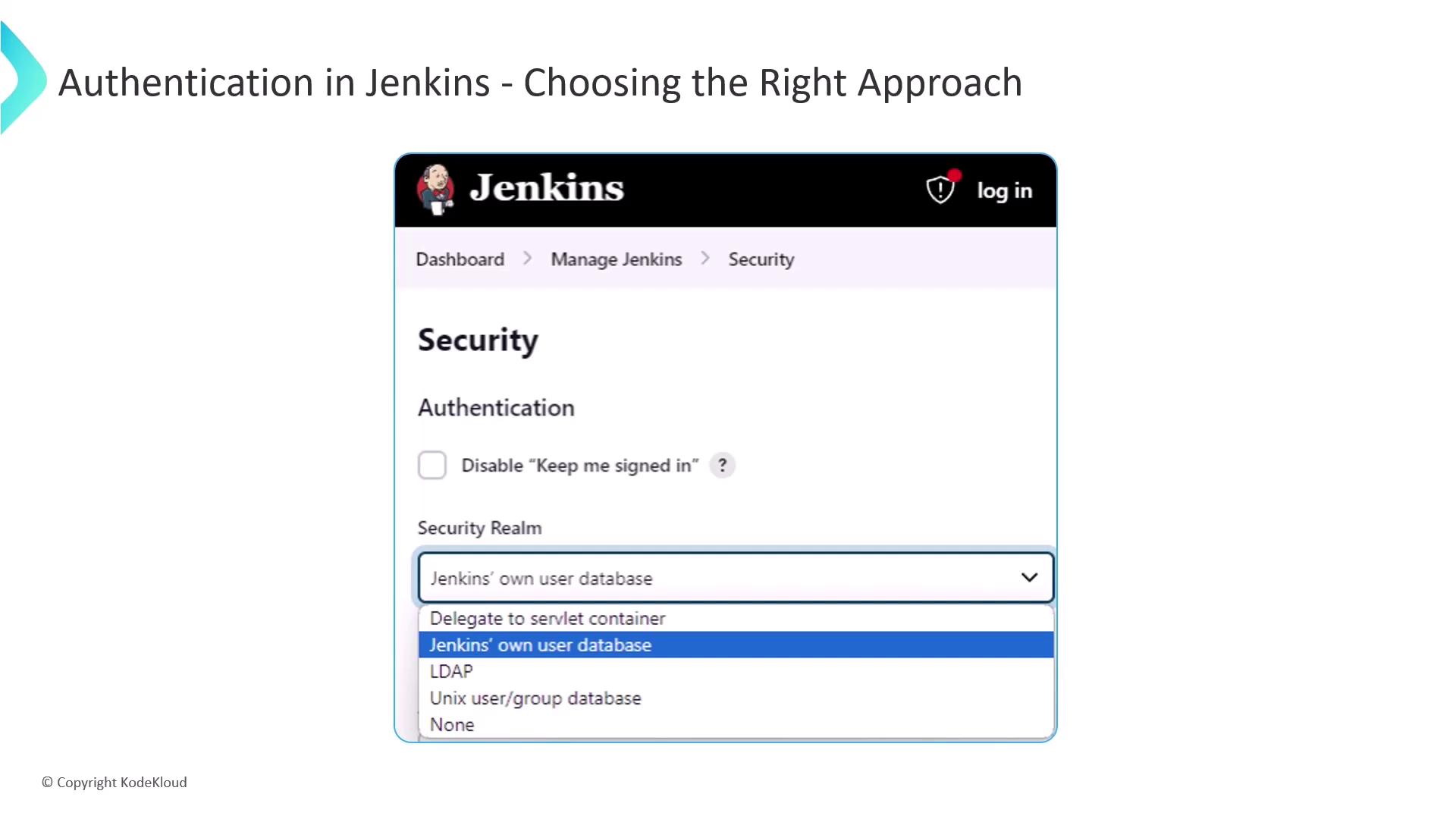
Authorization Strategies in Jenkins
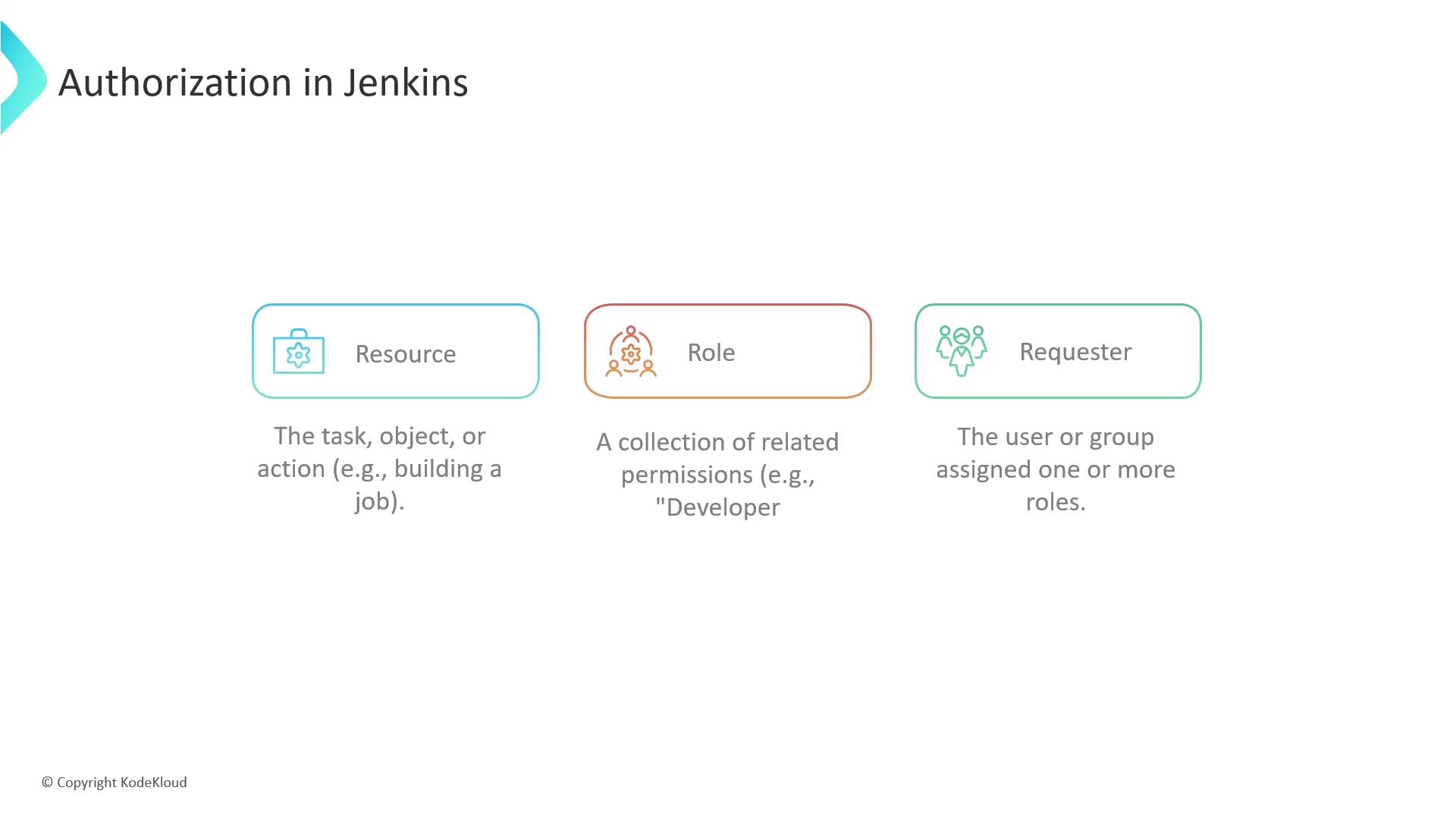
Authorization dictates what authenticated users can access and modify. It involves three key elements:- Resource: The target of an operation (e.g., build job, delete credentials).
- Role: A set of permissions grouped for convenience (e.g., Developer role with build and read rights).
- Requester: The user or group assigned roles for specific resources.
Grant permissions conservatively. Avoid assigning administrative rights unless explicitly required.
Matrix-Based Security
Global matrix security allows you to define permissions at the Jenkins system level. Permissions are arranged in a tabular view with resources across the top and users/groups down the side.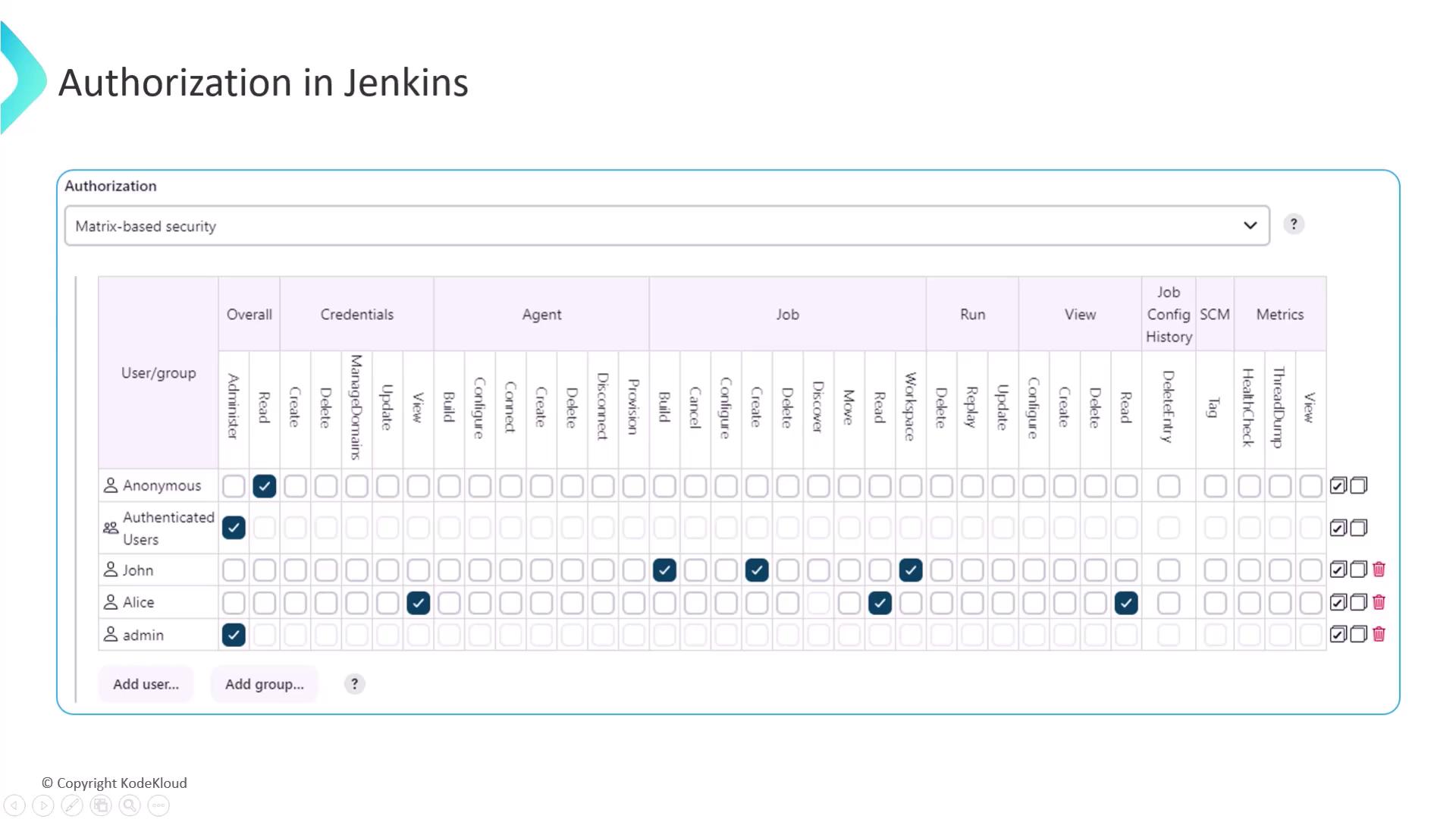
Project-Based Matrix Authorization
For advanced use cases, enable per-project authorization to assign different permission sets to individual pipelines or folders. This strategy isolates access and limits the scope of each role.Links and References
- Jenkins Authentication Documentation
- Jenkins Authorization Strategies
- Role-Based Access Control Plugin
- LDAP Plugin for Jenkins