

curl commands, JSON/XML endpoints, and Jenkins API tokens.
Key Jenkins REST API Endpoints
1. Retrieving the List of Jobs
Fetch all jobs in JSON and limit the fields with thetree parameter to minimize payload:
tree=jobs[name] query reduces the JSON to just the name field of each job.
2. Retrieving Job Details
Query a specific job’s API endpoint with authentication. Usingjq formats the JSON:
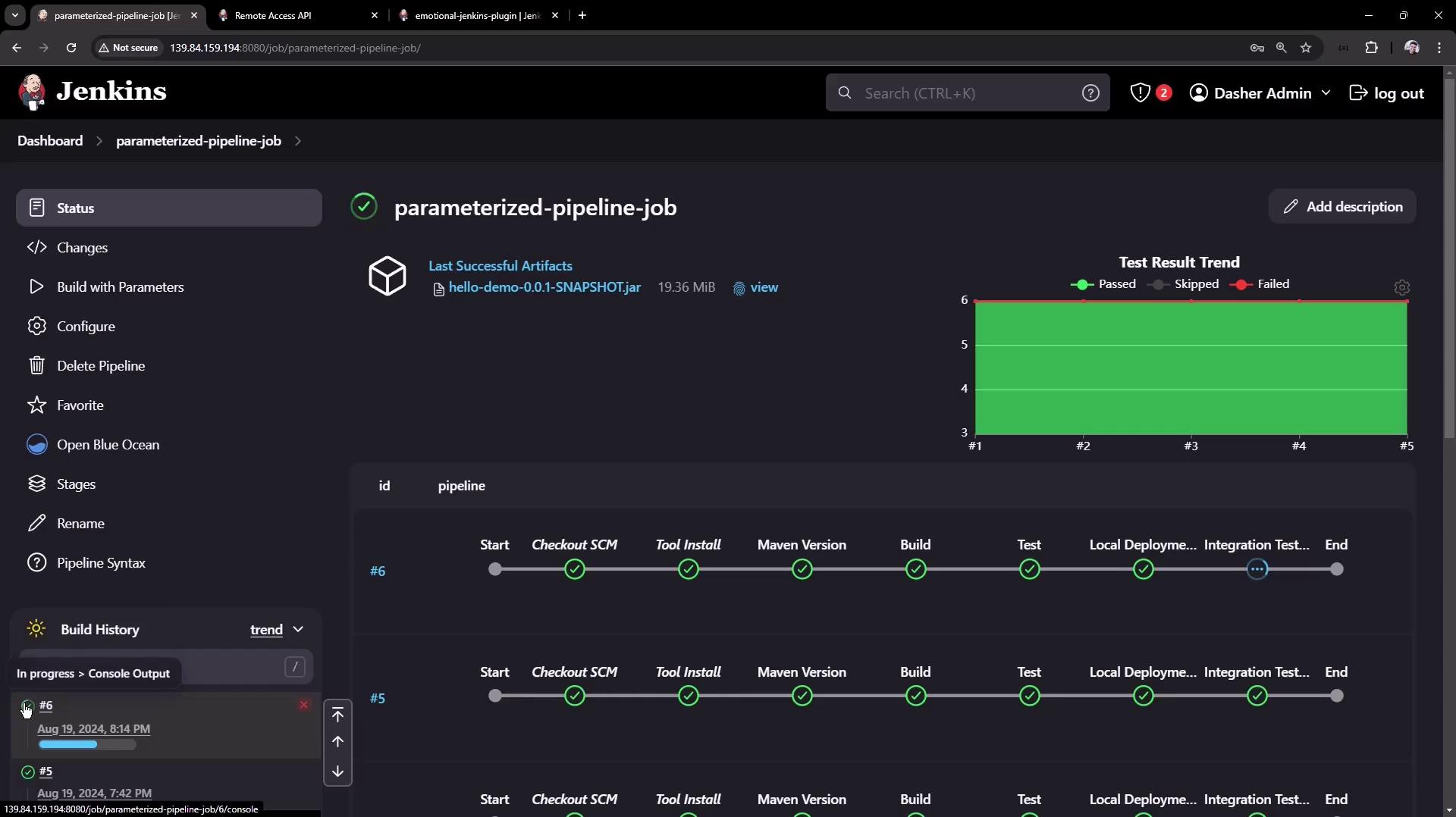
3. Triggering a Build with Parameters
Use thebuildWithParameters endpoint to start a parameterized job. Always use the POST method:
If Jenkins enforces CSRF protection, you will receive a
403 No valid crumb error unless you include a valid crumb header.3.1 Obtaining and Using a Crumb
-
Fetch the crumb from Jenkins:
-
Include the crumb in your build request:
4. Installing a Plugin via REST API
You can install plugins by posting an XML payload to theinstallNecessaryPlugins endpoint.
Always authenticate using an API token and set
Content-Type: text/xml when sending XML payloads.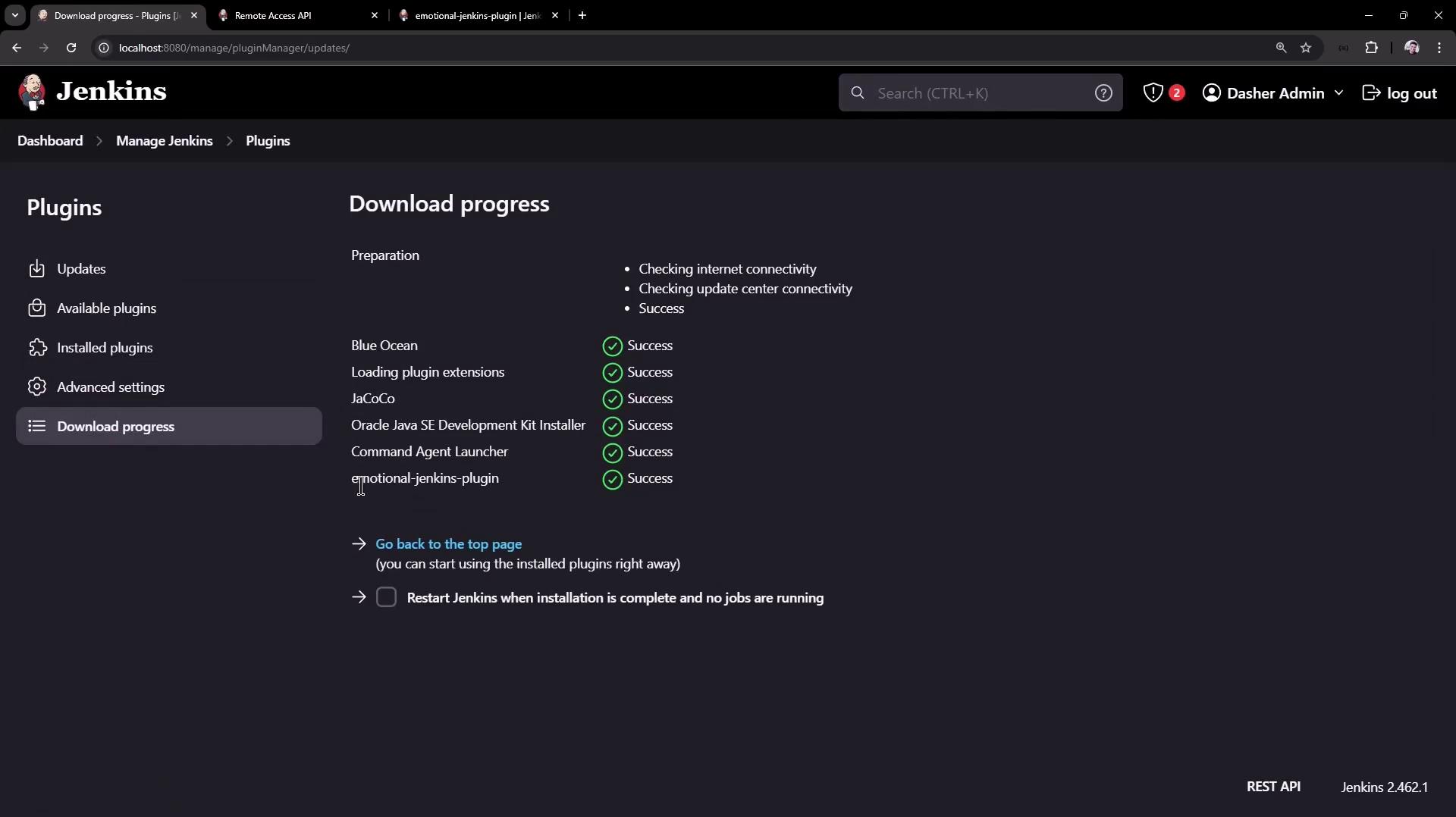
Conclusion
In this article, you have learned how to:- List and filter jobs using the Jenkins REST API
- Retrieve detailed metadata for a given job
- Trigger parameterized builds, handling CSRF crumbs
- Install and manage Jenkins plugins programmatically