In this guide, you’ll learn how to configure Jenkins to use SSH key–based authentication for its CLI, replacing the default HTTP basic auth. This approach is more secure and integrates seamlessly with your existing SSH infrastructure.

Prerequisites

1. Discovering the Jenkins SSH Endpoint

Jenkins exposes its CLI over SSH on a configurable port. To find the SSH endpoint before enabling it, query the /login endpoint:
By default, the SSH server is disabled in Jenkins, so you won’t see the X-SSH-Endpoint header until it’s enabled.
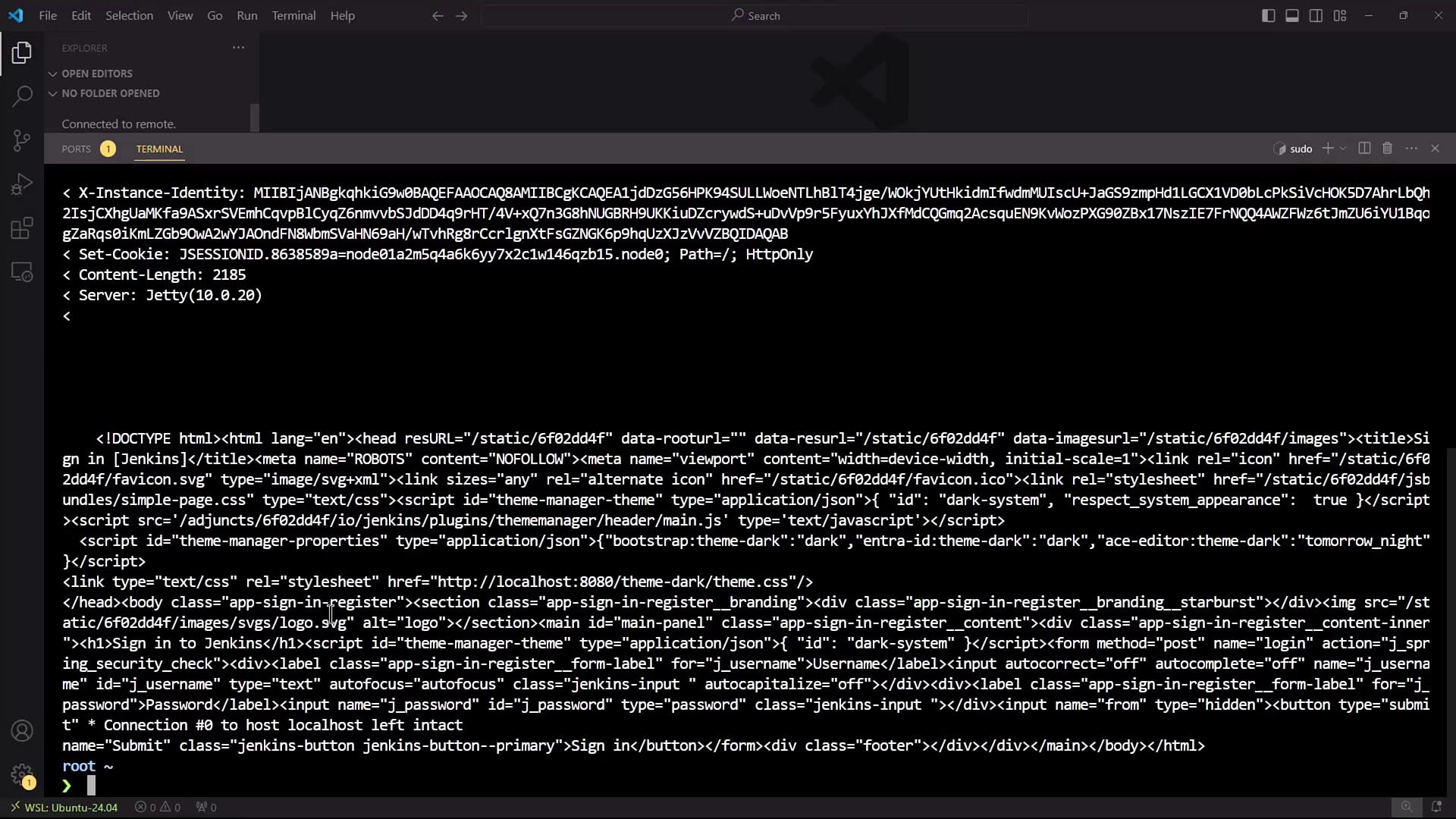
The image shows a terminal window displaying HTTP response headers and HTML code, likely from a web server or application. The environment appears to be a code editor with a dark theme.

2. Enabling the Jenkins SSH Server

  1. In Jenkins, go to Manage JenkinsConfigure Global Security.
  2. Locate the SSH Server section and enable the SSH port. You can select Random or enter a fixed port (e.g., 2222).
  3. Click Apply to save changes.
If you choose a fixed port, make sure it’s open in your firewall and not in use by another service.
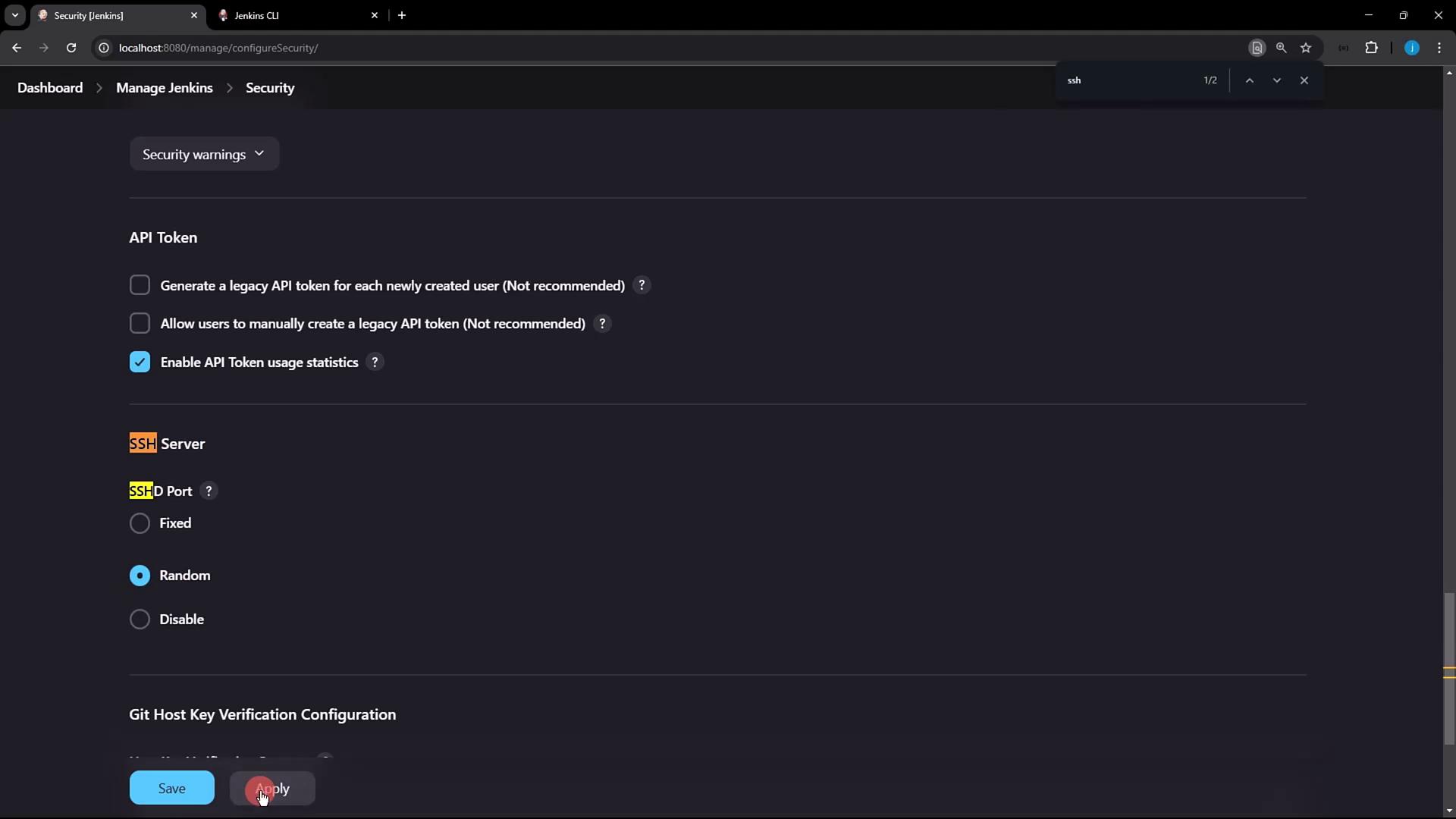
The image shows a Jenkins security configuration page with options for API token settings and SSH server configurations. The "Enable API Token usage statistics" option is checked, and the SSH port is set to "Random."
After applying, rerun the curl command:
You should now see output similar to:
The SSH server is listening on port 4397.

3. Generating and Registering Your SSH Key

3.1 Generate an SSH Key Pair

If you don’t already have an SSH key, generate one:
Press Enter to accept the default file location (~/.ssh/id_rsa) and leave the passphrase empty if you prefer. Then display your public key:

3.2 Add Your Public Key in Jenkins

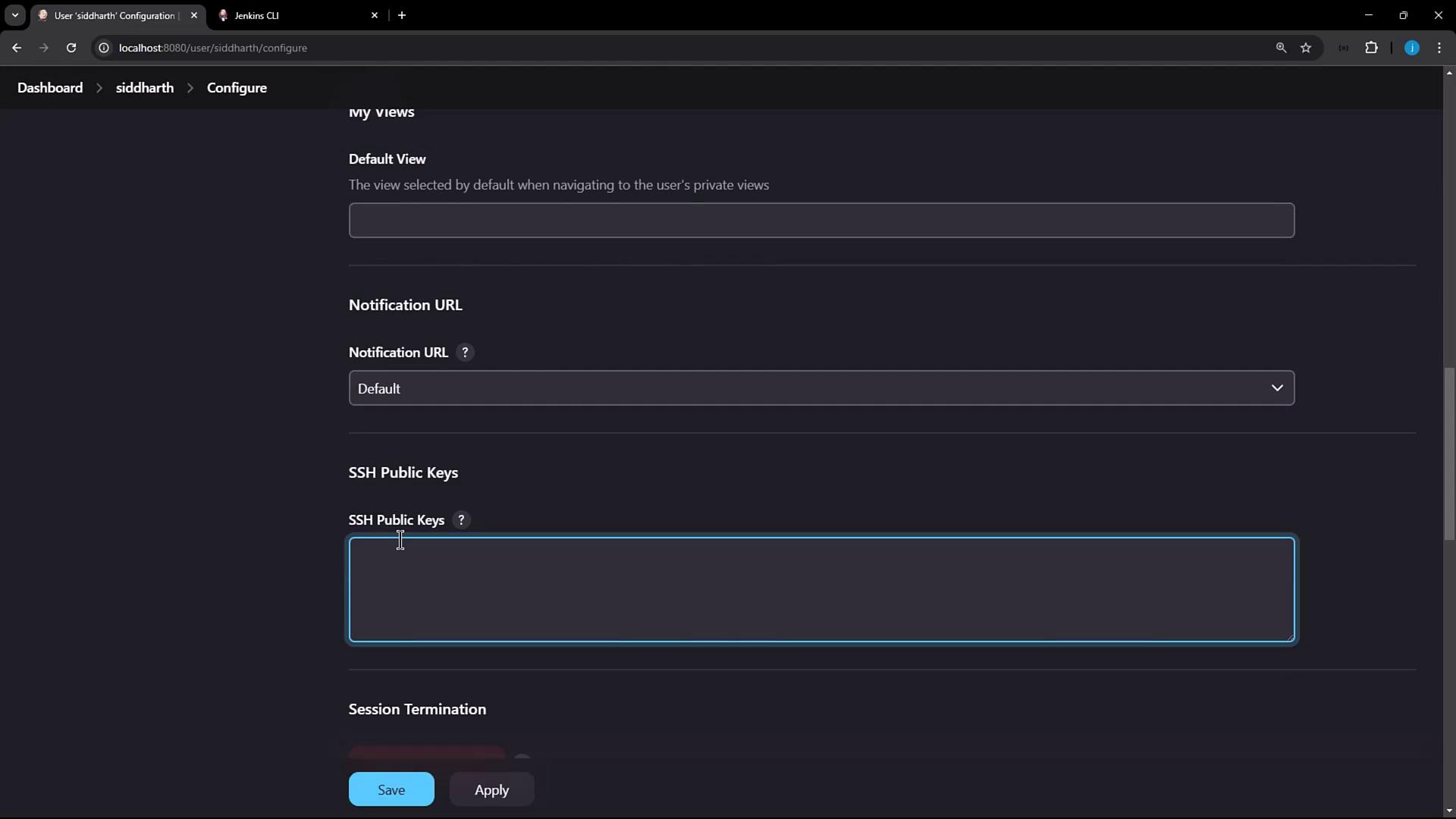
  1. Click your Jenkins user name (e.g., siddharth) → Configure.
  2. Scroll to the SSH Public Keys section.
  3. Paste the contents of ~/.ssh/id_rsa.pub into the text box.
  4. Click Apply.
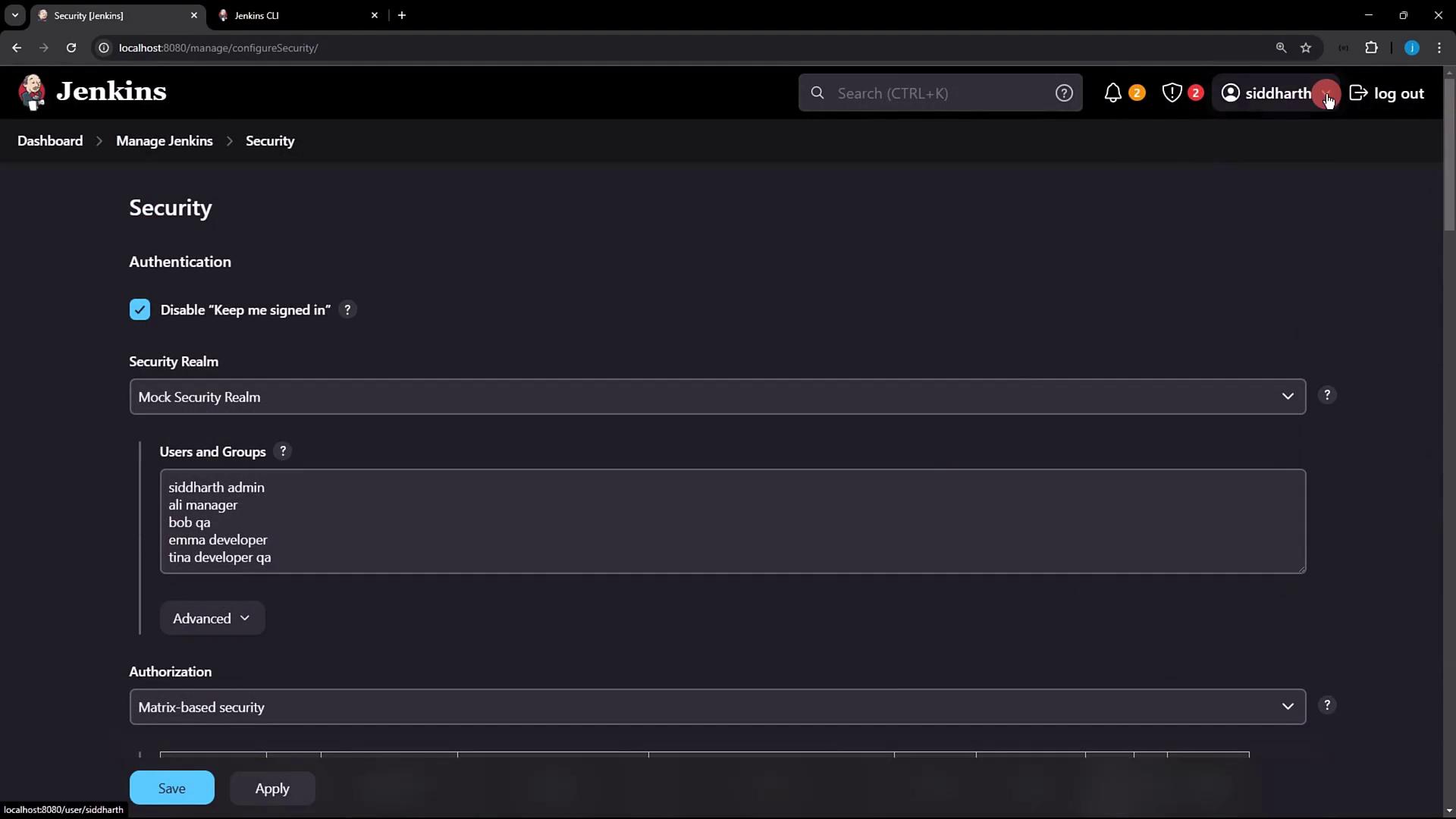
The image shows a Jenkins security configuration page with options for authentication and authorization, listing users and groups with roles.
The image shows a configuration page from a Jenkins user interface, featuring fields for default view, notification URL, SSH public keys, and session termination options.

4. Connecting to Jenkins via SSH

Now that your public key is registered, connect to Jenkins over SSH and run CLI commands. Replace 4397 with the port reported by X-SSH-Endpoint:
Sample output:

5. Using SSH Mode with the Jenkins CLI JAR

You can also invoke SSH mode directly via jenkins-cli.jar. For full details, see the Jenkins CLI documentation.
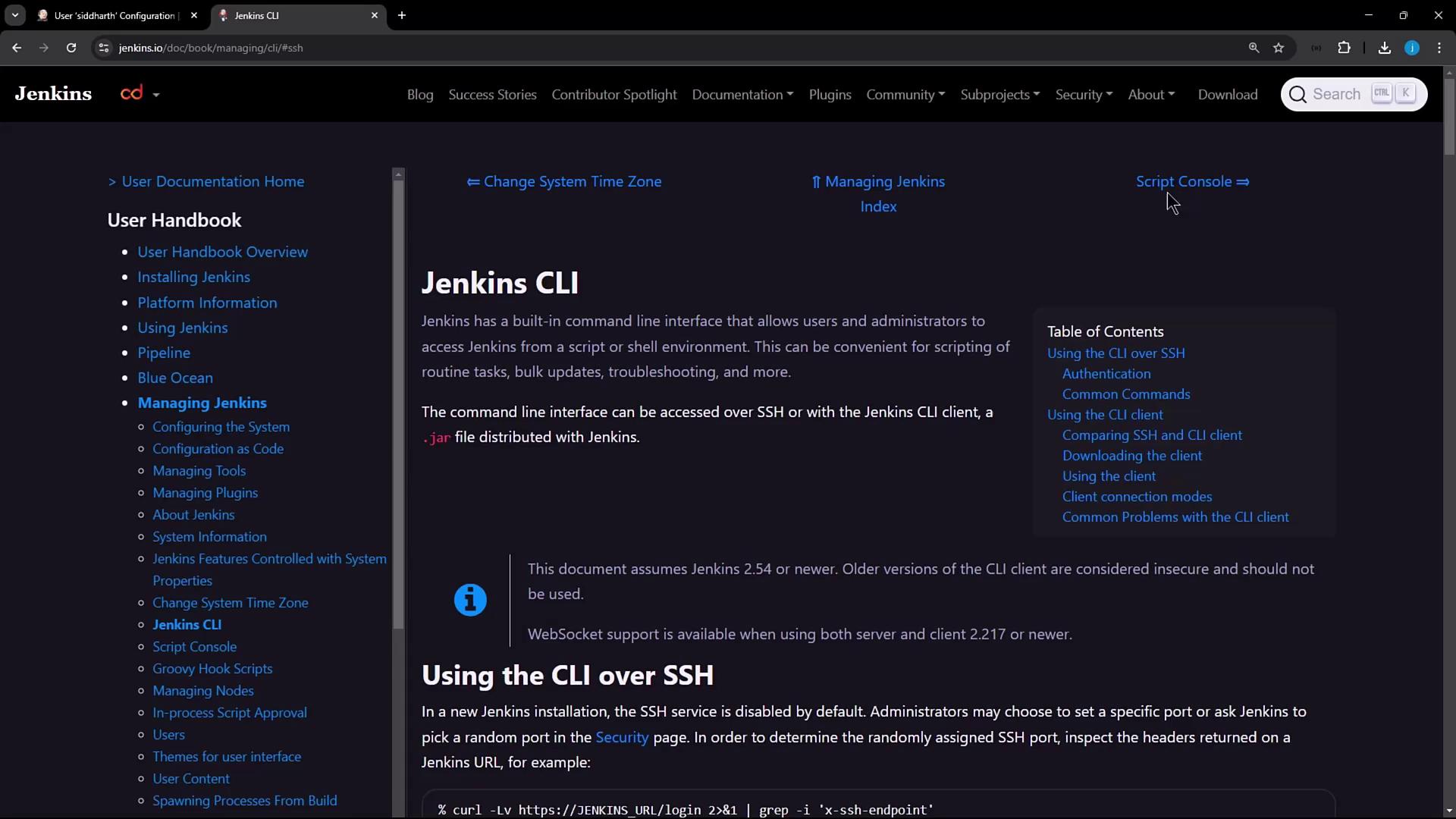
The image shows a webpage from the Jenkins documentation, specifically about the Jenkins CLI (Command Line Interface). It includes navigation links on the left and a table of contents on the right.
Example—list jobs over SSH:
Expected output:
This confirms that authentication is performed via your SSH key pair instead of HTTP basic auth.

Authentication Methods Comparison

References

Watch Video