

- Deploying to AWS EC2 VMs
- Running integration tests
- Opening a pull request for Kubernetes via Argo CD
- Performing a DAST scan with OWASP ZAP
main branch, we’ll pause for an admin’s go‐ahead, update Lambda configuration, and run function tests. All stages trigger only on new pushes to main.
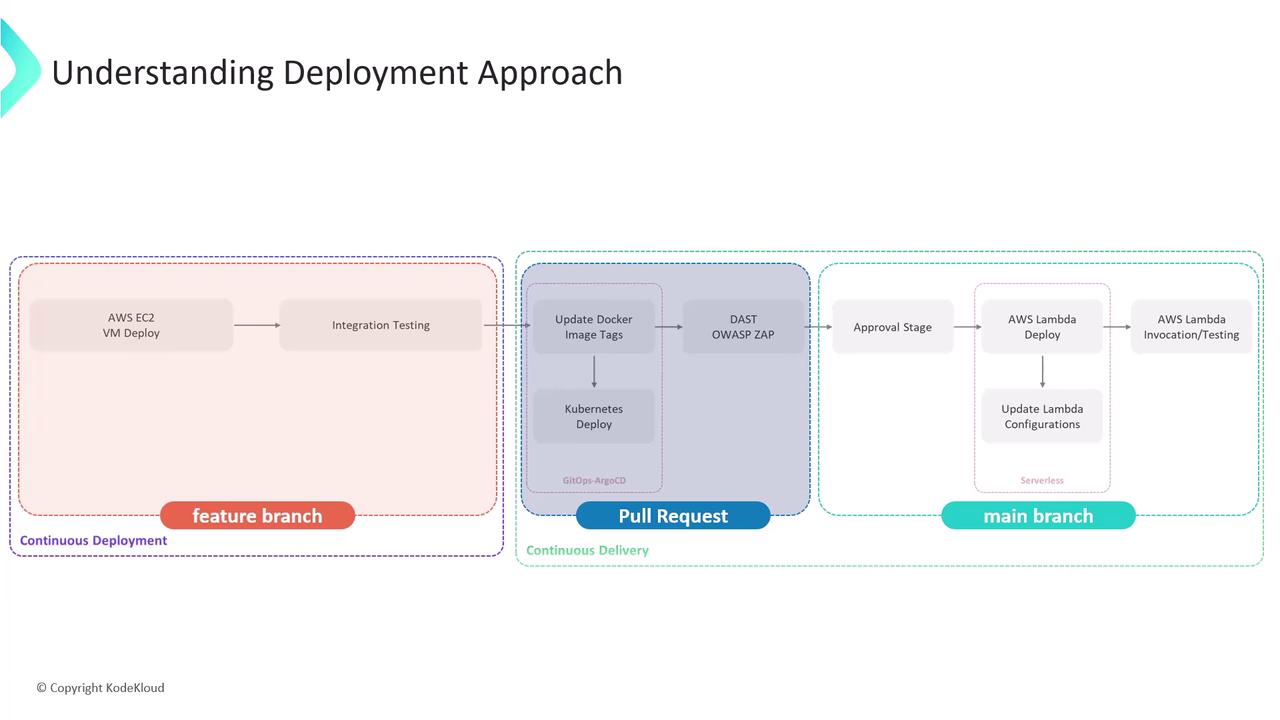
1. Add a Manual Approval Stage in Jenkinsfile
Edit your Jenkinsfile on the feature branch. After the AWS S3 upload, insert aDeploy to Prod? stage that runs only on main and waits up to one day for an admin to confirm.
1.1. Current CI Stages
The
post { always { … } } block runs regardless of build outcome—ideal for reporting.1.2. New Approval Stage
The
submitter: 'admin' line restricts approval to users in the admin group.2. Testing the Approval Mechanism
- Commit and push your updated Jenkinsfile.
- Open a pull request, merge it into
main. - Jenkins will start a fresh pipeline on
main.
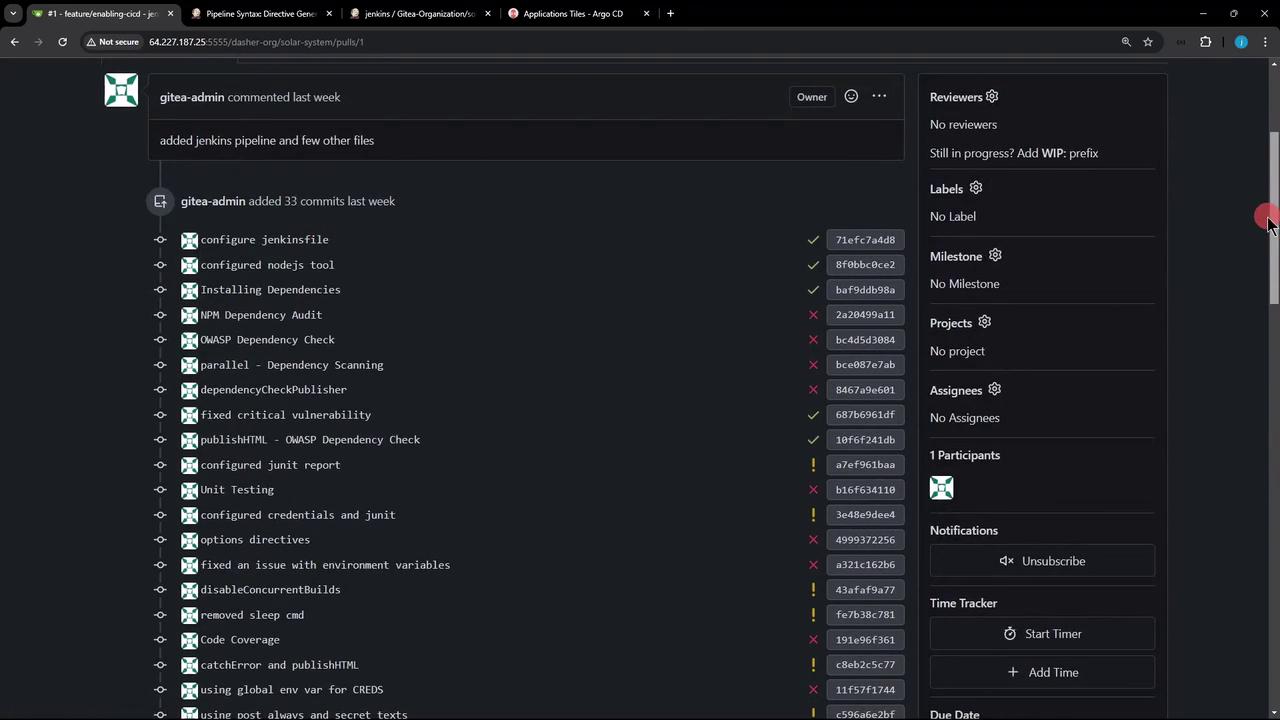
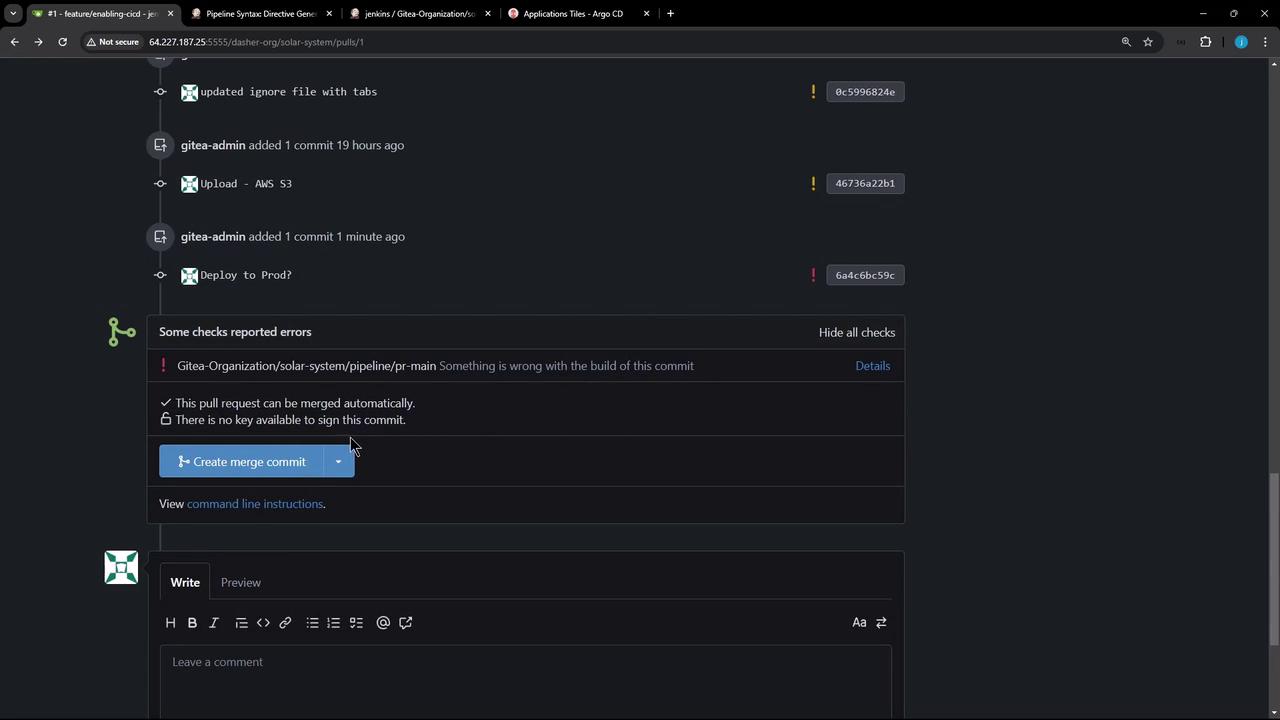

3. Adjusting Stage Conditions for AWS S3
If you’d like the AWS S3 upload to run on both PRs andmain, update the when clause:
allOf/anyOf logic:
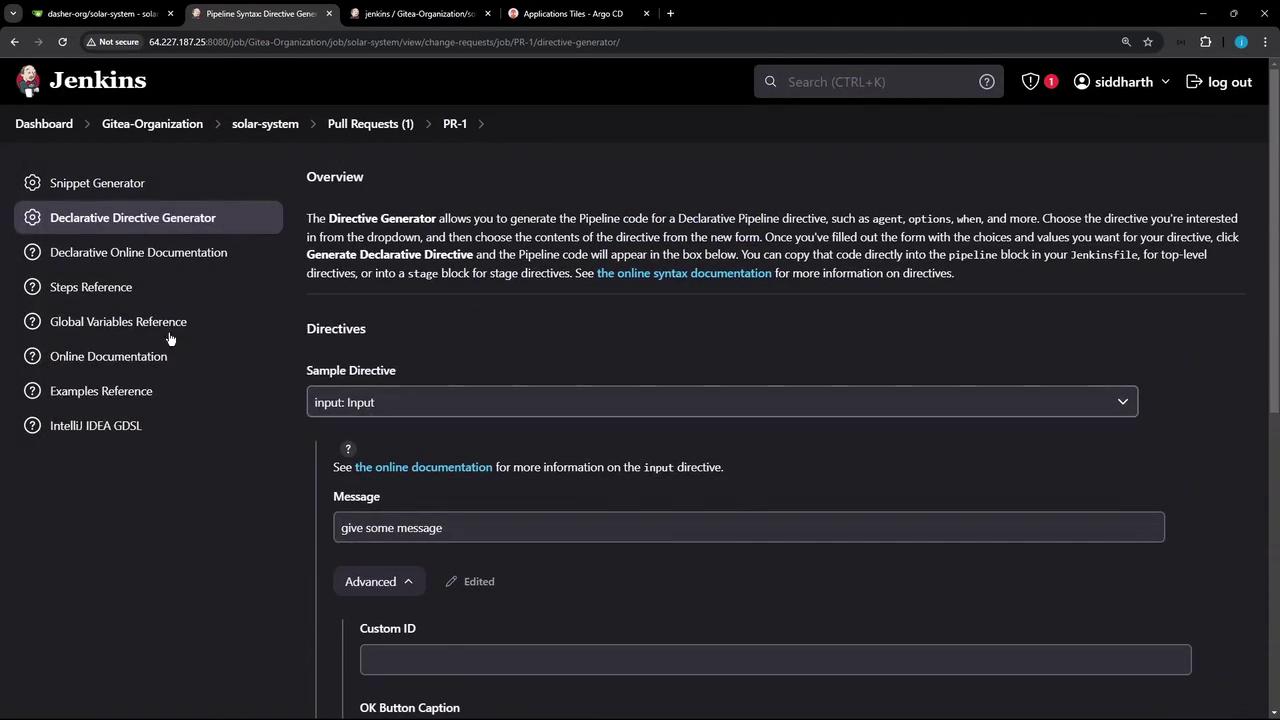
4. Verifying Submitter Restrictions
Our security uses a mock realm with matrix-based authorization. The admin group has full rights; developers are read-only: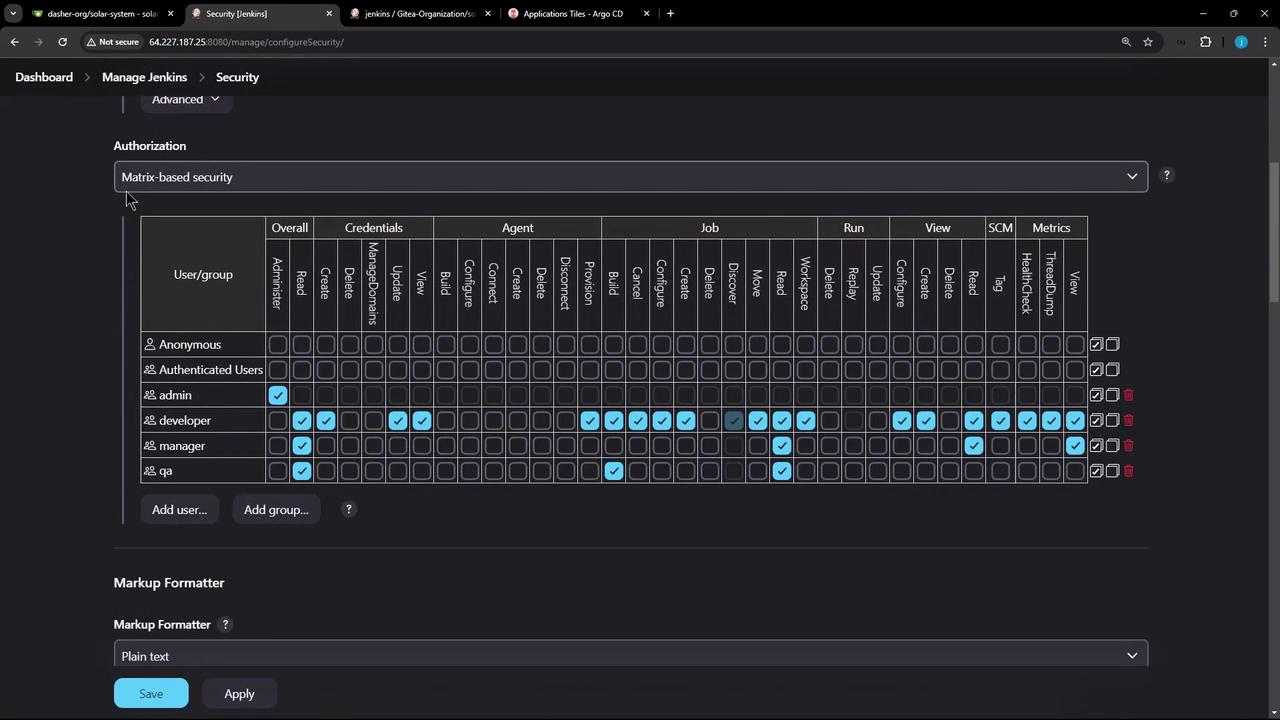
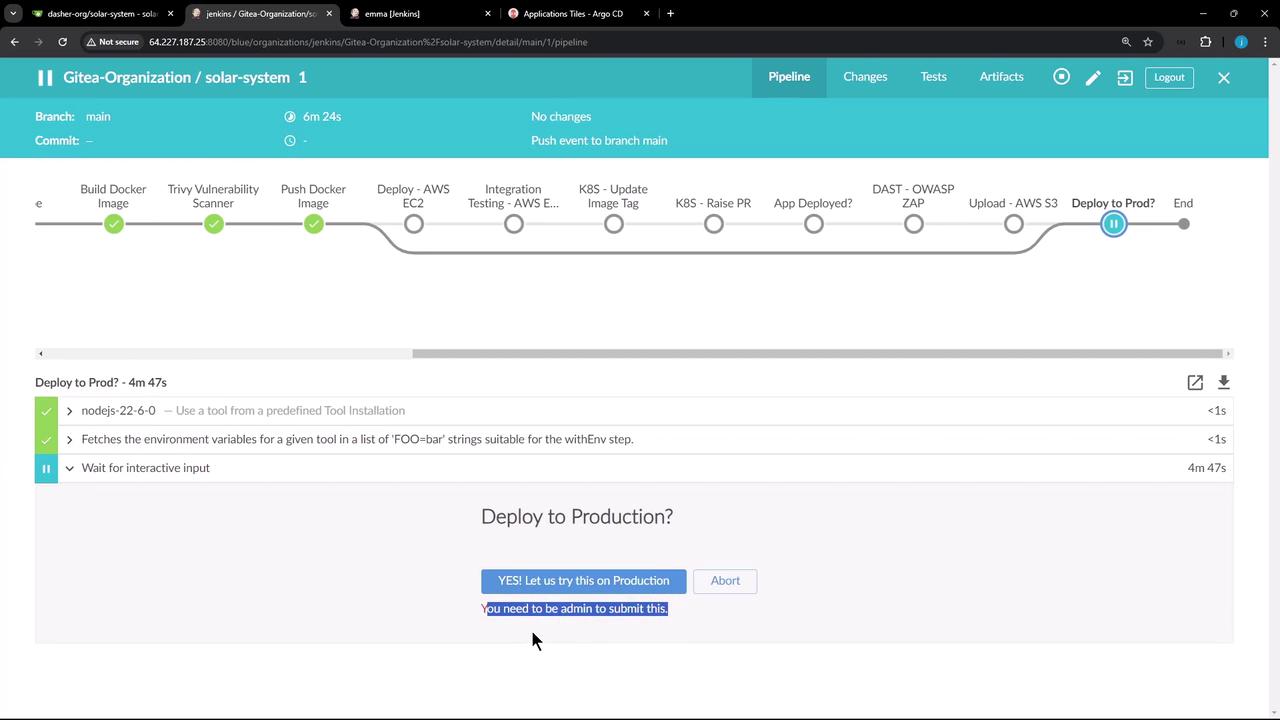
Ensure your Jenkins authorization matrix prevents unauthorized users from clicking
Proceed.That’s it for adding an approval gate! Next, we’ll cover deploying your application to AWS Lambda and running automated function tests.