

Jenkinsfiles stored in a Git repository. You’ll learn how each pipeline type handles source control, error handling, and post-build actions.
Repository Overview
Our Gitea repository declarative-vs-scripted-pipeline holds two pipeline definitions:- Jenkinsfile.declarative – a Declarative Pipeline
- Jenkinsfile.scripted – a Scripted Pipeline
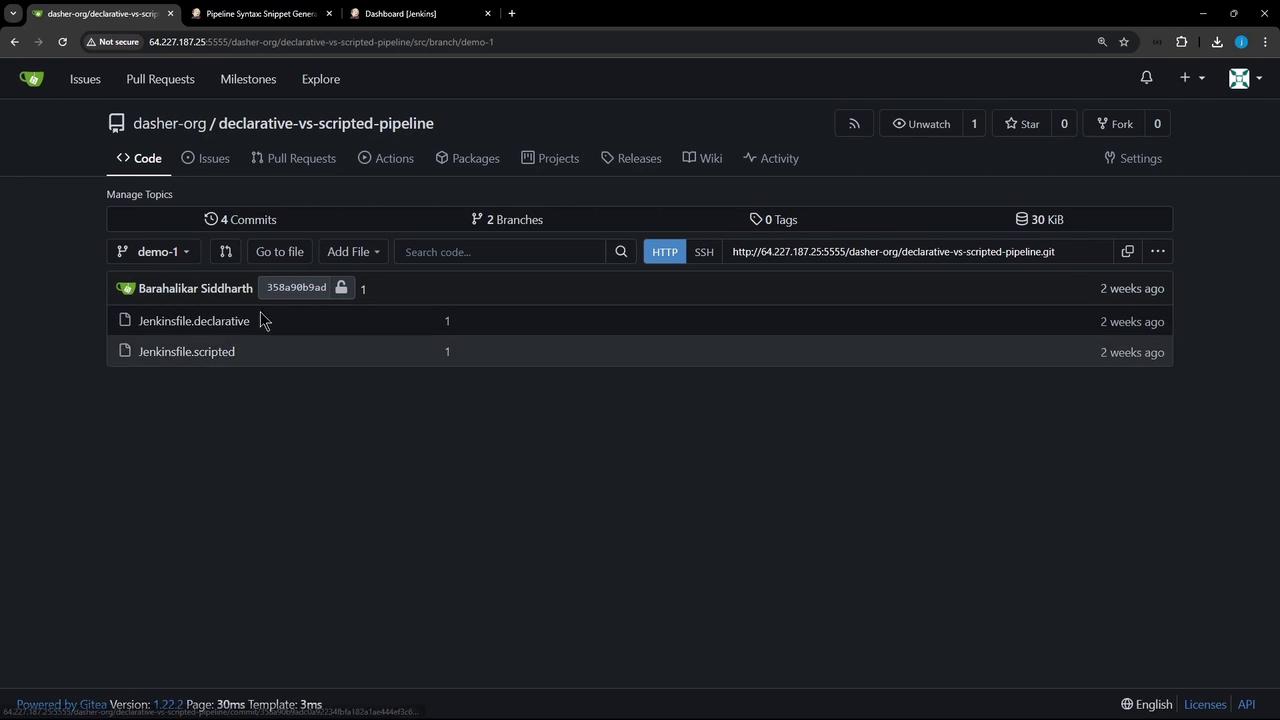
Declarative Pipeline (Jenkinsfile.declarative)
A Declarative Pipeline uses a fixed, structured syntax that’s easy to read and maintain. Here’s a minimal example:
- Built-in SCM Checkout via an automatic stage
- Structured Syntax:
pipeline,agent,stages,post - Stage Restarts: rerun from any completed stage
Scripted Pipeline (Jenkinsfile.scripted)
Scripted Pipelines require you to explicitly call
checkout scm if you need source files. They do not include automatic SCM checkout.1. Configuring a Declarative Pipeline Job
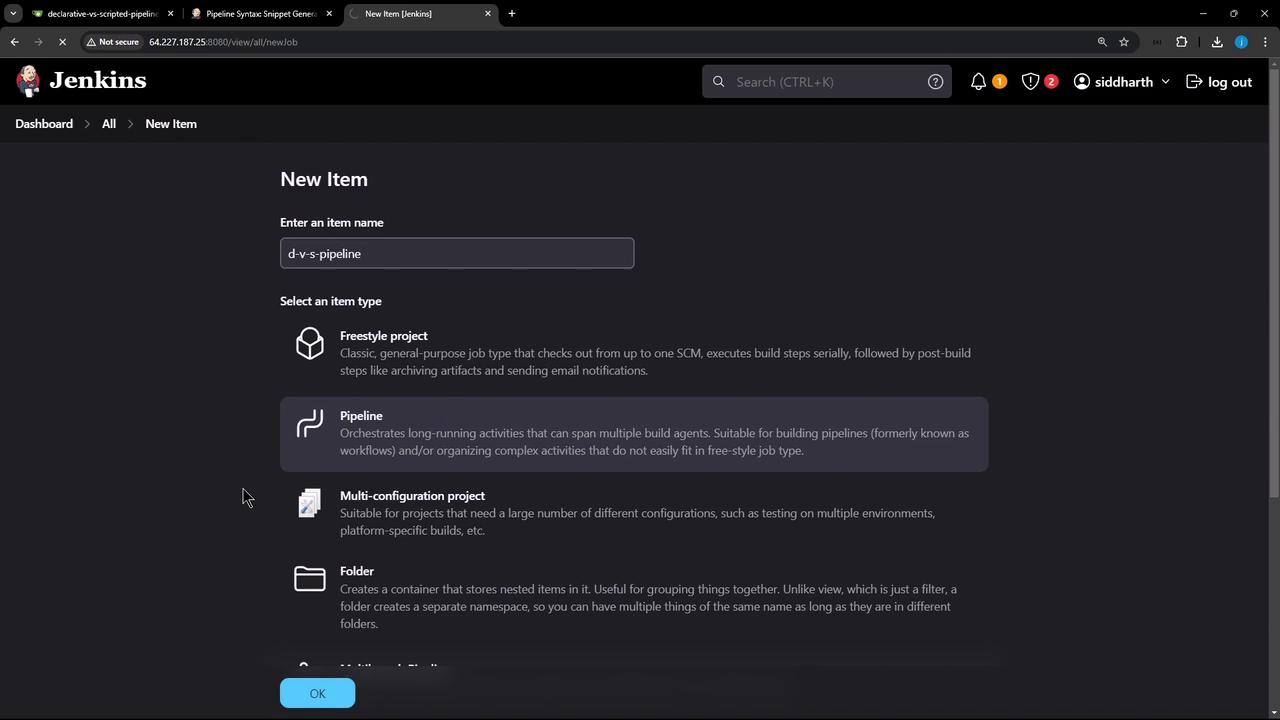
- In the Jenkins dashboard, click New Item, enter
d-v-s-pipeline, select Pipeline, then OK.
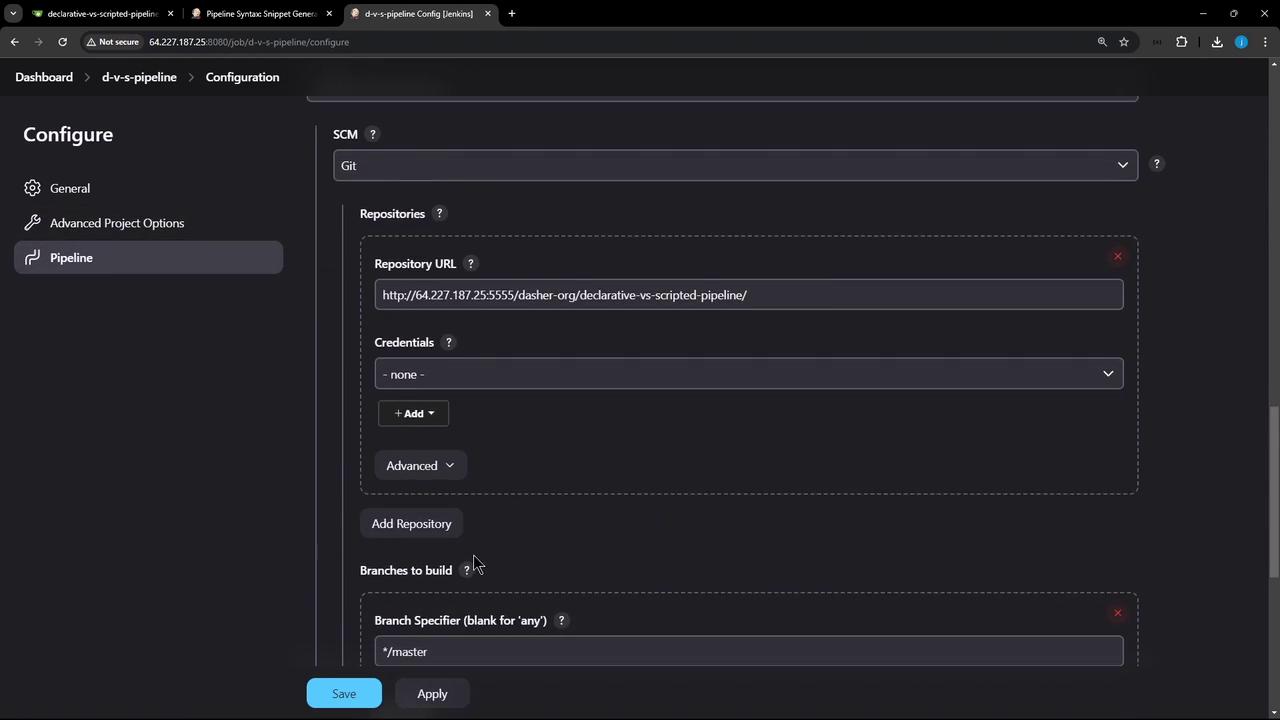
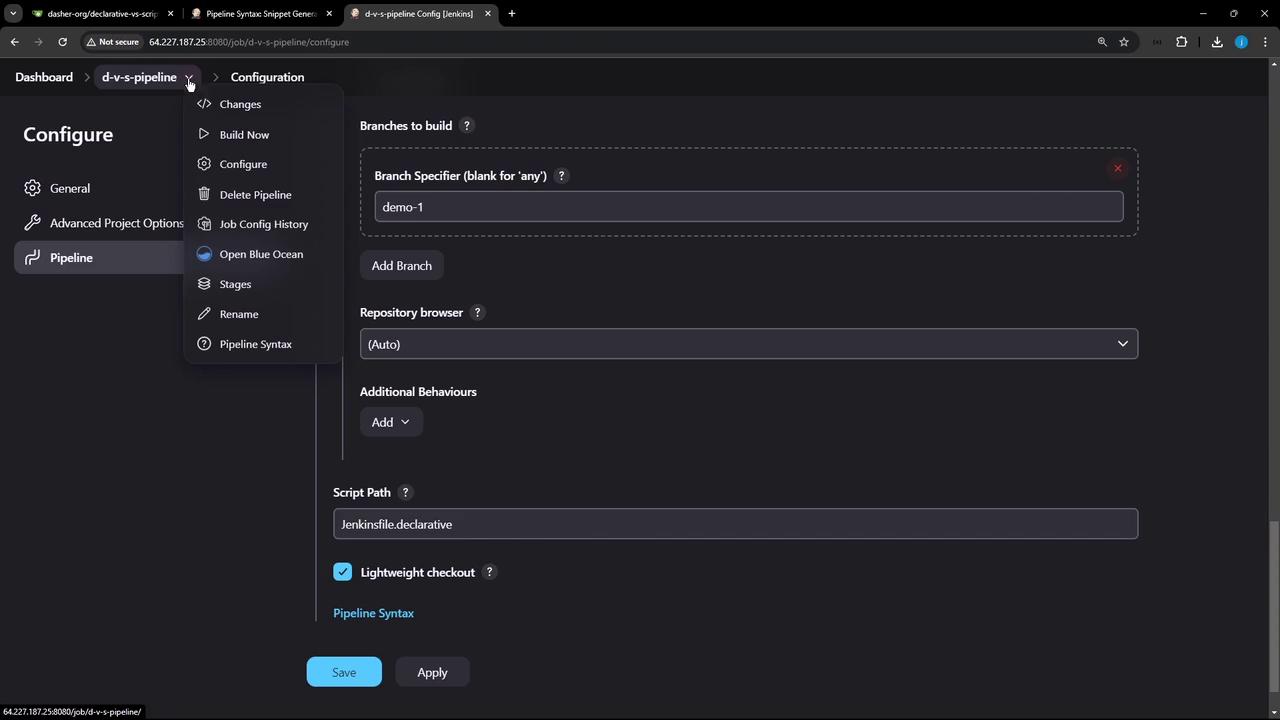
- Under Pipeline, choose Pipeline script from SCM, then set:
- SCM: Git
- Repository URL and Credentials
- Branch:
demo-1 - Script Path:
Jenkinsfile.declarative
- Click Apply & Save, then Build Now. In Blue Ocean or the classic pipeline view, you’ll see:
- (Declarative: Checkout SCM)
- Echo Message
- (Declarative: Post Actions)
Sample Declarative Pipeline Logs
2. Running the Scripted Pipeline
Edit the job’s Script Path toJenkinsfile.scripted and start a new build. Since we haven’t added checkout scm, the build will:
- Execute Echo Message without listing repository files
- Run the finally block for cleanup
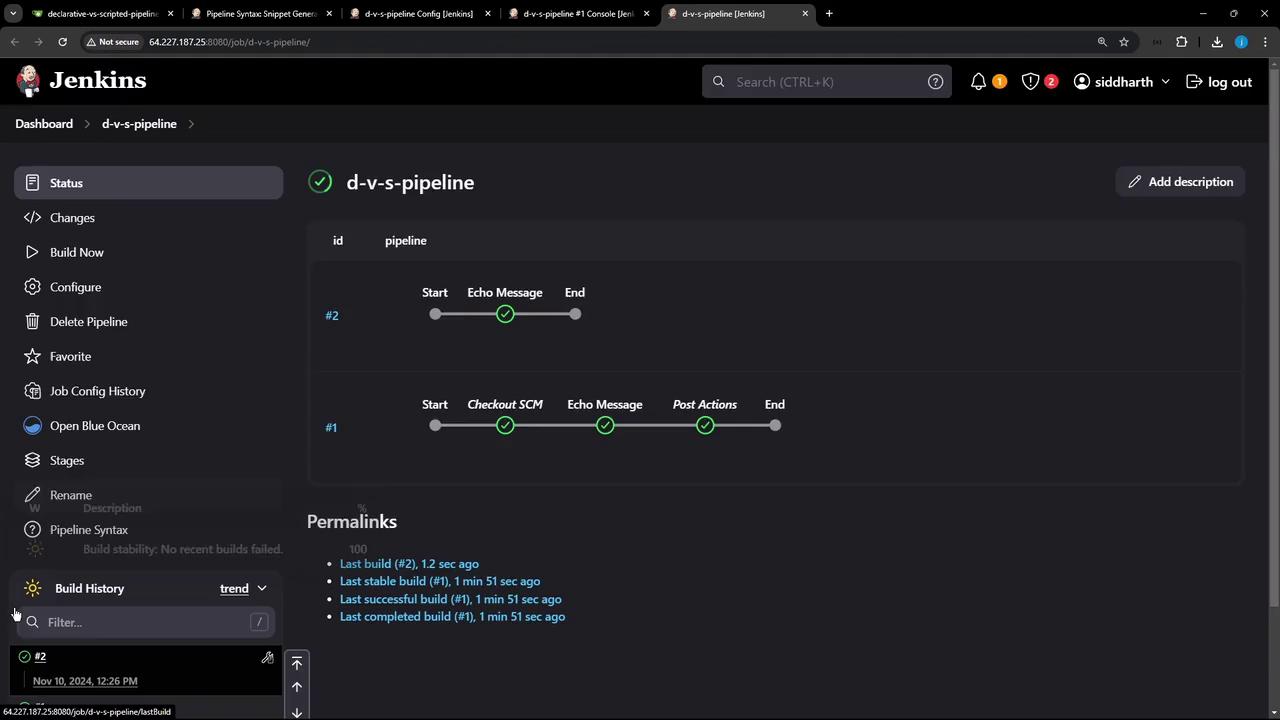
Sample Scripted Pipeline Logs (without checkout)
3. Key Differences
4. Enabling SCM Checkout in Scripted Pipeline
To include source checkout, update Jenkinsfile.scripted: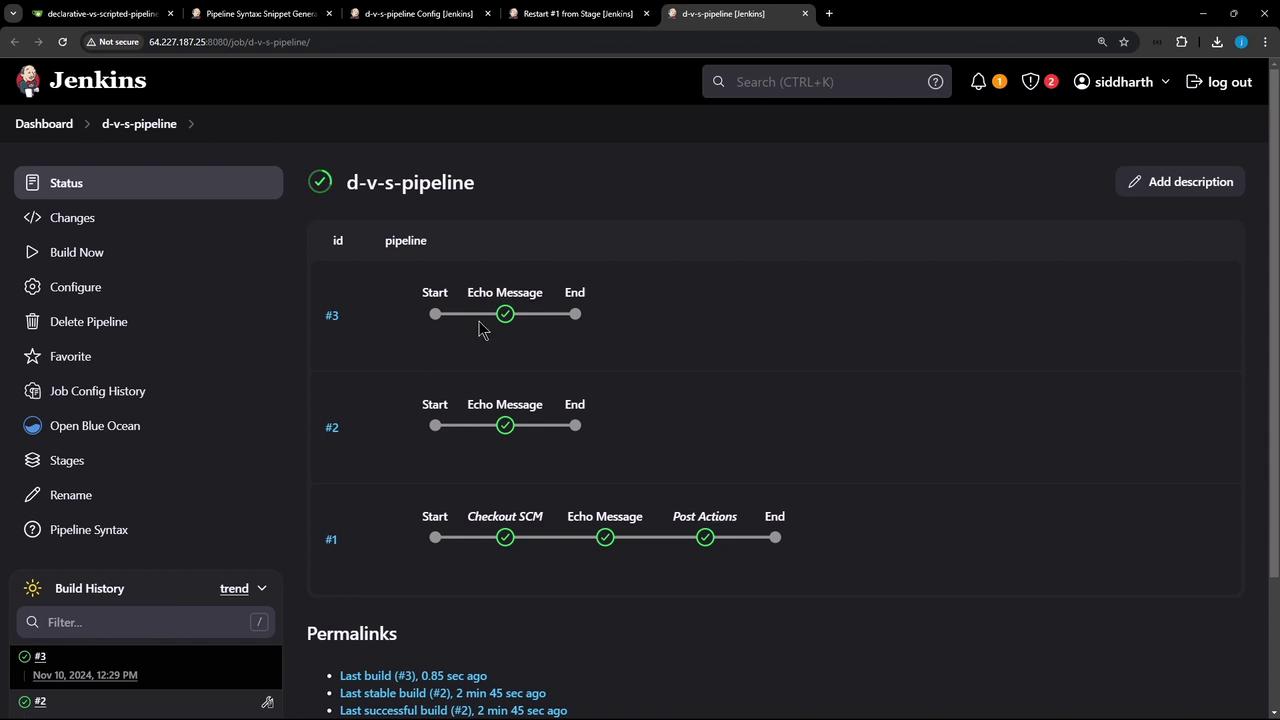
Sample Scripted Pipeline Logs (with checkout)
Conclusion
- Declarative Pipelines: Use for built-in SCM checkout, stage-level restarts, and a clear, opinionated syntax.
- Scripted Pipelines: Opt for full Groovy control, but remember to manage SCM checkout and error handling manually.