Why Use an SCM?
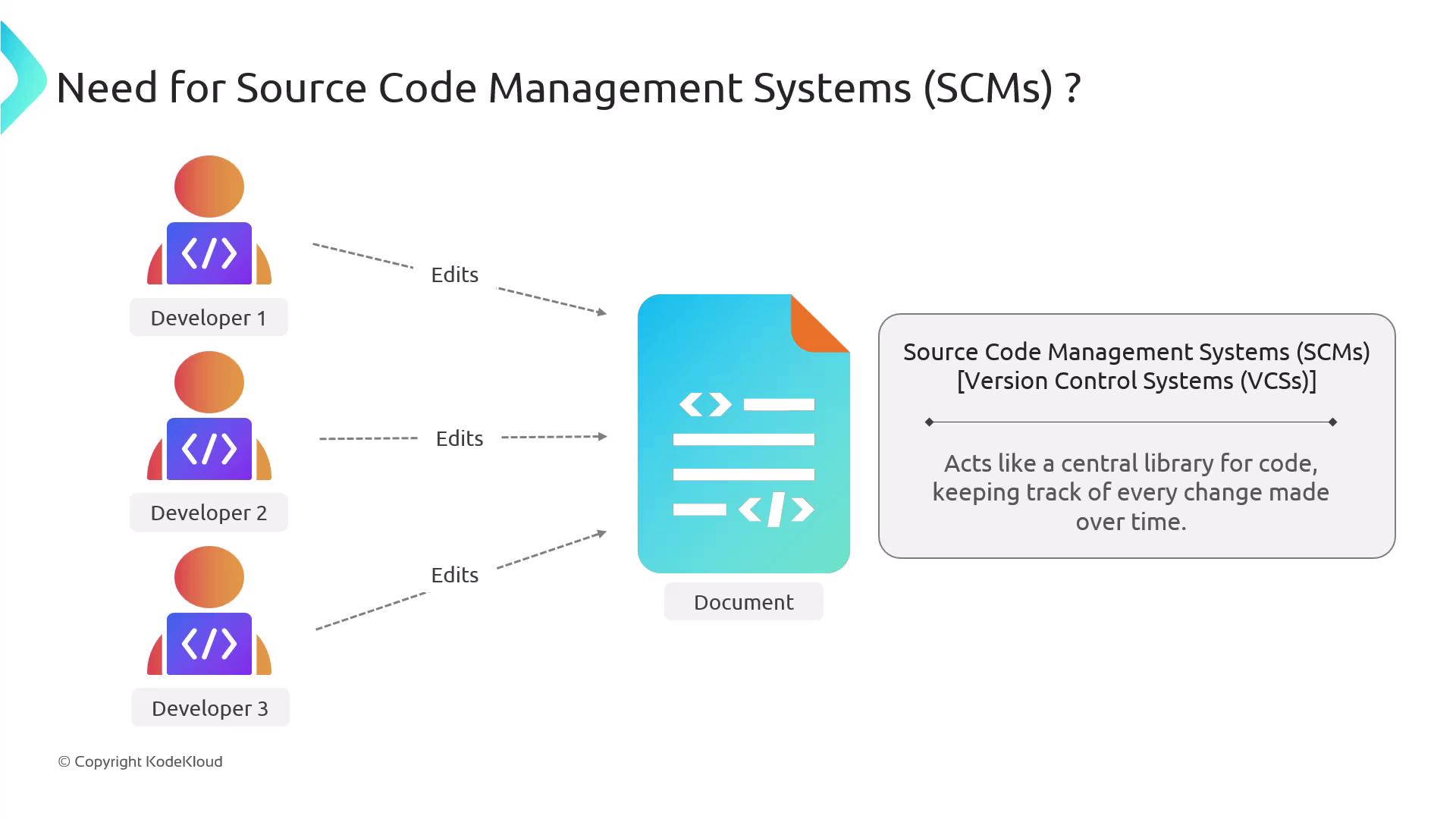
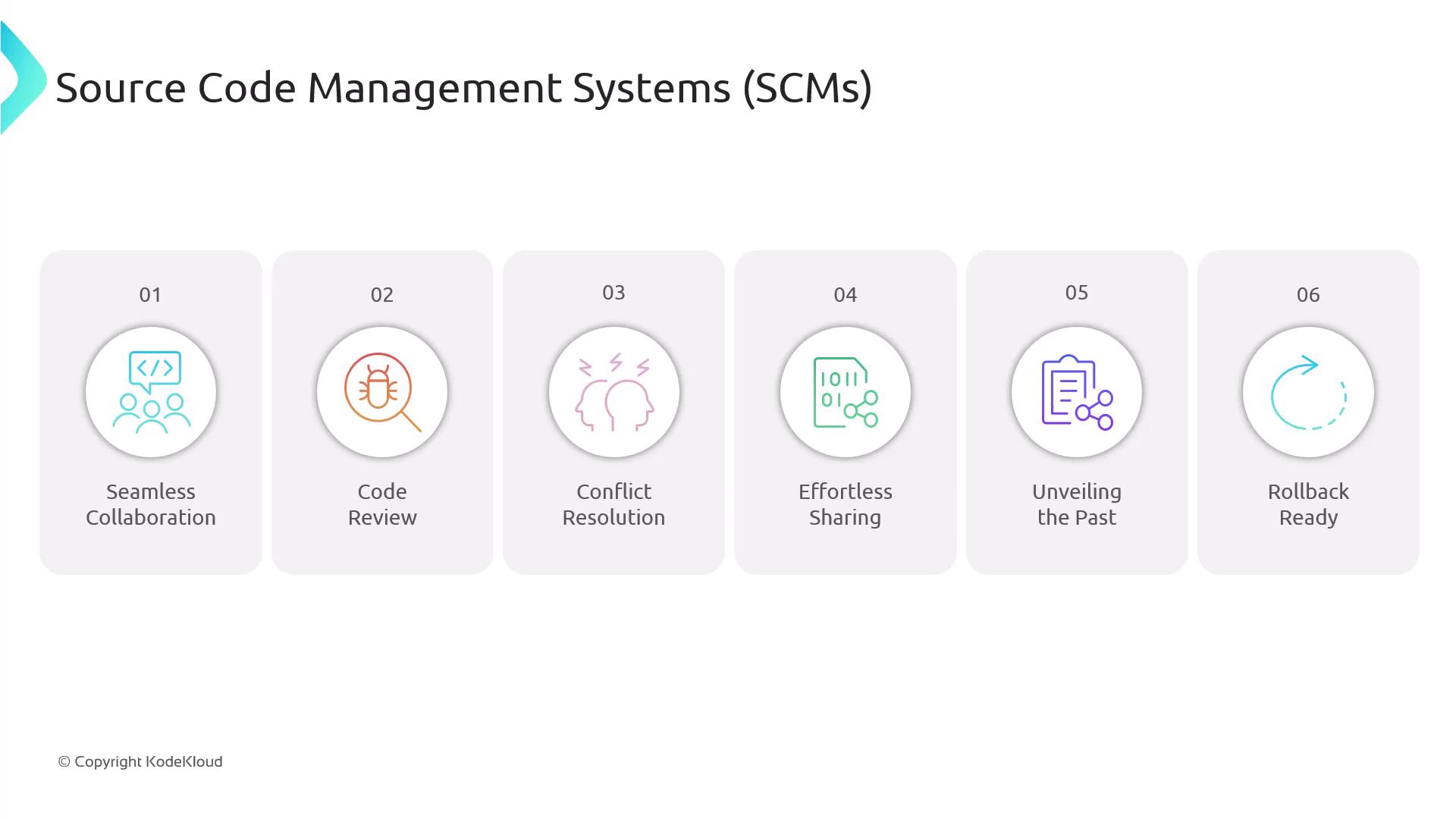
An SCM system stores every change to your codebase in a central repository, allowing multiple developers to work in parallel. Key benefits include:| Feature | Benefit |
|---|---|
| Real-time Collaboration | Developers push and pull changes simultaneously |
| Code Review | Comment on pull requests before merging |
| Conflict Resolution | Detect and resolve edit conflicts efficiently |
| Secure Sharing | Grant controlled access to internal and external contributors |
| Full Change History | Audit decisions and review past code versions |
| Rollback Capability | Revert to stable versions when issues arise |

Consistent, descriptive commit messages make it easier to track your project’s evolution over time.
Example:
Example:
git commit -m "Fix authentication bug in login flow"Popular SCM Platforms
Most modern SCMs are built on Git, a distributed version control system. Below is a comparison of common cloud-based and self-hosted solutions:| Platform | Type | Hosting Model | URL |
|---|---|---|---|
| GitHub | Git | Cloud | https://github.com |
| GitLab | Git | Cloud/Self-hosted | https://gitlab.com |
| Bitbucket | Git, Mercurial | Cloud | https://bitbucket.org |
| Gitea | Git | Self-hosted | https://gitea.io |
| Gogs | Git | Self-hosted | https://gogs.io |