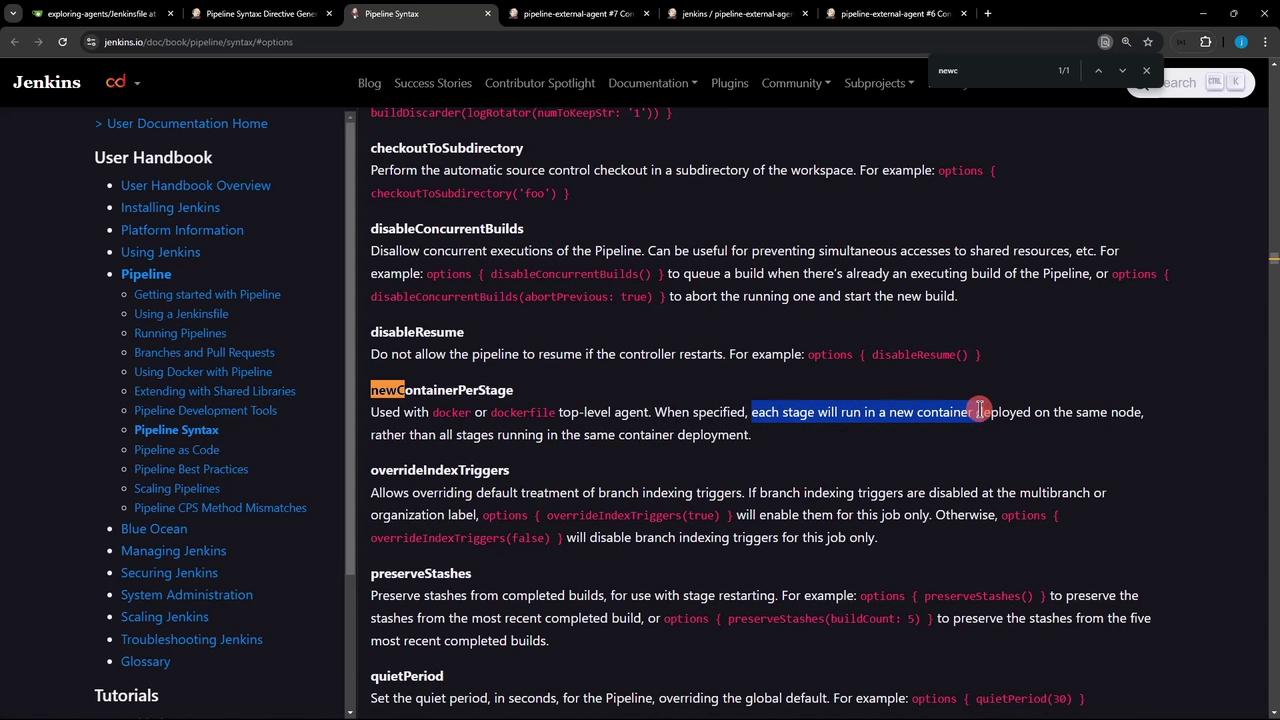
newContainerPerStage() option to control container lifecycle in a Jenkins Declarative Pipeline. By default, a top-level dockerfile agent builds one container and reuses it across all stages. With newContainerPerStage(), each stage runs in its own fresh container—ensuring clean, isolated environments.
Pipeline Strategies Overview
1. Pipeline with Stage-Specific Agents
Assigning agents at the stage level offers maximum flexibility but can become verbose:2. Single Global Dockerfile Agent
Simplify the pipeline by declaring one global Dockerfile agent. All stages execute in the same container built fromDockerfile.cowsay:
- Build the Docker image:
- Launch a single container.
- Run each
shstep inside that container. - Tear down the container after pipeline completion.
3. Sharing State Across Stages
Because the container and workspace persist, you can create files in one stage and consume them later:With a single container, workspace contents persist across stages—ideal for sharing build artifacts or test reports.
4. Isolating Stages with newContainerPerStage()
To enforce a clean container per stage (and thus no shared workspace), enable the newContainerPerStage() pipeline option:
With
newContainerPerStage(), each stage builds its own image and launches a separate container. Files created in one stage will not be available in subsequent stages.