

Why Use a Shared Library?
Embedding Slack notification code directly in eachJenkinsfile leads to duplicate scripts and maintenance headaches. A Shared Library lets you:
- Centralize notification logic
- Update formats or colors in one place
- Enforce consistent Slack workflows organization-wide
Jenkinsfile:
1. Create the Shared Library Repository
- In your Git hosting platform (e.g. Gitea, GitHub), create a new repository named
shared-librariesunder your organization (dasher-org).
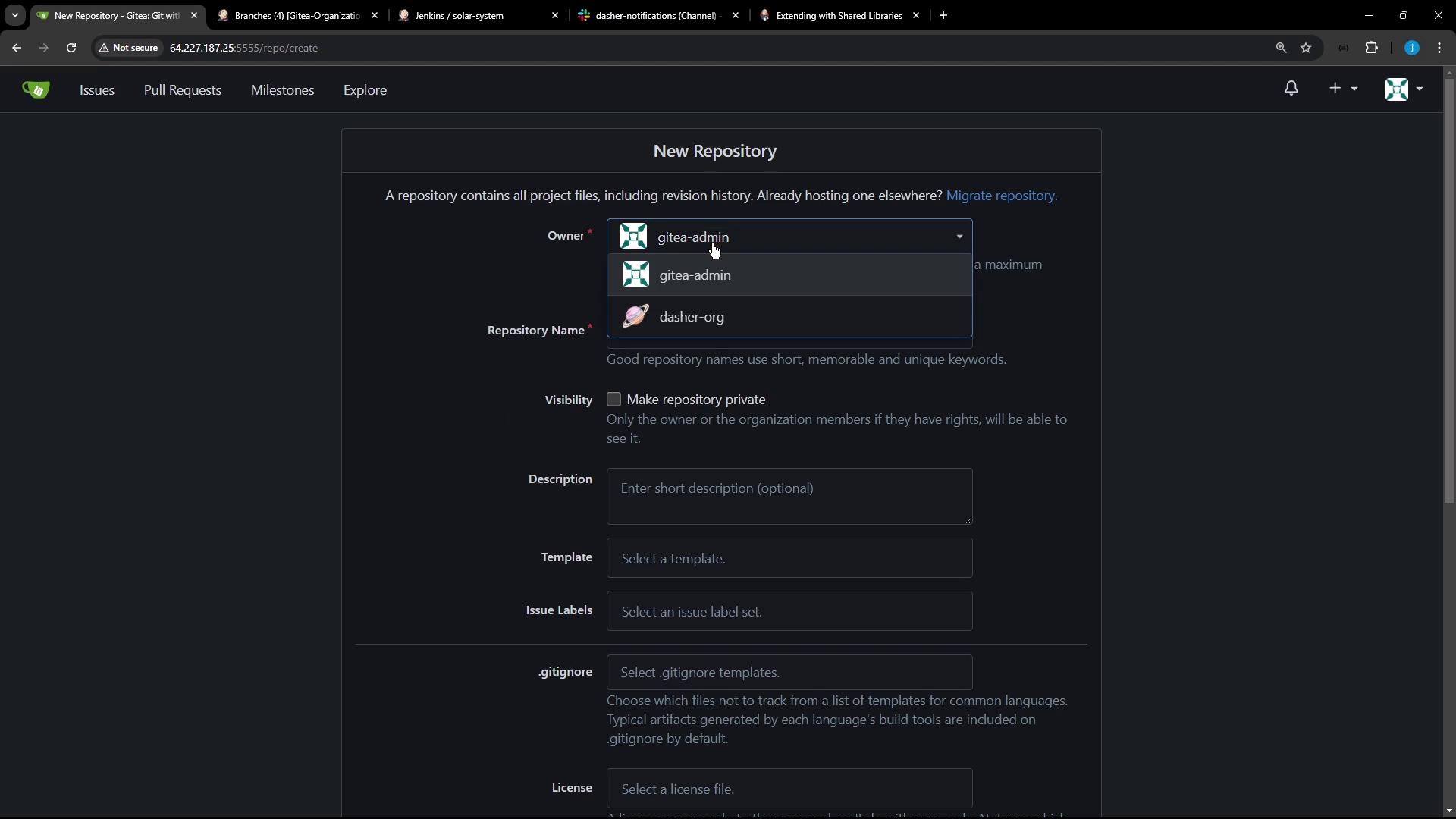
- Initialize and push to
main:
2. Define the Repository Layout
Jenkins Shared Libraries follow this directory structure:src/org/...holds Groovy classes.vars/contains global scripts (e.g.,slackNotification.groovy) and help text.resources/stores static assets like JSON.
3. Add Slack Notification Logic
Createvars/slackNotification.groovy:
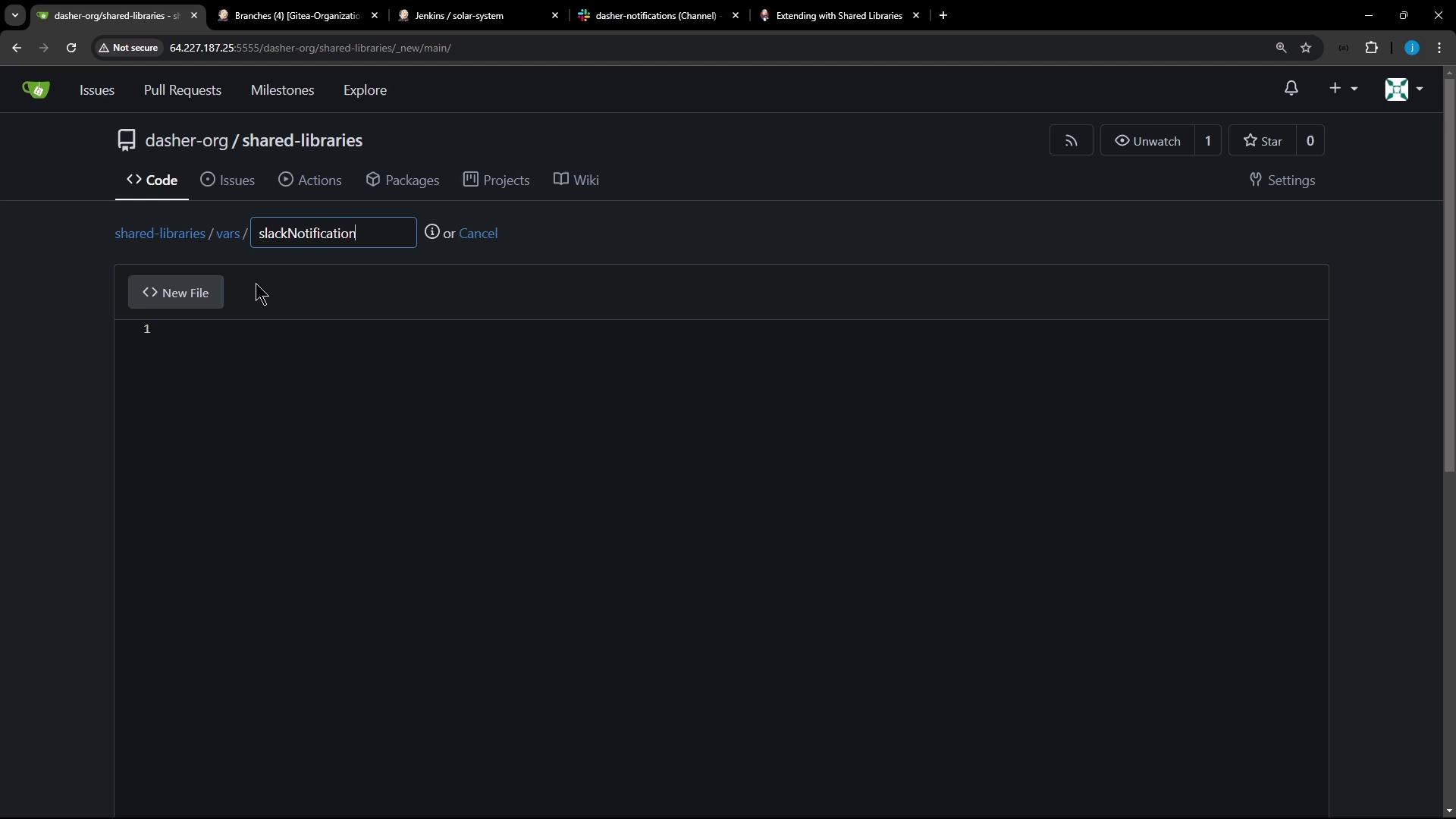
Defining a
call method lets you invoke slackNotification() directly in your pipeline like a built-in step.Build Status Color Reference
4. Use the Shared Library in Your Pipeline
- Go to Manage Jenkins > Configure System.
- Under Global Pipeline Libraries, add:
- Name:
shared-libraries - Default version:
main - Retrieval method: Modern SCM (Git)
- Name:
Jenkinsfile:
Ensure the Slack Notification plugin is installed and a valid Slack workspace credential is configured under Manage Jenkins > Configure System.