

Prerequisites
Ensure your Jenkins controller has sufficient permissions to stop and start the service via
systemctl.1. Add a Long-Running Loop to the Pipeline
Open your Pipeline’sJenkinsfile and locate the Unit Test stage. Here’s the original Declarative Pipeline:
1.1 Why a Direct Loop Fails
If you insert a Groovyfor loop directly under steps, Declarative syntax rejects it:
1.2 Wrapping the Loop in a script Block
Correct the syntax by enclosing the loop inside a script {} step:
main, then trigger the build in Jenkins.
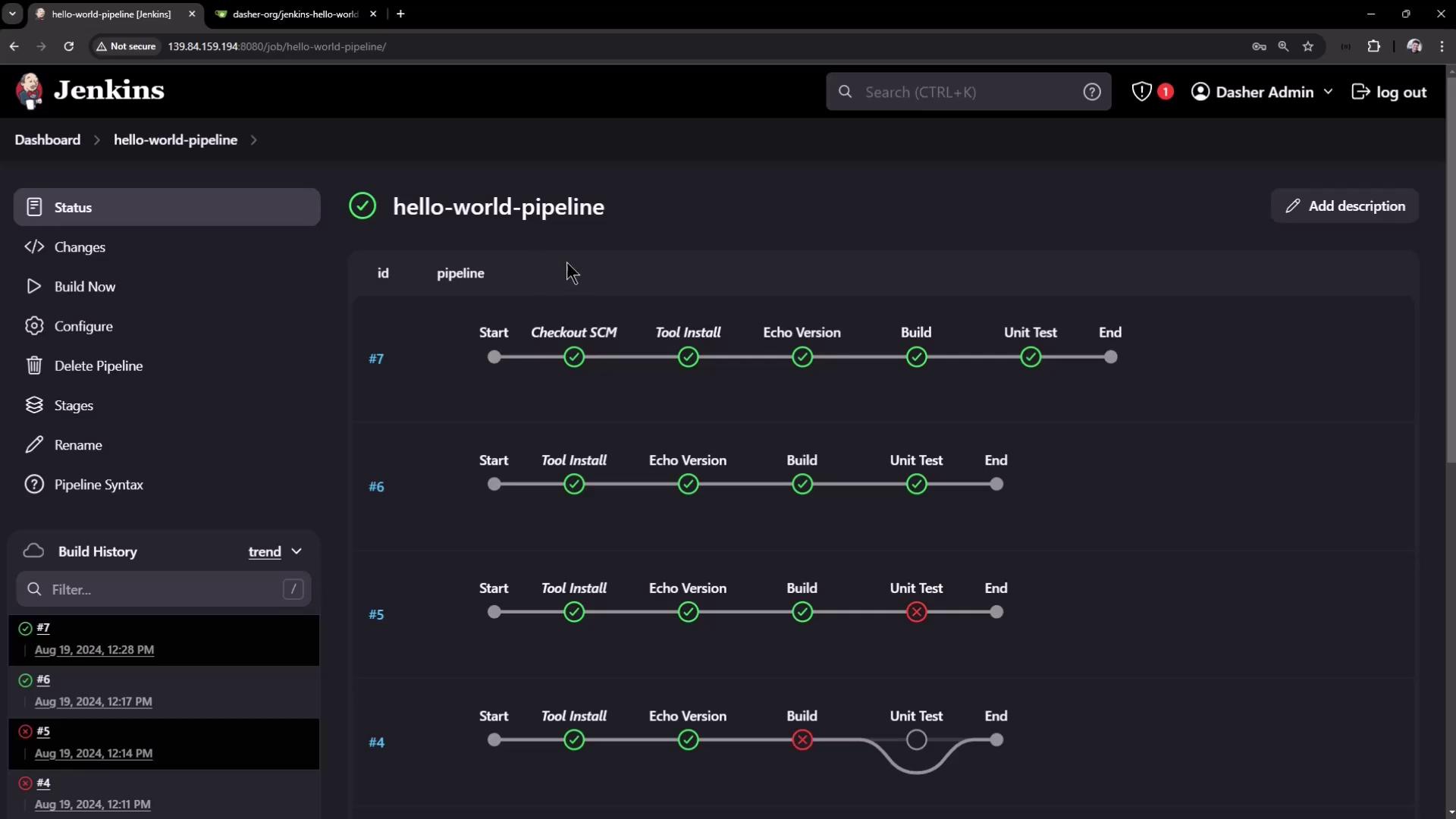
2. Trigger the Build and Observe the Loop
In Pipeline Steps, you’ll see logs like:3. Stop the Jenkins Controller Mid-Loop
SSH into your Jenkins controller and halt the service:
4. Restart Jenkins and Refresh the Console
Bring Jenkins back online:
5. Disabling Resume After Controller Restart
By default, Pipelines pick up after a restart. To enforce an abort-on-restart policy:- In Jenkins, select Configure on your Pipeline project.
- Under Build Triggers, check Do not allow the pipeline to resume if the controller restarts.
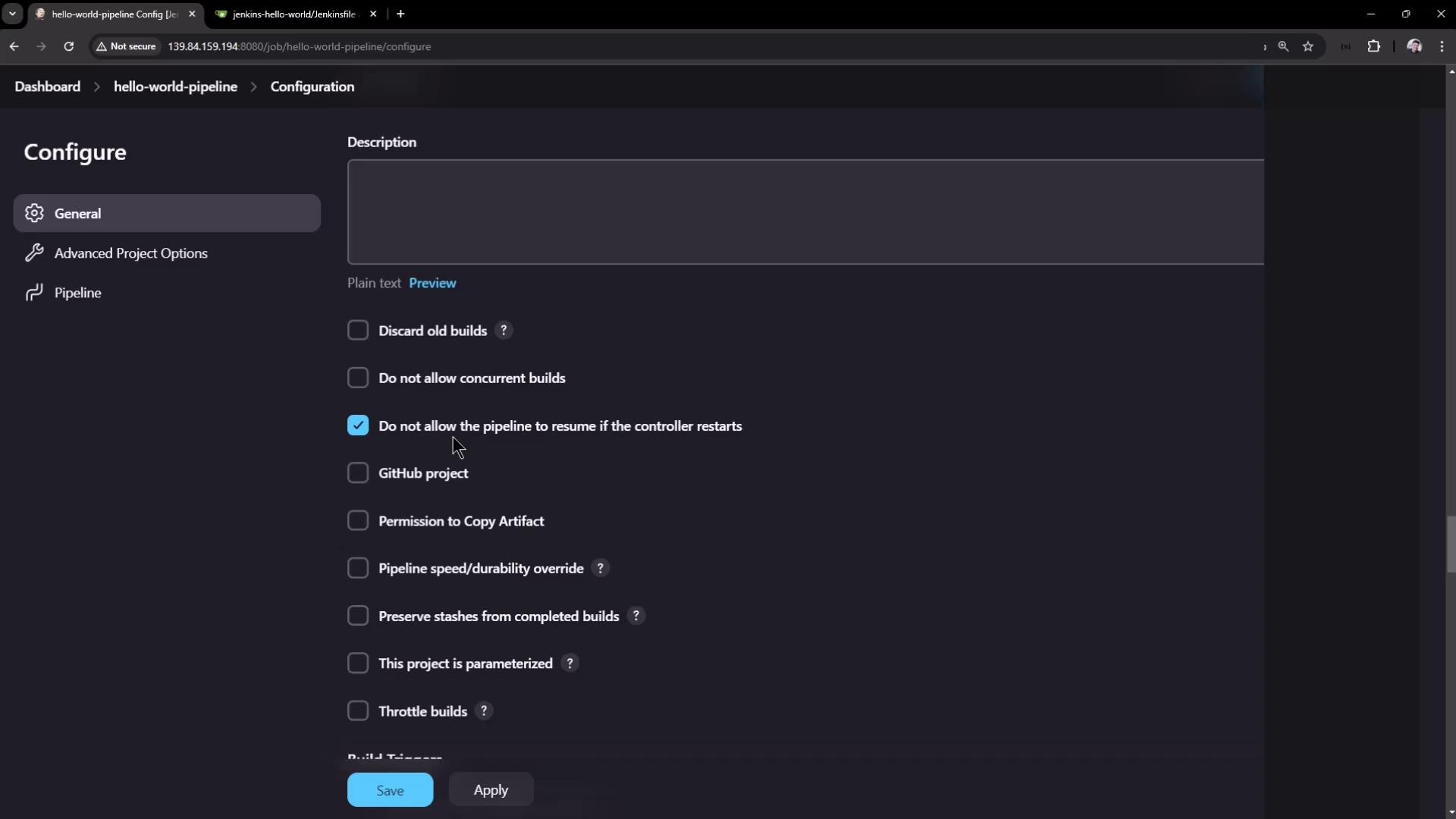
Disabling resume will abort any in-progress Pipeline if the controller restarts. Use this only when you need a strict abort-on-restart policy.