

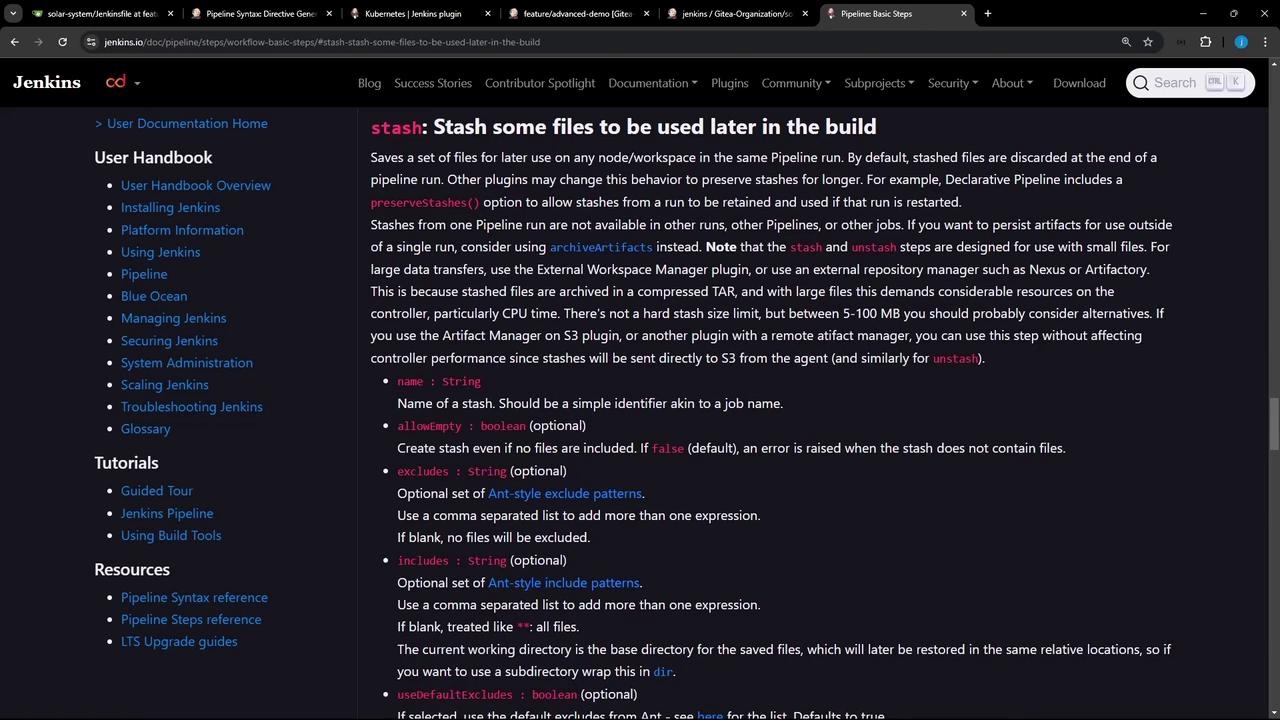
stash and unstash steps to share files between stages. By stashing build artifacts or dependencies once, you can retrieve them later—on any agent or node—without rerunning expensive installation steps.
Why Use stash and unstash?
- Performance: Avoid duplicate work, such as reinstalling dependencies in each stage.
- Consistency: Ensure the same set of files is used across multiple agents.
- Resilience: Reduce errors from partial or conflicting installs.
By default, stashes are discarded when the pipeline finishes. To retain stashes across pipeline restarts, enable
preserveStashes() in a Declarative Pipeline or use plugins that persist stash data.Common Error: Reinstalling Node Modules
Rerunningnpm install in every stage can trigger errors like this:
node_modules/ folder once and then unstash it in all subsequent stages.
Stash vs. Unstash: At a Glance
Generating the stash Snippet
Use the Pipeline Syntax (Snippet Generator) in Jenkins to build your stash step interactively.

Declarative Pipeline Example
Below is a sample Declarative Jenkinsfile that:- Installs Node.js dependencies
- Stashes them
- Restores them in later stages
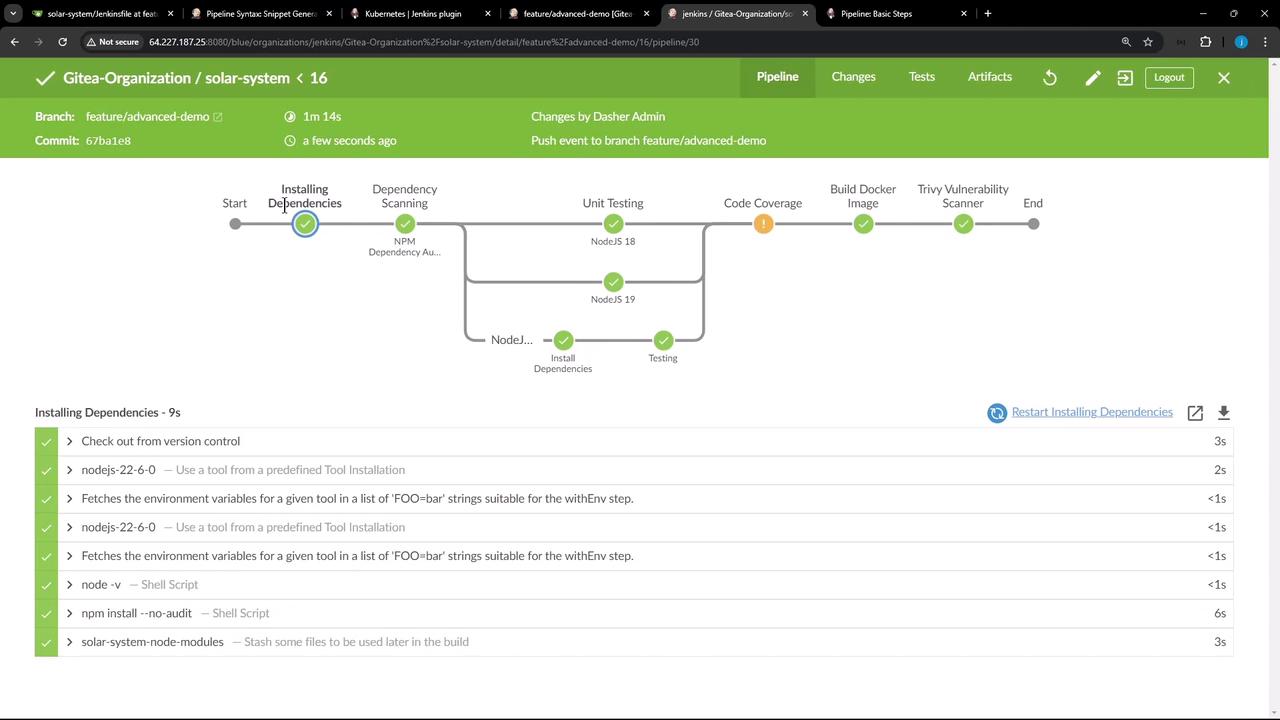
node_modules once and unstashing it in multiple stages—possibly on different agents—saves time, reduces redundant work, and prevents errors from repeated installs.
Links and References
- Jenkins Pipeline Basics
- Pipeline Syntax Reference
- stash Step Documentation
- unstash Step Documentation