

Reviewing the EC2 Instance
Navigate to the EC2 Instances dashboard in the AWS Console. You should see a single instance named dev-deploy in the running state.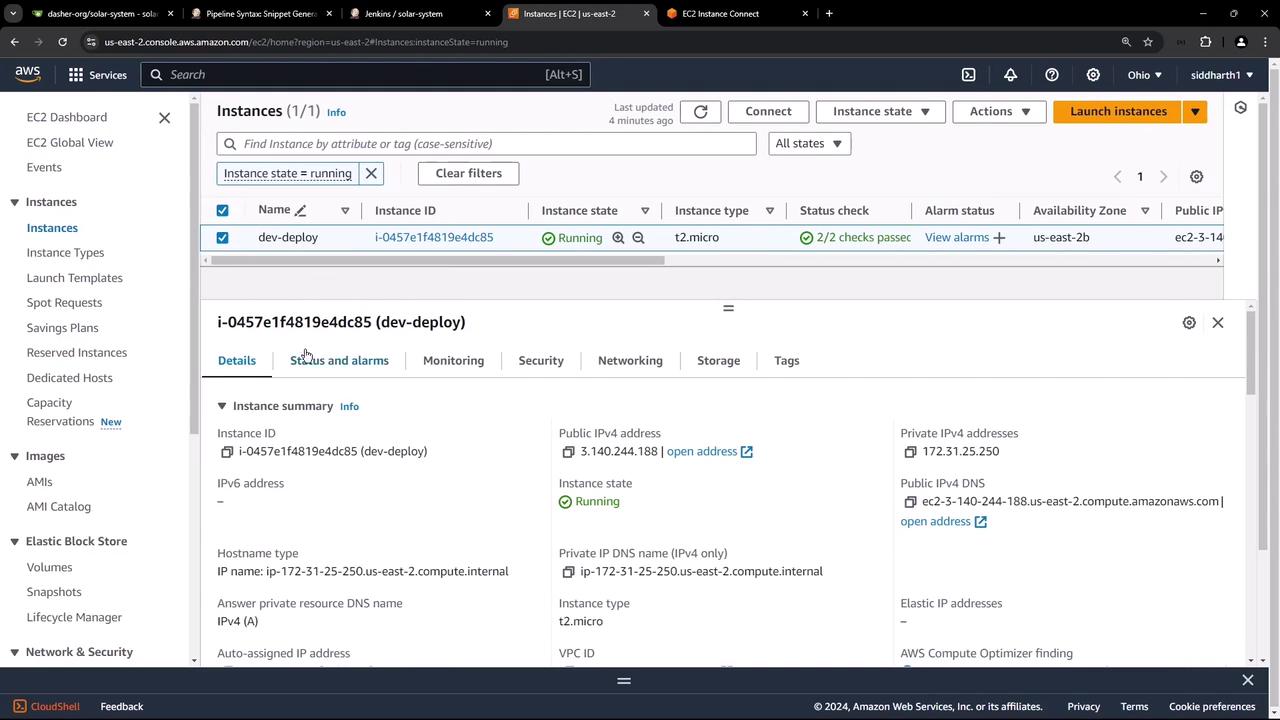
Setting Up AWS IAM Credentials
Create an IAM user (jenkins-user) with full access to EC2, S3, and Lambda. Attach these managed policies:
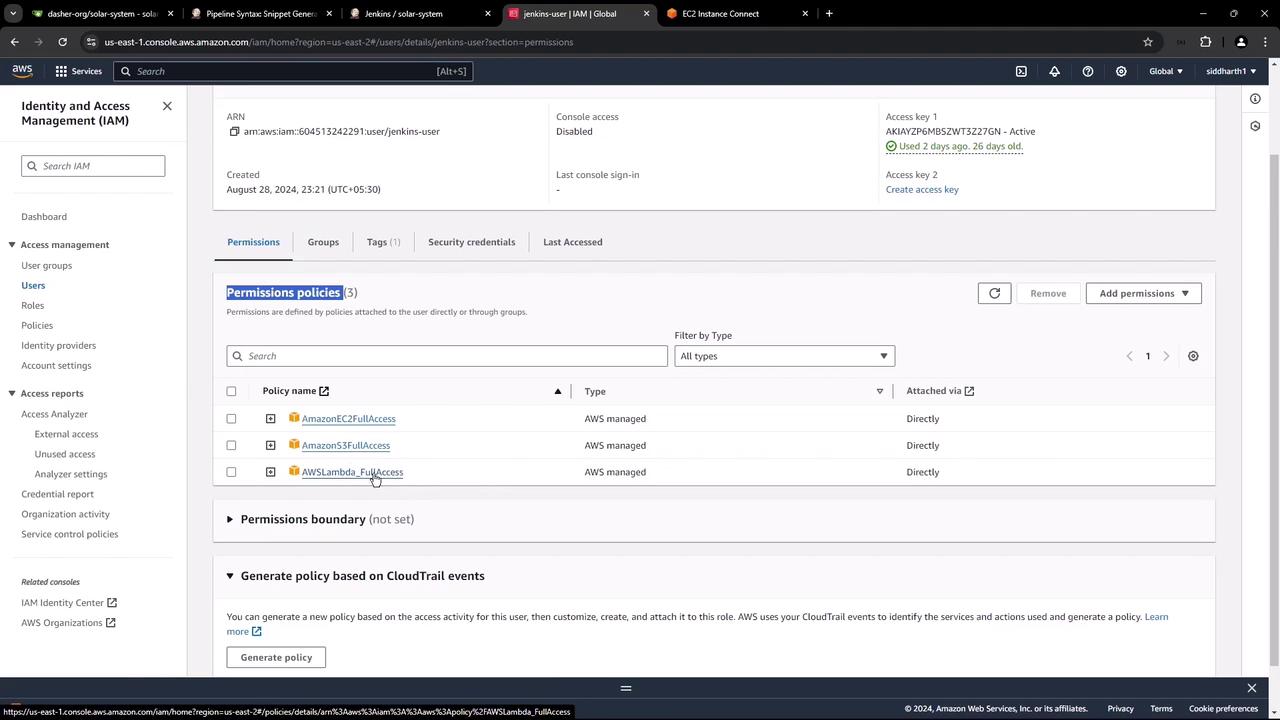
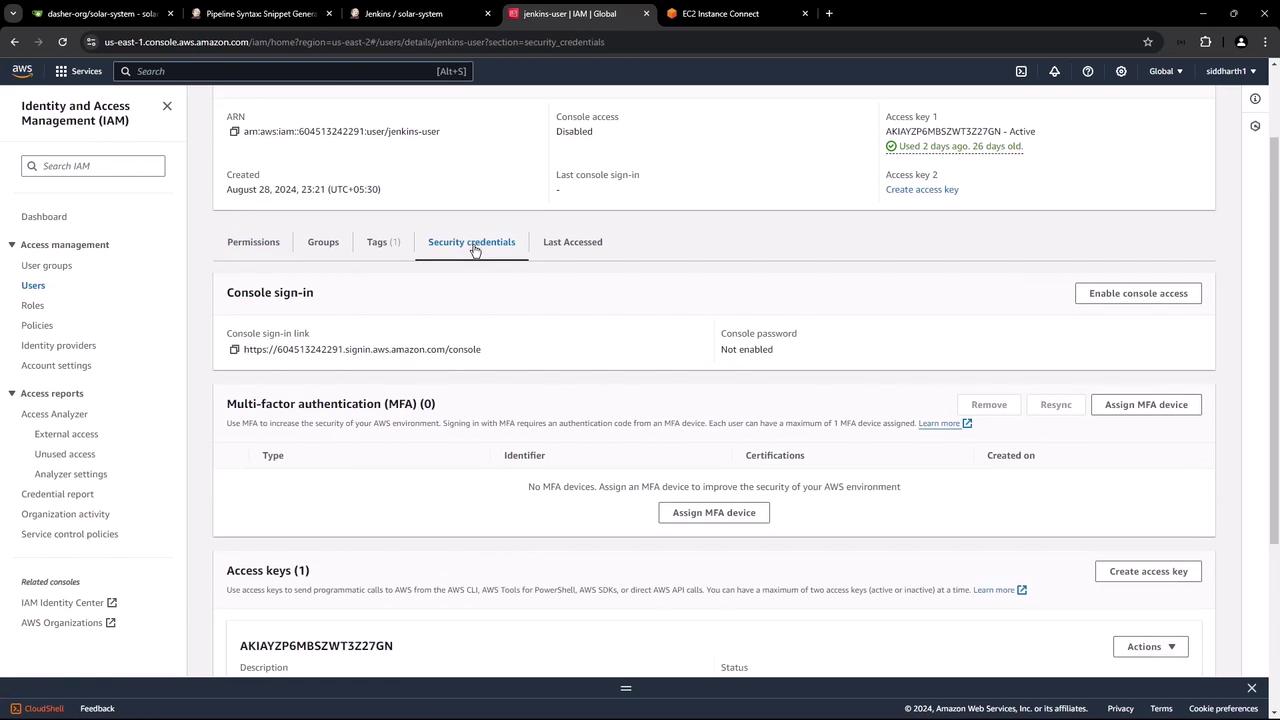
Keep your Access Key ID and Secret Access Key safe—do not commit them to source control.

Installing the AWS Steps Plugin in Jenkins
To enable AWS API calls in your pipelines, install the Pipeline: AWS Steps plugin:- In Jenkins, go to Manage Jenkins → Manage Plugins → Available.
- Search for Pipeline: AWS Steps, select it, and click Install without restart.
- Restart Jenkins when prompted.
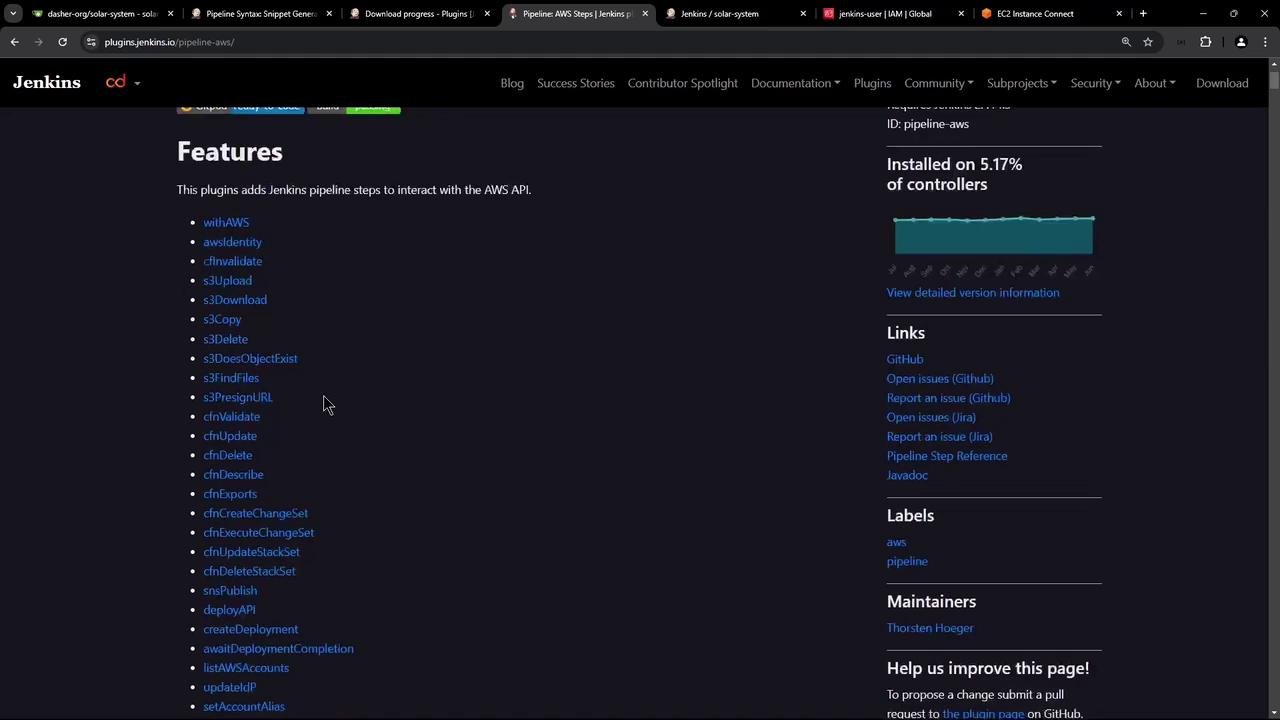
Jenkinsfile:
After plugin installation, always restart Jenkins to load new pipeline steps.
Configuring AWS Credentials in Jenkins
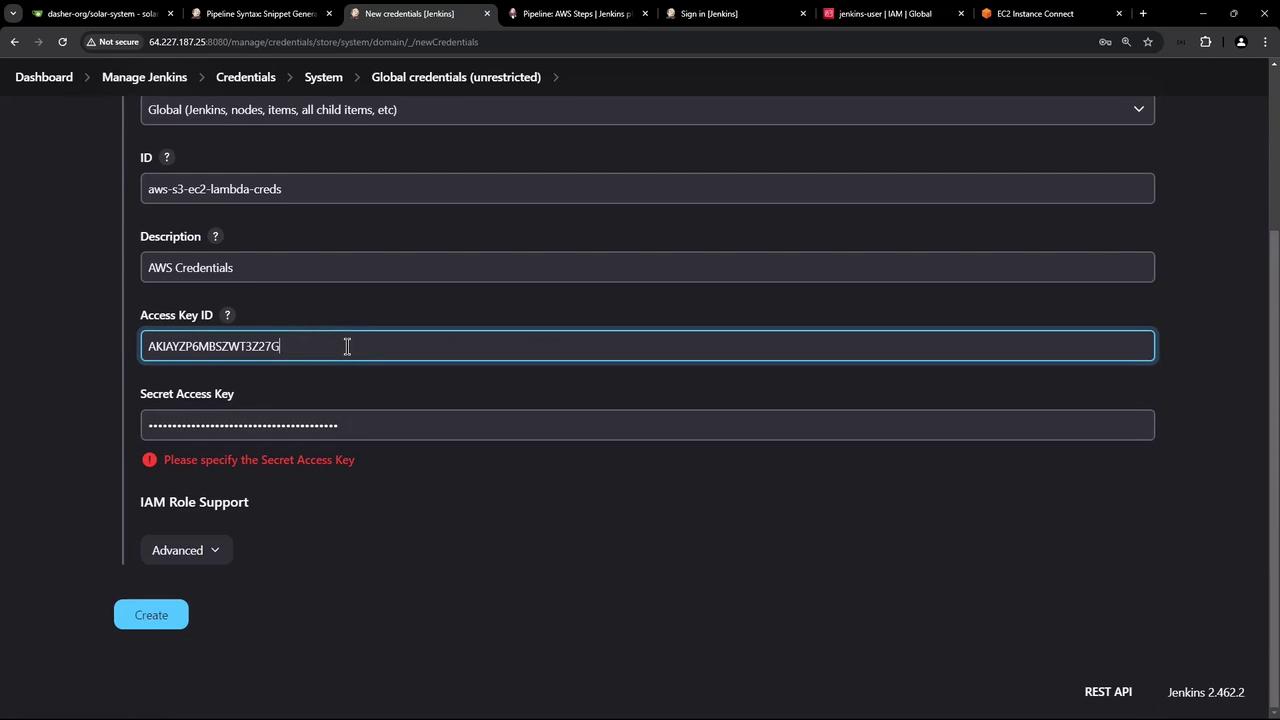
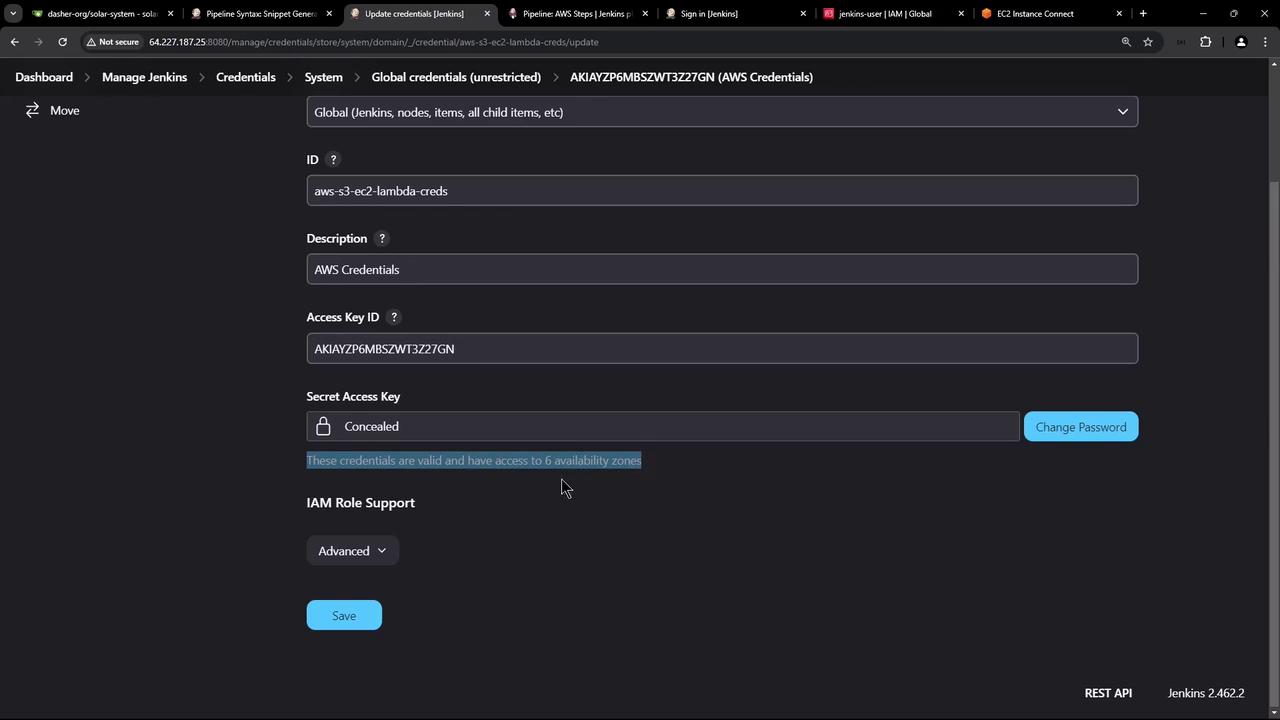
Next, store your IAM keys in Jenkins:- Go to Manage Jenkins → Manage Credentials → (global) → Add Credentials.
- Select Kind: AWS Credentials.
- Enter an ID (e.g.,
aws-s3-ec2-lambda), paste your Access Key ID and Secret Access Key, then save.
Adding SSH Credentials for EC2
To deploy Docker images over SSH, install the SSH Agent plugin:- Go to Manage Jenkins → Manage Plugins → Available.
- Search for SSH Agent and install.
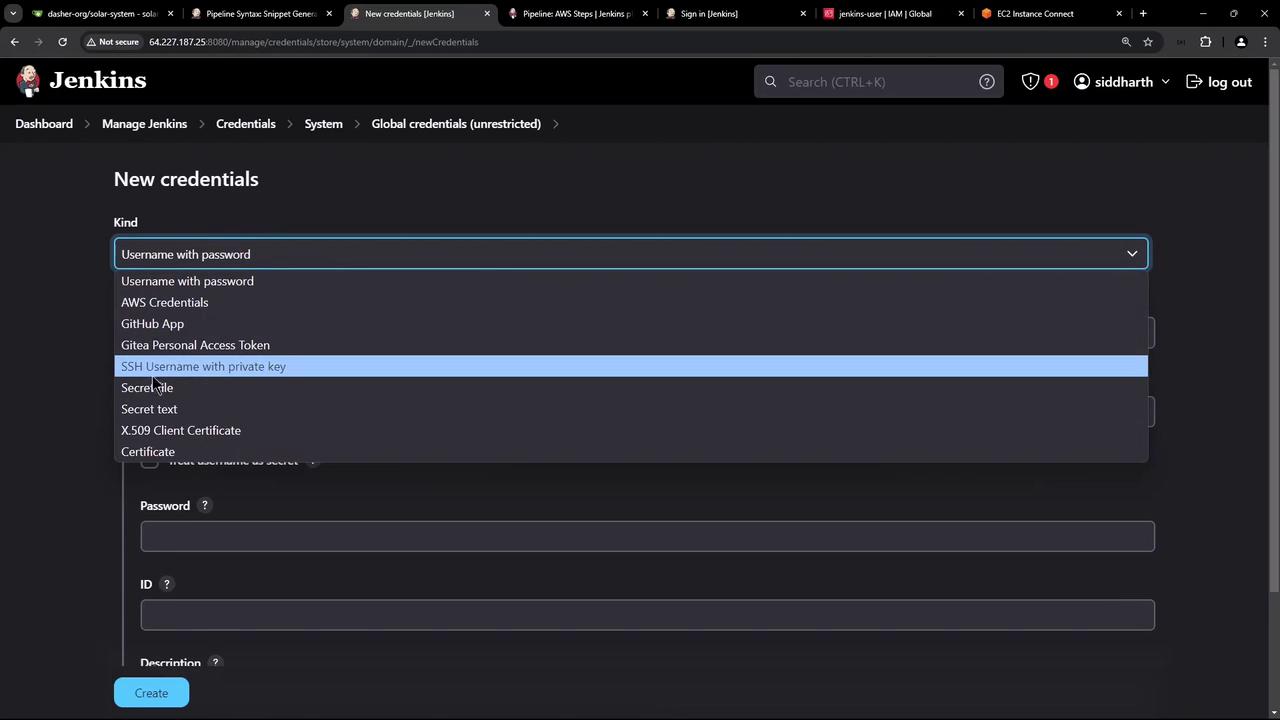
- Navigate to Manage Jenkins → Manage Credentials → (global) → Add Credentials.
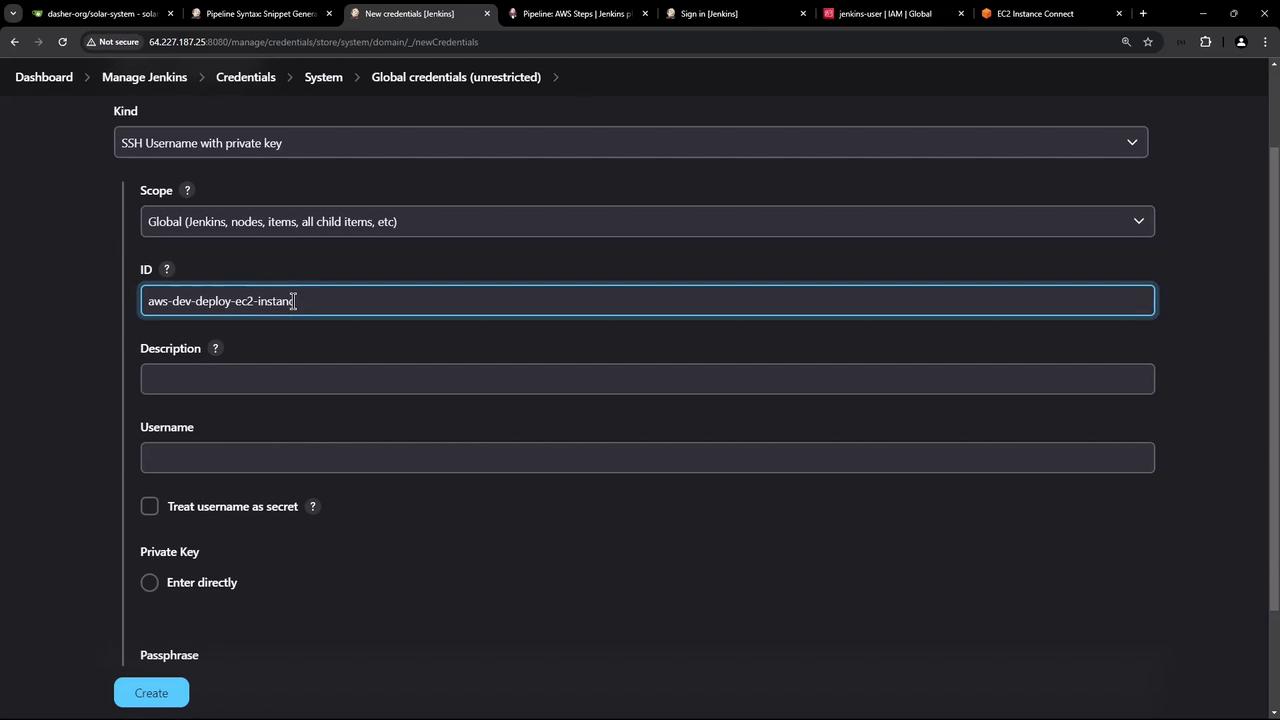
- Choose SSH Username with private key.
- Specify an ID (e.g.,
aws-devops-deploy-ec2), Username (ubuntu), and paste your private key. - Save.
With AWS Steps and SSH Agent plugins installed, AWS IAM and SSH credentials configured, you’re ready to add a pipeline stage that connects to your EC2 instance and deploys Docker images.