In this tutorial, you’ll learn how to set up a Jenkins Freestyle project that fetches a random piece of advice from the AdviceSlip REST API and renders it as fun ASCII artwork using the Cowsay library. This example demonstrates REST integration, shell scripting, and environment configuration in Jenkins.

1. Create a New Freestyle Project

  1. Log into Jenkins and click New Item.
  2. Enter generate ASCII artwork as the project name.
  3. Select Freestyle project and click OK.
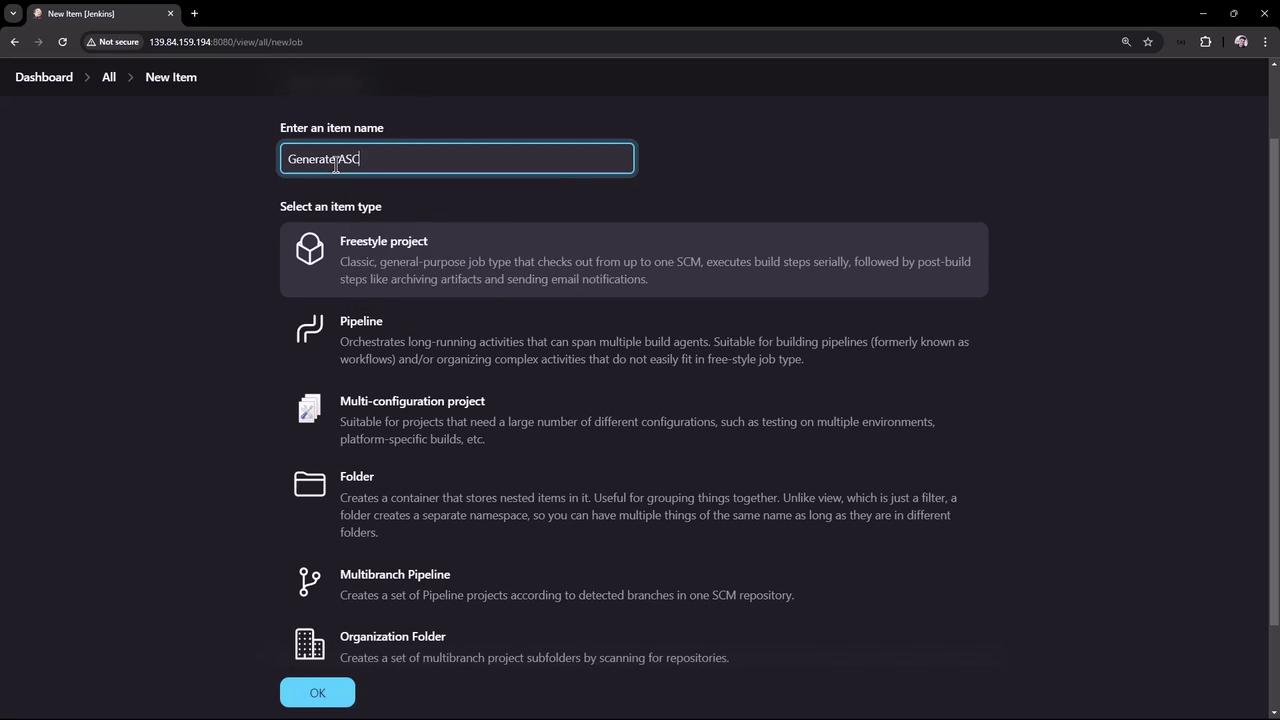
The image shows a Jenkins dashboard where a user is creating a new item, with options to select different project types such as Freestyle project, Pipeline, and Multibranch Pipeline.

2. Configure General Settings

Under General, set up the project metadata:
  • Description: Generate ASCII artwork using the Cowsay library and AdviceSlip REST API
  • Leave Discard old builds, This project is parameterized, and other options at their defaults.
  • Source Code Management: None
  • Build Triggers: (none)
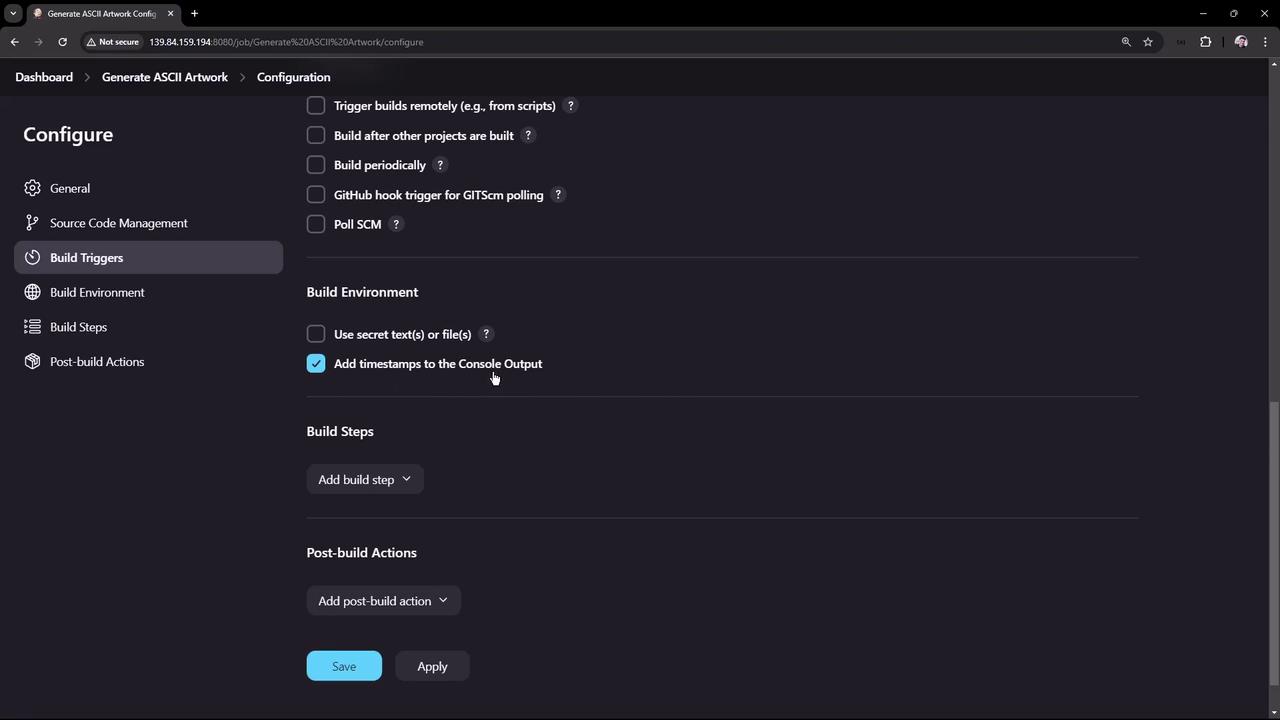
  • Build Environment: Enable Add timestamps to the console output (requires the Timestamp Plugin).
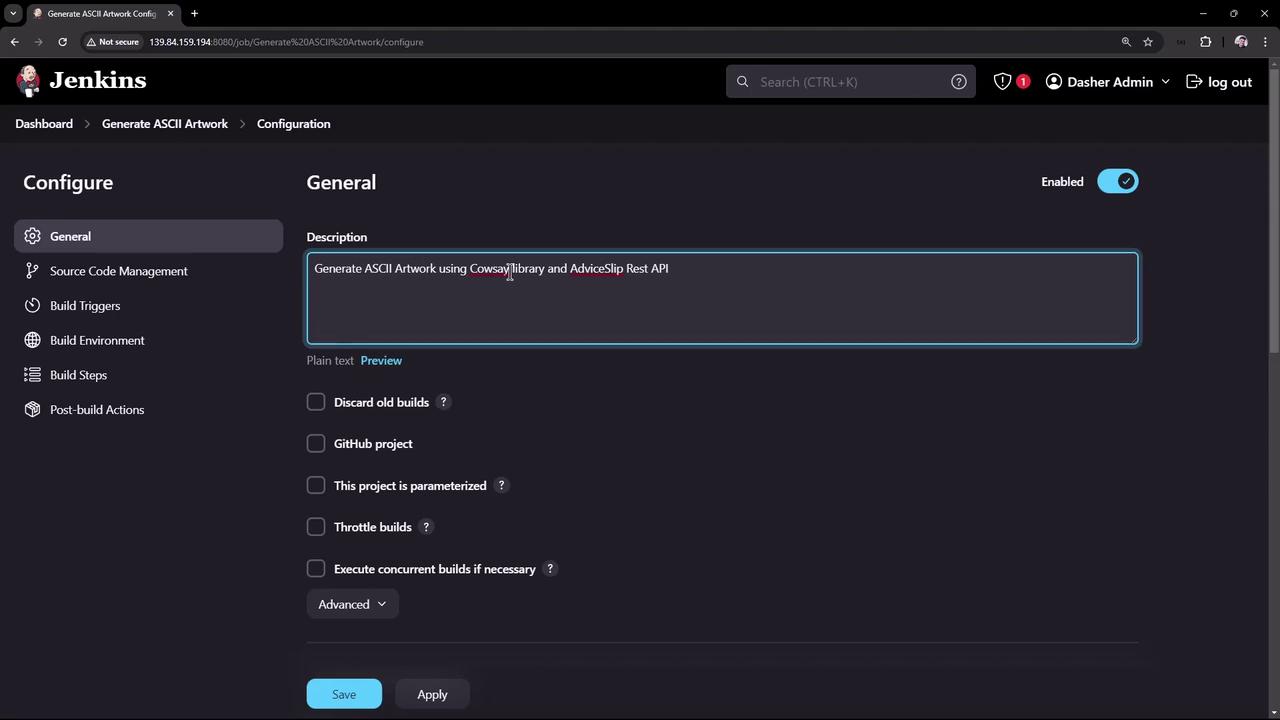
The image shows a Jenkins configuration page for a project titled "Generate ASCII Artwork," with options for build settings and a description mentioning the use of the Cowsay library and AdviceSlip Rest API.
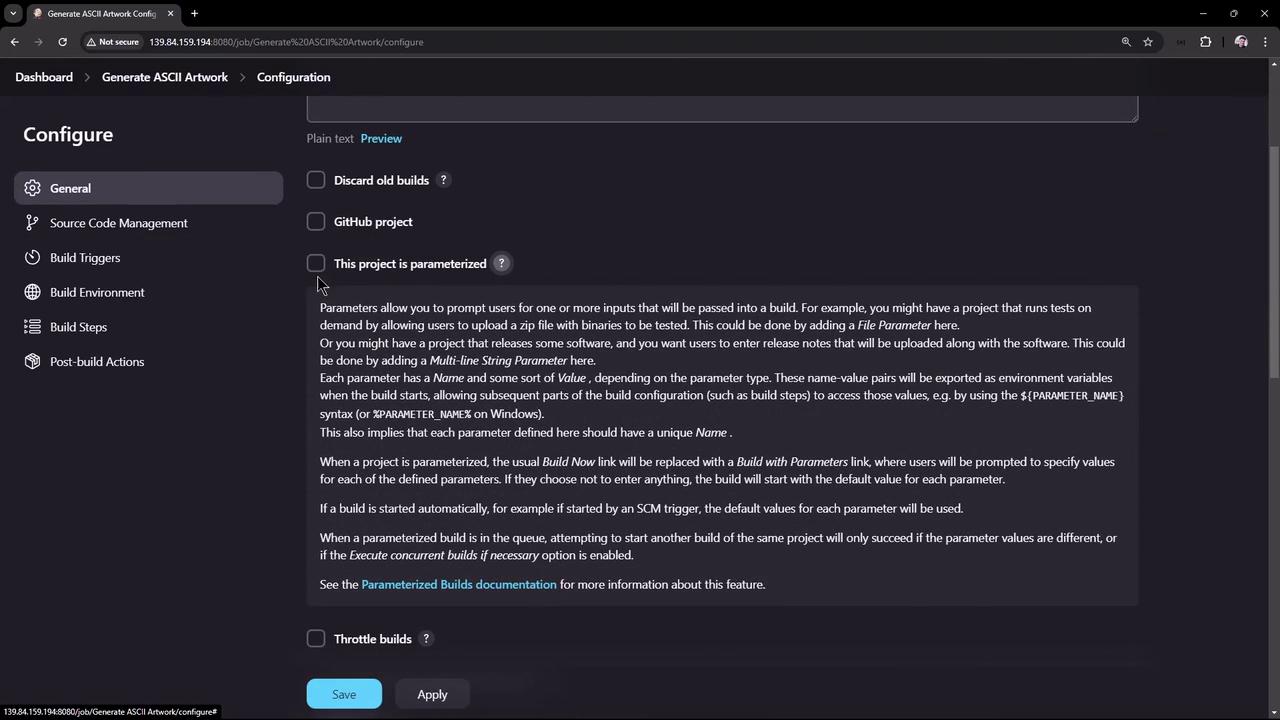
The image shows a configuration page for a project, likely in a software development environment, with options for setting parameters, source code management, build triggers, and more. There are checkboxes for various settings and a section explaining parameterized builds.
The image shows a configuration screen for a software build system, with options for build triggers, environment settings, and post-build actions. The interface includes checkboxes and dropdown menus for various settings.

3. Add Build Step: Execute Shell

Choose Add build step → Execute shell and paste this script. It fetches advice, validates it, installs Cowsay, adjusts the PATH, and prints the ASCII art.
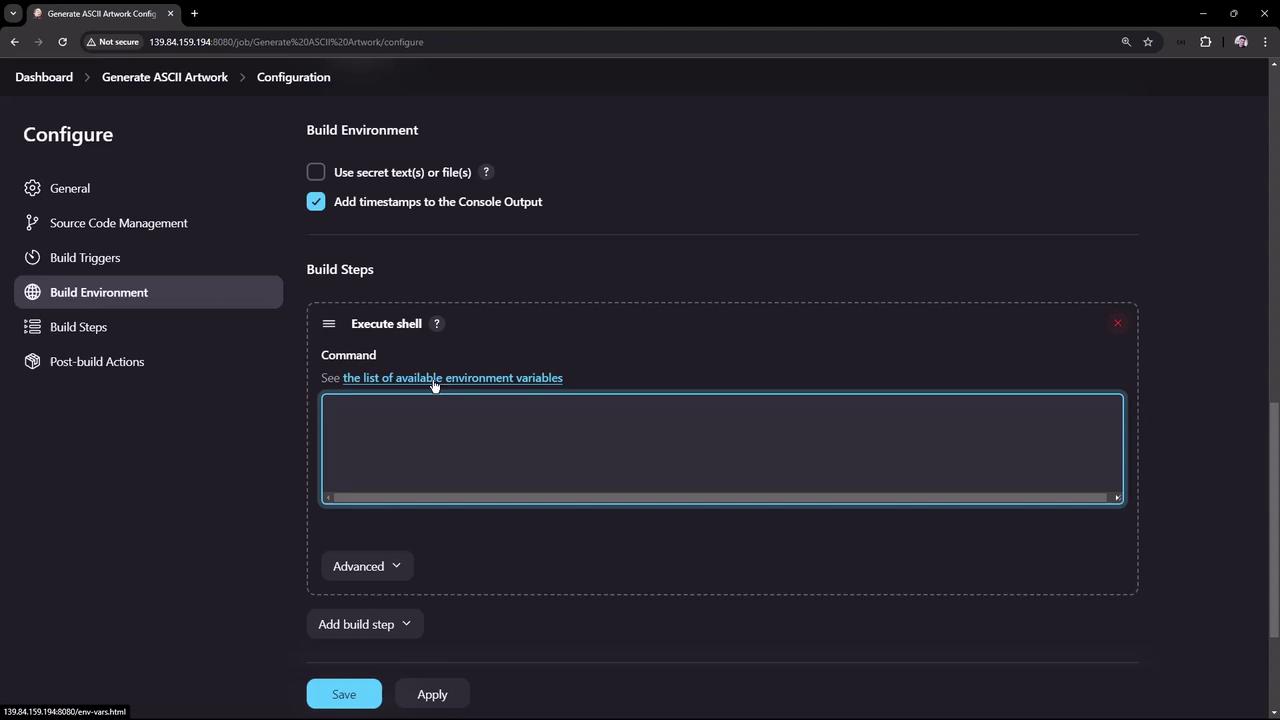
The image shows a configuration screen for a build environment, with options to execute shell commands and add timestamps to the console output. There are sections for build steps and post-build actions, with buttons to save or apply changes.

Script Breakdown

Sample AdviceSlip API Response

4. Save and Run the Job

  • Click Save, then Build Now.
  • On the first run, you may see an error because the workspace doesn’t exist yet:
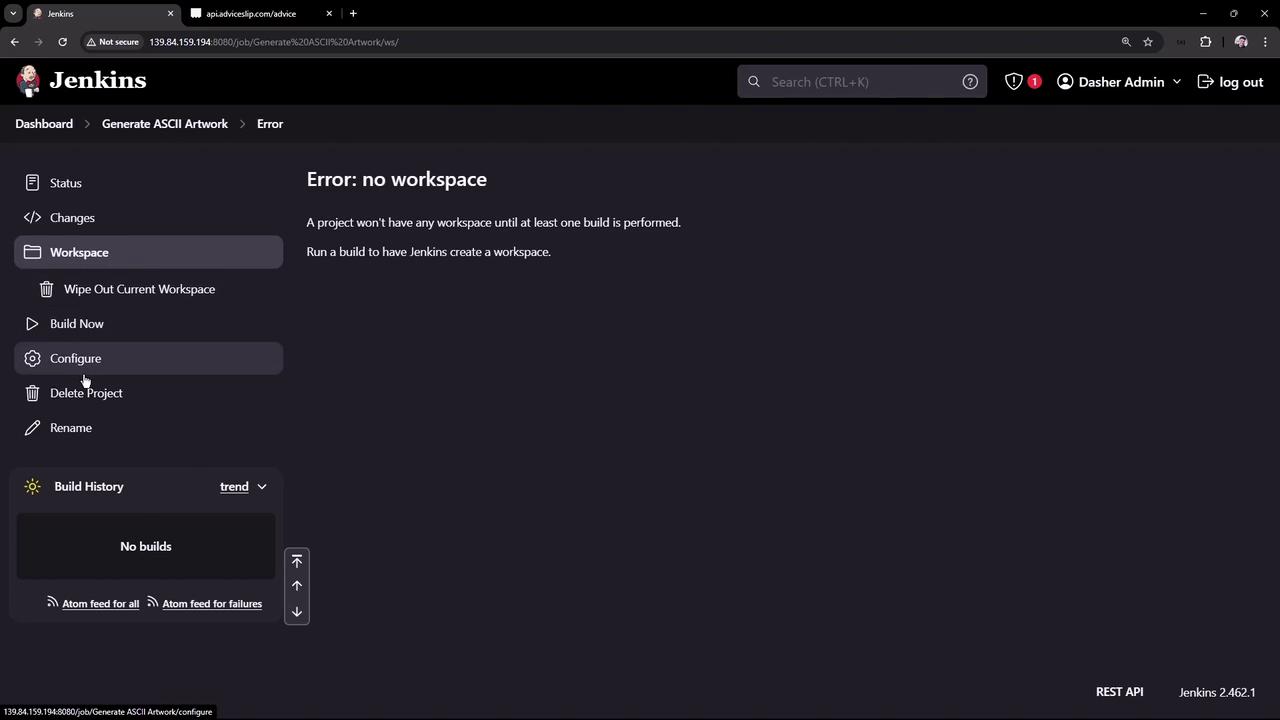
The image shows a Jenkins dashboard with an error message stating "Error: no workspace," indicating that a project needs a build to create a workspace. Various options like "Build Now" and "Configure" are visible on the left sidebar.

5. Investigate a Failed Build

A common failure occurs when Cowsay isn’t found in the PATH:
The Jenkins service user’s default environment may exclude /usr/games. Always export or globally configure PATH so that Jenkins can locate installed binaries.

6. Update the Script and Rebuild

After adding the export PATH line, save and run Build Now again. Success output:
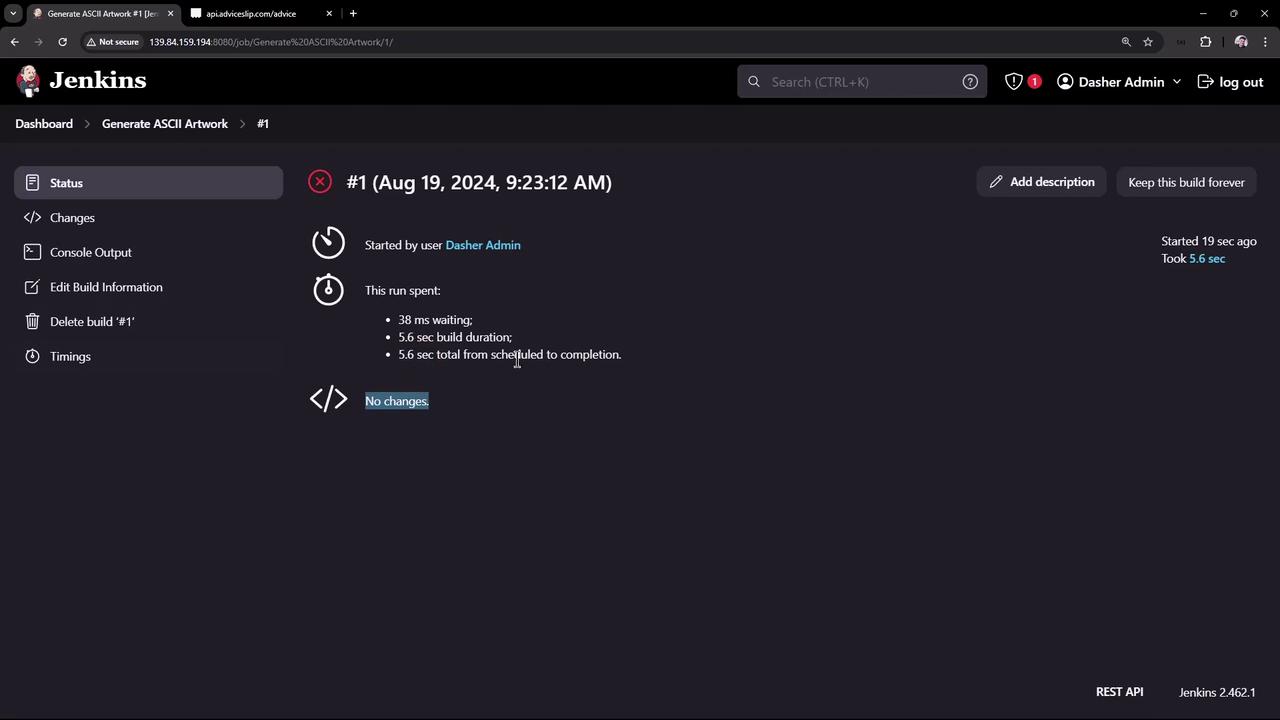
The image shows a Jenkins dashboard displaying the status of a build job titled "Generate ASCII Artwork." It includes details such as the start time, user, and duration of the build process.

7. Review Build History and Workspace

You can inspect past runs, access permalinks, and browse the workspace files:
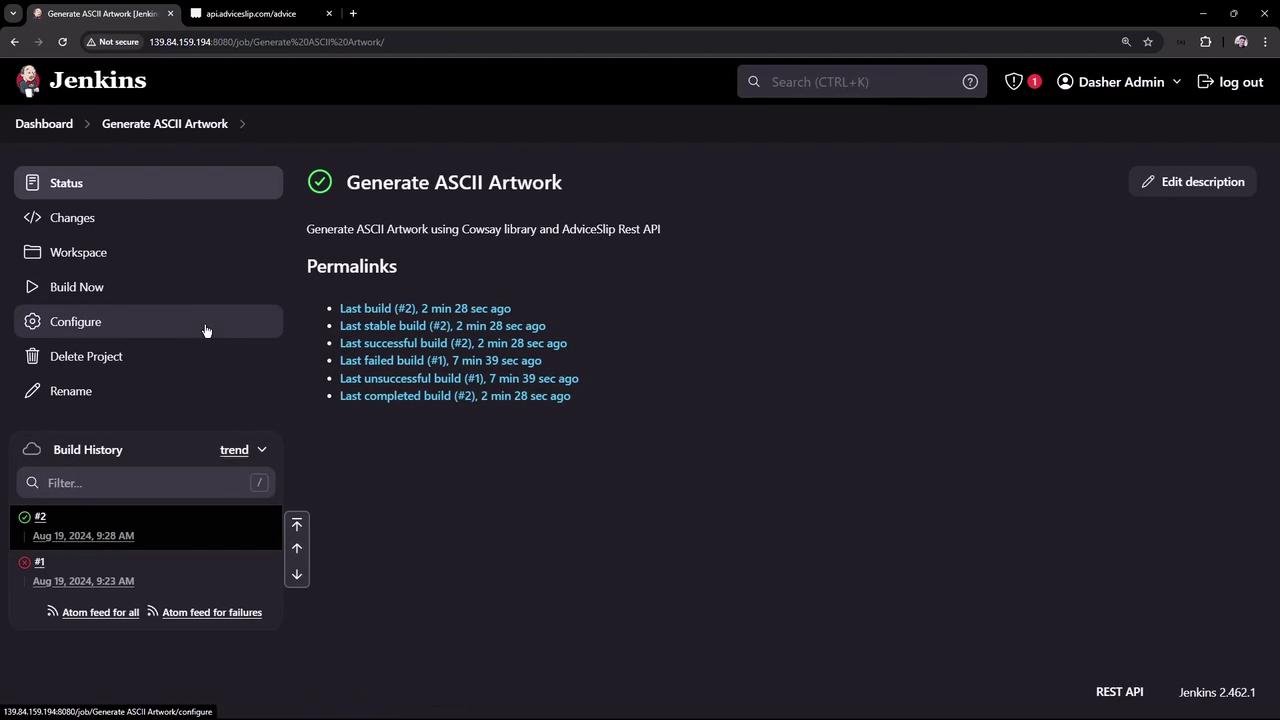
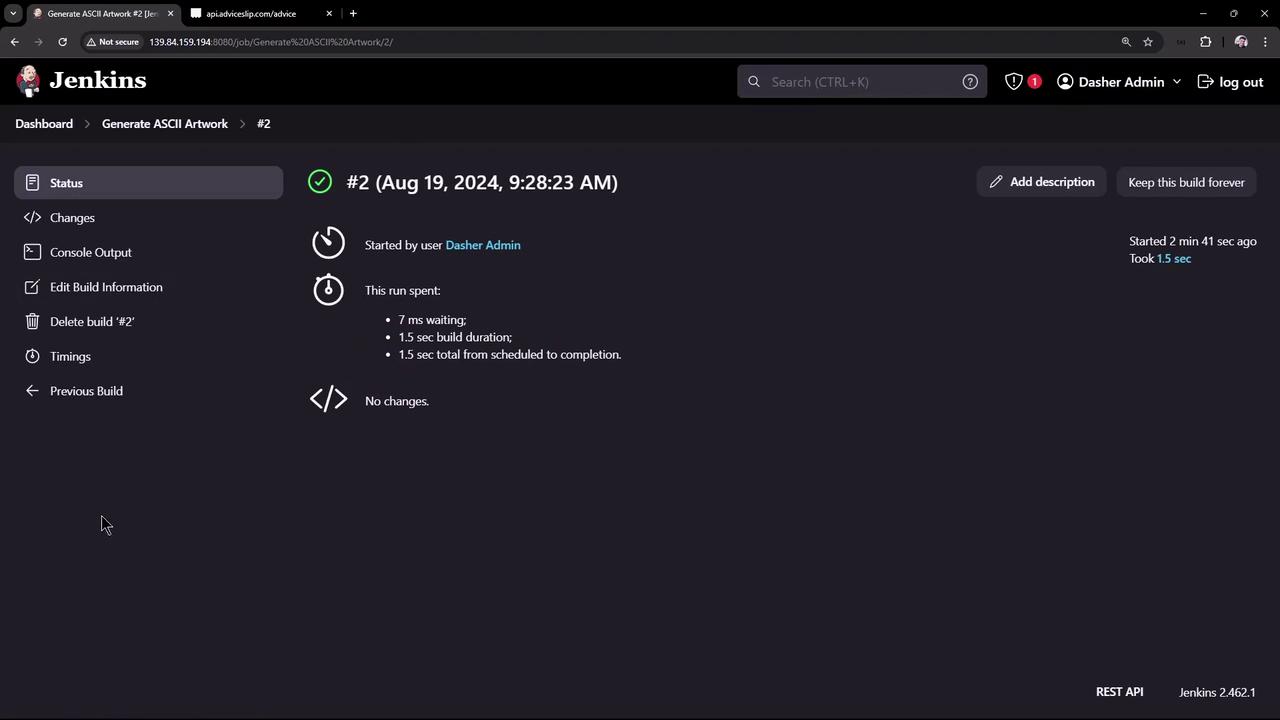
The image shows a Jenkins dashboard for a project called "Generate ASCII Artwork," displaying build history and permalinks for recent builds. The interface includes options like "Build Now," "Configure," and "Delete Project."
The image shows a Jenkins dashboard displaying the status of a build job named "Generate ASCII Artwork #2," which was completed successfully in 1.5 seconds. The build was started by a user and shows details like waiting time and build duration.

8. (Optional) Configure Global Environment Variables

To avoid repeating export PATH in every job:
  1. Go to Manage Jenkins → Configure System.
  2. Under Global properties, check Environment variables.
  3. Add:
    • Name: PATH
    • Value: /usr/local/sbin:/usr/local/bin:/usr/sbin:/usr/bin:/snap/bin:/usr/games:/usr/local/games
When you override PATH globally, include the full default PATH. Jenkins does not expand environment variables in the value field. Alternatively, adjust /etc/default/jenkins or use the Environment Injector Plugin to append directories.
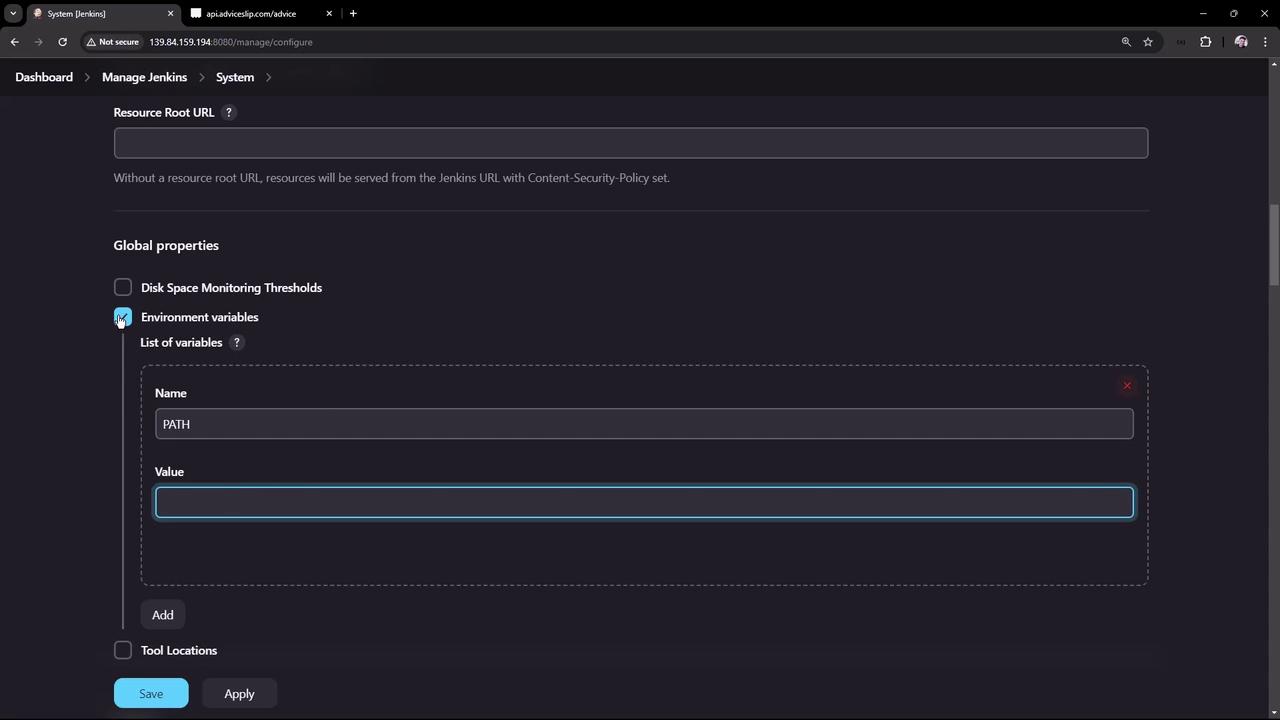
The image shows a Jenkins system configuration page where environment variables are being set, with fields for "Name" and "Value" under "Global properties."

Watch Video