In Kubernetes, all containers in the same Pod share the same filesystem volume. This demo shows how one Jenkins pipeline stage writes a file in an Ubuntu container, and a subsequent stage reads it in a Node.js container—both running side by side in the same Pod.Documentation Index
Fetch the complete documentation index at: https://notes.kodekloud.com/llms.txt
Use this file to discover all available pages before exploring further.
- A Jenkins server with the [Kubernetes Plugin][] and [Blue Ocean][] installed.
- A connected Kubernetes cluster configured as a cloud agent.
Jenkinsfile Overview
The followingJenkinsfile defines two stages: one running on Ubuntu, the other in a Node.js sidecar. They share the workspace via an emptyDir volume.
Executing the Pipeline
When this pipeline runs, Jenkins dynamically provisions a Pod with two containers—ubuntu-container (default) and node-container (sidecar)—sharing an emptyDir workspace volume.
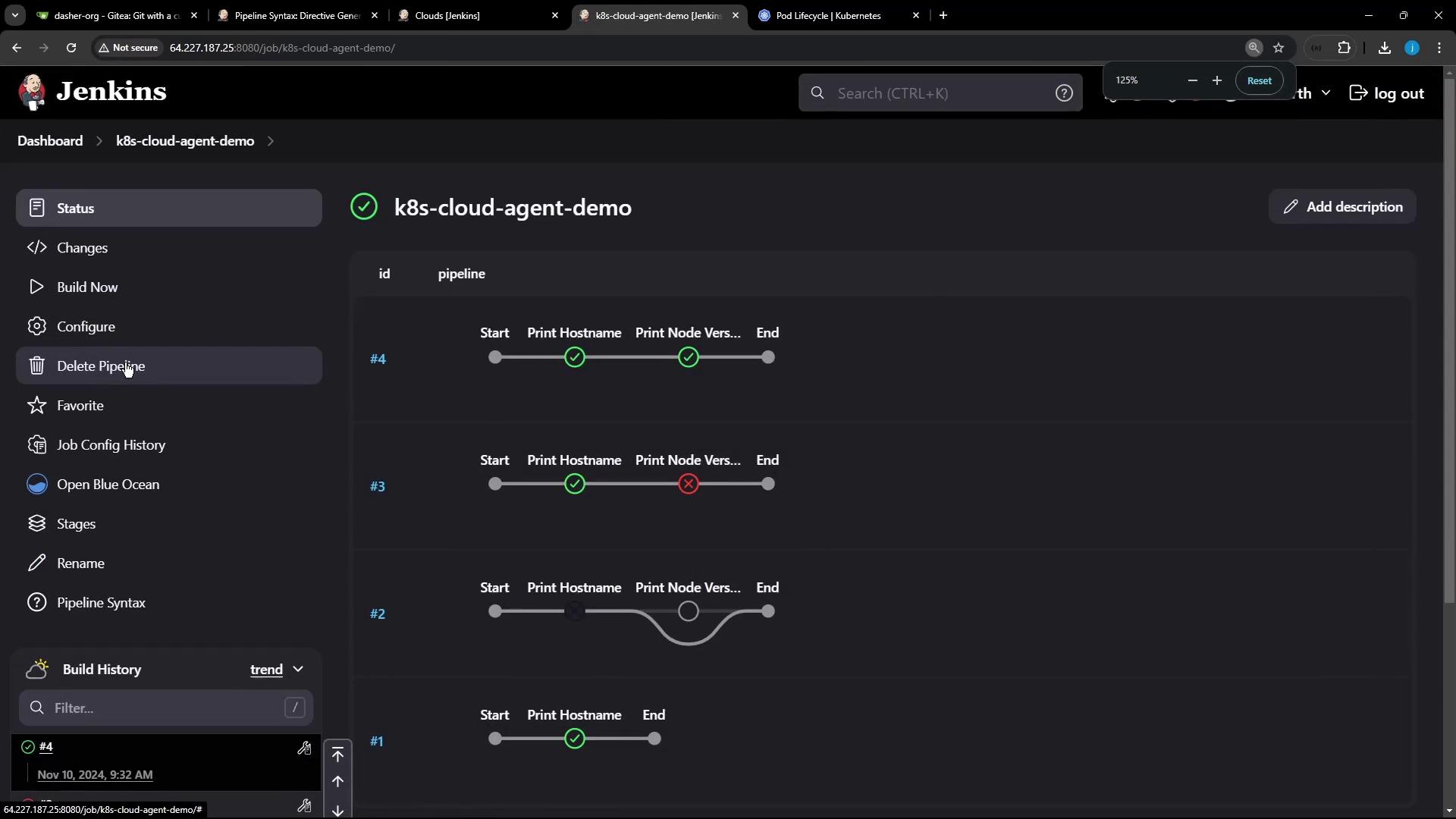
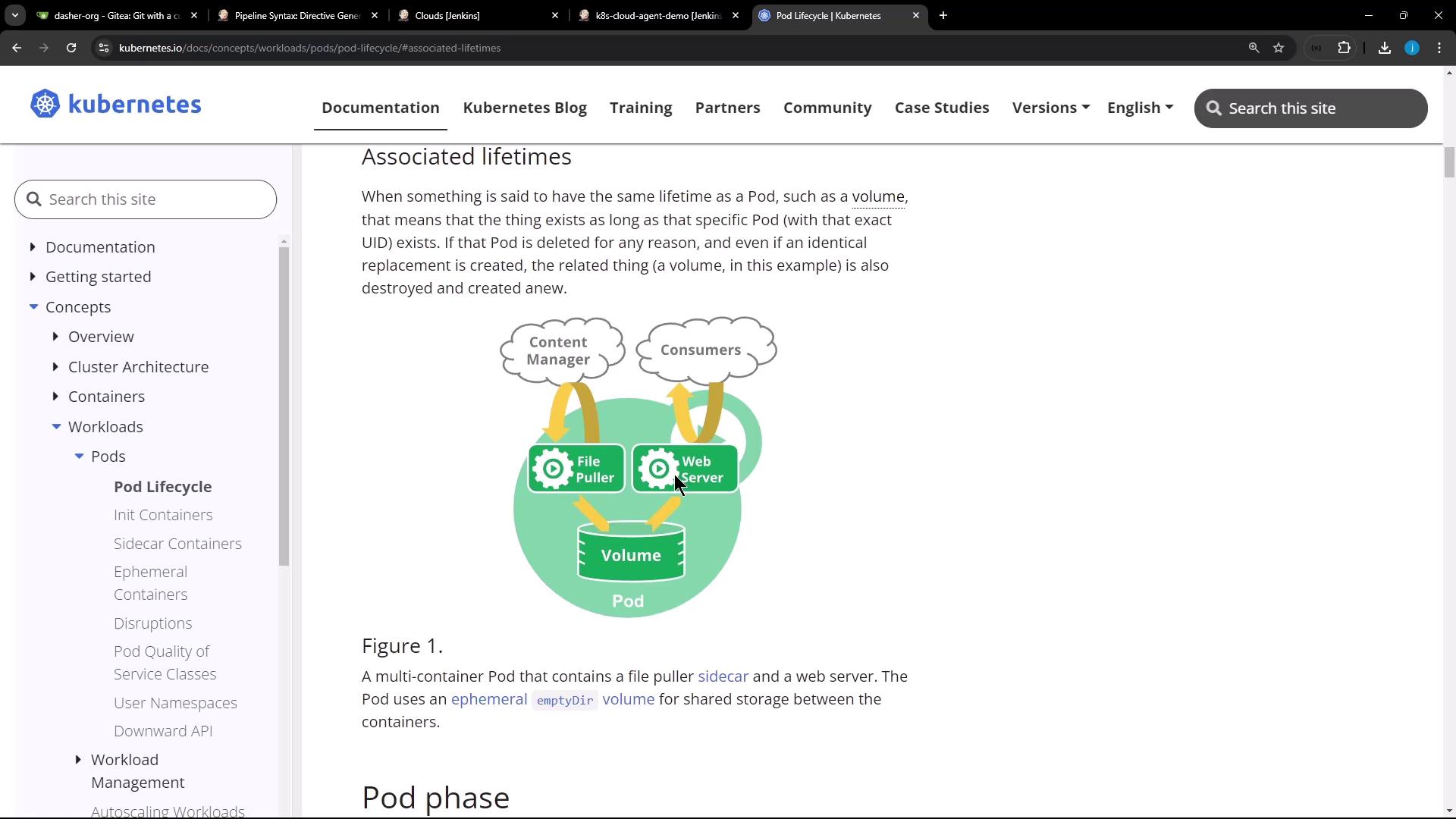
Pipeline Log Example
The log below confirms the file created in the Ubuntu container is accessible in the Node.js container:Static Nodes vs. Dynamic Agents
You can run Jenkins jobs on:| Agent Type | Description | Pros | Cons |
|---|---|---|---|
| Static Node (VM) | A long-running machine with preinstalled tools. | Always available; ideal for specialized builds | Idle resource costs; manual maintenance required. |
| Docker Agent | Containers spun per job and removed when done. | Custom images; resource-efficient | Requires Docker environment setup. |
| Kubernetes Cloud Agent | Pods created on demand, destroyed after completion. | Auto-scaling; shareable volumes per Pod | Kubernetes cluster required; plugin configuration. |
Dynamic agents help you package toolchains into container images, cutting down on idle resources and improving build scalability.