In this tutorial, we’ll automate updating the Docker image tag in Kubernetes manifests and commit changes back to a GitOps repository using a Jenkins pipeline, triggered by Git webhooks.

Prerequisites

1. Inspect the Manifest Repository

Open the Gitea repo solar-system-gitops-argo-cd and navigate to the kubernetes folder:
The image shows a Gitea interface for the "dasher-org" organization, displaying a list of repositories with options to create a new repository or migration. There are four repositories listed, with details about their last update and programming languages used.
Examine deployment.yml:

2. Check Argo CD Application Status

Argo CD will show the application as OutOfSync before resources are applied:
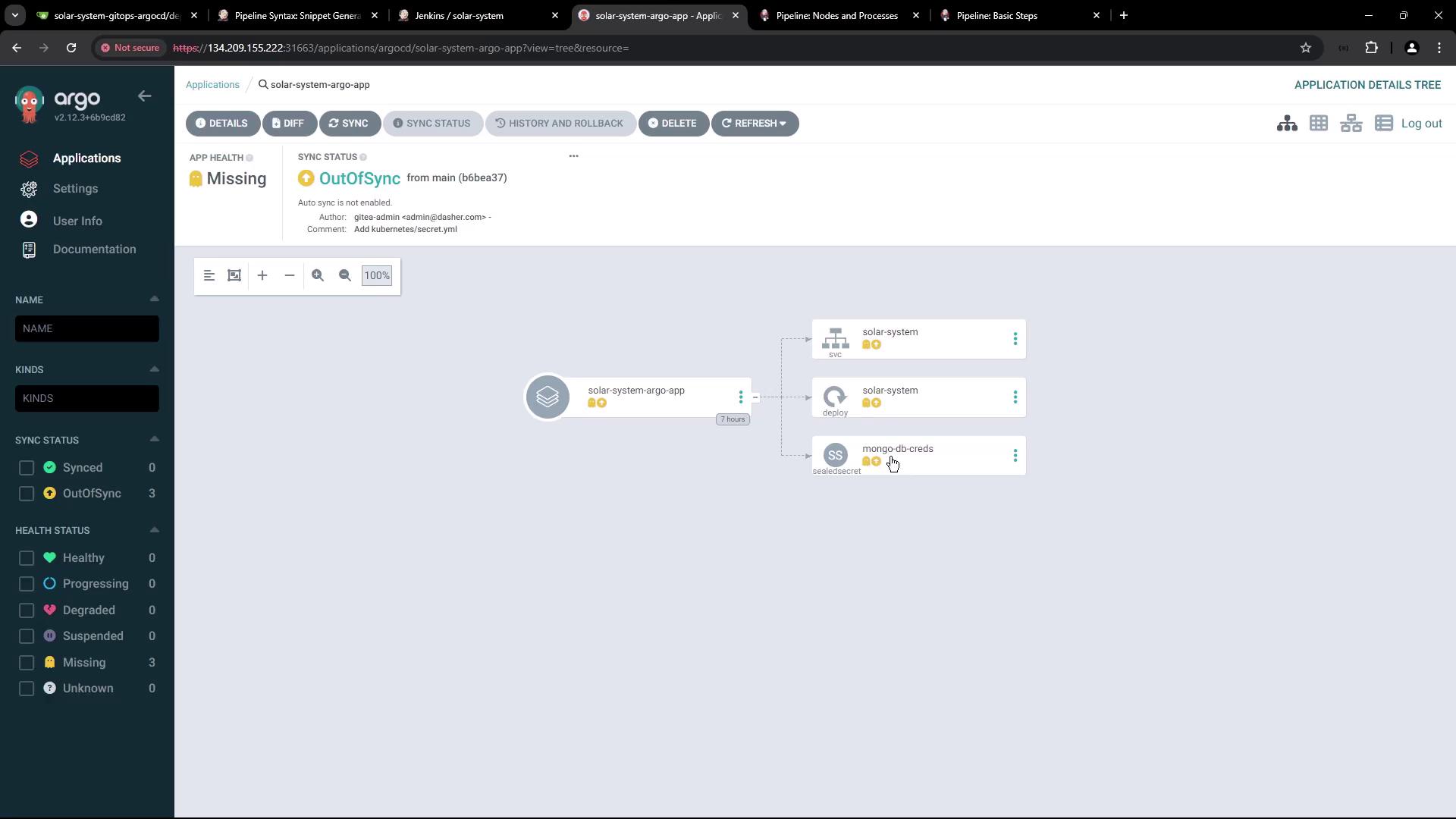
The image shows an Argo CD dashboard displaying the status of an application called "solar-system-argo-app," which is out of sync and missing. It includes a visual representation of the application's components, such as "solar-system" and "mongo-db-creds."
Verify no resources exist in the solar-system namespace:

3. Jenkins Pipeline: Add “K8S Update Image Tag” Stage

Add a new declarative stage to your Jenkinsfile to:
  • Run only on pull request branches (PR*).
  • Clone the GitOps repo.
  • Update the Docker image tag in deployment.yml.
  • Commit & push to feature-$BUILD_ID.
Ensure the Jenkins agent has git and sed installed for cloning and file editing.
The image shows a webpage from the Jenkins documentation, specifically detailing the "Pipeline: Basic Steps" with a focus on the "catchError" function. It includes a sidebar with a user handbook and a table of contents for various pipeline steps.

4. Configure Gitea API Token

4.1 Generate Token in Gitea

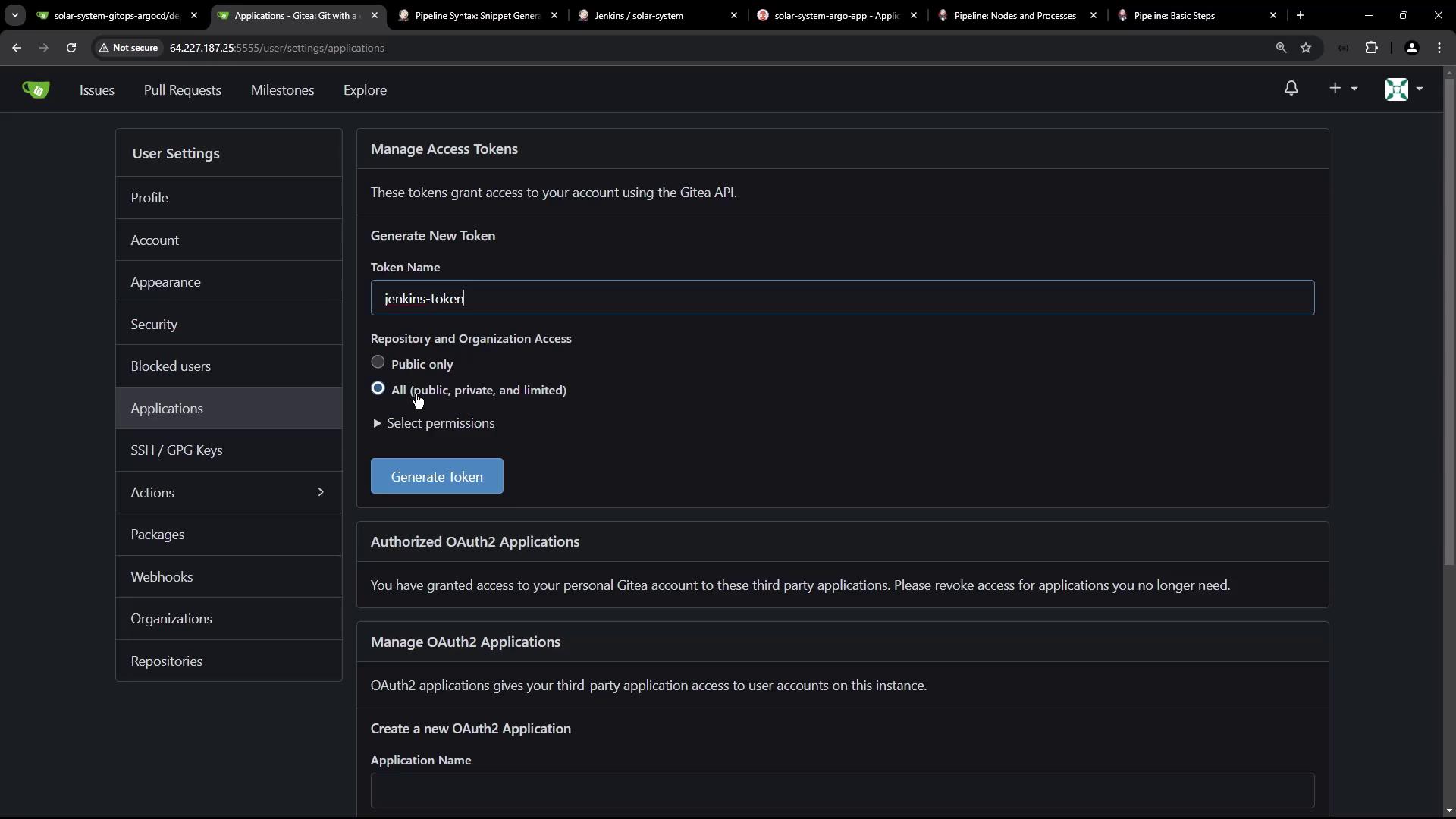
In Gitea user settings, create a new access token named jenkins-token with read/write scope:
The image shows a Gitea user settings page where a new access token named "jenkins-token" is being generated, with options for repository and organization access.

4.2 Add Token to Jenkins Credentials

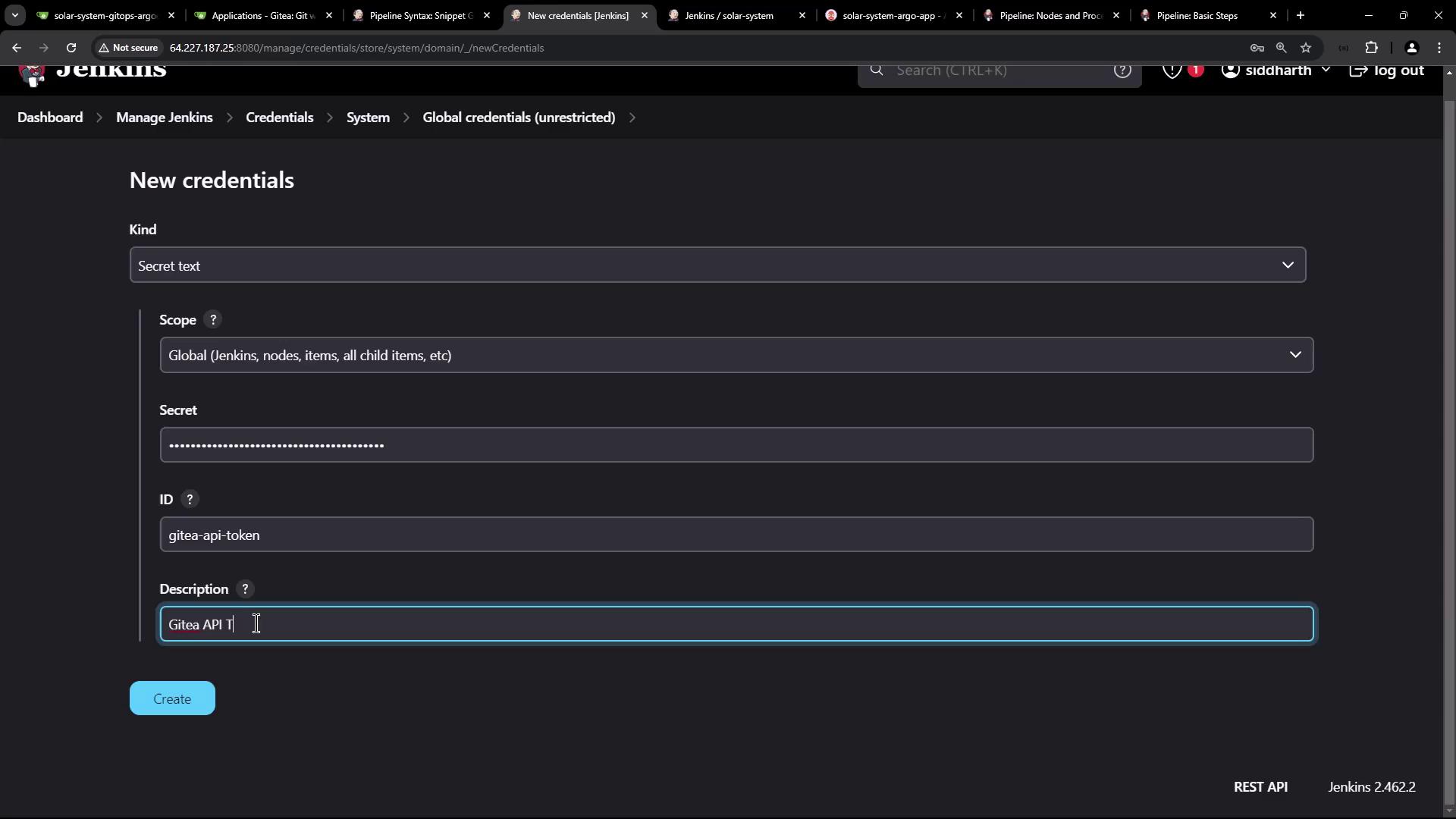
Go to Credentials > System > Global credentials in Jenkins and add a Secret text credential with ID gitea-api-token:
The image shows a Jenkins interface displaying a list of global credentials, including usernames, passwords, and tokens for various services like MongoDB, DockerHub, and AWS.
The image shows a Jenkins interface for adding new credentials, specifically a secret text with fields for kind, scope, secret, ID, and description. The description field mentions "Gitea API Token."
Reference it:
Keep your API tokens secure. Do not hardcode secrets in your Jenkinsfile.

5. Webhook Trigger on Pull Requests

Configure a Gitea webhook to trigger Jenkins on pull request events:
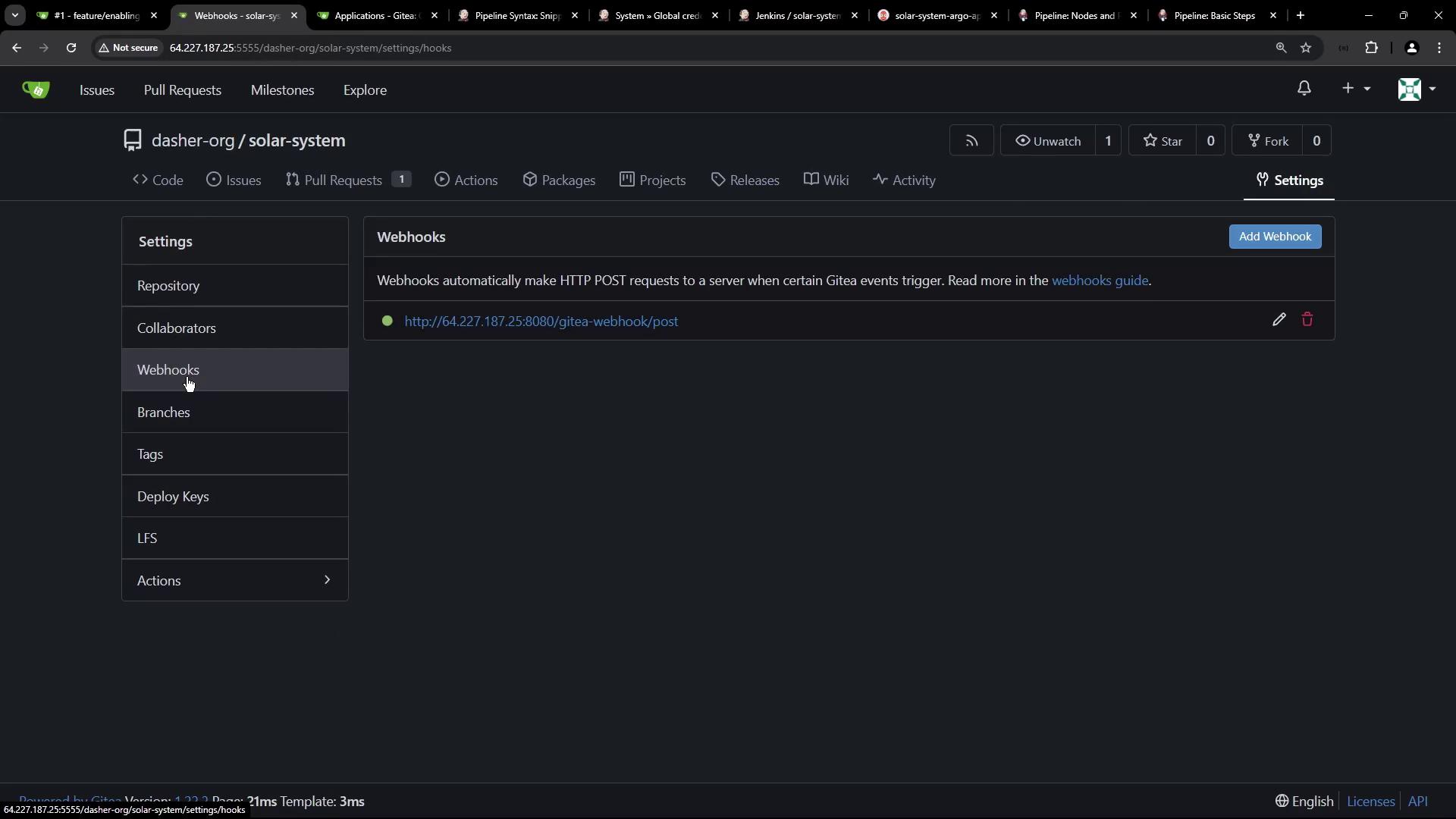
The image shows a web interface for managing webhooks in a repository on Gitea, with options to add or edit webhooks.
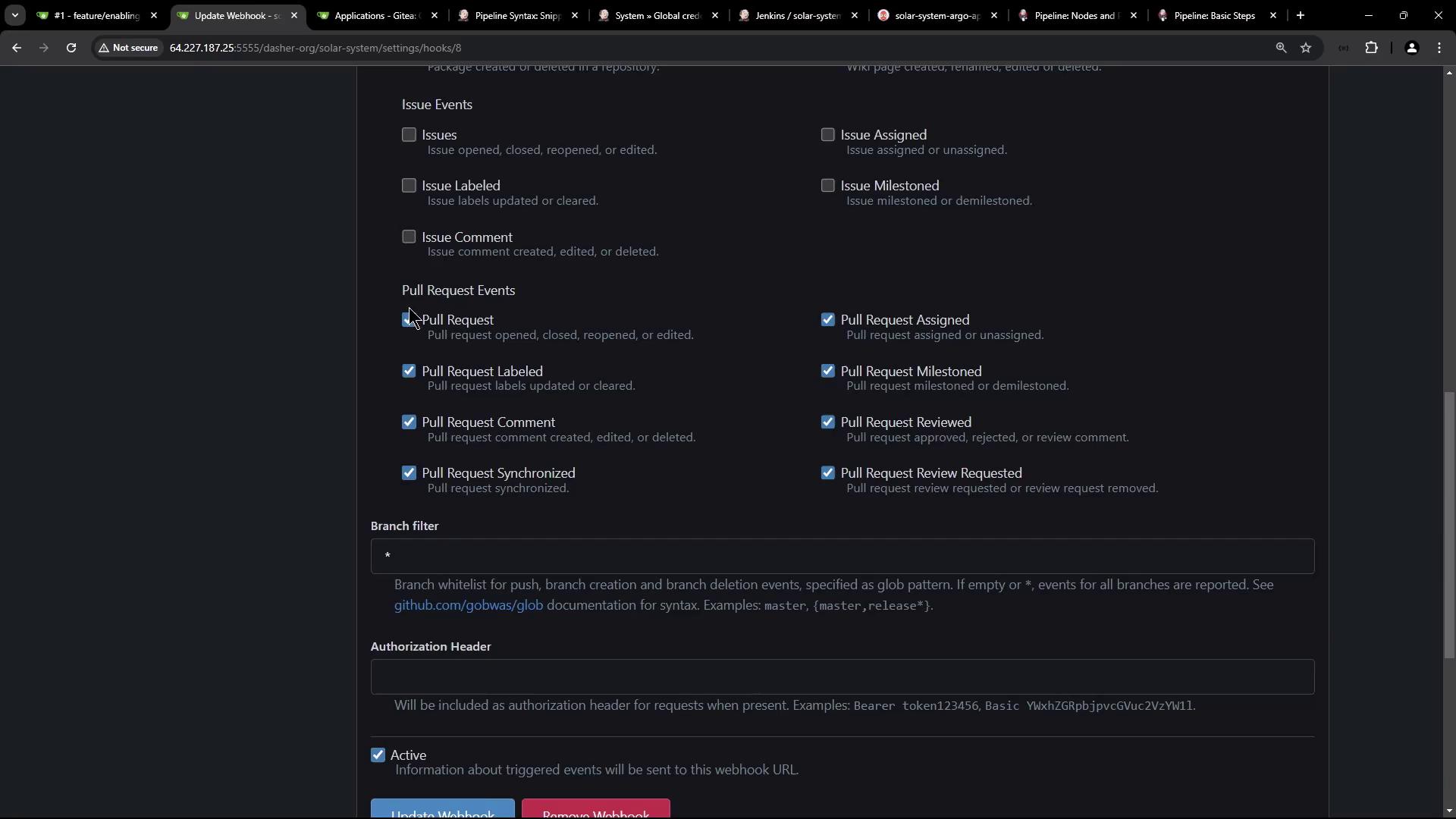
Enable Pull request events:
The image shows a settings page for configuring webhook events in a repository, with options for issue and pull request events, branch filters, and authorization headers.

5.1 Create a Pull Request

Open a new PR against main:
The image shows a Git repository interface for creating a new pull request, with a list of recent commits and their details.

5.2 Observe Jenkins Pipeline Runs

Jenkins will build the PR branch and run the image update:
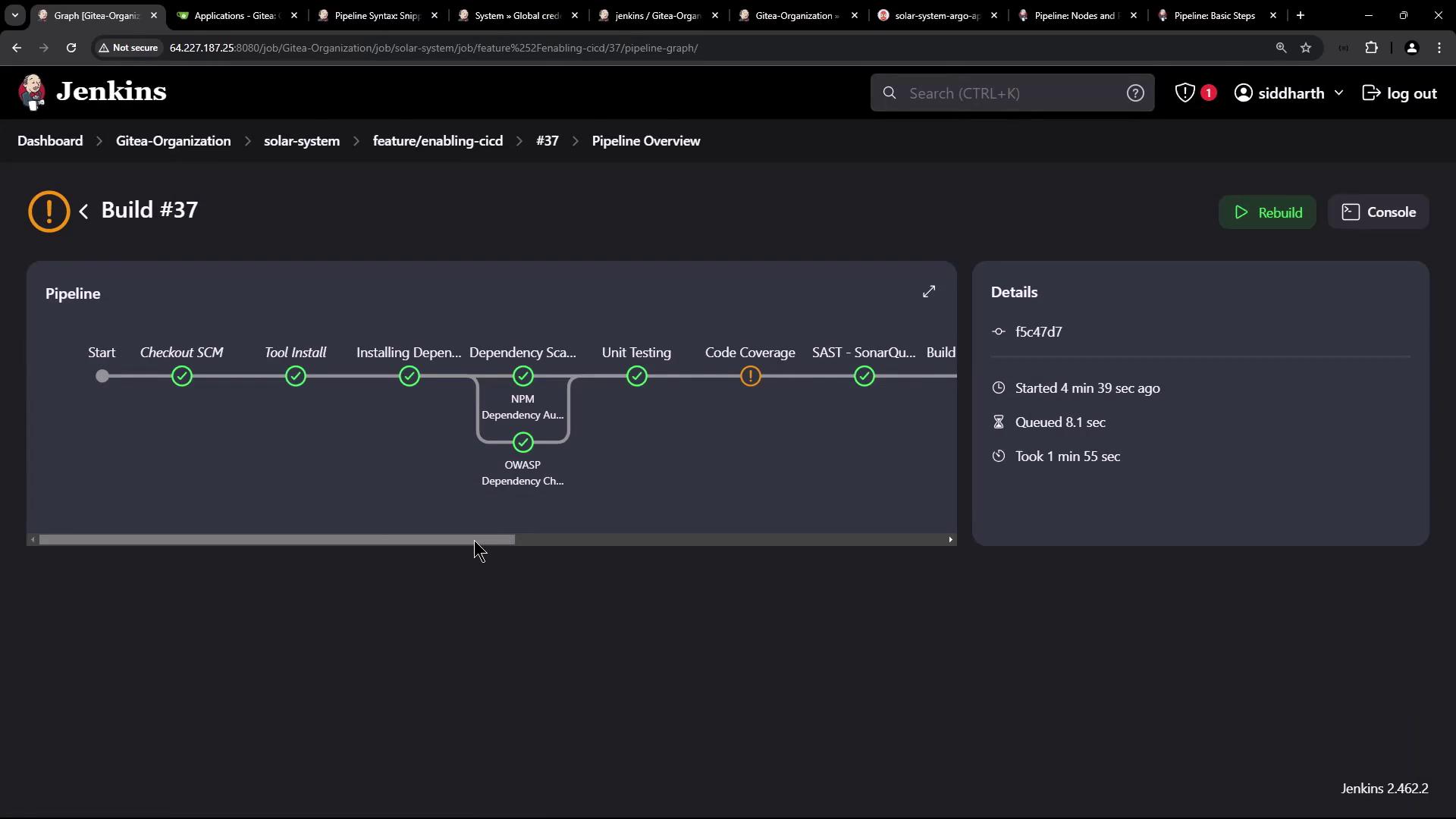
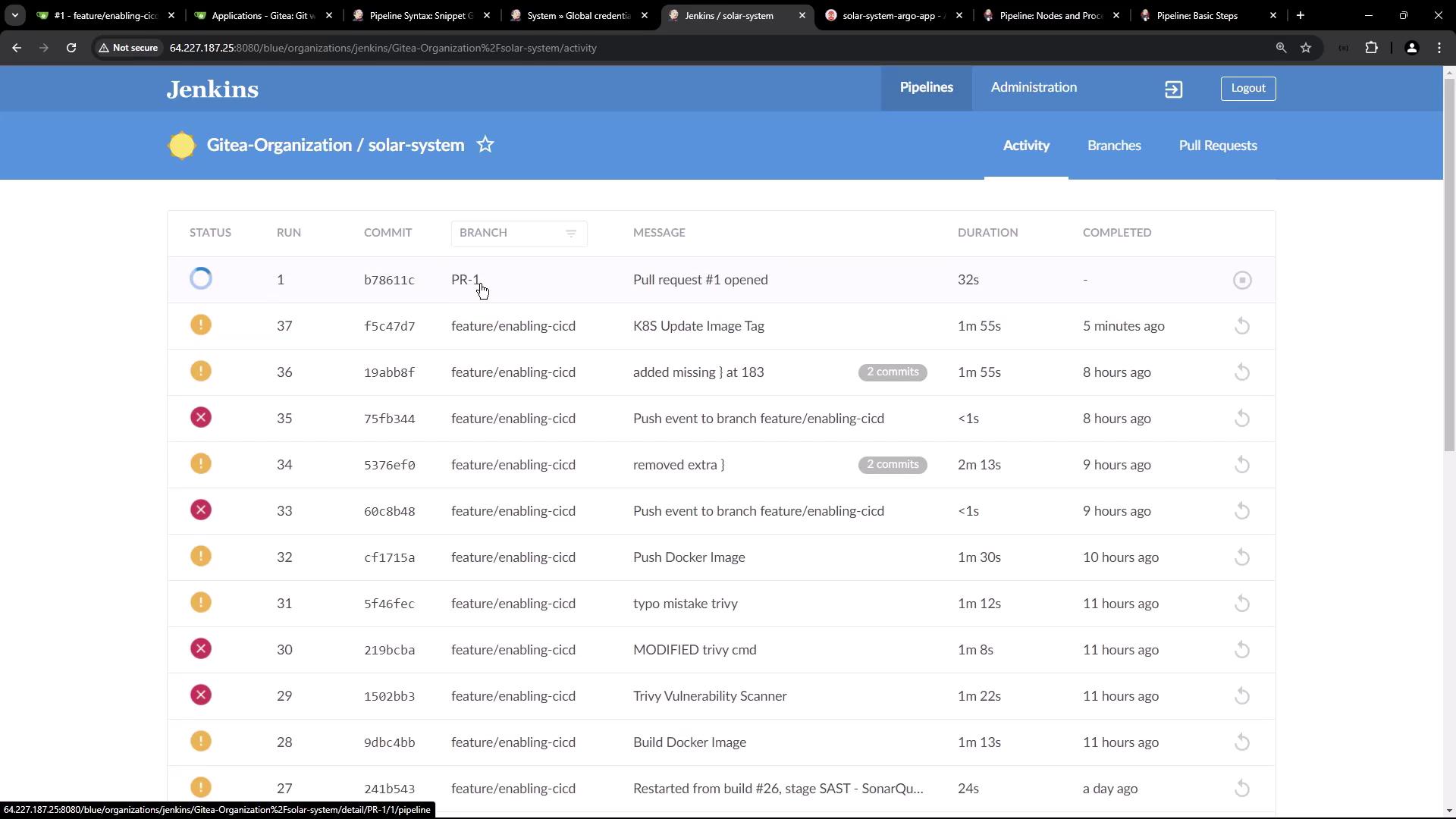
The image shows a Jenkins pipeline overview for Build #37, displaying various stages such as "Checkout SCM," "Tool Install," "Unit Testing," and "Code Coverage," with some stages marked as completed and one with a warning. Details about the build's start time, queue time, and duration are also provided.
View the pipeline activity dashboard:
The image shows a Jenkins dashboard displaying a list of pipeline activities for a project named "solar-system" under "Gitea-Organization," including details like status, commit ID, branch, message, duration, and completion time.

6. Confirm Image Tag Update

Check console logs:
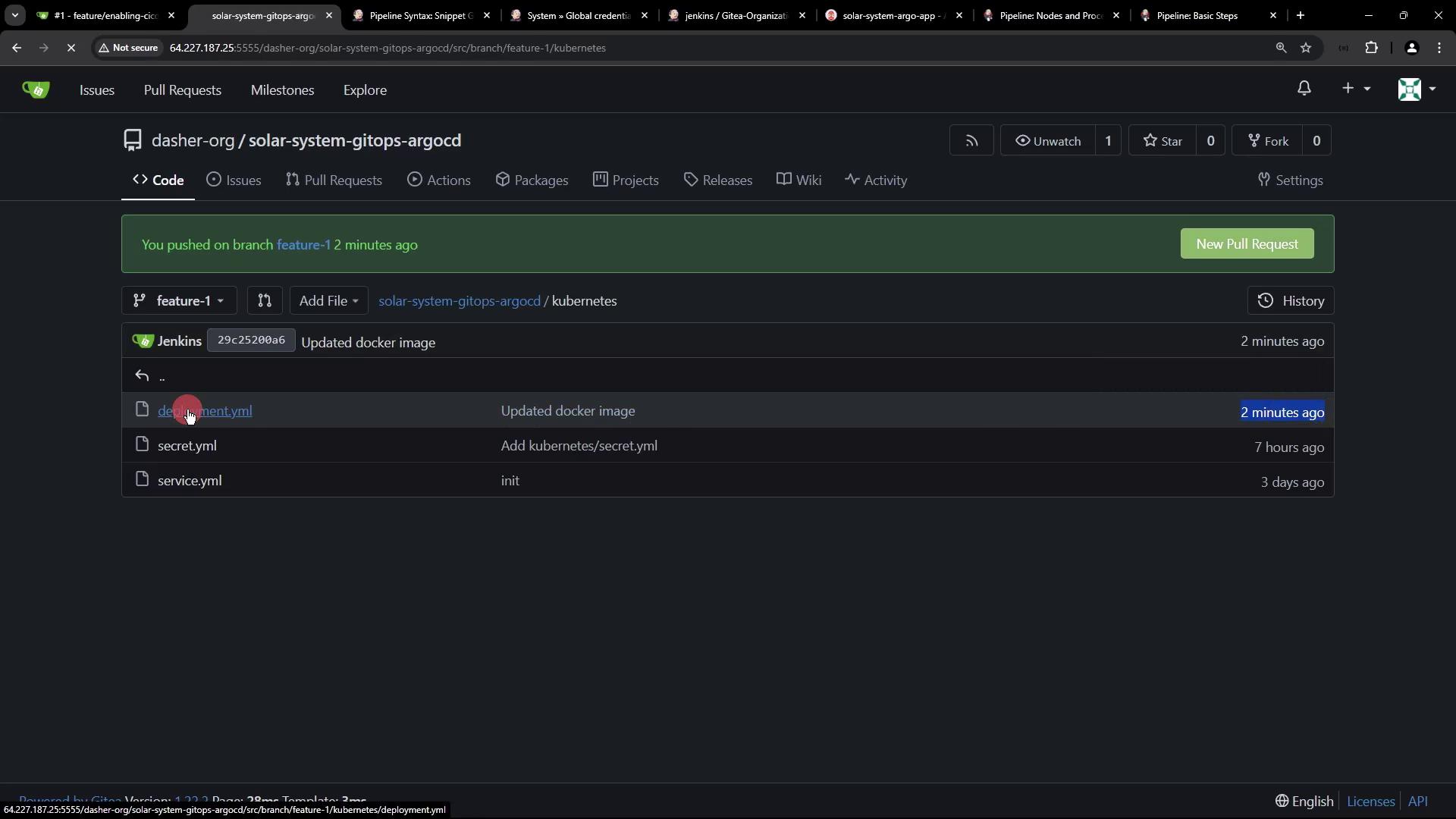
Inspect the feature-1 branch in Gitea:
The image shows a code repository interface with a branch named "feature-1" and files related to Kubernetes, including "deployment.yml," "secret.yml," and "service.yml." A recent update to the Docker image is noted.

7. Sync with Argo CD

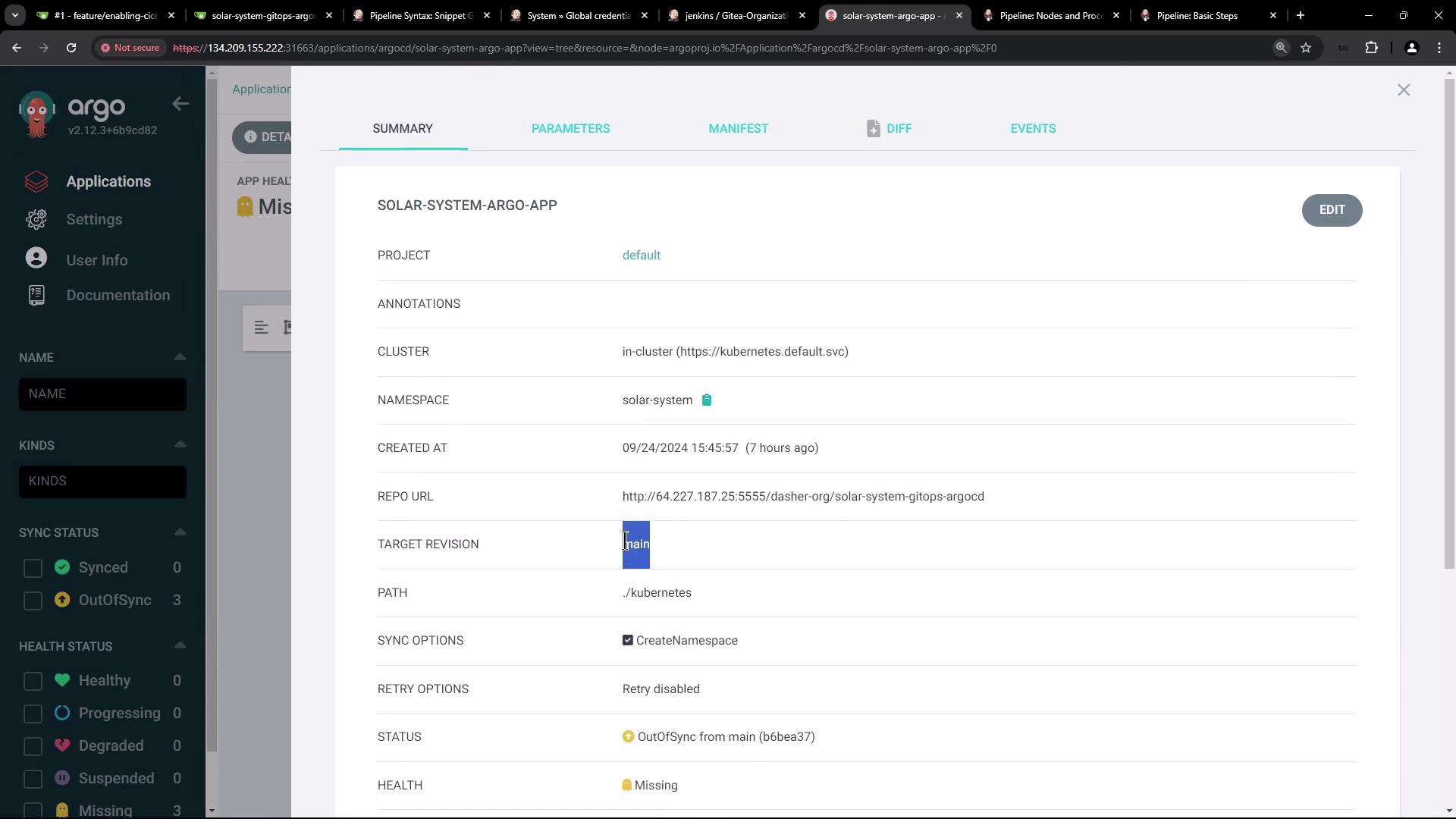
Since Argo CD tracks main, it remains OutOfSync until you merge feature-1:
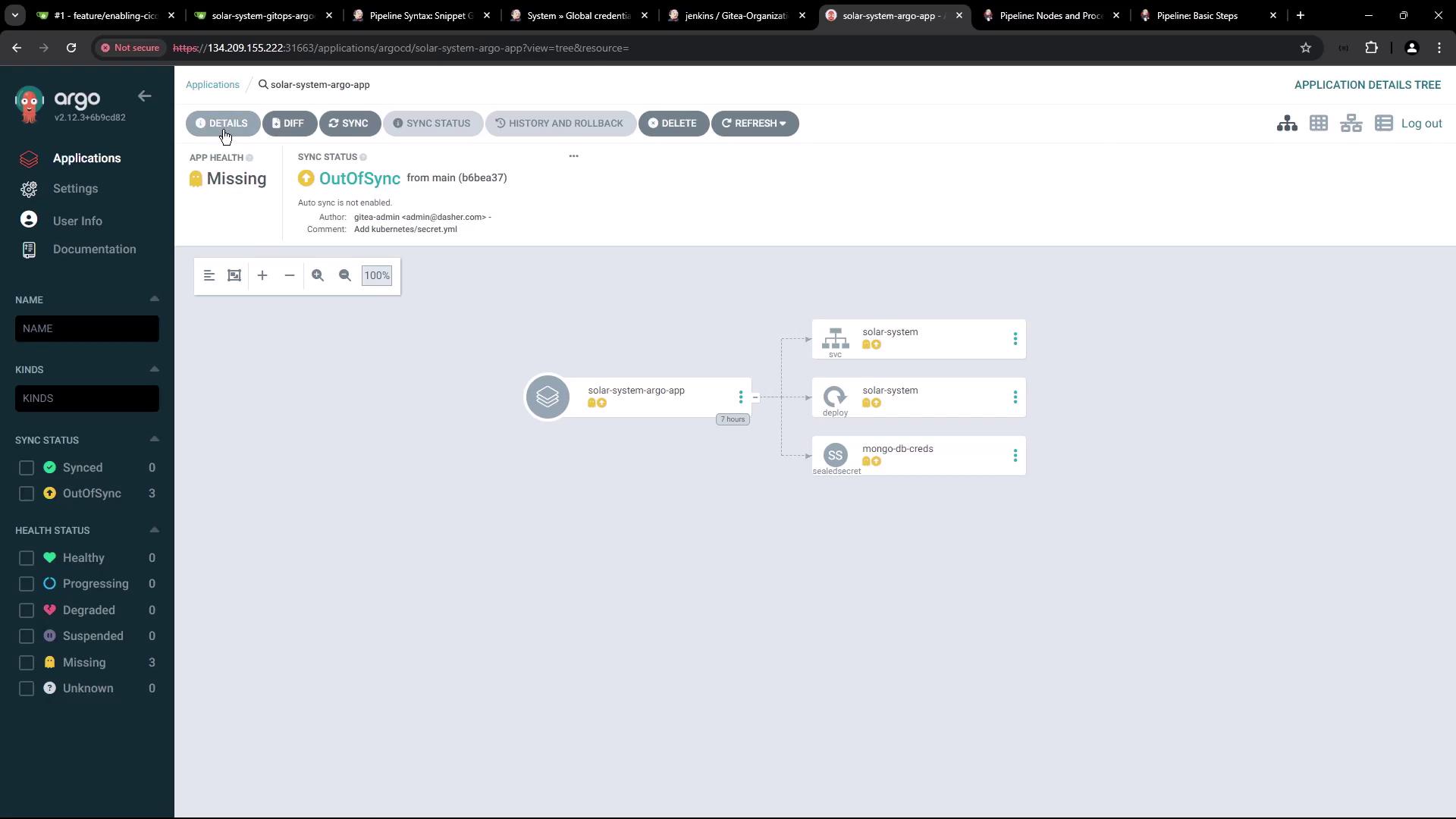
The image shows an Argo CD interface with an application named "solar-system-argo-app" that is out of sync and missing. It displays a visual representation of the application's components and their statuses.
The image shows a dashboard from Argo CD, displaying details of an application named "SOLAR-SYSTEM-ARGO-APP," including project, cluster, namespace, and repository information. The application status is "OutOfSync" and health status is "Missing."
Next, automate merging feature-1 into main so Argo CD can deploy the updated manifest. Thank you for following this GitOps workflow!

Watch Video