In this guide, we’ll walk through generating and using Jenkins CSRF crumb tokens to secure HTTP requests against Cross-Site Request Forgery attacks. You’ll learn how to configure Jenkins for CSRF protection, retrieve crumb tokens via the REST API, and trigger jobs with the proper headers and cookies.

Jenkins CSRF Protection Configuration

By default, Jenkins enforces CSRF protection. As an administrator:
  1. Go to Manage JenkinsConfigure Global Security.
  2. Locate the CSRF Protection section and confirm it is enabled.
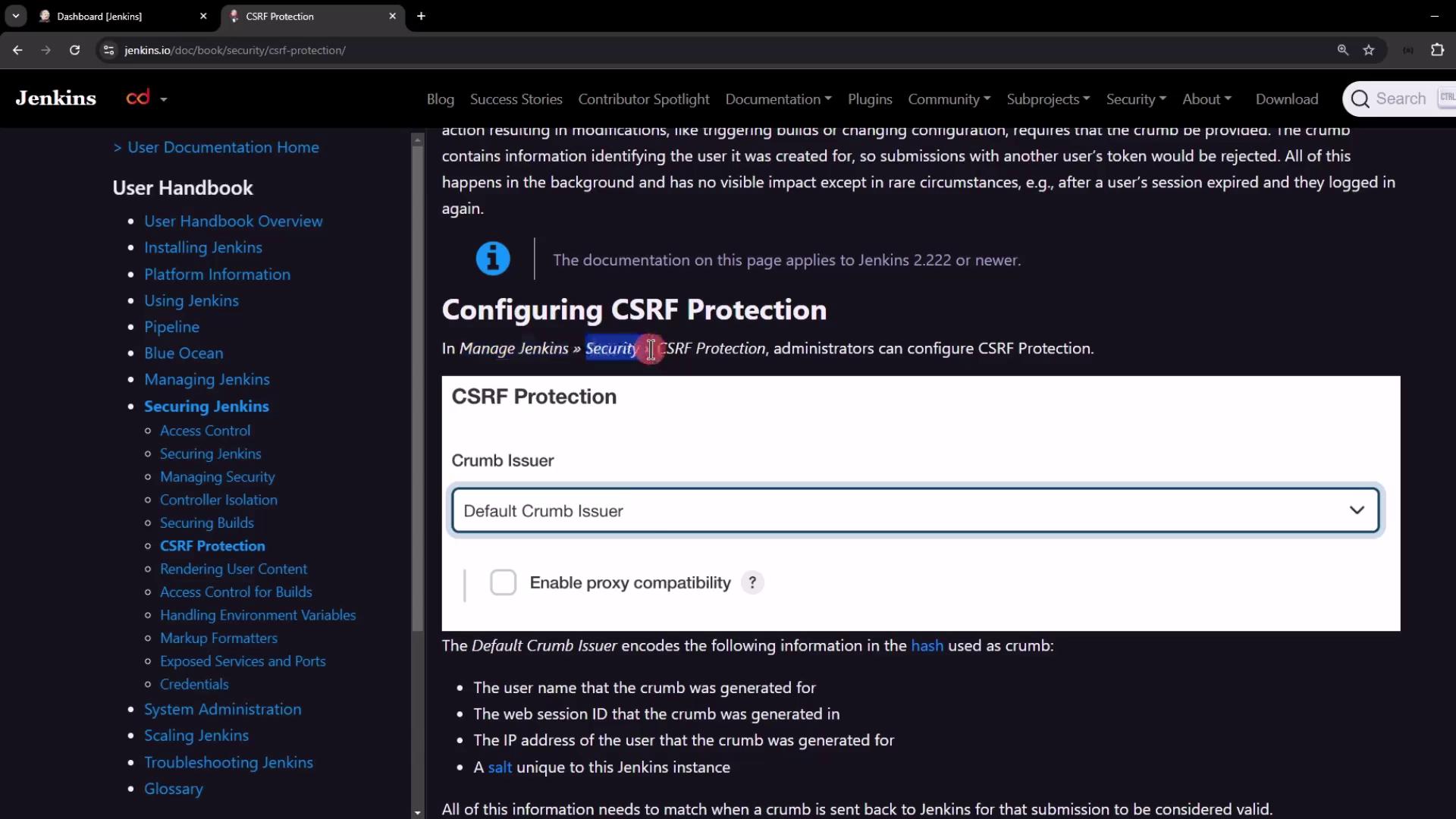
The image shows a webpage from the Jenkins documentation, specifically focusing on configuring CSRF protection. It includes navigation links on the left and details about the "Crumb Issuer" settings on the right.
Disabling CSRF protection is not recommended in production. If you must disable it (for testing only), set the system property
hudson.security.csrf.GlobalCrumbIssuerConfiguration.DISABLE_CSRF_PROTECTION=true
at server startup.

Default Crumb Issuer

Jenkins’s Default Crumb Issuer generates a token hash from several session-specific values. All must match when validating an incoming request:
Encoded ValueDescription
UsernameThe authenticated user’s login
Session IDUnique identifier for the Jenkins session
User IP AddressClient’s source IP
Instance SaltA secret salt unique to this Jenkins node
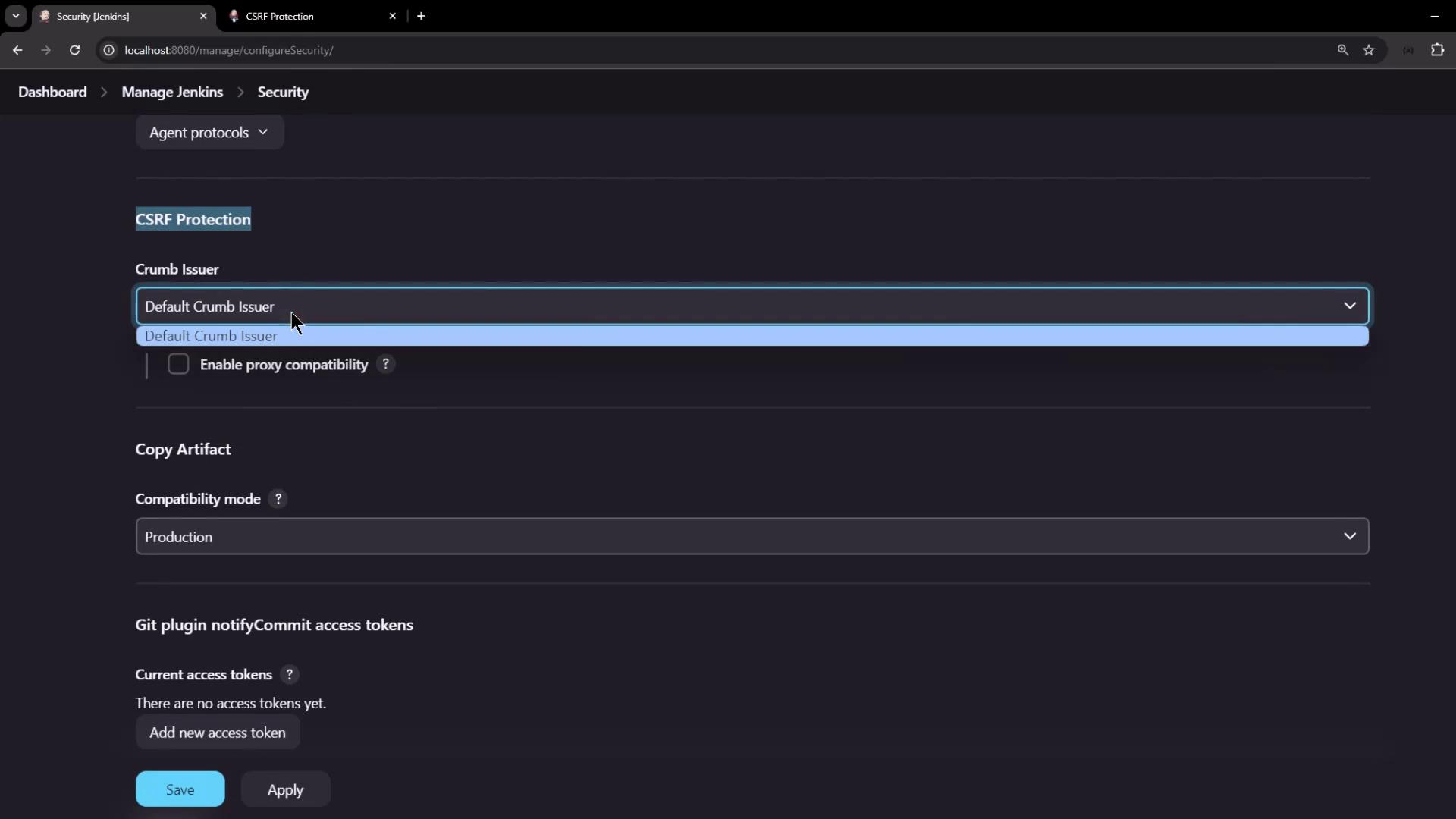
The image shows a Jenkins security configuration page with options for CSRF protection, artifact compatibility mode, and Git plugin access tokens.

Working with the Crumb Issuer API

The crumb is exposed at the REST endpoint /crumbIssuer/api/json. Authenticate with username/password or API token to receive:
  • A JSON payload containing the crumb and header field name
  • A session cookie to include on subsequent requests
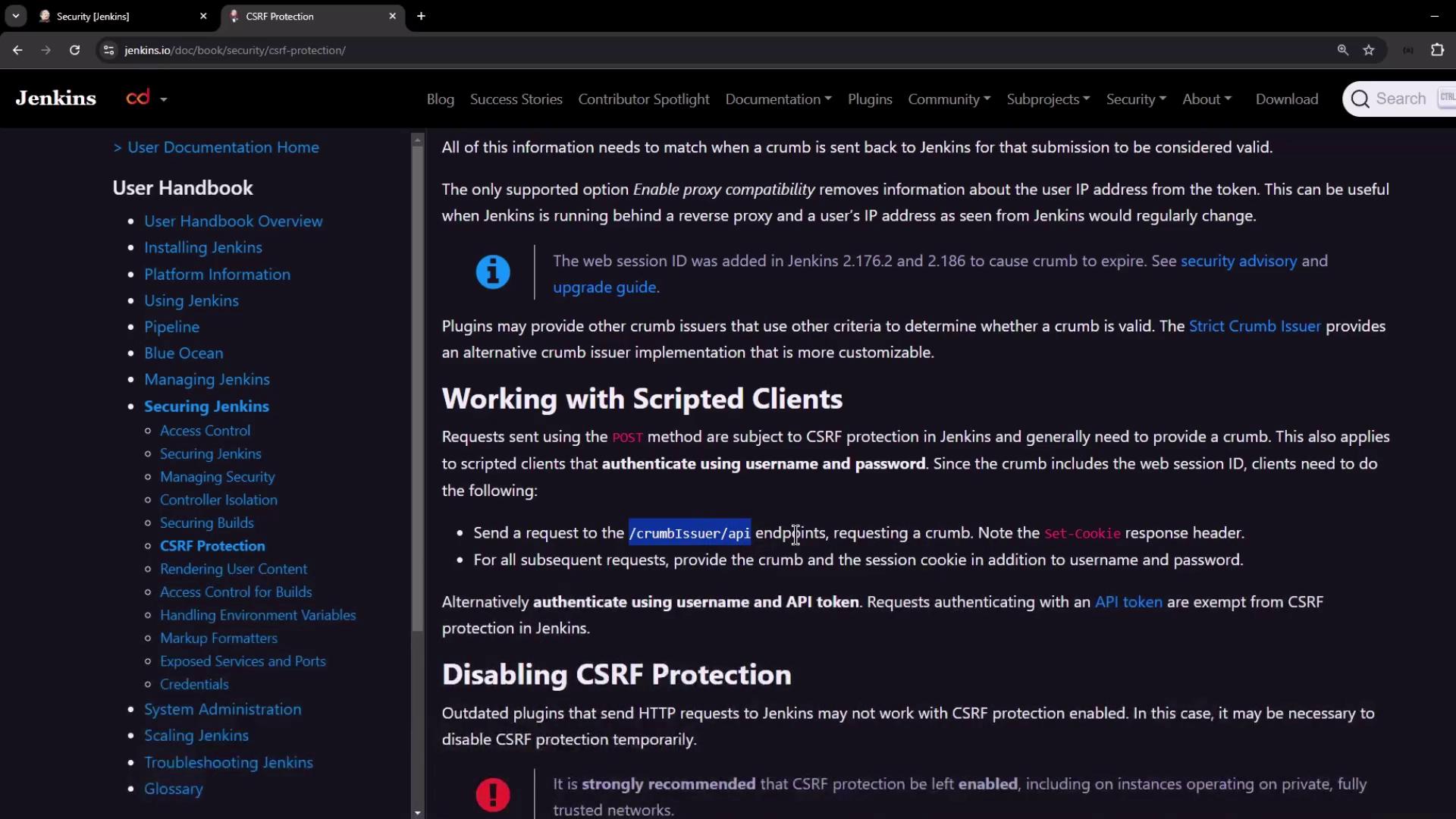
The image shows a webpage from the Jenkins documentation, specifically focusing on CSRF protection. It includes a navigation menu on the left and detailed information about working with scripted clients and disabling CSRF protection on the right.

1. Generate and View the Crumb

curl -s \
  -u admin:password \
  http://localhost:8080/crumbIssuer/api/json | jq
{
  "_class": "hudson.security.csrf.DefaultCrumbIssuer",
  "crumb": "628e6eb7b759cb388daec3a44de4e1fcde5da95edcbd779d8b9967c1239de5cff",
  "crumbRequestField": "Jenkins-Crumb"
}

2. Inspect Response Headers

View the Set-Cookie header to capture the session ID:
curl -s -v \
  -u admin:password \
  http://localhost:8080/crumbIssuer/api/json > /dev/null
Example header output:
Set-Cookie: JSESSIONID.<...>=node01ylzmgr6pjx...; Path=/; HttpOnly
Save the session cookie for later use:
curl -s \
  -u admin:password \
  --cookie-jar /tmp/jenkins_cookies \
  http://localhost:8080/crumbIssuer/api/json | jq
{
  "_class": "hudson.security.csrf.DefaultCrumbIssuer",
  "crumb": "28791665a0a7f47ecf03510ae3b0b2695e01d3e3f2d0ba96d1d230898051059a",
  "crumbRequestField": "Jenkins-Crumb"
}
Verify the stored cookie:
cat /tmp/jenkins_cookies
Using --cookie-jar ensures your session cookie is persisted securely between requests.

Triggering a Parameterized Job with the Crumb

With both the crumb token and session cookie saved, you can trigger a build:
curl -s \
  -u admin:password \
  --cookie /tmp/jenkins_cookies \
  -H "Jenkins-Crumb: <crumb_value>" \
  -X POST "http://localhost:8080/job/parameterized-pipeline-job/buildWithParameters" \
  -d BRANCH_NAME=test \
  -d APP_PORT=6767
After execution, verify the new build appears in the Jenkins UI.

Alternative: API Token Authentication

If managing cookies and crumbs is cumbersome, switch to API token authentication. Requests using an API token are automatically exempt from CSRF checks, streamlining your CI/CD scripts.