

/live endpoint. This streamlines your CI/CD process and ensures your function is responding as expected.
Inspecting the Lambda Function in the Console
Before automating, you can view your function’s public URL and settings in the AWS Lambda console: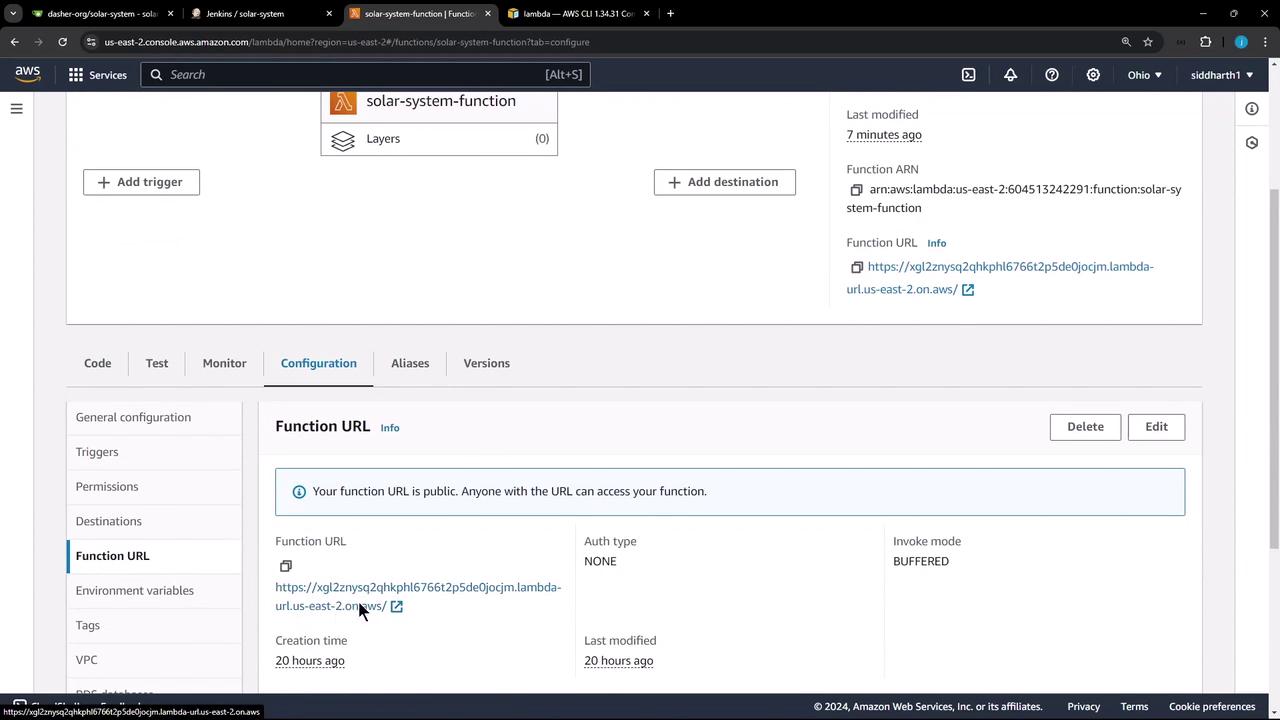
Retrieving the Function URL via AWS CLI
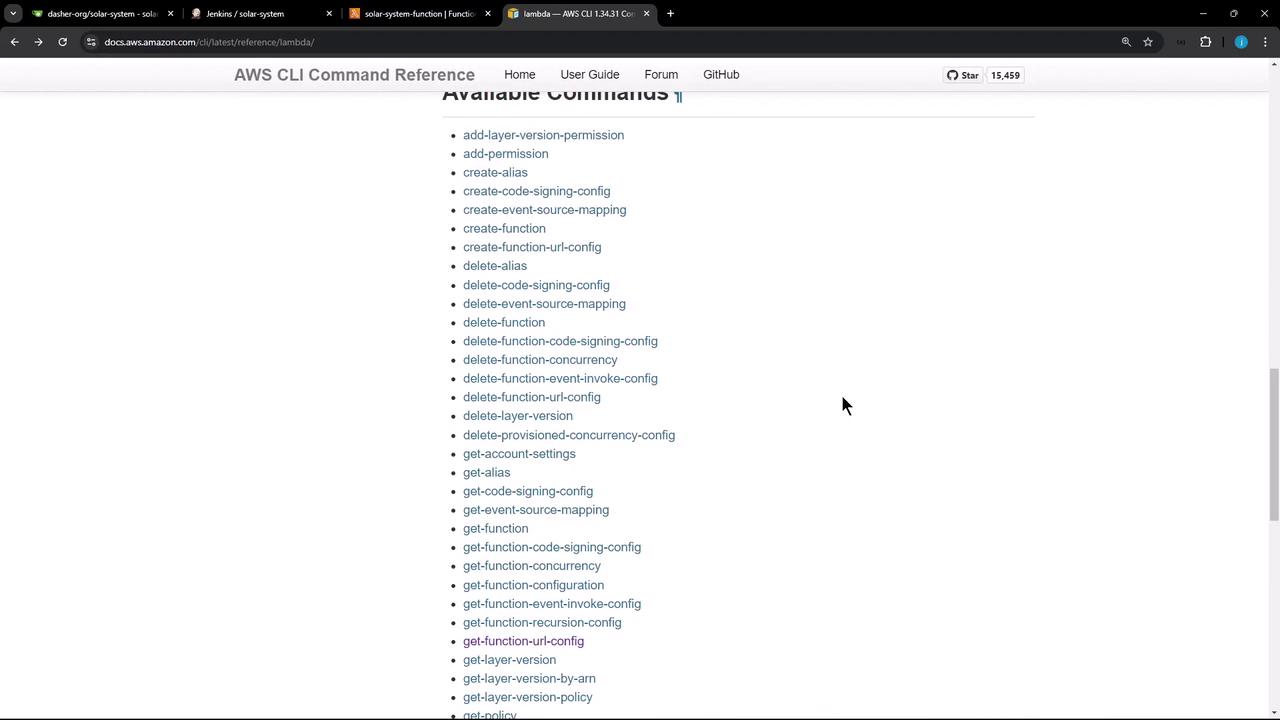
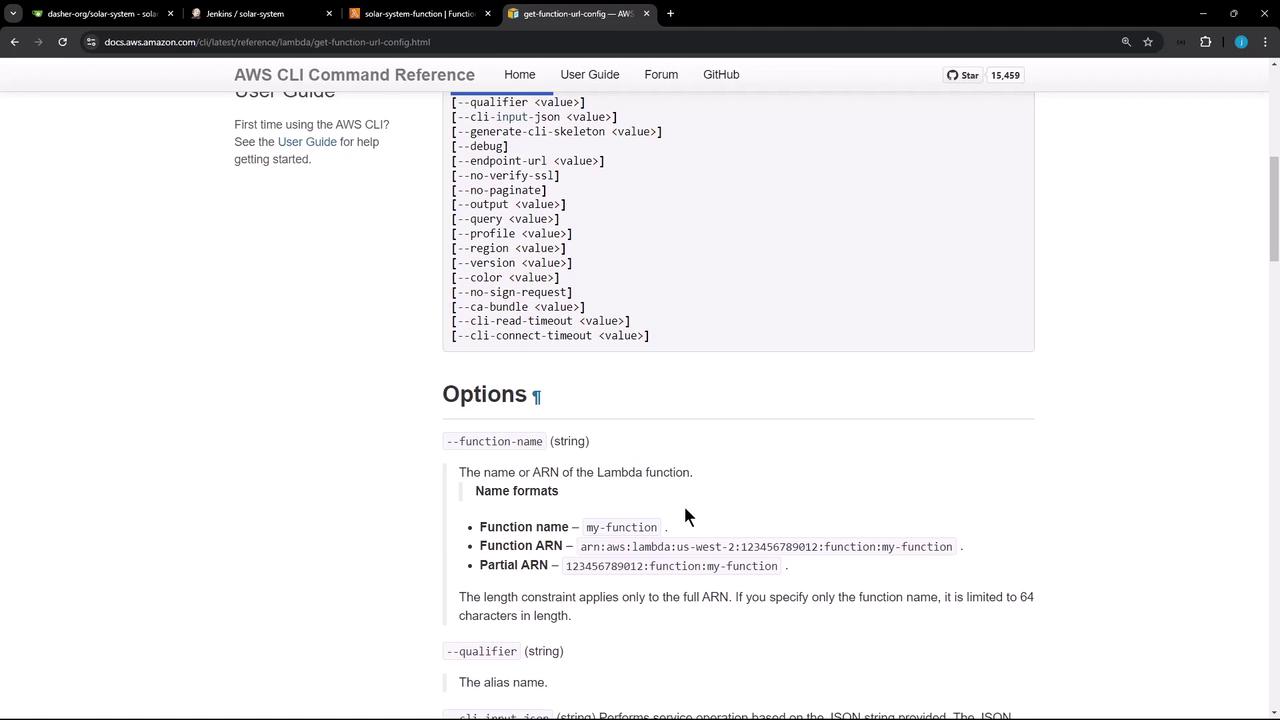
AWS provides theget-function-url-config command to programmatically retrieve a function’s URL configuration. For full details, see the AWS Lambda CLI command reference.
Parsing the JSON Response
When you run:Jenkins Pipeline Stage: Lambda Invocation
Below is a Groovy stage that runs on themain branch. It:
- Uses AWS credentials stored in Jenkins.
- Waits 30 seconds for the Lambda update to propagate.
- Fetches and normalizes the FunctionUrl.
- Sends a HEAD request to the
/liveendpoint and checks for a200 OKresponse.
Make sure your IAM user or role for
aws-s3-ec2-lambda-creds includes lambda:GetFunctionUrlConfig permissions.Sample JSON Output
Verifying with curl
You can manually test the live endpoint:Pipeline Execution Results
In the Jenkins UI, you’ll see the Lambda invocation stage after any tests: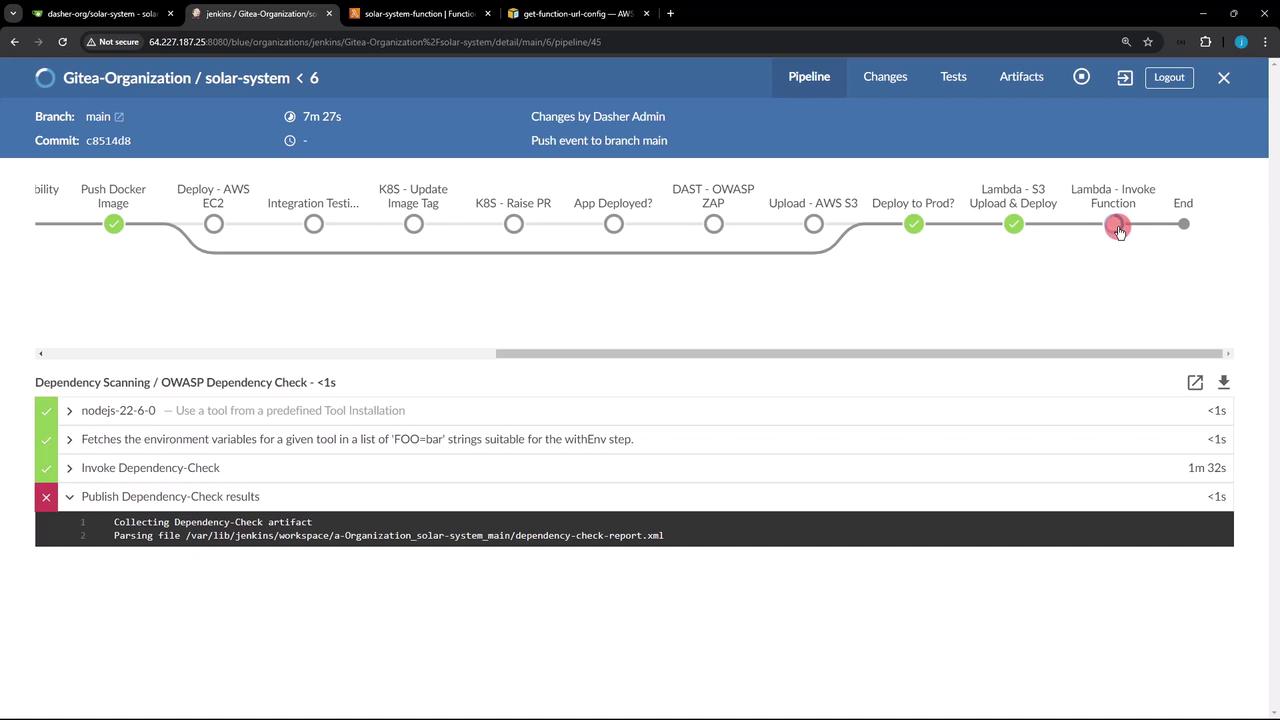
The OWASP Dependency-Check stage is configured with
stopBuild: false, so a failure there won’t halt your deployment. Ensure you review those warnings separately.main will automatically confirm that your Lambda function is live and returning the expected HTTP status, fully automating post-deployment validation.
Links and References
- AWS Lambda CLI Reference
- Jenkins Pipeline: AWS Steps Plugin
- OWASP Dependency-Check
- Jenkins Declarative Pipeline Syntax