In this tutorial, you’ll learn how to migrate existing Jenkins jobs into GitHub Actions workflows using the GitHub Actions Importer.

Prerequisites

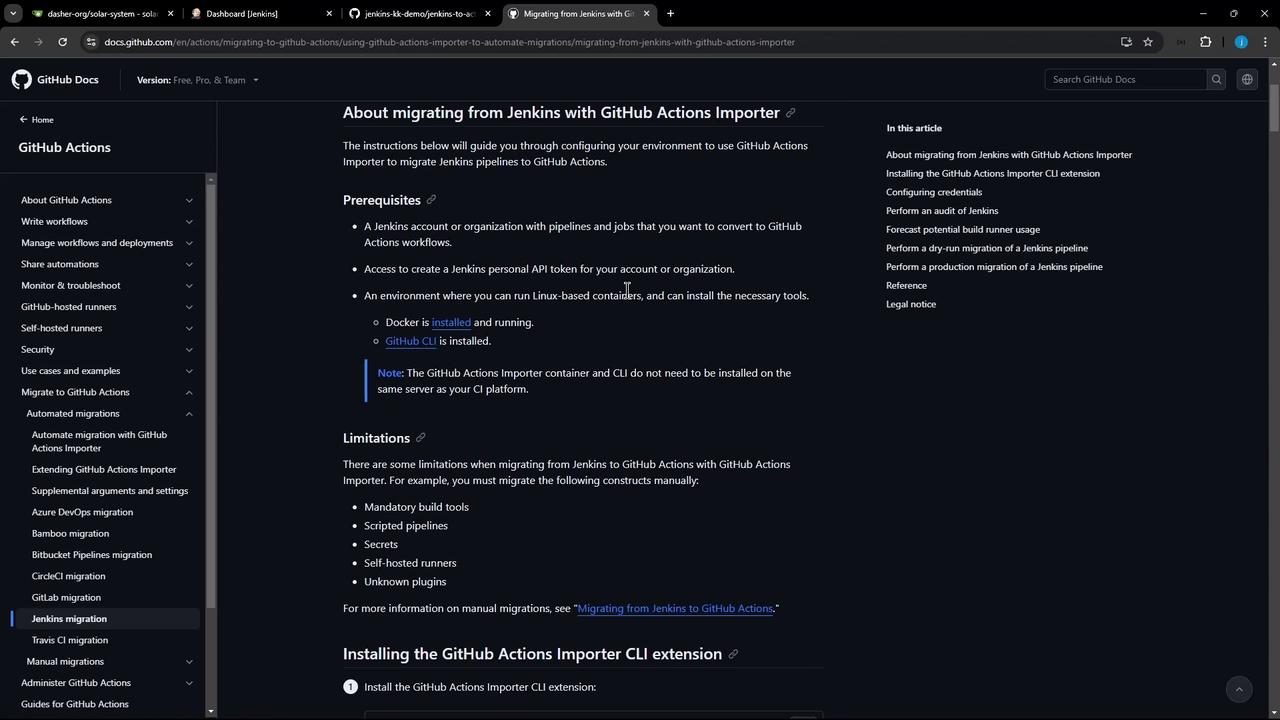
  • A Jenkins account or organization with pipelines to migrate
  • A Jenkins personal API token with read or admin permissions
  • Docker installed (required by the importer)
  • GitHub CLI (gh) installed and authenticated
The image shows a GitHub documentation page about migrating from Jenkins to GitHub Actions using the GitHub Actions Importer. It includes prerequisites, limitations, and installation instructions for the CLI extension.
Some features cannot be migrated automatically:

1. Install GitHub CLI & Importer Extension

On Ubuntu, add the GitHub CLI repository and install:
Install the GitHub Actions Importer:

2. Authenticate with GitHub

Log in to GitHub via the CLI:
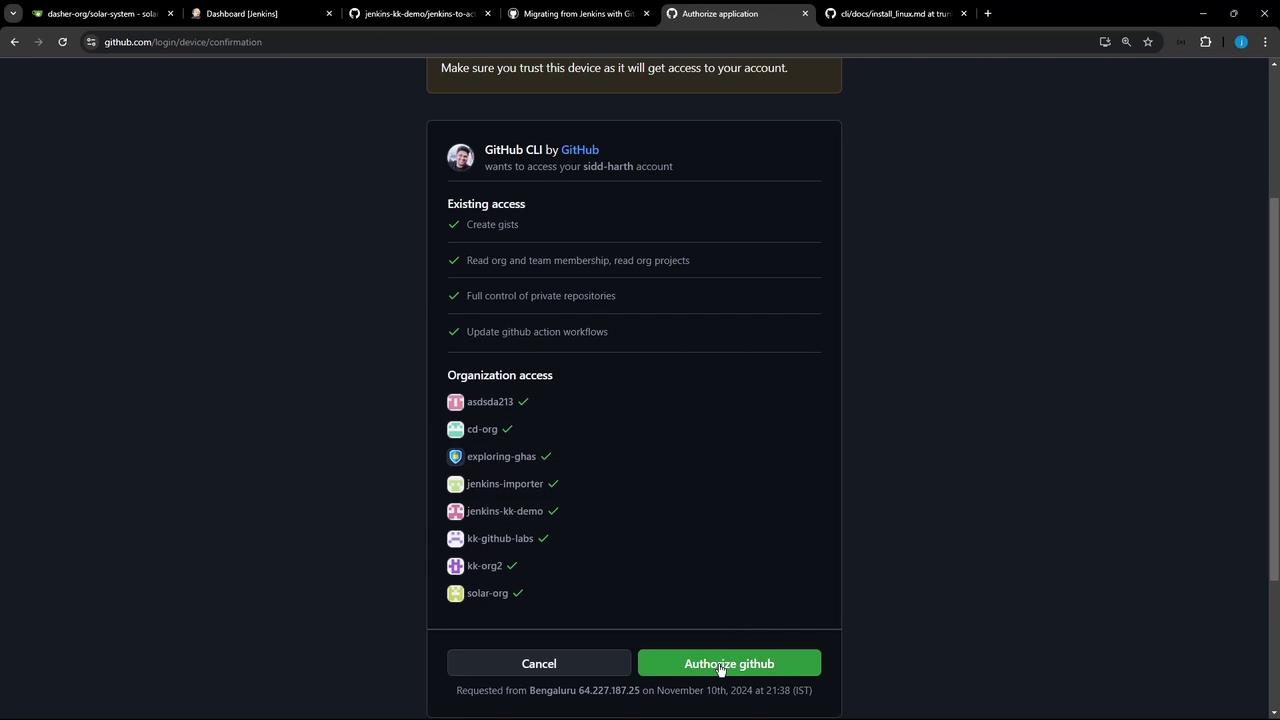
Follow the browser prompts to authorize.
The image shows a GitHub authorization page for the GitHub CLI, requesting access to a user's account and various organizations. There are options to cancel or authorize the application.

3. Configure Importer Credentials

You need two tokens:
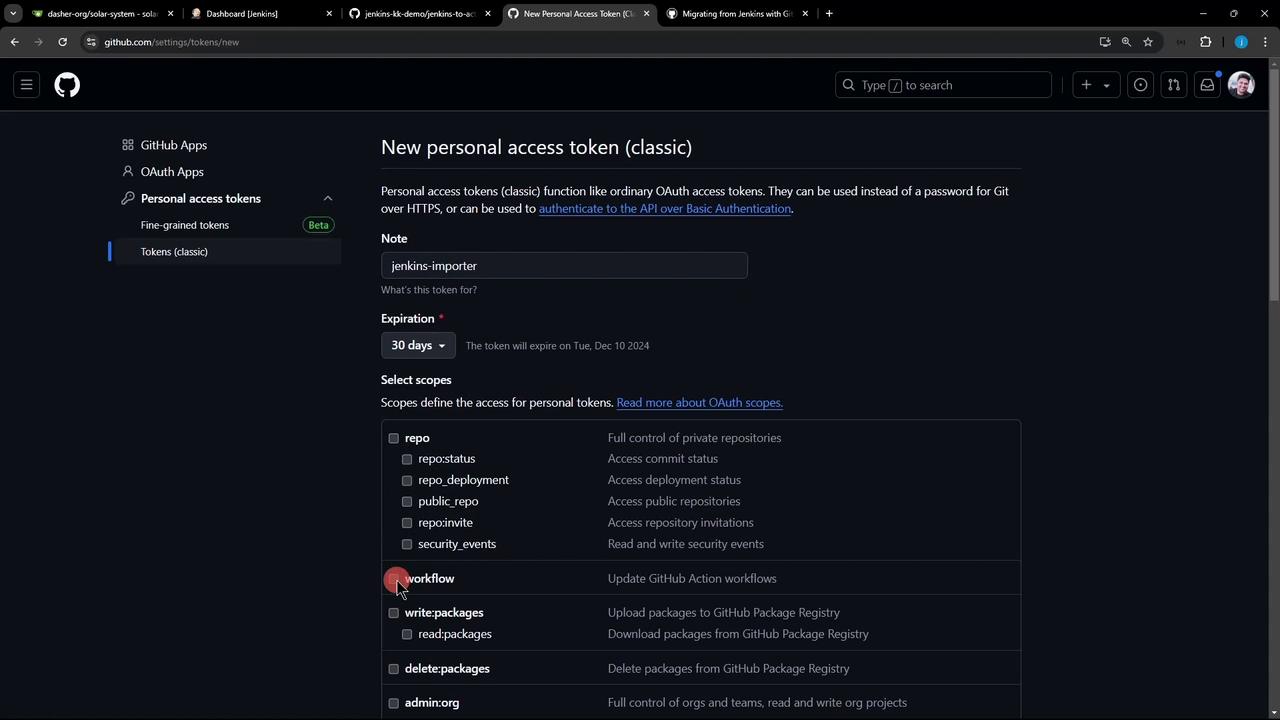
  1. GitHub Personal Access Token (classic)
    • Scopes: repo, workflow
    • Create under Settings → Developer settings → Personal access tokens → Tokens (classic)
The image shows a GitHub page for creating a new personal access token, with options to set a note, expiration date, and select scopes for the token.
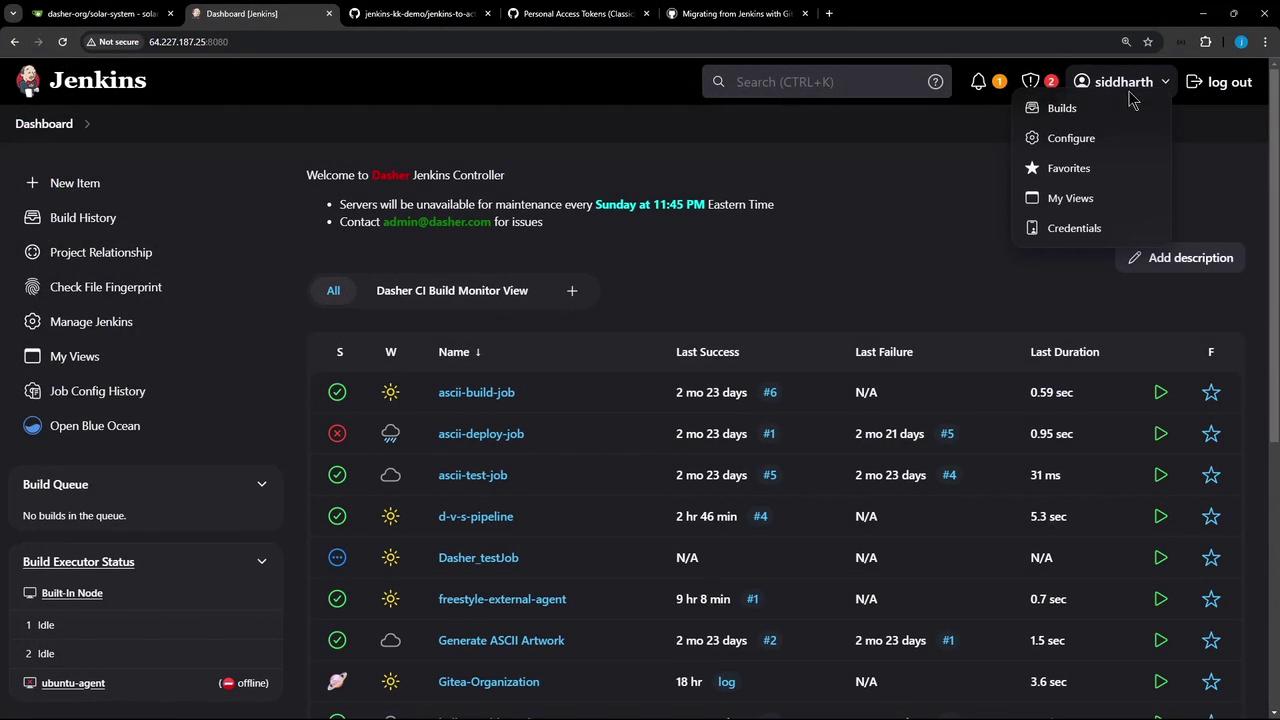
  1. Jenkins API Token
    • Go to People → [your user] → Configure → API Token
    • Copy it before leaving the page
The image shows a Jenkins dashboard with a list of build jobs, their statuses, last success and failure times, and durations. The interface includes navigation options on the left and user account details on the top right.
Run the configuration command and answer prompts:
  • Choose Jenkins
  • Enter your GitHub token & base URL (https://github.com)
  • Enter your Jenkins token, username & base URL (e.g. http://64.227.187.25:8080/)

4. Update the Importer

Keep the extension up to date:

5. Audit & Forecast (Optional)

Review your Jenkins jobs before migration:
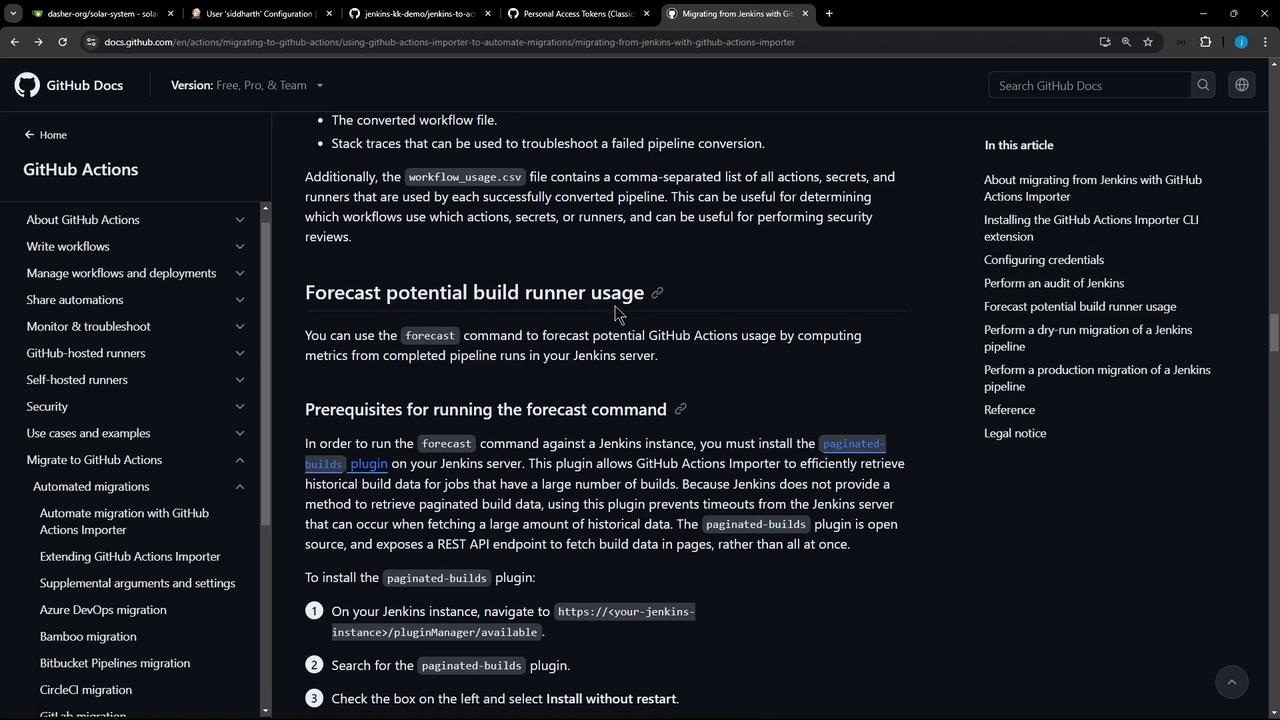
Estimate GitHub Actions runner usage (requires a Jenkins plugin):
The image shows a GitHub Docs page about migrating from Jenkins with GitHub Actions Importer, detailing steps for forecasting potential build runner usage. The page includes navigation links and a sidebar with related topics.

6. Dry Run a Jenkins Job

Locate your full Jenkins job URL:
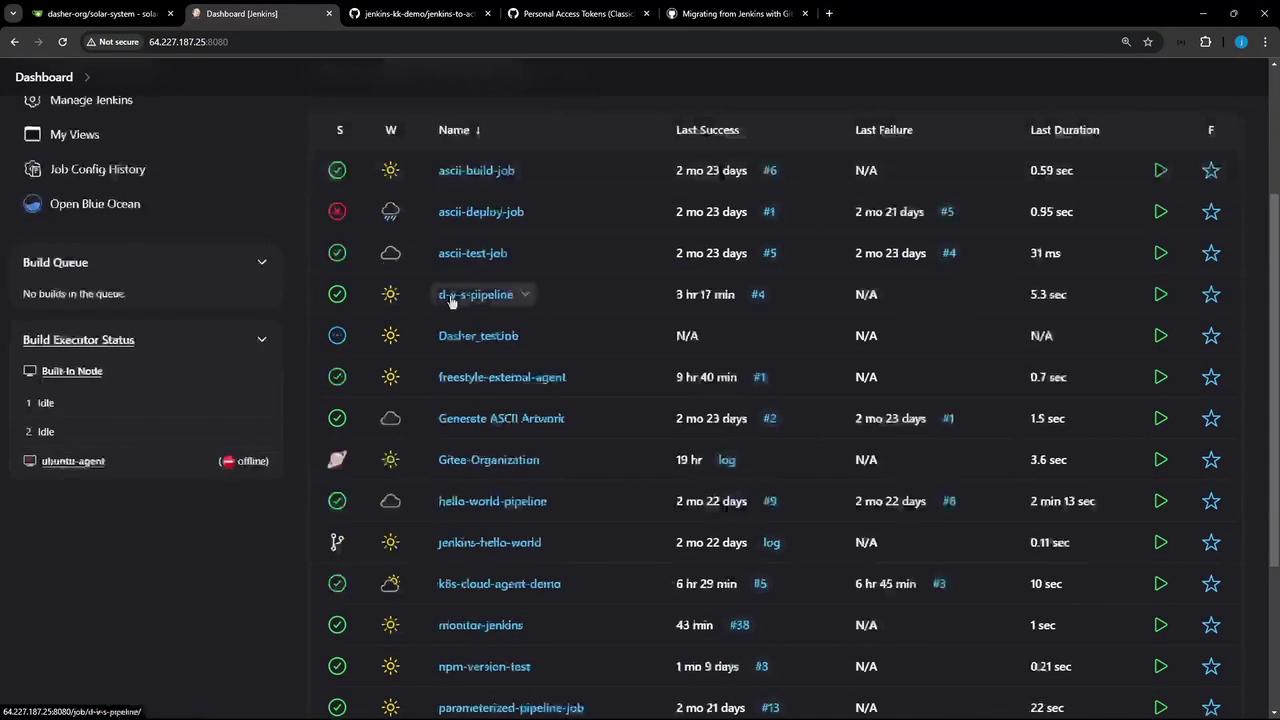
The image shows a Jenkins dashboard displaying a list of jobs with their statuses, last success, last failure, and duration. The interface includes options for managing Jenkins, viewing job configurations, and build executor status.
Execute a dry-run to preview the workflow:
Inspect the generated workflow YAML:

7. Migrate to GitHub Actions

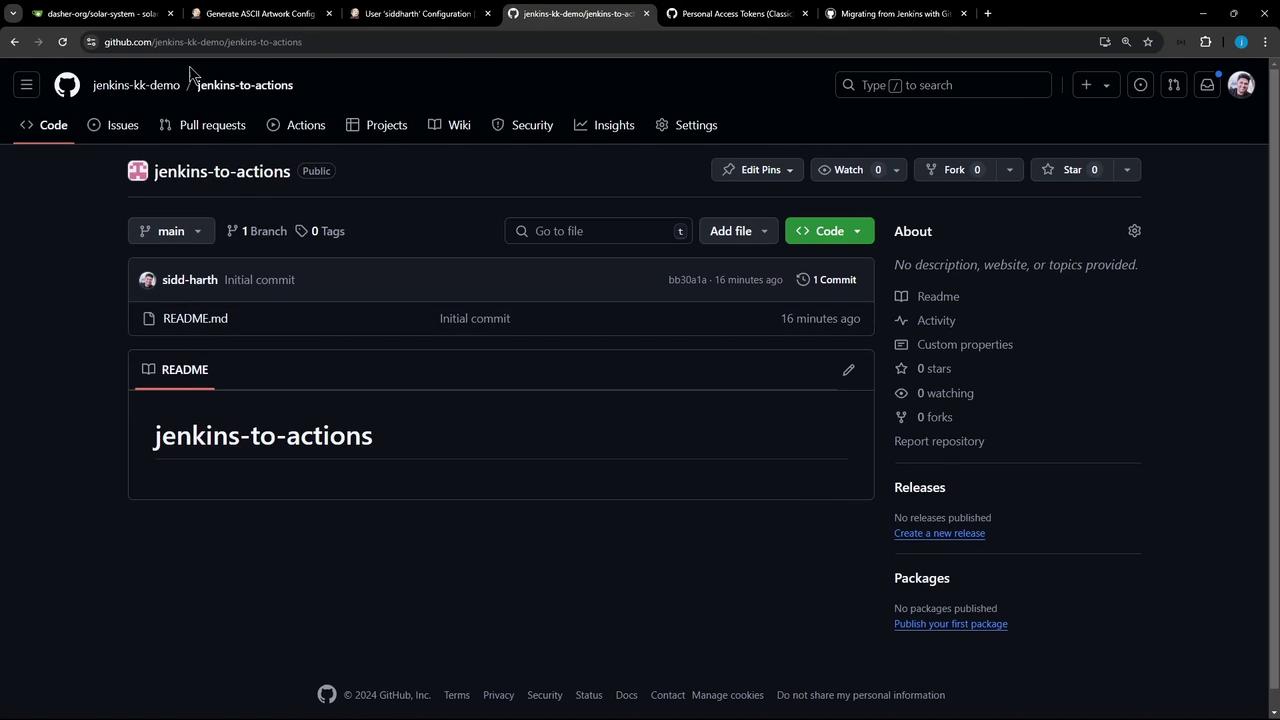
Prepare your target repository (e.g., jenkins-to-actions):
The image shows a GitHub repository page titled "jenkins-to-actions" with an initial commit made 16 minutes ago. The repository is public and contains a README file.
Run the migration:
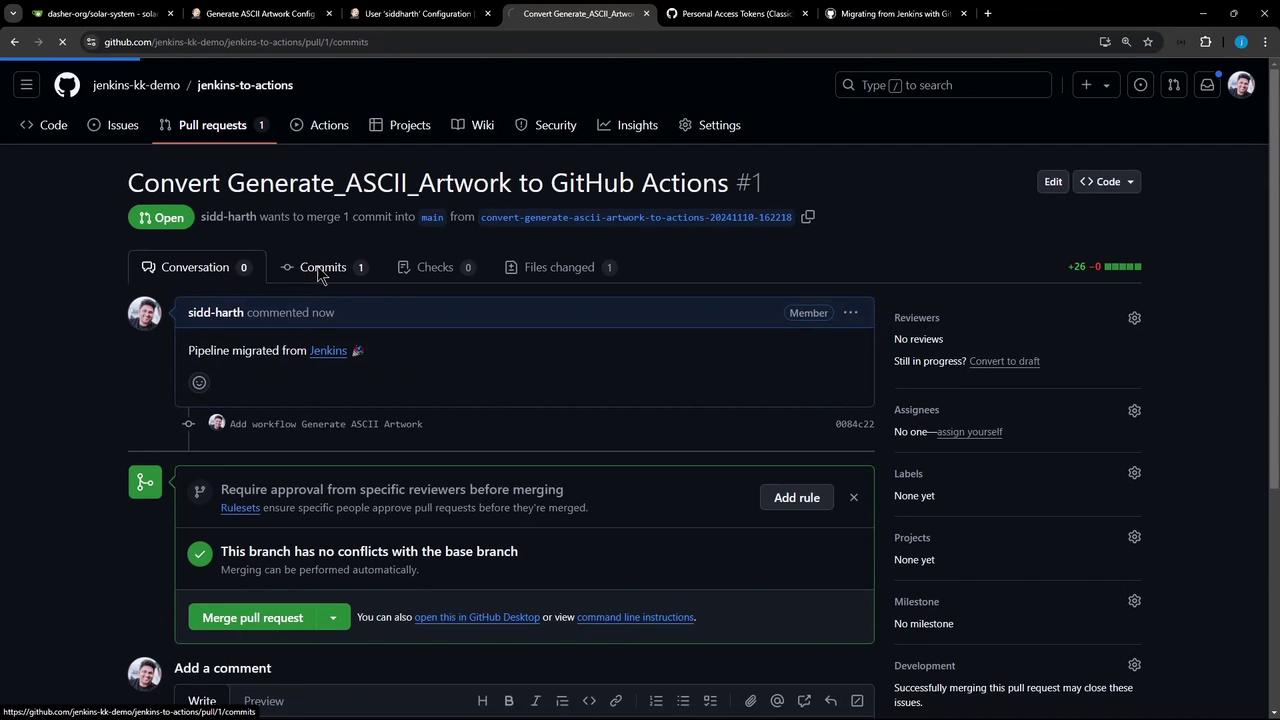
A pull request will be created automatically:
The image shows a GitHub pull request page titled "Convert Generate_ASCII_Artwork to GitHub Actions," with details about the commit and options to merge the pull request.
Merge the PR to land the workflow in .github/workflows/generate_ascii_artwork.yml:

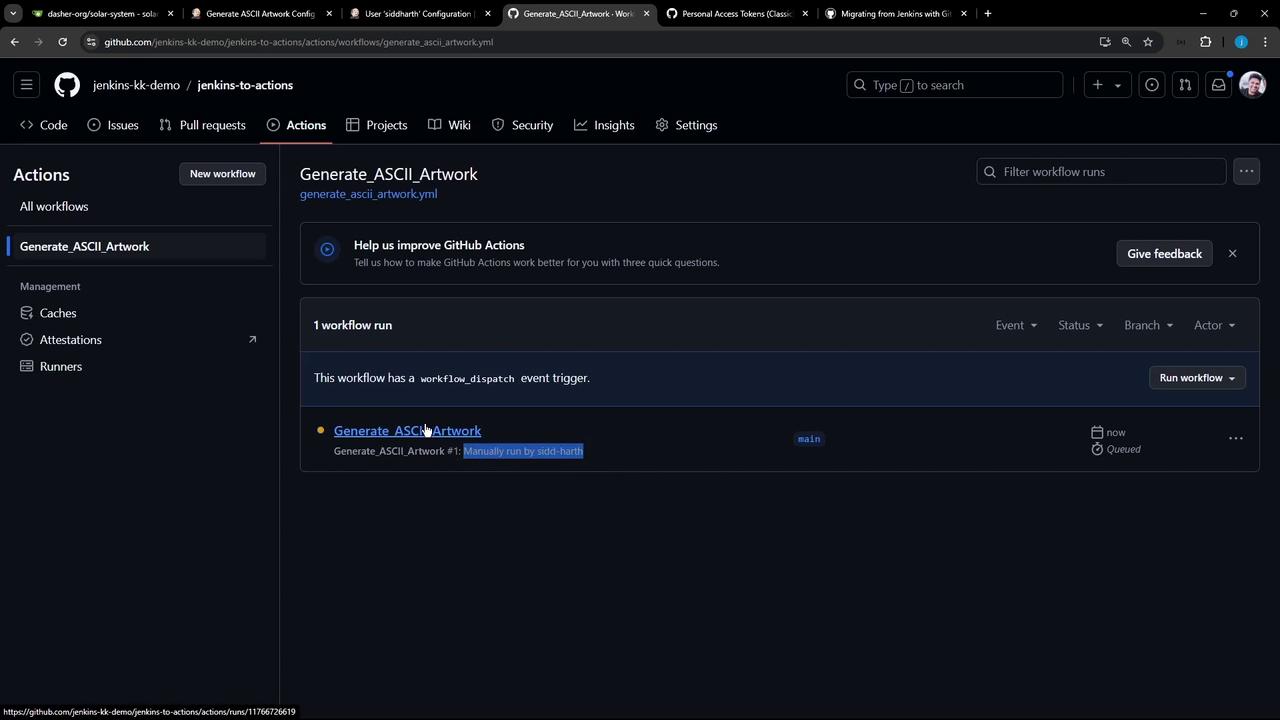
8. Run the Workflow

Trigger the workflow manually or push to main:
The image shows a GitHub Actions interface with a workflow named "Generate_ASCII_Artwork" that has been manually run. The interface includes options for managing workflows and running them.
After completion, check the logs to see your ASCII artwork output.

Watch Video