

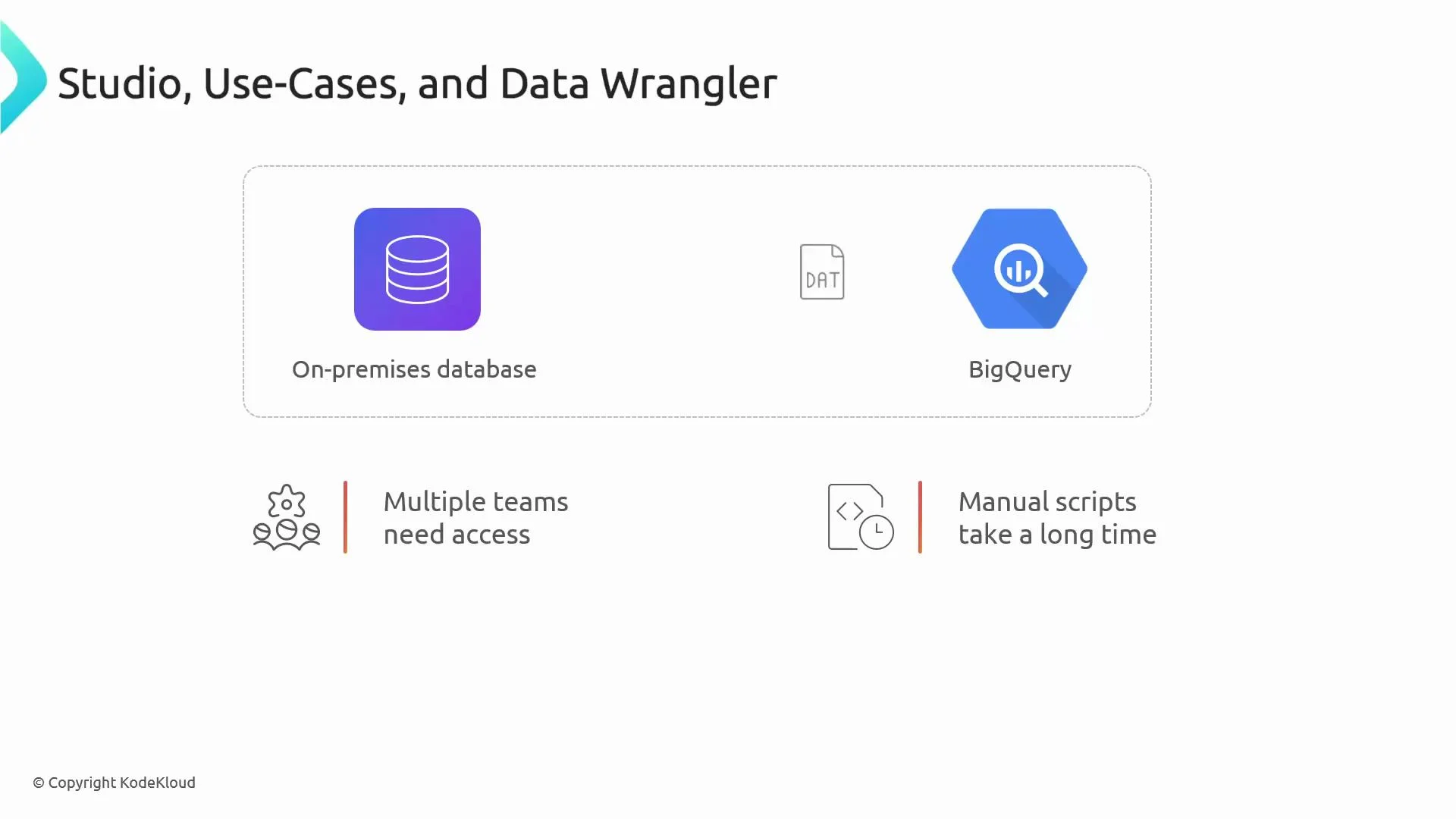
Adoption considerations
Many organizations hesitate to adopt a new platform such as Cloud Data Fusion because of legacy ETL investments, migration effort, perceived cost for small workloads, and the need to upskill teams on a visual tool. These are valid concerns to evaluate during selection and planning.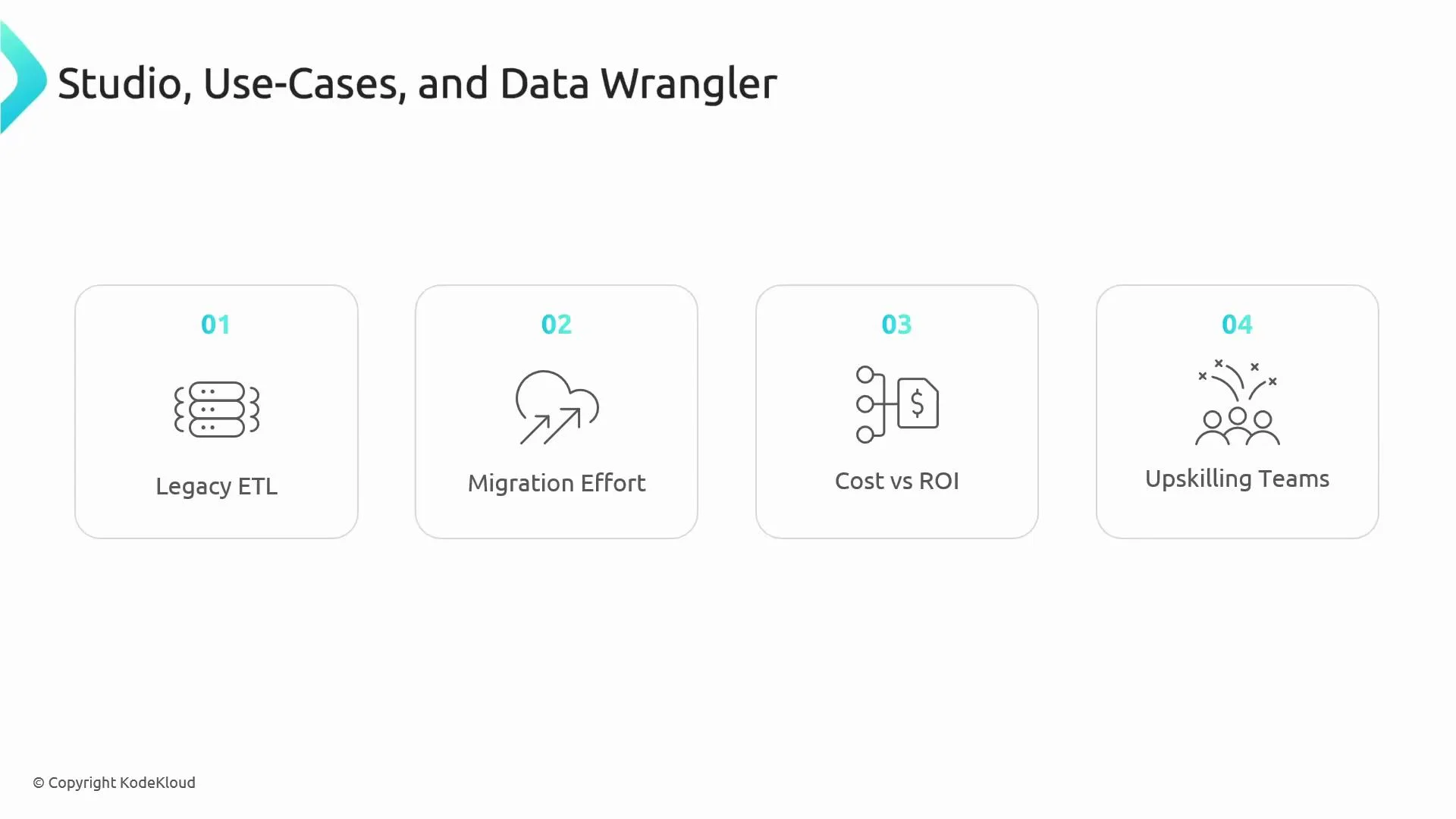
Core features: what users interact with
- Pipeline Studio
- A drag-and-drop visual canvas for designing ETL/ELT pipelines.
- Includes 150+ pre-built connectors, visual data lineage, transformations, real-time previews, and version control.
- Speeds development and reduces maintenance compared with ad‑hoc scripts.
- Data Wrangler
- An interactive UI for exploring, cleaning, and validating datasets.
- Analysts can preview transformations and export the resulting steps into a production pipeline.
Typical Data Fusion pipeline flow
- Connect to sources (on‑prem databases, cloud storage, SaaS APIs, streaming sources like Pub/Sub).
- Explore and clean raw data using Data Wrangler (preview and iteratively refine).
- Apply transformations (deduplication, normalization, schema validation, aggregations, window functions).
- Validate data quality and enforce business rules.
- Load results into storage or analytical layers (Google Cloud Storage, BigQuery, BI tools).
Example use case: standardizing phone numbers
Suppose branches store customer phone numbers in different formats. With Data Wrangler you:- Load a sample of incoming records,
- Use interactive transformations to normalize formats (remove punctuation, apply country codes),
- Preview changes in the UI,
- Export the wrangling steps into Pipeline Studio,
- Deploy a pipeline that applies these transformations at scale and writes normalized records into BigQuery.
ETL, ELT, and streaming patterns
Data Fusion supports multiple architectural patterns:- ETL: Transform data before loading into analytical stores.
- ELT: Load raw data into BigQuery, then run transformations closer to the compute engine.
- Streaming: Build continuous pipelines for event-driven use cases (fraud detection, real-time metrics) integrating Pub/Sub and other streaming systems.
Business value
Data Fusion provides these organizational benefits:- Standardizes ETL/ELT development across teams for easier maintenance and predictable performance.
- Bridges hybrid and multi-cloud environments (on‑prem → GCP, AWS → GCP, or hybrid deployments).
- Integrates with SaaS APIs (e.g., Salesforce) and legacy systems without full rewrites.
- Produces reusable, versioned pipelines that analysts or non‑specialist engineers can operate.
Exam pointer: Which GCP service enables code-free ETL and hybrid integration? The answer is Cloud Data Fusion.
Where Data Fusion fits in the analytics stack
- Raw ingestion can land in Google Cloud Storage or message buses; Data Fusion performs preprocessing for ML or BI.
- Pipelines enrich and format data destined for BI tools (for example, Looker) and enforce data quality checks before consumption.
- Visually, Data Fusion acts as the central hub where data flows in, is processed, and flows out to analytic targets.
Who benefits from Data Fusion
- Data engineers seeking rapid development and standardized pipelines.
- Small teams or single engineers who want to deliver production pipelines without building full orchestration and container stacks.
- Analysts and data stewards who need a code-free way to clean, validate, and hand off production-ready transformations.
When to choose Data Fusion
Use Data Fusion when you want:- Fast wins and reduced time-to-production for integrations.
- Consistent operational pipelines with version control and visual lineage.
- Hybrid integrations or simplified migration of legacy ETL to GCP.
- To reduce hand-written ETL code and maintenance overhead.
Links and references
- Cloud Data Fusion documentation: https://cloud.google.com/data-fusion
- BigQuery: https://cloud.google.com/bigquery
- Pub/Sub: https://cloud.google.com/pubsub
- Looker (BI): https://cloud.google.com/looker