

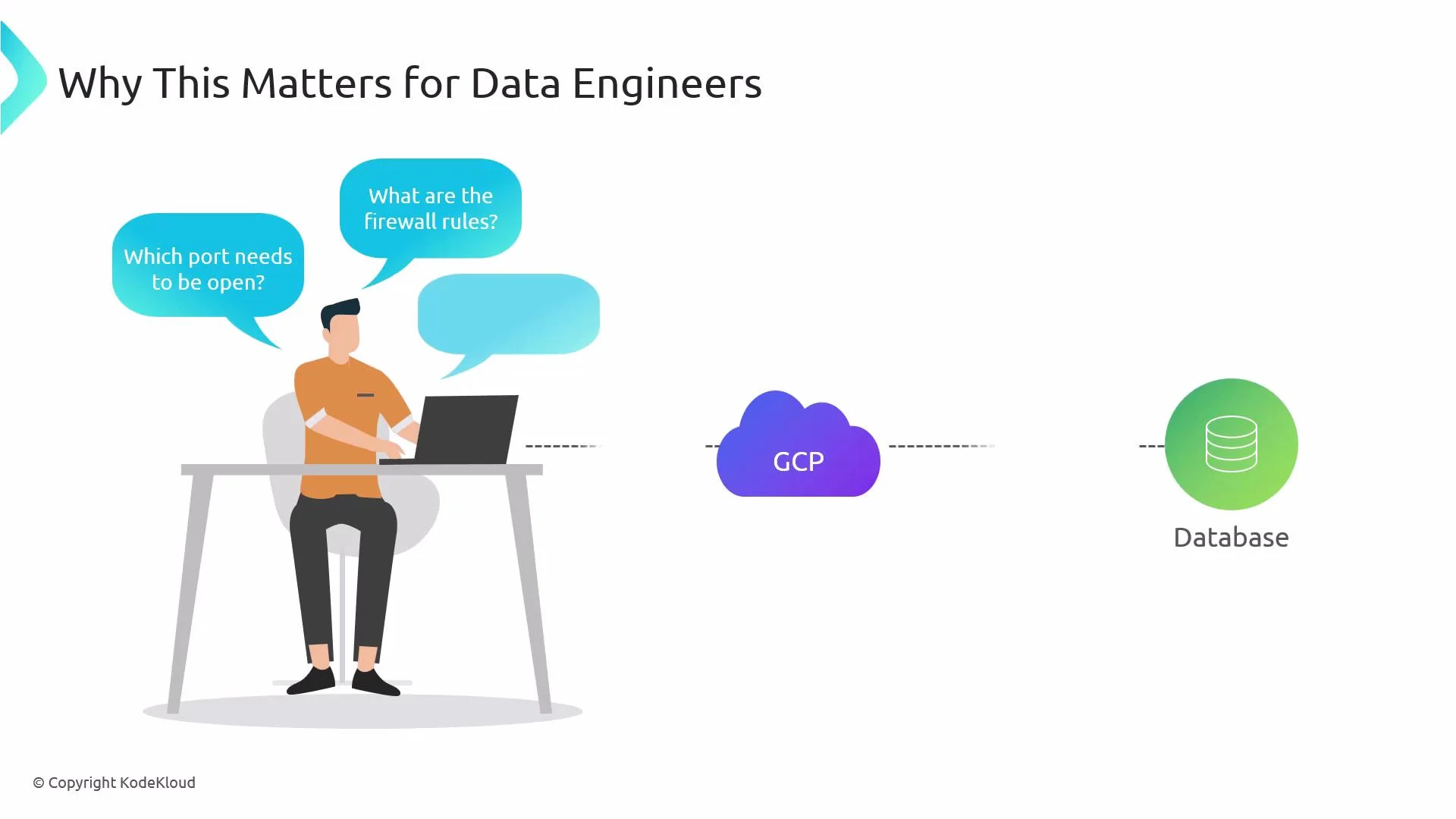
- When connecting to a database, message broker, or other data service, network teams will ask which ports, source CIDR ranges, or service accounts require access.
- Knowing how VPC firewall rules work lets you provide precise requirements, speed up approvals, and troubleshoot connectivity issues faster.
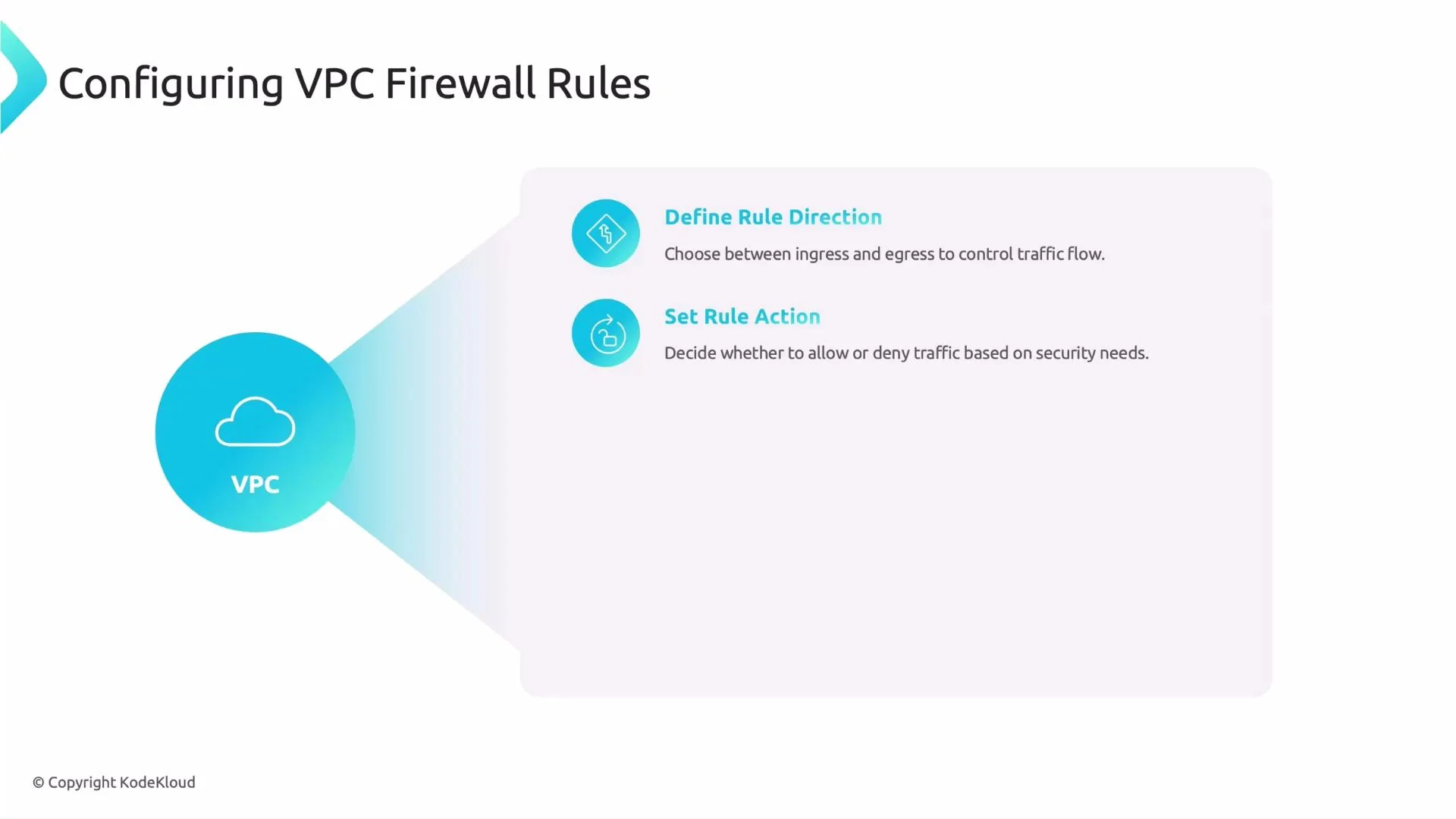
- Direction
- Ingress: traffic entering instances in the VPC (incoming).
- Egress: traffic leaving instances in the VPC (outgoing).
- Action
- Allow: permit the matching traffic.
- Deny: block the matching traffic.
- Targets
- Apply rules to:
- All instances in the network (no target specification).
- Instances with specific network tags (e.g.,
frontend,db-server). - Instances running under specific service accounts.
- Use targets to scope rules only to the intended VMs and reduce blast radius.
- Source and destination
- Specify where traffic comes from (for ingress) or goes to (for egress):
- IP ranges using CIDR (e.g.,
10.0.0.0/8,0.0.0.0/0). - Source tags or service accounts (useful for internal VPC communications).
- IP ranges using CIDR (e.g.,
- This controls which systems are allowed to talk to each other.
- Protocols and ports
- Specify allowed or denied protocols (TCP, UDP, ICMP) and port ranges.
- Common examples:
tcp:5432for PostgreSQLtcp:22for SSH
- Priority
- Numeric value where lower numbers have higher priority.
- GCP evaluates rules starting with the lowest numeric priority and stops when a matching rule explicitly allows or denies the traffic. If multiple matching rules share the same priority, DENY rules take precedence over ALLOW rules.
When creating or requesting firewall changes, be ready to provide: direction, action, targets (
tags or service accounts), source/destination ranges, allowed/denied protocols and ports, and the desired priority.db-server
- Principle of least privilege: allow only the ports and source ranges that are required.
- Prefer network tags or service accounts for targets (instead of broad all-instances rules).
- Use specific CIDR ranges; avoid
0.0.0.0/0unless absolutely necessary and documented. - Use priorities to ensure more specific rules take effect before broad ones.
- Test changes in a staging VPC before applying to production.
Be cautious when using
0.0.0.0/0 as a source or destination. Broad exposure increases security risk—document and justify any open ranges.- Many organizations restrict who can create or modify firewall rules. Data engineers often need to request changes from network or cloud operations teams.
- Providing a clear, minimal set of requirements reduces back-and-forth and speeds approvals:
- Which ports and protocols (e.g.,
tcp:5432) - Source CIDR(s) or source tags/service accounts
- Target tags or service account for the VM(s)
- Direction (
INGRESS/EGRESS) - Desired
priorityand a shortdescription
- Which ports and protocols (e.g.,
- Confirm the VM has the expected network tag or service account.
- Verify the rule priority and whether another rule is blocking traffic.
- Check that the GCE instance-level firewall (iptables) or application firewall isn’t blocking traffic.
- Use
gcloud compute firewall-rules listandgcloud compute firewall-rules describe <NAME>to inspect rules. - Test connectivity with
telnet <host> <port>ornc -vz <host> <port>from an allowed source.