

- Monitoring your Airflow environment
- Security and IAM controls
- Cost optimization strategies
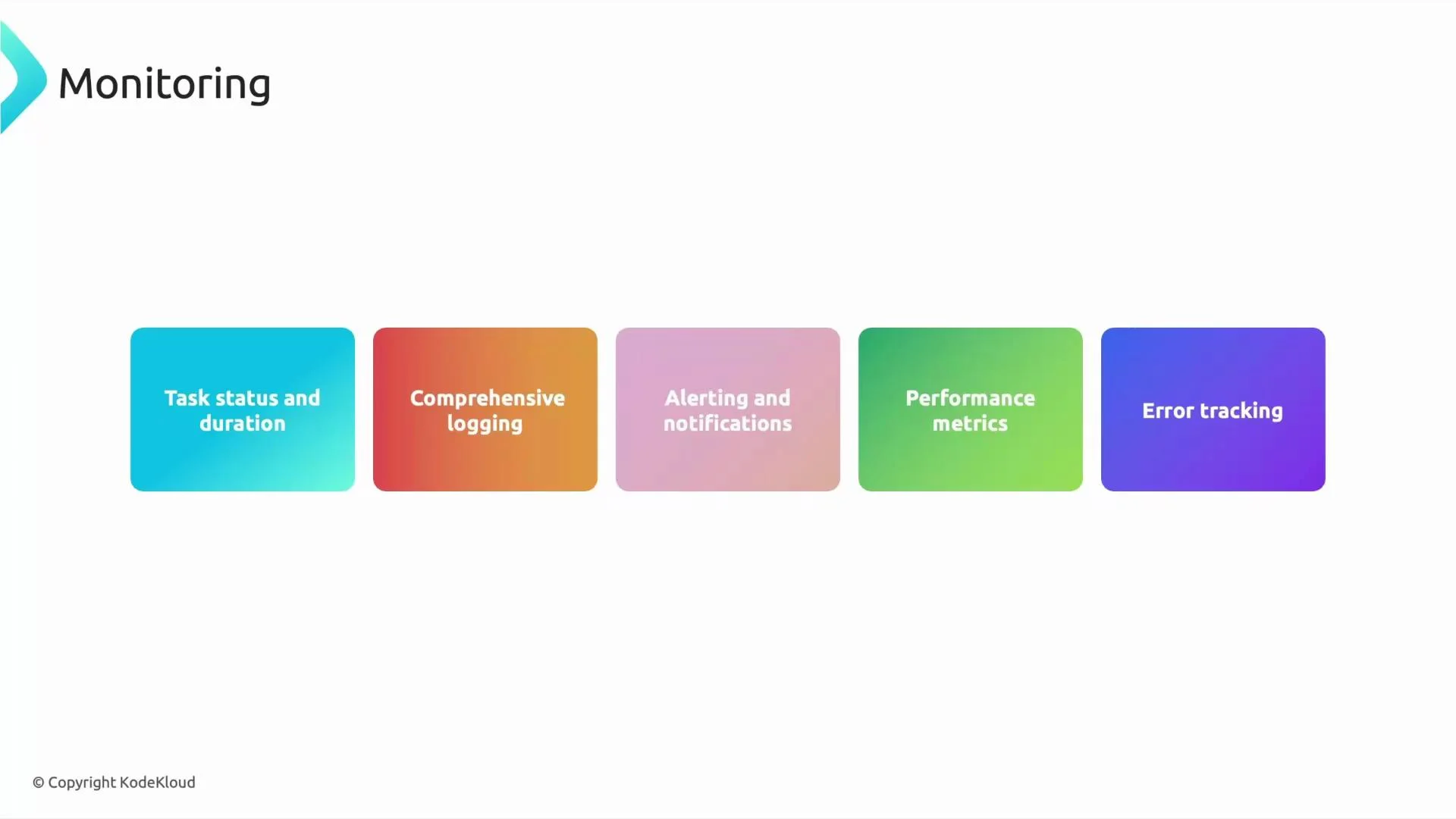
Monitoring
Observability is essential when workflows run on schedules—from every minute to once per day. Use multiple layers of visibility so teams can detect, triage, and resolve issues quickly.Key monitoring surfaces
- Airflow UI — First stop for runtime triage: view task status, durations, DAG runs, retries, and per-task logs. Useful for identifying long-running tasks, failures, and retry patterns. Note: access to the Airflow web UI may depend on your environment’s network configuration (public, private, or IAP-protected).
- Cloud Logging — Composer forwards Airflow and worker logs to Cloud Logging, providing centralized, queryable logs for troubleshooting and historical analysis.
- Cloud Monitoring — Expose environment and worker metrics to Cloud Monitoring and create alerting policies for task failures, scheduler latency, CPU/memory saturation, and other operational thresholds.
Recommended metrics and alerts
- Scheduler health: heartbeat, DAG parse time, and DAG queue length
- Worker resources: CPU, memory, and pod restarts
- Task-level indicators: failure rate, average duration, retry counts
Troubleshooting and error tracking
- Use aggregated log queries to identify recurring errors and reduce mean time to resolution (MTTR).
- Combine Airflow UI task logs with Cloud Logging entries for environment-level context.
- Use Cloud Monitoring dashboards to visualize trends and correlate spikes in failures with resource or scheduling events.
Answer: Through the Airflow UI, Cloud Logging, Cloud Monitoring, and the Cloud Composer UI in the GCP Console.
Security and IAM
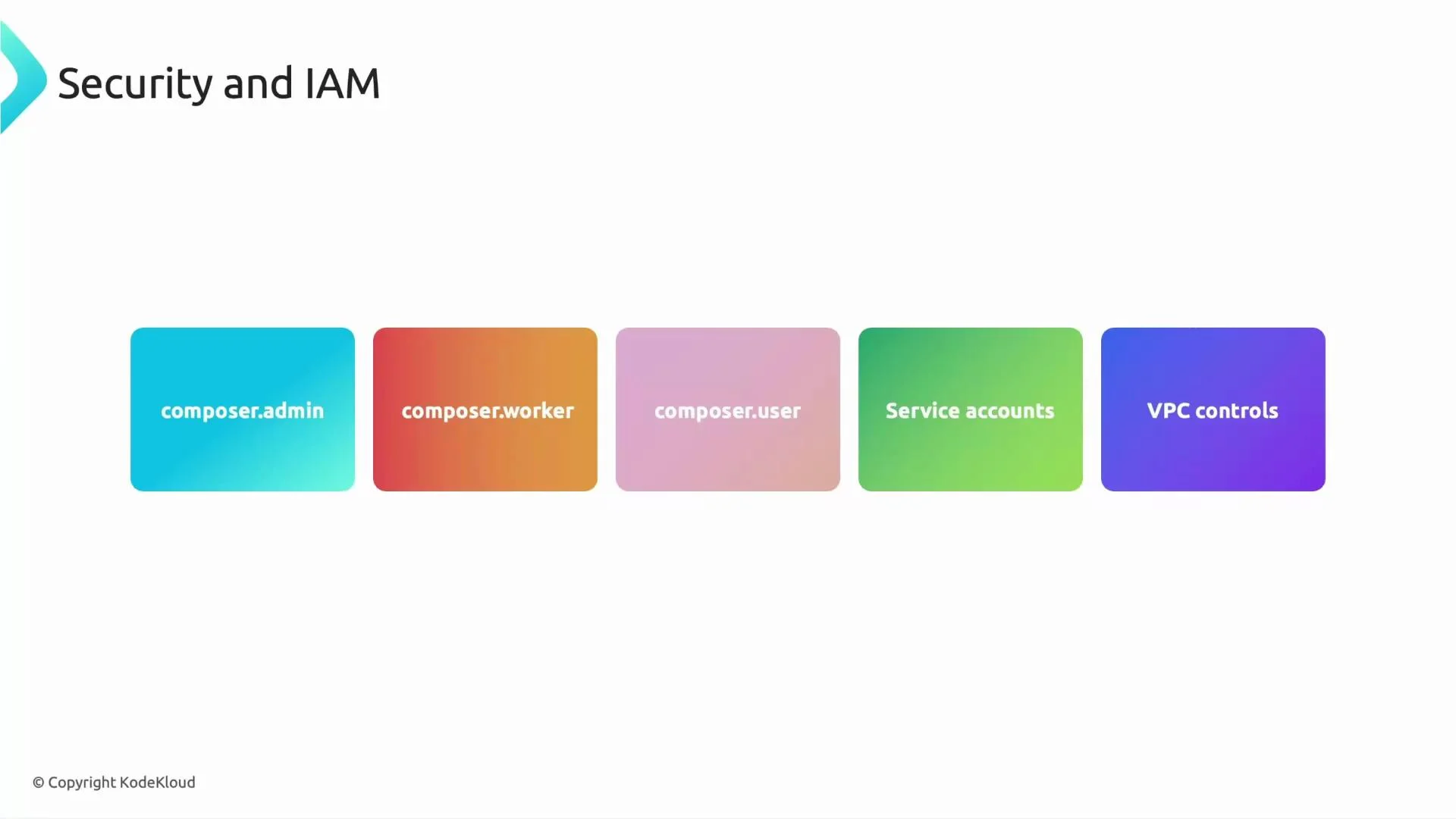
Security is critical for production environments. Cloud Composer relies on IAM roles, service accounts, and network controls to protect access and limit blast radius.IAM Roles and responsibilities
Use predefined Composer roles to grant the appropriate level of access:Note: Access to the Airflow UI may also require additional network/IAP or Cloud Storage permissions depending on your environment configuration.
Service accounts and Workload Identity
- Airflow tasks should run using dedicated service accounts with the least privilege required to access resources such as BigQuery, Cloud Storage, Pub/Sub, and Secret Manager.
- Prefer Workload Identity for Kubernetes-based environments to avoid embedding node-level credentials and to grant per-task identities with fine-grained IAM bindings.
Network controls and isolation
- Use VPC configuration and private Composer environments to keep webserver and scheduler traffic internal.
- Protect Airflow UI with IAP or private connectivity to avoid public exposure.
roles/composer.user role and ensure network/IAP access is configured. This grants safe, limited access without environment modification rights.
Restrict task-run service accounts with least-privilege IAM and avoid granting broad roles like Owner to task identities. Use Workload Identity to minimize credential exposure.
Cost Optimization
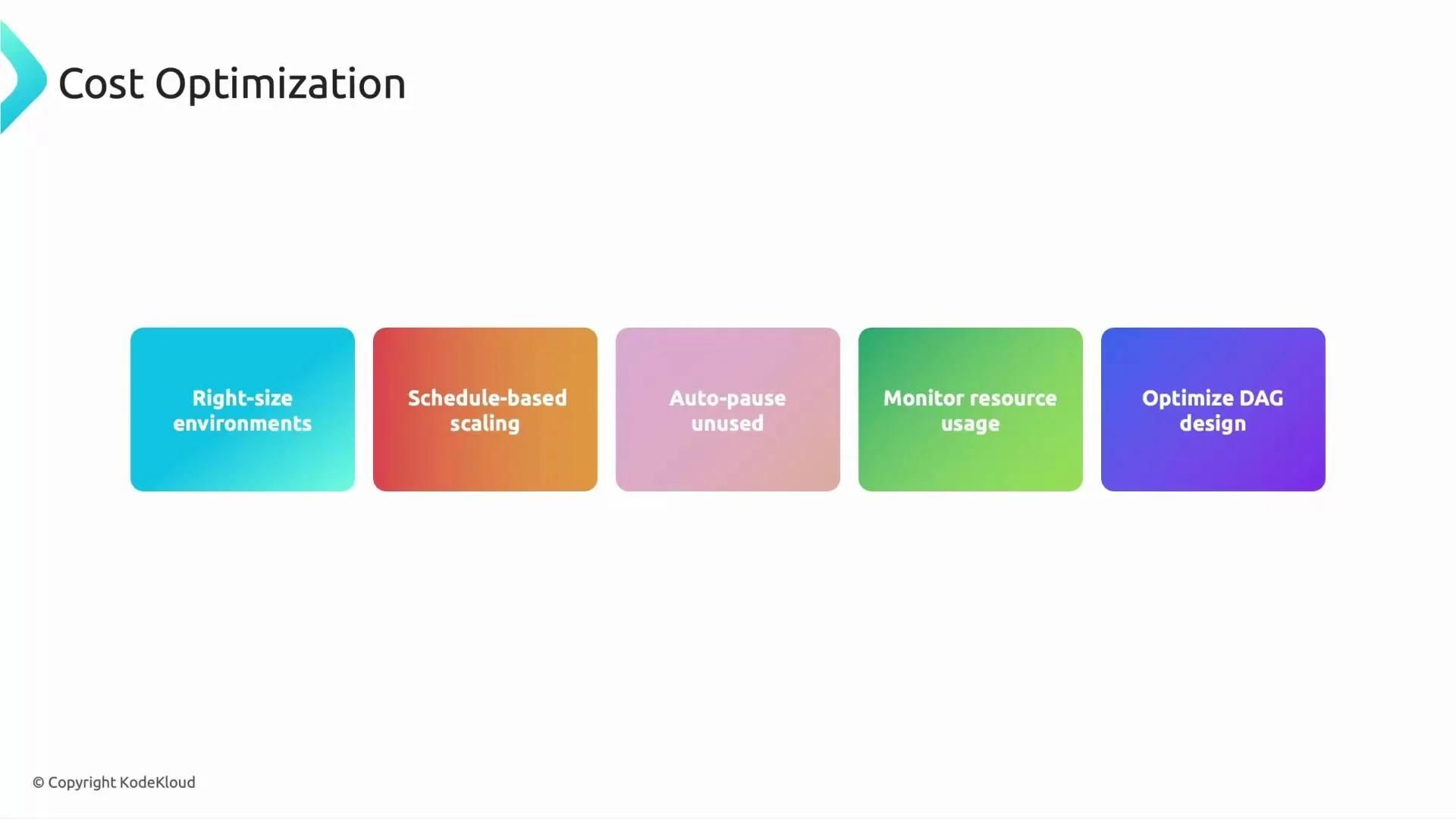
Controlling costs is essential for long-term sustainability. Apply practical strategies across sizing, scaling, and DAG design.Practical cost strategies
- Right-size environments: pick machine types and node counts that align with workload patterns; avoid oversized defaults for small or sporadic pipelines.
- Scale based on workload: enable autoscaling for workers so capacity grows only when tasks demand it.
- Manage unused environments: stop, delete, or use ephemeral environments for dev/test to avoid continuous charges.
- Monitor usage: track worker CPU, memory, and task concurrency to inform resizing decisions.
- Optimize DAGs: refactor long-running tasks, minimize unnecessary task count, and design dependencies that reduce parallelism when not needed.
Answer: Downscale the environment and configure autoscaling for workers so resources match demand.
Summary
- Monitoring: combine the Airflow UI, Cloud Logging, and Cloud Monitoring to keep pipelines healthy and reduce MTTR.
- Security & IAM: use predefined Composer roles, dedicated service accounts, Workload Identity, and VPC/private environments to enforce least privilege and network isolation.
- Cost optimization: right-size environments, enable autoscaling, manage unused resources, and optimize DAG design.
Tip: When preparing for exams or production deployment, map monitoring tools, IAM roles, and cost controls to specific Composer features (Airflow UI, Cloud Logging/Monitoring, predefined IAM roles, service accounts, and network settings).
- Cloud Composer documentation: https://cloud.google.com/composer
- Cloud Logging: https://cloud.google.com/logging
- Cloud Monitoring: https://cloud.google.com/monitoring
- Workload Identity: https://cloud.google.com/kubernetes-engine/docs/how-to/workload-identity