

What is BigQuery?
BigQuery is Google Cloud’s fully managed, serverless data warehouse. “Serverless” means Google manages the underlying infrastructure, scaling, and performance optimizations, so you can focus on data and queries rather than operating and tuning clusters. BigQuery provides:- A Standard SQL interface familiar to data analysts and engineers.
- A distributed, Dremel-based query engine that executes queries in parallel across Google’s global infrastructure.
- Columnar storage and advanced compression for efficient analytical processing.
Simple architecture overview
BigQuery’s high-level pipeline can be summarized in four stages:- Data ingestion: Batch or streaming sources such as Cloud Storage, Pub/Sub, or third-party connectors.
- Storage: Columnar data layout for each table, enabling efficient scans and compression.
- Query engine: Dremel-based distributed execution that parallelizes work across many nodes.
- Results delivery: Export to dashboards, APIs, or downstream systems for reporting and ML.
Dremel and the internals of how BigQuery decomposes and executes queries are important and covered in later sections.
Why columnar storage helps
- Reduces scanned data for queries that access only a subset of columns.
- Enables higher compression ratios per column, lowering storage and I/O costs.
- When combined with automatic partitioning and clustering, it improves both performance and cost-efficiency for analytical workloads.
Key benefits
What value does BigQuery add to your data architecture?
BigQuery enables teams to get insights faster, supports near-real-time analytics via streaming ingestion, and reduces the operational burden of maintaining a large data warehouse. It excels for analytical workloads that need to process very large datasets quickly, such as log analytics, event-driven pipelines, BI reporting, and model training data preparation.Exam-style question
What does it mean when we say that BigQuery is serverless?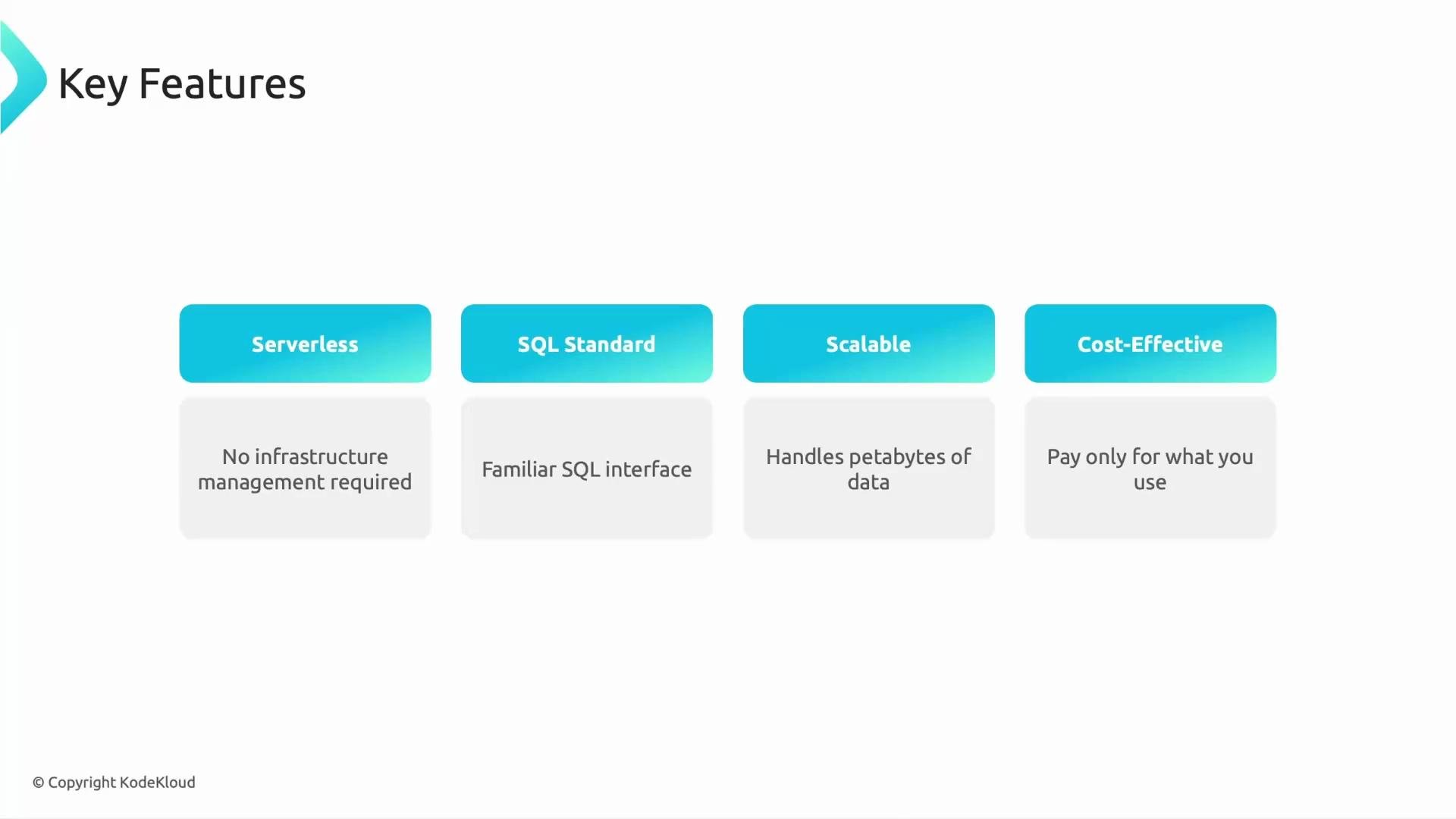
Serverless here specifically implies: no servers to provision, no operating system updates, and no manual resource tuning. Your focus remains on data and queries.