Welcome back. In this lesson we’ll examine BigQuery ML from a data engineer’s perspective: how it fits into warehouse-centric architectures, why it reduces operational friction, and how you can operate models using familiar SQL. As data engineers, your core responsibilities usually include managing data warehouses, building reliable pipelines, and preparing clean, queryable data for downstream teams (analytics, data science, product, etc.). Adding ML capability to that stack should ideally minimize data movement and integrate with existing processes.
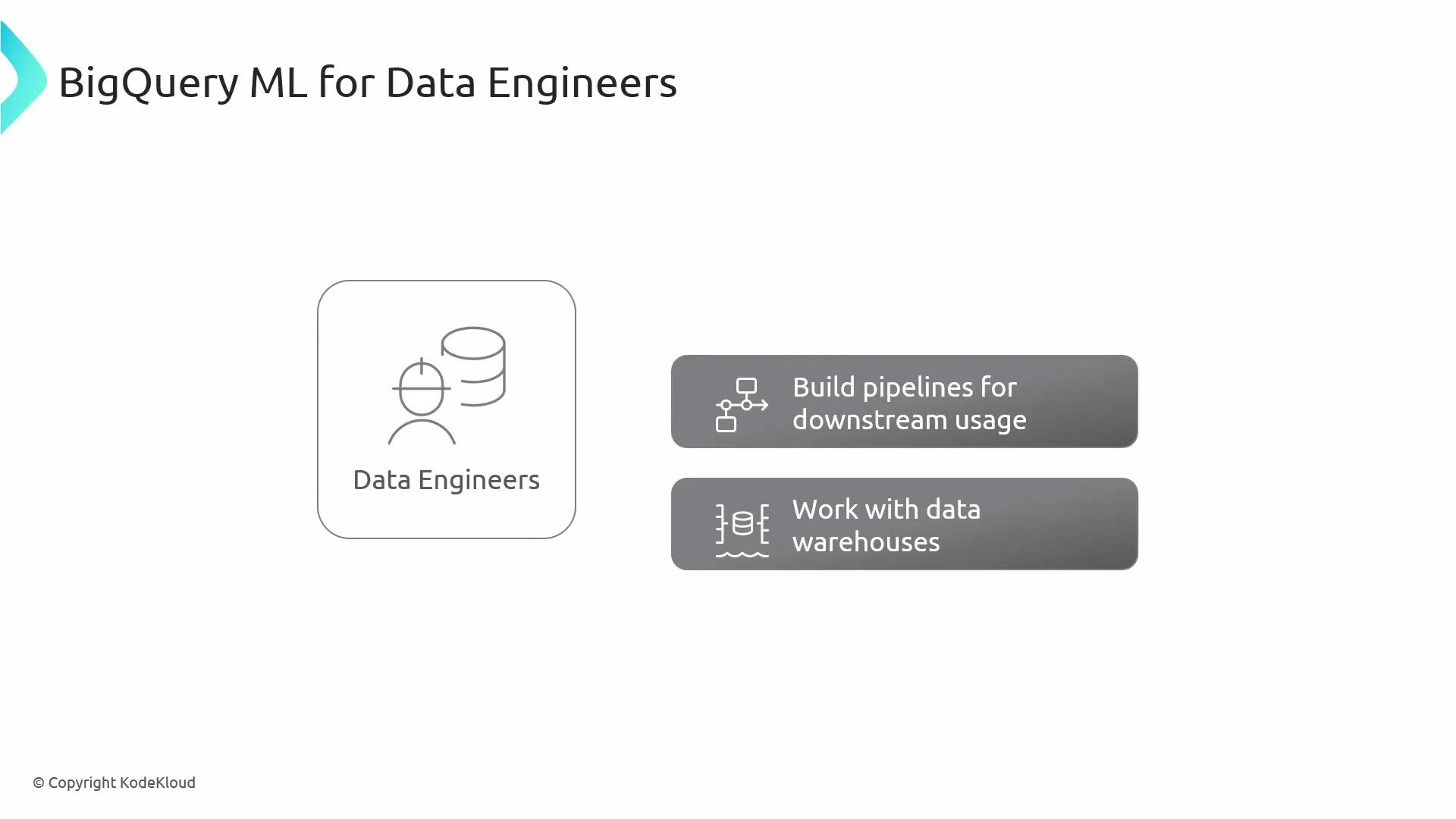
The slide titled "BigQuery ML for Data Engineers" shows an icon labeled "Data Engineers" on the left and two gray callouts on the right reading "Build pipelines for downstream usage" and "Work with data warehouses."
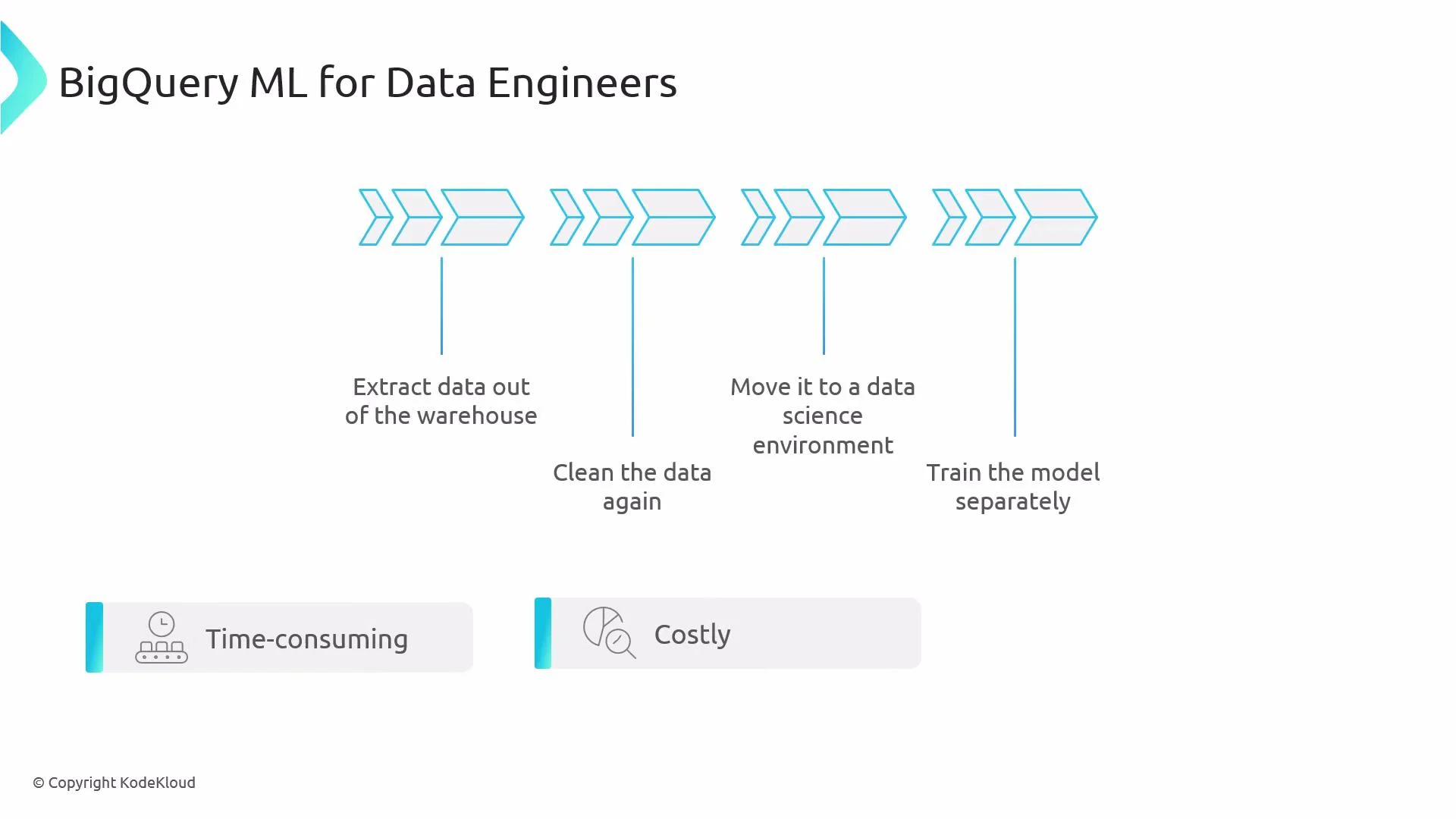
Traditional ML workflows often extract data from the warehouse, re-clean or transform it, move it into a separate data science environment, and train models there. That pattern introduces latency, duplicate data, synchronization problems, and additional cost.
A presentation slide titled "BigQuery ML for Data Engineers" showing a row of blue arrow-shaped icons representing a data pipeline. The steps are labeled "Extract data out of the warehouse," "Clean the data again," "Move it to a data science environment," and "Train the model separately," with notes that the process is time-consuming and costly.
BigQuery ML reduces that friction by enabling you to build, evaluate, and serve ML models directly inside BigQuery using SQL. This keeps data where it already lives and lets teams iterate faster. Key advantages
  • Keep data inside the warehouse for better security, governance, and lower latency.
  • Use SQL-first commands such as CREATE MODEL, ML.EVALUATE, and ML.PREDICT.
  • Reduce repeated ETL/ELT operations and operational overhead for both engineers and data scientists.
BigQuery ML lets you prototype and deploy many common ML workflows from the BigQuery console, removing data-copy steps and accelerating iteration.
How BigQuery ML fits into the stack
  1. BigQuery ML (in-warehouse training and serving)
    • Models live alongside your tables and views and benefit from BigQuery’s storage, IAM, and query optimizations.
  2. SQL-based engine
    • Operate models with SQL statements (train, evaluate, predict). Teams comfortable with SQL can quickly adopt ML.
  3. Ecosystem integration
    • BigQuery ML integrates with scheduled queries, Cloud IAM, audit logs, and can export models to Vertex AI for advanced workflows.
Common SQL commands and their purpose
CommandPurposeQuick example
CREATE MODELTrain a model from a SQL queryCREATE MODEL mydataset.model_name OPTIONS(model_type='logistic_reg') AS SELECT * FROM mydataset.training_table
ML.EVALUATECompute evaluation metrics for a modelSELECT * FROM ML.EVALUATE(MODEL mydataset.model_name, (SELECT * FROM mydataset.eval_table))
ML.PREDICTGenerate predictions on new dataSELECT * FROM ML.PREDICT(MODEL mydataset.model_name, (SELECT * FROM mydataset.new_data))
Example: training a simple classification model
CREATE OR REPLACE MODEL `myproject.mydataset.churn_model`
OPTIONS(
  model_type='logistic_reg',
  input_label_cols=['churn']
) AS
SELECT
  user_id,
  IF(churned_at IS NOT NULL, 1, 0) AS churn,
  num_sessions,
  avg_session_length,
  country
FROM `myproject.mydataset.user_activity`
WHERE event_date BETWEEN '2024-01-01' AND '2024-03-31';
You can then evaluate:
SELECT *
FROM ML.EVALUATE(MODEL `myproject.mydataset.churn_model`,
  (SELECT * FROM `myproject.mydataset.user_activity_eval`));
And predict:
SELECT *
FROM ML.PREDICT(MODEL `myproject.mydataset.churn_model`,
  (SELECT user_id, num_sessions, avg_session_length, country FROM `myproject.mydataset.user_activity_new`));
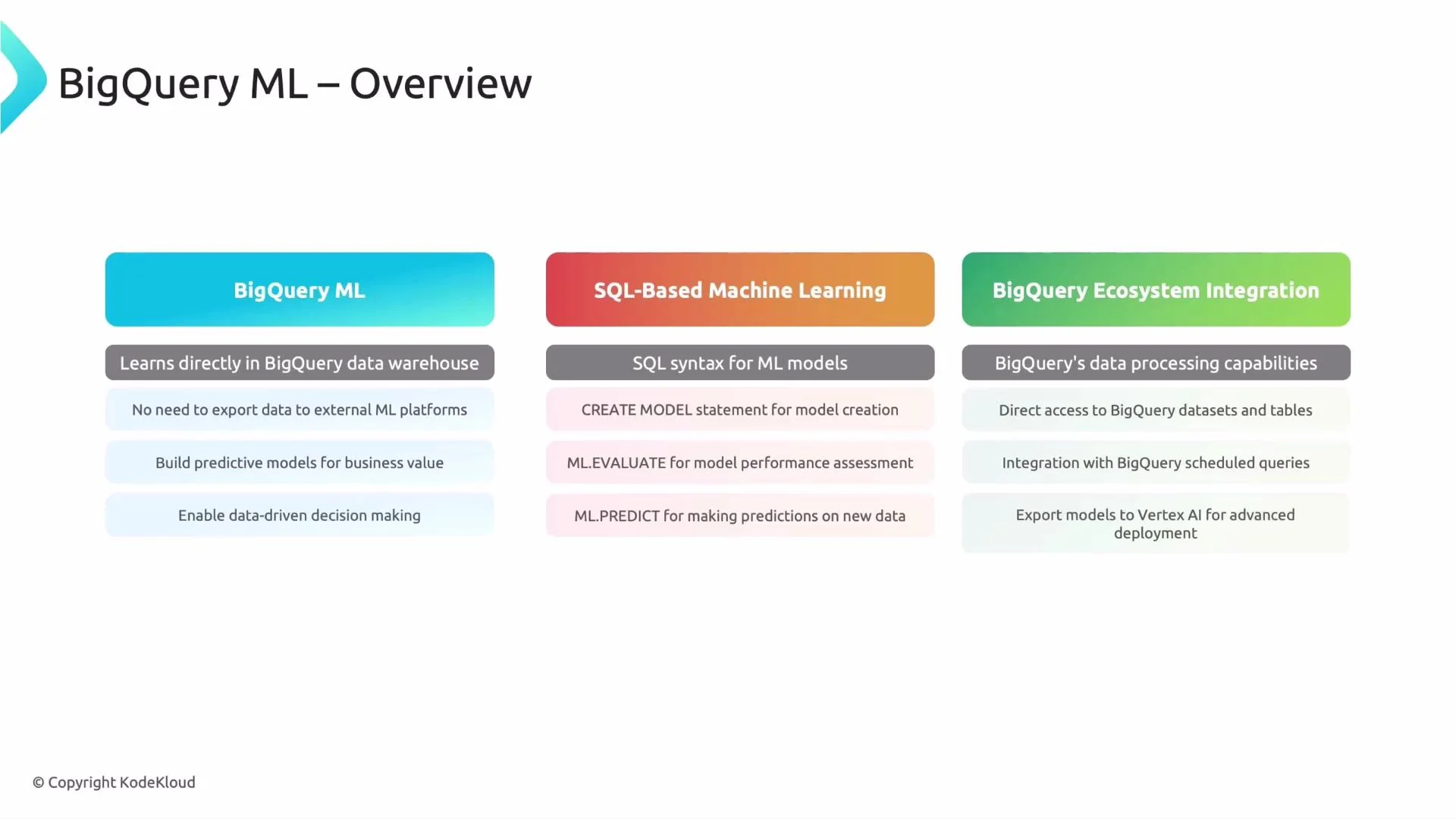
A slide titled "BigQuery ML – Overview" showing three colored columns that summarize BigQuery ML features: learning directly in the BigQuery warehouse, SQL-based ML commands (CREATE MODEL, ML.EVALUATE, ML.PREDICT), and ecosystem integration (dataset access, scheduled queries, export to Vertex AI). The slide is branded © KodeKloud.
Cost, governance, and operational reminders
  • Training and prediction consume BigQuery compute (slots) and incur query costs comparable to other BigQuery operations. Monitor usage and budget accordingly.
  • Use Cloud IAM roles and dataset-level controls to govern who can create, export, or run models.
  • For advanced model types (deep learning, custom training/serving), export models to Vertex AI or integrate with other Google Cloud services.
Training and serving models in BigQuery consume compute and may increase costs. Monitor query cost, slot usage, and apply least-privilege access controls.
Resources and further reading That’s the high-level view of BigQuery ML for data engineers. In follow-up lessons we’ll explore specific model families, hyperparameter tuning, and how to operationalize models (scheduling training, CI/CD for models, and serving strategies). Thanks for reading.

Watch Video