

BigQuery hierarchy (at-a-glance)
- Project (top-level; not shown in this lesson)
- Dataset — logical container for related tables and views
- Table — the object that physically stores rows and columns of data
- Views and materialized views — saved queries that present or cache derived results
us_operations, asia_supply_chain, or retail_sales to group related tables such as oil_production, well_maintenance, or equipment_inventory. Use consistent naming (underscores rather than special characters) to simplify management and automation.
What is a dataset?
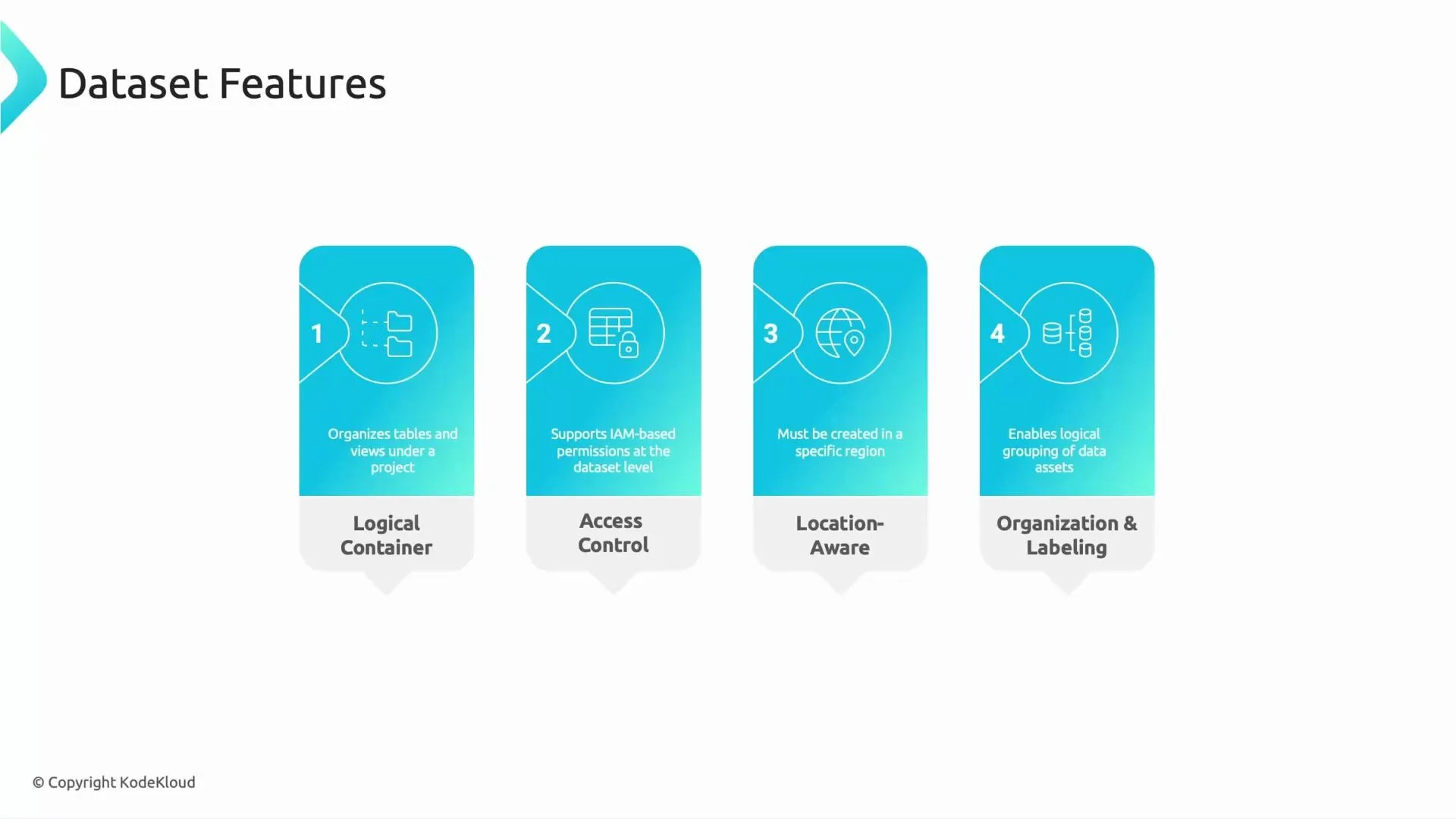
A dataset is a logical container that groups related tables and views. Key dataset features:- Logical grouping of related tables and views (for example, all refinery or retail data).
- IAM-based access control to grant teams selective access (e.g., give Finance access to pricing tables but not to drilling telemetry).
- Location-aware: a dataset is created in a specific region — choose the region that meets your compliance and performance needs.
- Labeling and tagging to support governance and cataloging (e.g., integration with Data Catalog).
What is a table?
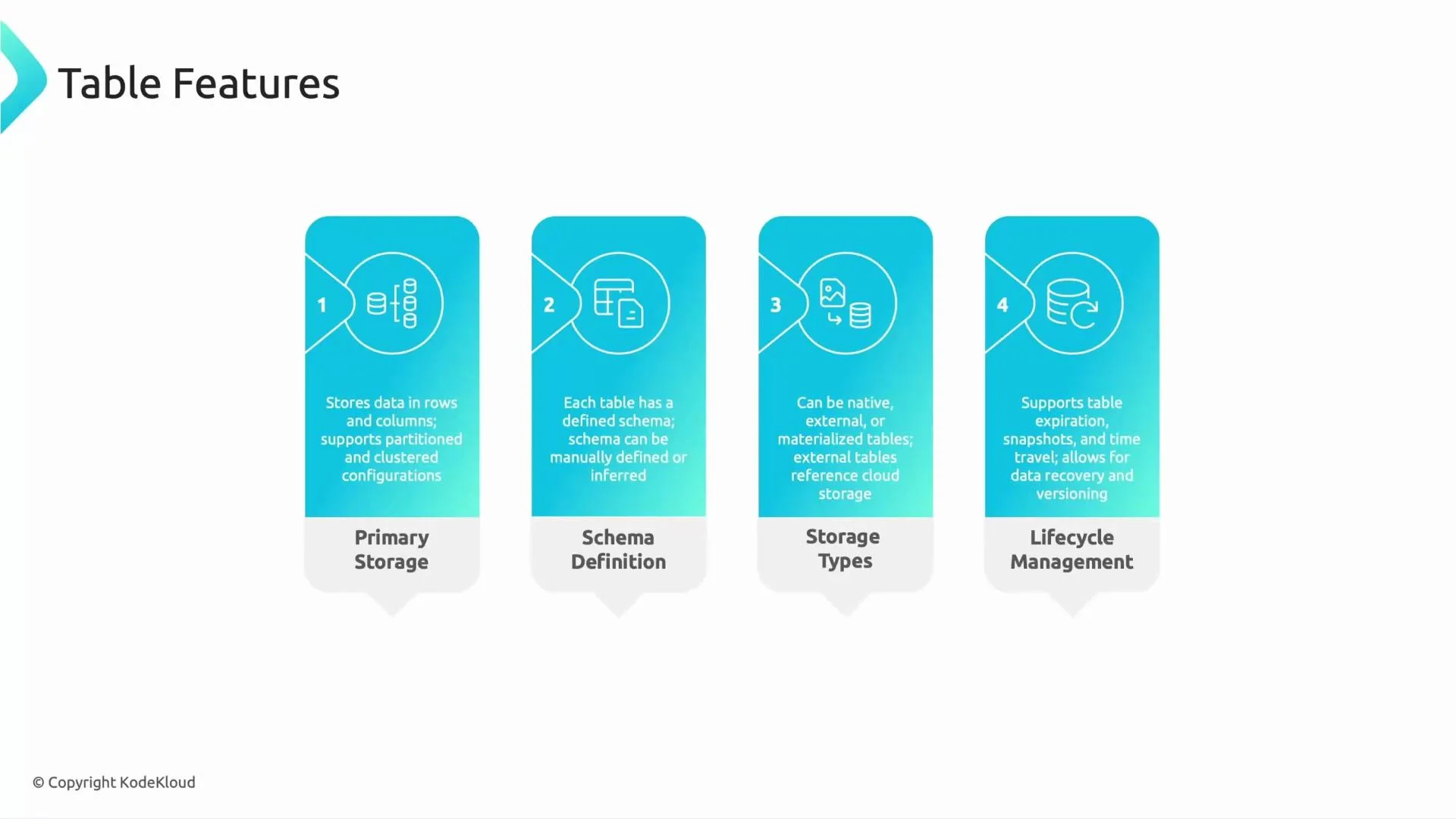
Tables are the primary storage objects in BigQuery. Think of a table as a spreadsheet: rows of data with named columns. Important table capabilities:- Partitioning (e.g., by date) and clustering (e.g., by
site_id) to reduce scanned data and speed up queries. - Schema: defines field names and types; can be declared or auto-detected on load.
- Storage types:
- Native tables — stored in BigQuery storage.
- External tables — reference data in Cloud Storage, Google Drive, Bigtable, or external systems.
- Materialized views — cached query results stored for faster repeated reads.
- Lifecycle management: table-level expiration for temporary data; when both dataset and table expirations exist, the table expiration takes precedence.
Quick reference table
DDL examples
Create a dataset (bq CLI):Views: behavior and best practices
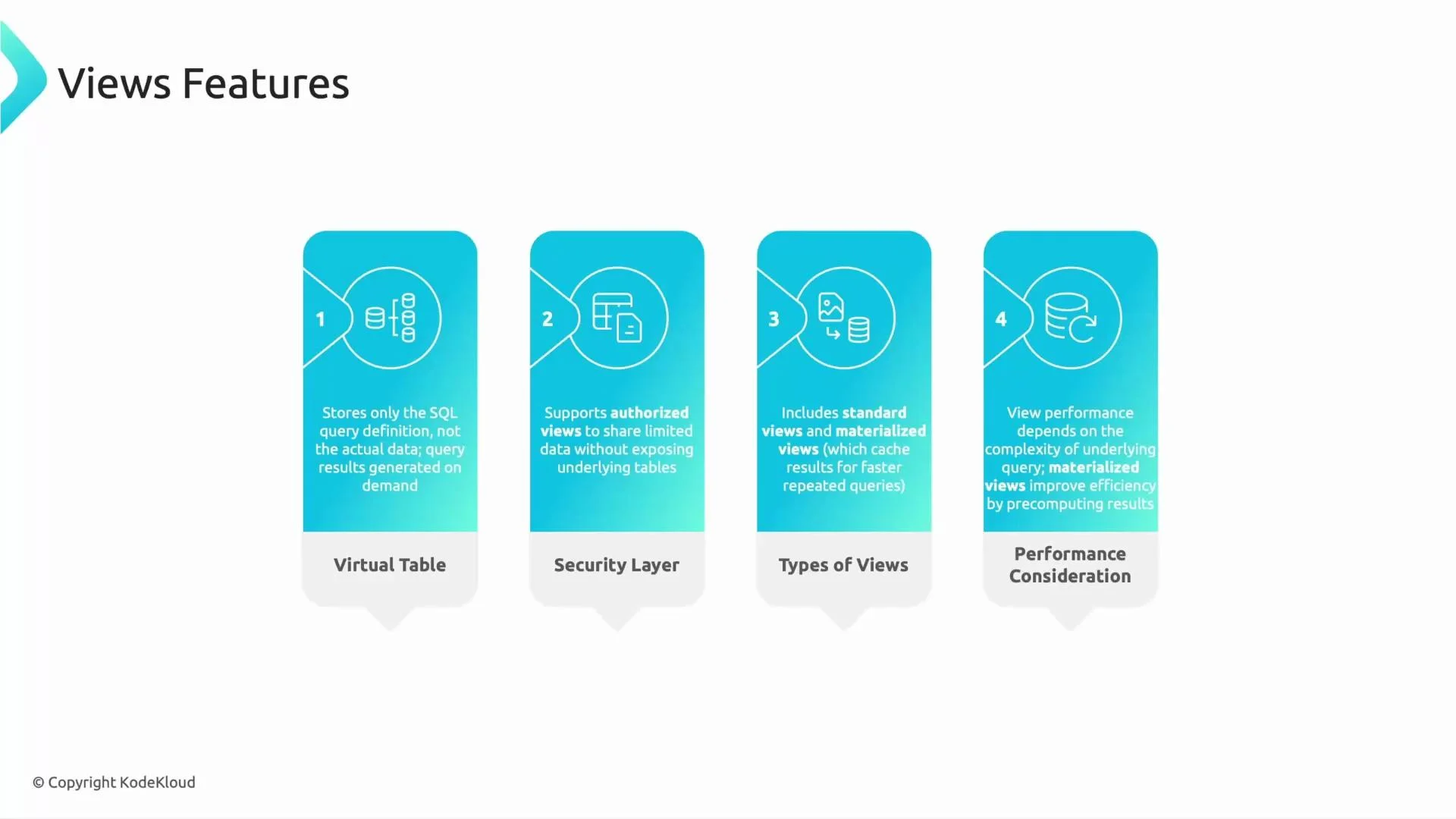
- Standard view: stores only SQL logic. Querying a view runs its SQL against the underlying tables and returns up-to-date data.
- Authorized view: use this pattern to expose a restricted column set or aggregated metrics without granting direct access to the base tables.
- Materialized view: stores precomputed results to accelerate repeated queries (useful for dashboards and KPI lookups).
Quick exam-style question
Which BigQuery object physically stores the data?- A) Dataset
- B) Table
- C) View
Remember: datasets organize and secure your data, tables store it, and views present or cache query logic. Use dataset locations and labels for governance and compliance, and prefer partitioning/clustering for performance.
Hands-on practice
Use the BigQuery console to:- Create a dataset in the appropriate location.
- Create native tables and load sample data.
- Create a standard view to expose aggregated results.
- Optionally create a materialized view for a frequently queried aggregation and observe query performance improvements.