

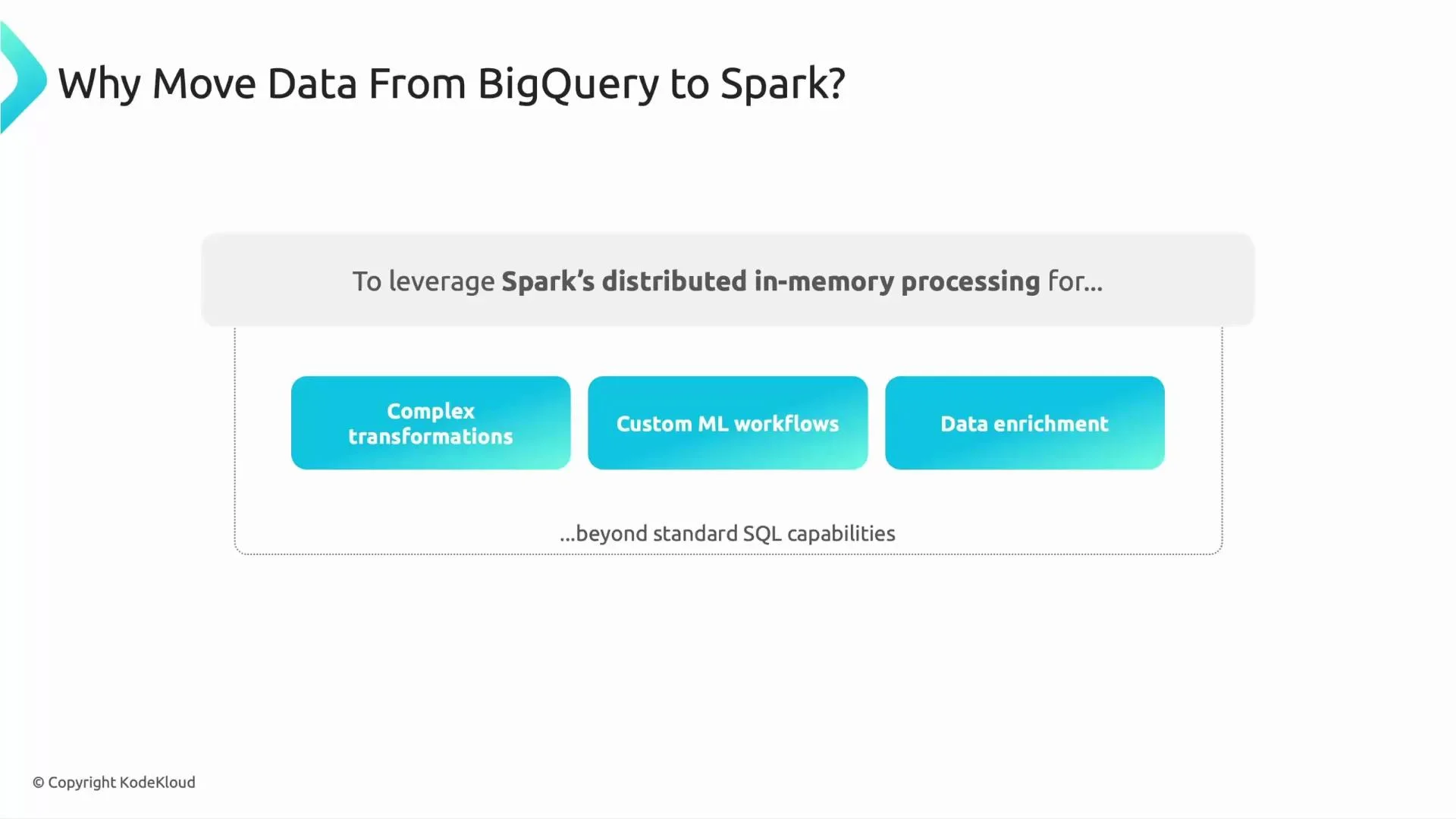
- BigQuery excels at large-scale SQL analytics, but some workflows require capabilities beyond SQL:
- Complex transformations and multi-step pipelines that are easier or more efficient in Spark.
- Custom machine learning training and feature engineering with Spark MLlib.
- Enrichment of BigQuery data with files in Cloud Storage or other external sources.
- Spark provides distributed, in-memory processing for iterative workloads and advanced transformations that complement BigQuery’s SQL capabilities.
- The Spark–BigQuery connector bridges Spark and BigQuery so Spark jobs can:
- Read BigQuery tables into Spark DataFrames.
- Write Spark DataFrames back to BigQuery tables.
- On Dataproc, the connector is included with the image and uses the BigQuery Storage API to read data in parallel for improved performance.
- Typical workflow: extract (BigQuery) → transform/train (Spark on Dataproc) → load (BigQuery) — often described as ETTL (extract, transform, train, load).
- Read path:
- Spark requests data via the connector, which uses the BigQuery Storage API to stream data in parallel into Spark partitions.
- Optionally the connector uses temporary Cloud Storage files for certain jobs or to optimize writes.
- Transform/train:
- Data is processed in-memory across the Dataproc cluster; you can join, filter, and run MLlib jobs.
- Write path:
- DataFrames are written back to BigQuery by the connector using BigQuery streaming inserts or load jobs (which may use GCS as temporary storage).
- Read a BigQuery table into a Spark DataFrame:
- Write a Spark DataFrame back to BigQuery:
- Read via SQL (register as temp view, then run Spark SQL):
- Dataproc: the connector is preinstalled in Dataproc images — no extra JARs required when using supported images.
- Authentication:
- Dataproc clusters use the cluster service account to authenticate to BigQuery and Cloud Storage.
- If running Spark outside Dataproc, you must add the connector artifact and configure credentials (e.g., ADC or service account key).
- Performance considerations:
- Use the BigQuery Storage API for faster reads.
- Tune Spark cluster size and partitioning to match the input table size.
- For large writes, prefer load jobs (temporary GCS files) over streaming inserts when appropriate.
On Dataproc the Spark–BigQuery connector comes preinstalled with the image; this lets you read and write BigQuery tables from Spark jobs without manually adding connector jars or dependencies.
- Query historical sales and user interaction tables from BigQuery into Spark DataFrames on Dataproc.
- Enrich those DataFrames with product metadata stored in Cloud Storage.
- Train a recommendation model using Spark MLlib and evaluate it across partitions.
- Write model outputs (predictions, feature tables, or aggregates) back to BigQuery for dashboards and downstream consumers.
- If asked which Google Cloud service includes the Spark–BigQuery connector out of the box, the answer is Dataproc.
Ensure the Dataproc cluster’s service account has the necessary BigQuery and Cloud Storage IAM roles. The connector will be present, but read/write operations will fail without proper permissions.
- BigQuery Storage API: https://cloud.google.com/bigquery/docs/reference/storage
- Dataproc documentation: https://cloud.google.com/dataproc/docs
- Spark BigQuery Connector GitHub: https://github.com/GoogleCloudDataproc/spark-bigquery-connector
- The Spark–BigQuery connector simplifies moving data between BigQuery and Spark, unlocking advanced transformations, iterative ML workflows, and enrichment with external files.
- Dataproc makes integration straightforward by including the connector and managing the runtime; ensure IAM and temporary GCS access are configured for production runs.