

- Relational (SQL) databases
- NoSQL databases
- In-memory databases
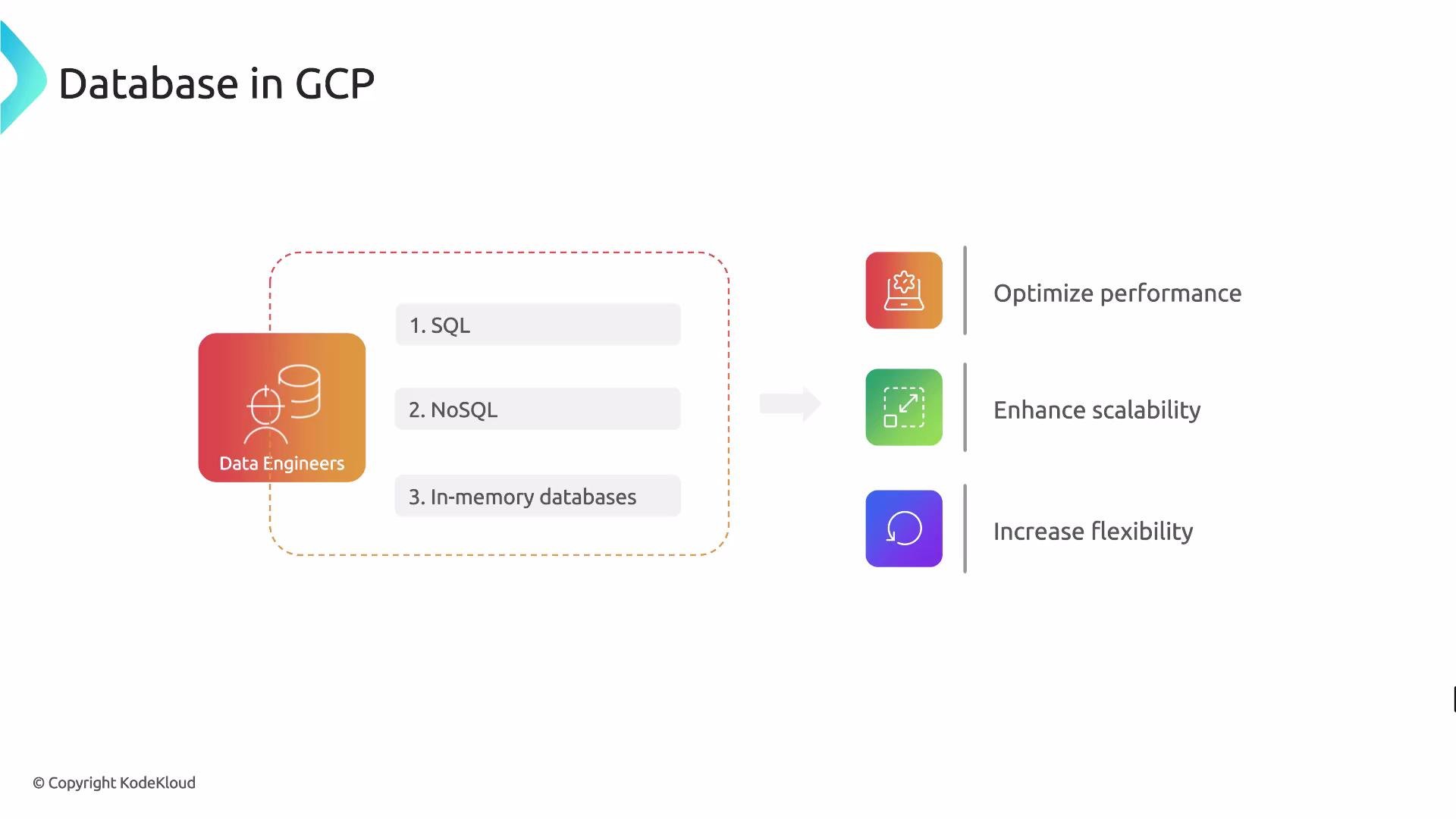
Overview of GCP database families
Relational, NoSQL, and in-memory systems target different data models, latency requirements, and scale. Choose by matching your data model, consistency needs, throughput, and query patterns to the right service.-
SQL / Relational
- Strong consistency and ACID transactions (product-dependent), structured schemas, and SQL query interfaces.
- Typical workloads: OLTP transactional systems (financial systems, order processing, ERP).
- GCP services: Cloud SQL, Cloud Spanner, BigQuery (analytics-oriented).
-
NoSQL
- Flexible schemas (document, wide-column, key-value), designed for massive scale and high throughput.
- Typical workloads: user profiles, catalogs, IoT telemetry, time-series.
- GCP services: Firestore (Native mode) for documents; Cloud Bigtable for wide-column, high-throughput workloads.
-
In-memory
- Extremely low-latency reads/writes; ideal for caching, session stores, leaderboards, and ephemeral state.
- GCP service: Memorystore for Redis or Memcached (managed).
GCP options — product highlights
- Cloud SQL — managed MySQL, PostgreSQL, and SQL Server. Best for lift-and-shift relational applications and standard OLTP in a single region or limited multi-region setup.
- Cloud Spanner — horizontally scalable, globally-distributed relational database with strong consistency and ACID transactions. Use this for large-scale transactional systems needing global consistency and high availability.
- BigQuery — serverless, columnar analytic warehouse for OLAP, reporting, and large-scale aggregations. Not intended for low-latency transactional workloads.
- Firestore (Native mode) — document database with real-time synchronization and excellent integration with serverless and mobile applications.
- Cloud Bigtable — wide-column store for very high throughput and low-latency single-row reads/writes. Suited to time-series, telemetry, and workloads that map to Bigtable’s access patterns. Note: no secondary indexes or ad-hoc SQL—often paired with BigQuery or Dataflow for analytics.
- Memorystore — managed Redis or Memcached for in-memory caching and sub-millisecond response requirements.
Choosing the right database: key decision factors
Match these criteria to your application requirements to guide the selection:Be mindful of trade-offs: global consistency, latency, and scale each impact cost and complexity. Review pricing, backup/restore options, and networking (VPC, cross-region replication) when designing production systems.
Mapping common use cases to GCP services
If you want a simple starting rule-of-thumb:
- Analytics → BigQuery.
- Flexible document apps → Firestore.
- Large-scale transactional systems with global consistency → Spanner.
- Cache or sub-millisecond responses → Memorystore.
Understanding OLTP vs OLAP
-
OLTP (Online Transaction Processing)
- Focus: many small, fast transactions that touch a few rows (create order, update balance).
- Characteristics: low latency, high concurrency, normalized schemas, strong consistency.
- Typical GCP choices: Cloud SQL, Cloud Spanner.
-
OLAP (Online Analytical Processing)
- Focus: complex, large-scale read queries and aggregations (reporting, BI).
- Characteristics: columnar storage, optimized for scans and aggregations rather than single-row transactions.
- Typical GCP choice: BigQuery.
Operational considerations and recommendations
- Backups & recovery: confirm automated backups, point-in-time recovery (if needed), and cross-region restore options.
- Networking & latency: colocate databases with application services and use VPC peering or private IP for secure low-latency traffic.
- Monitoring & scaling: use Cloud Monitoring, autoscaling where possible, and design for the service limits and instance sizing of the chosen product.
- Analytics pipeline: consider pairing OLTP stores with BigQuery (via Dataflow, Datastream, or export jobs) for analytics and reporting.
Next steps / References
To confidently choose and operate a datastore in GCP, dive deeper into architecture patterns, pricing, sizing, migration approaches, and operational best practices for each product. Links and documentation:- Cloud SQL documentation
- Cloud Spanner documentation
- BigQuery documentation
- Firestore documentation
- Cloud Bigtable documentation
- Memorystore documentation