

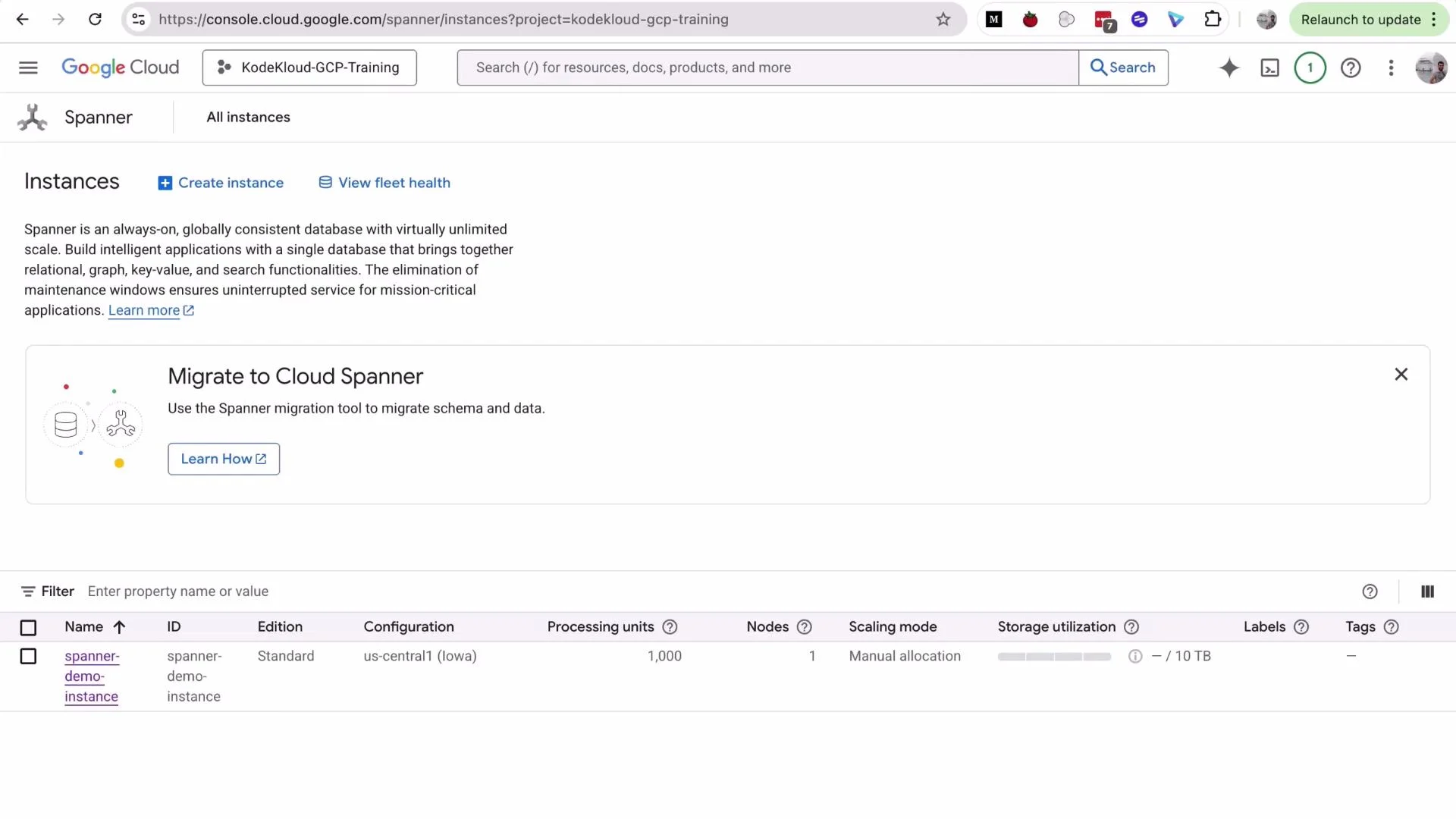
- Open Cloud Spanner from the GCP Console (left menu or search bar) and click Create Instance.
- Select the edition: choose Standard and click Continue.
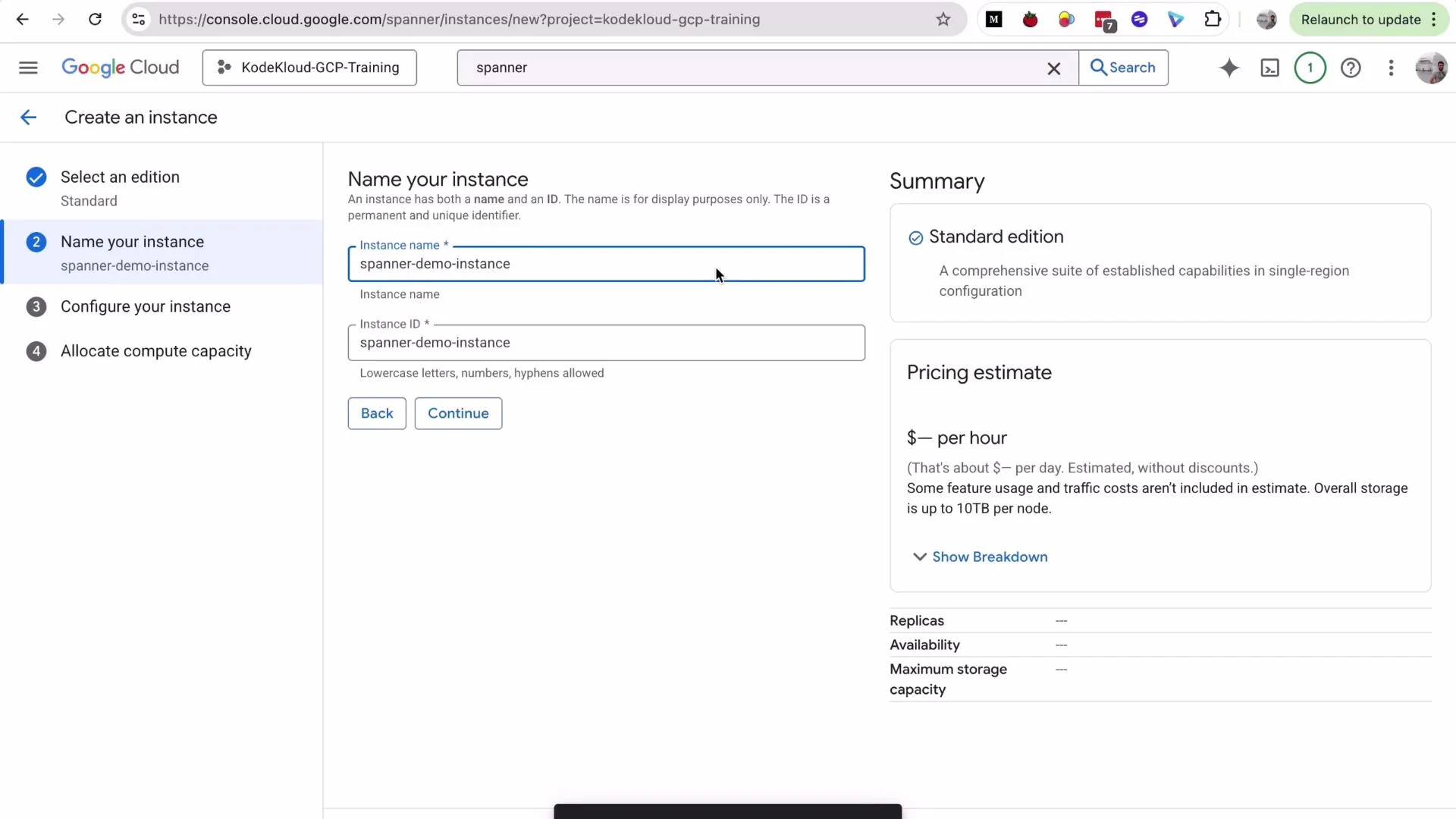
- Provide an instance name, e.g.,
spanner-demo-instance(the instance ID is auto-filled). - Choose a configuration: for this demo select Regional ->
us-central1. - For processing units, keep the default for the demo (note: production commonly starts at 100 PUs).
- Uncheck Enable default backup schedule for the demo (enable backups in production).
- Click Create. Instance creation typically takes 2–5 minutes.
Regional configurations provide 99.99% availability and are a good default for development and staging. For higher availability across regions, choose a multi-region configuration (99.999% SLA) but be aware of the increased cost.
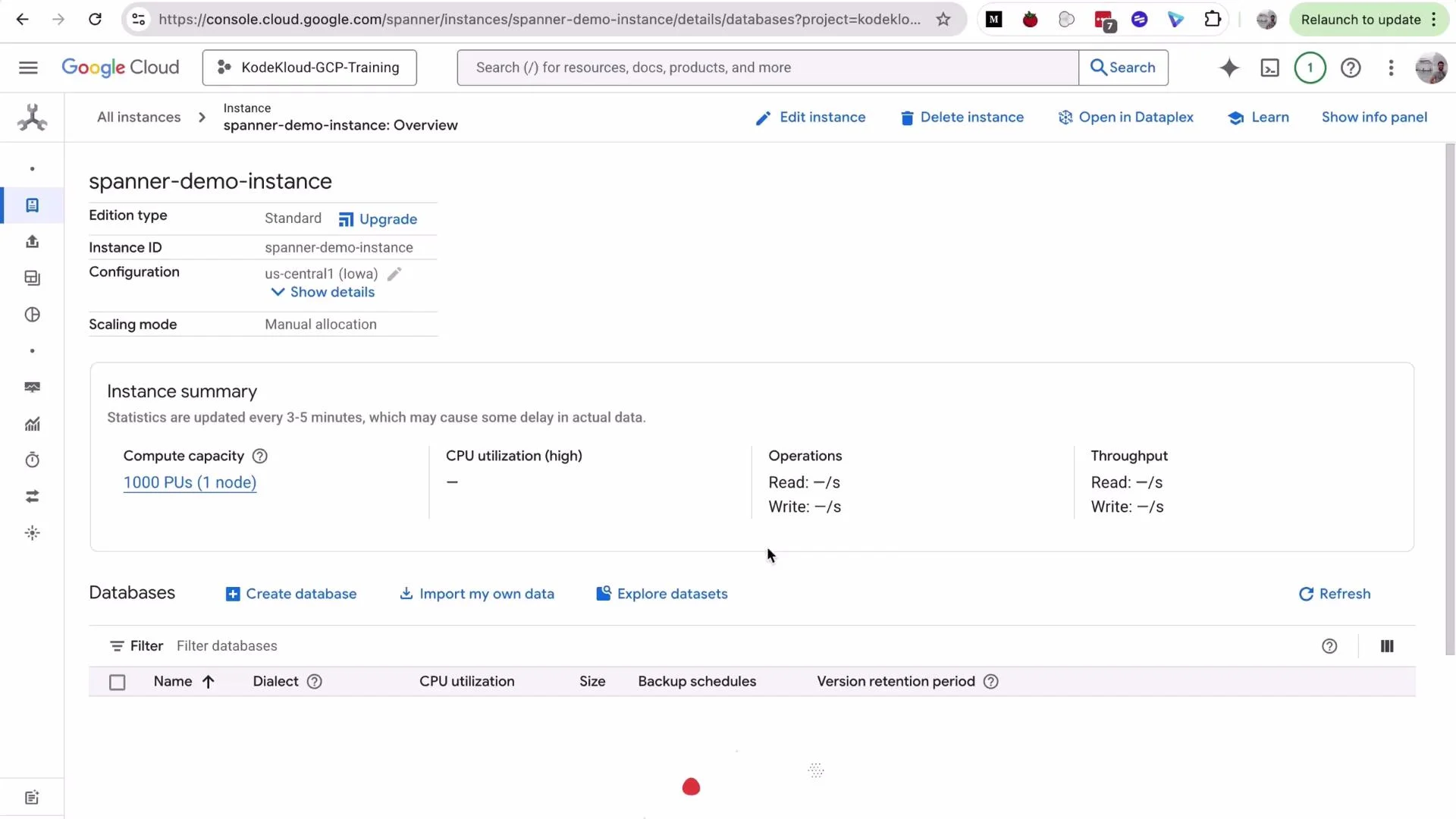
- Name the database, for example
flightbookingdb. - Choose the SQL dialect: select Google Standard SQL (default). This dialect is based on SQL:2011 and is broadly compatible with PostgreSQL-style query syntax. A PostgreSQL dialect option exists if you need extra compatibility.
- Click Create.
Create schema — parent and interleaved child table
We’ll create a parent table named
flights and an interleaved child table booking. Interleaving stores child rows physically with their parent, improving locality for parent-child queries.
Create the parent table flights:
booking interleaved in flights. Note the child primary key begins with the parent’s primary key and that created_at allows commit timestamps:
PRIMARY KEY (flight_id, booking_id)groups bookings under a flight and ensures uniqueness per booking.INTERLEAVE IN PARENTplaces child rows alongside parent rows on storage, improving query performance for parent-child lookups and reducing cross-partition traffic.ON DELETE CASCADEautomatically removes child rows when the parent flight is deleted.created_at ... allow_commit_timestamp = trueenables use ofPENDING_COMMIT_TIMESTAMP()in INSERTs so the timestamp is set to the actual transaction commit time.
flights, booking, and the two indexes under the database schema.
Insert sample data
Insert sample flights into flights:
PENDING_COMMIT_TIMESTAMP() for the created_at column:
PENDING_COMMIT_TIMESTAMP() sets the timestamp to the transaction commit time. For this to work the TIMESTAMP column must be declared with OPTIONS (allow_commit_timestamp = true). This is useful for audit trails and ensures all rows inserted in the same transaction share the exact same commit timestamp.- Select all flights ordered by departure time:
- Select bookings for a particular flight:
- Count total bookings:
- Parent-child interleaving: child primary key must start with the parent primary key. This enables efficient locality and reduces cross-partition queries for parent-child access patterns.
- Use interleaving for high-volume, locality-sensitive workloads (e.g., many bookings per flight). For small test datasets, the benefits may be less visible but become significant at scale.
- Plan primary keys and access patterns carefully before deploying large distributed workloads; changing primary keys later is not straightforward.
- Add secondary indexes selectively—indexes speed reads but add write overhead and storage costs. Choose indexes based on query patterns and cardinality.
- Enable backups and monitoring in production. Use IAM roles to restrict who can modify schema and run administrative operations.
- Cloud Spanner documentation: https://cloud.google.com/spanner/docs
- Spanner SQL reference: https://cloud.google.com/spanner/docs/query-syntax
- Designing schemas for Cloud Spanner: https://cloud.google.com/spanner/docs/schema-design