Hello and welcome back. Earlier we explored Cloud IAM groups and how grouping users simplifies access management at scale. In this lesson we focus on Access Approval: a common organizational control that enforces manual review for sensitive permissions and helps implement least privilege and temporary access.

How the access-approval flow works

At a high level, the access-approval workflow follows these steps:
  1. A user determines they need additional permissions to complete a task (for example, creating a VPC network).
  2. The user submits an access request through the organization’s request system.
  3. The request is reviewed by approvers according to defined policy and sensitive-role requirements.
  4. If approved, the user receives the requested permission(s) for a defined duration (time-bound grant).
  5. After the duration ends, the granted access is automatically removed.
First, the user must request access. Some organizations grant broad default access for non-sensitive exploration, but for privileged operations you should require explicit requests so users understand the scope of what they are asking for. When a user requests access they should clearly specify what they need and why. For example: “I need the role compute.networkAdmin to create a VPC network.” Always grant only the permissions requested — this enforces the least privilege principle and reduces blast radius. Next, the request enters the approval flow. Reviewers should verify:
  • Whether the requester already has the needed access (to avoid redundant approvals).
  • Whether the requested role actually contains the permissions required for the task.
  • Whether the role or permissions are classified as sensitive under your policy (those should require manual approval).
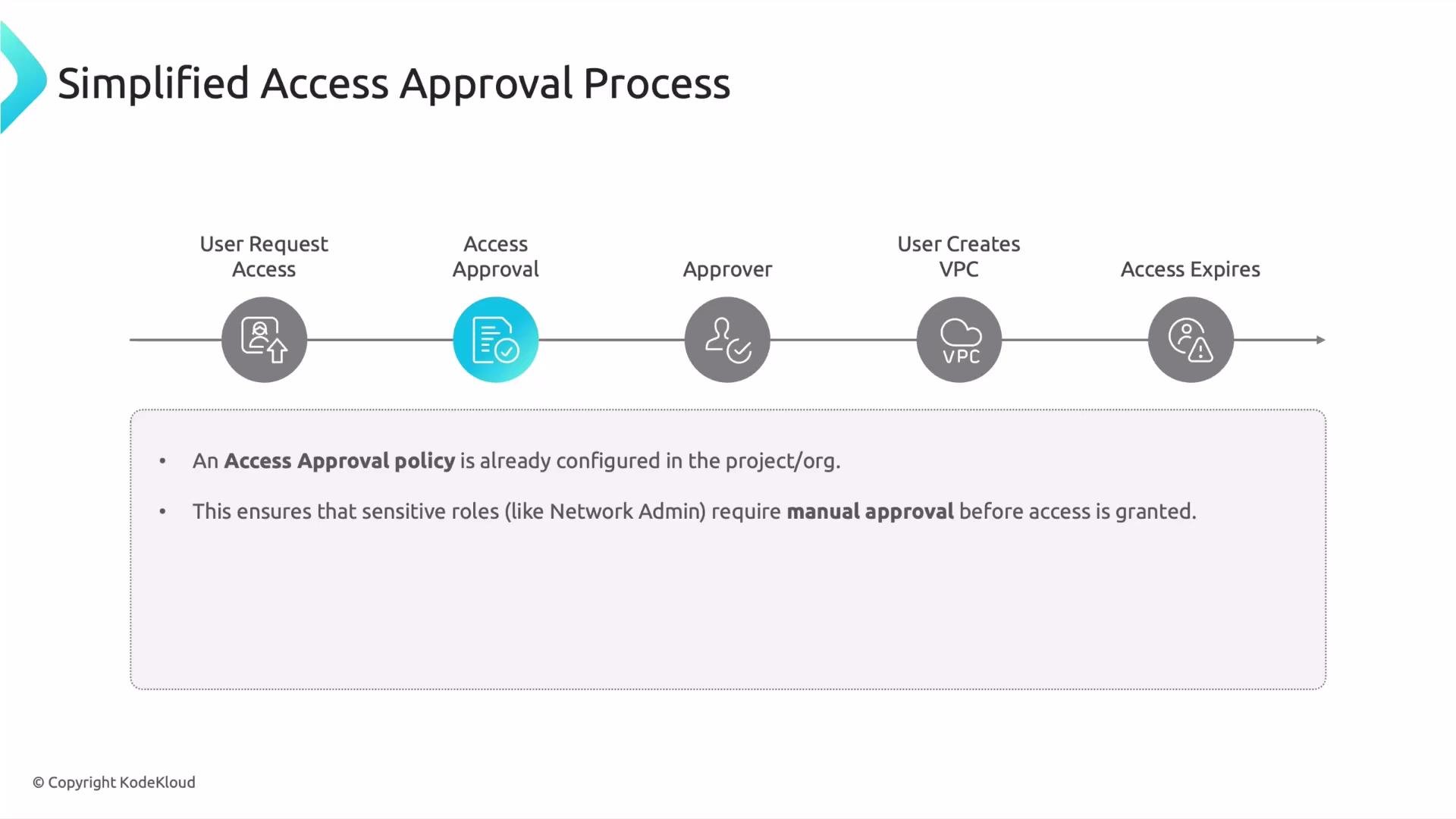
A diagram titled "Simplified Access Approval Process" showing a timeline of steps: User Request Access → Access Approval → Approver → User Creates VPC → Access Expires. Below it is a note that an access approval policy is configured so sensitive roles require manual approval.

Approvers and what they need

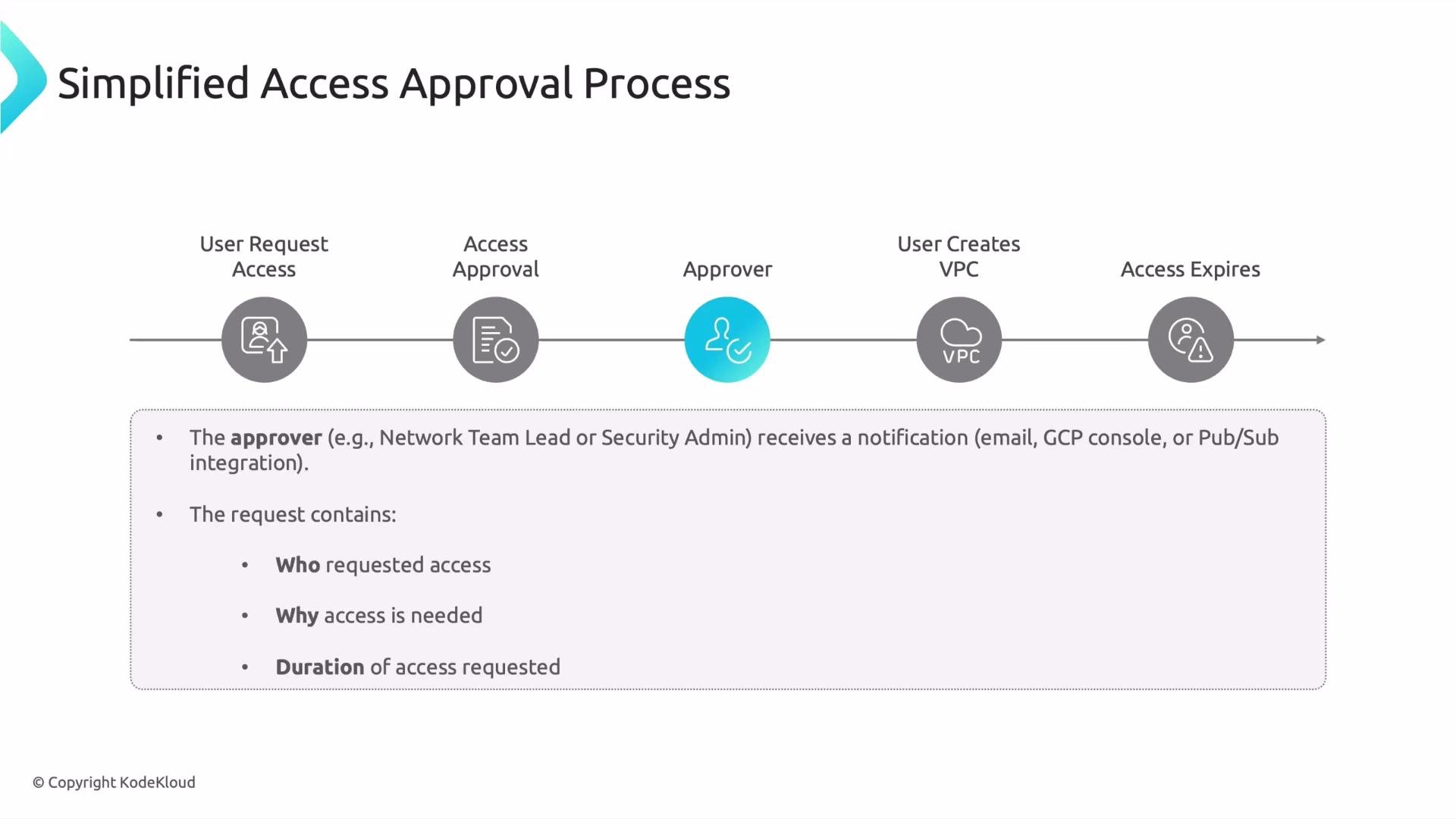
Approvers are typically organization administrators or designated custodians (for example, a director of SRE or a DevOps manager). When a request arrives, approvers need concise, actionable information to decide quickly:
  • Who is requesting access.
  • Why they need it (business justification).
  • Exactly which role or permission is requested.
  • How long the access is needed (requested duration).
Use a standardized approval checklist to reduce ambiguity and speed decisions. The following table summarizes required request fields and examples:
FieldWhy it mattersExample
RequesterIdentify the user and check existing accessalice@example.com
Business justificationValidates need and audit trail”Create VPC for onboarding project”
Role / PermissionEnsures the grant matches the taskcompute.networkAdmin
DurationLimits exposure via time-bound access4 hours or 3 days
Evidence / LinksAttach relevant tickets or runbooksLink to Jira ticket or runbook
Common request channels include Jira, ServiceNow, identity governance platforms (e.g., SailPoint), or an internal portal/console.
ChannelPurpose
JiraTrack approvals and link to change requests
ServiceNowITSM-driven approvals
Identity governance platforms (e.g., SailPoint)Centralized entitlement requests and lifecycle
Internal portal / consoleLightweight self-service with audit trail
A slide titled "Simplified Access Approval Process" showing a horizontal workflow: User Request Access → Access Approval → Approver → User Creates VPC → Access Expires, with icons for each step. Below the timeline are bullets describing the approver notification and what the access request should contain.

After approval: performing the task and automatic expiry

Once access is approved and granted, the user performs the task (for example, creating the VPC). Ensure that the system issues permissions only for the requested time window, and that the grant is auditable.
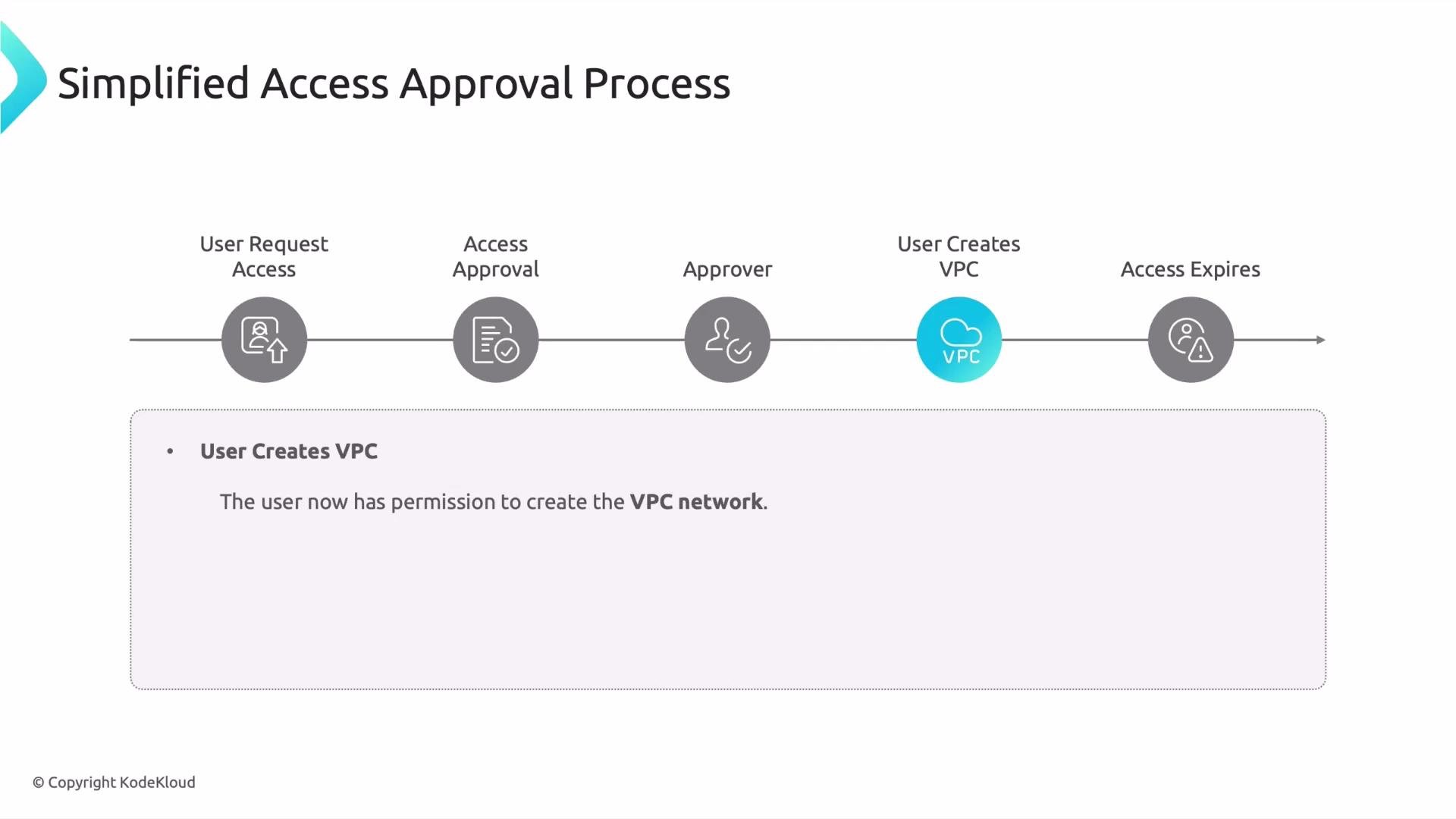
A titled diagram showing a simplified access approval process as a horizontal timeline with icons and steps: "User Request Access," "Access Approval," "Approver," "User Creates VPC" (highlighted), and "Access Expires." A note below states the user now has permission to create the VPC network.
Automated expiry and removal of temporary grants are essential. Without time-bound grants and automated revocation, environments accumulate excessive privileges and drift occurs in IAM policies. Use automated workflows to:
  • Enforce time-limited access by default.
  • Audit all granted requests and expirations.
  • Revoke access automatically when the duration ends.
Plan requests so they include the reason and a justified duration, and ensure your approval workflow enforces automatic revocation when the duration ends.

Best practices and further reading

  • Enforce least privilege: prefer role/permission granularity over broad roles.
  • Require manual approval for roles that map to sensitive permissions.
  • Integrate approvals with ticketing or identity governance to maintain audit trails.
  • Use short, justifiable durations and automate revocation.
  • Regularly review temporary-access logs to detect anomalies and reduce drift.
Further reading and related resources: That is it for this lesson.

Watch Video