

BigQuery Omni
What is BigQuery Omni?- BigQuery Omni lets you run BigQuery SQL against data that resides in other clouds (AWS, Azure) without copying the data into Google Cloud.
- Compute runs close to the data: Google uses Anthos to execute the BigQuery engine in the target cloud, minimizing egress and latency.
- No bulk data movement is required, which is important for compliance, cost, or time-sensitive scenarios.
- You can perform cross-cloud analytics and joins, though cross-cloud joins may have caveats depending on where datasets and compute execute.
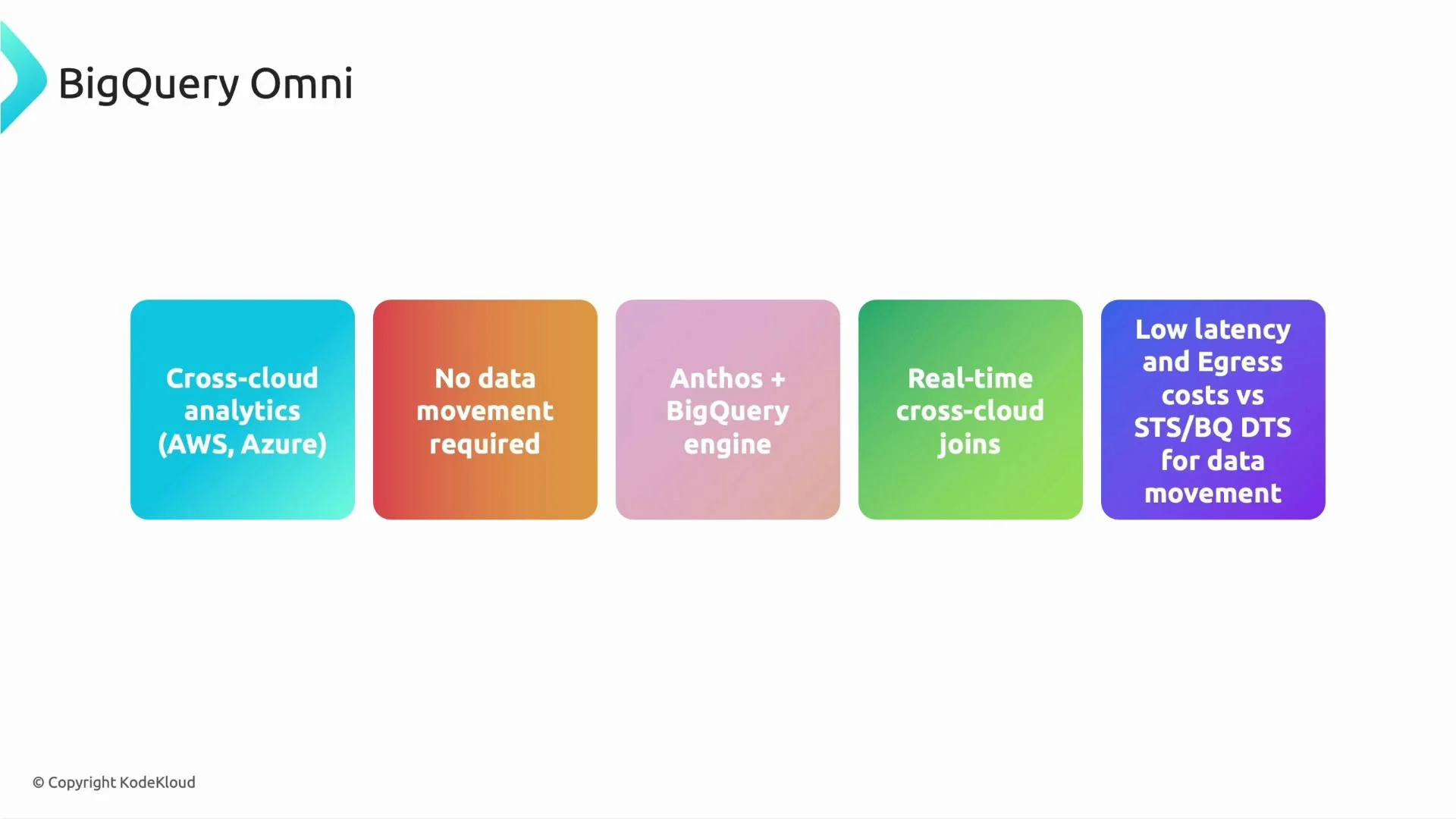
Exam tip: If the question requires analytics across clouds without moving data (due to compliance, egress costs, or latency), BigQuery Omni is the best choice.
BigLake
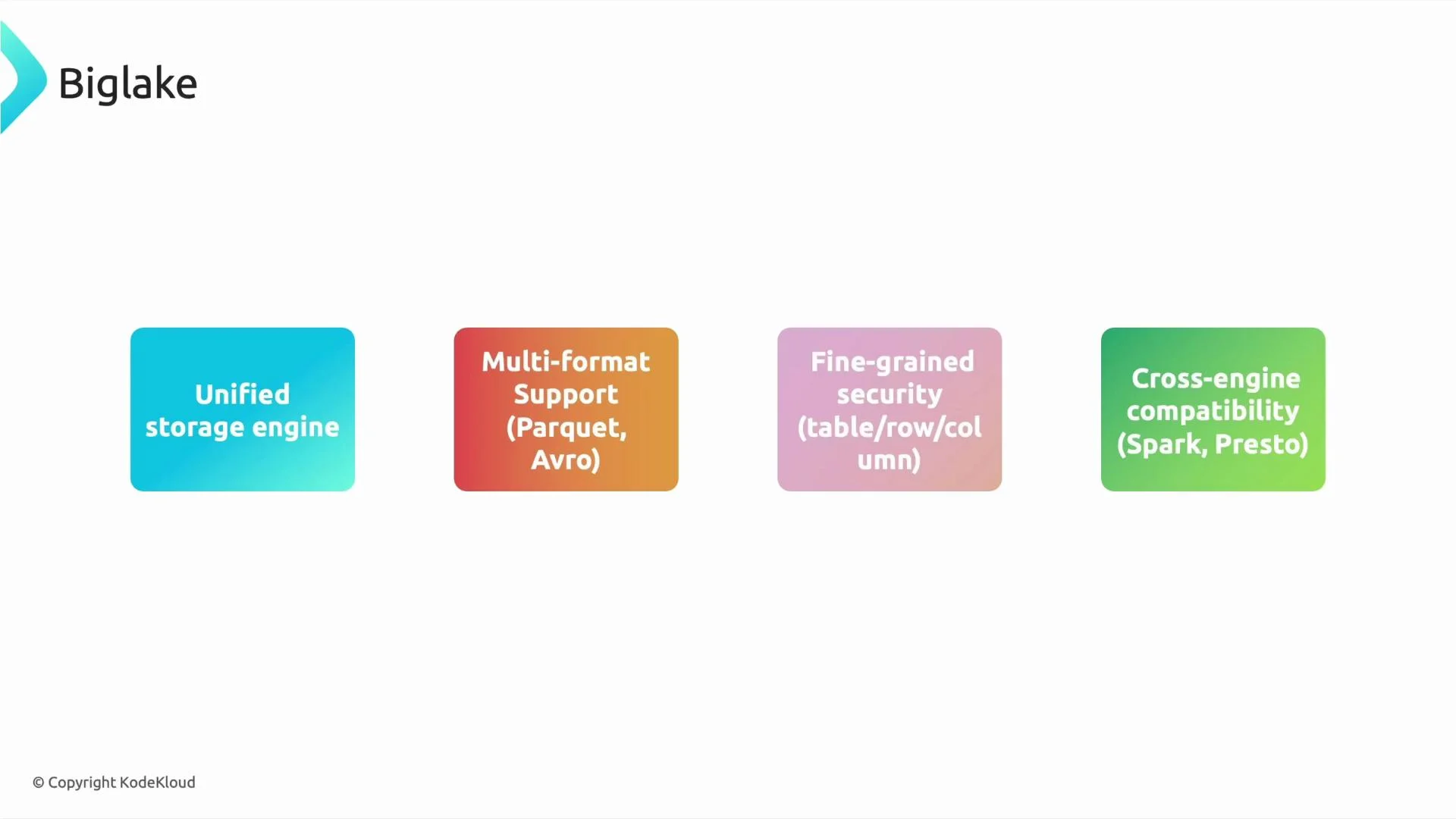
Why BigLake matters:- BigLake provides a unified storage and governance layer across BigQuery and data lakes (for example, Cloud Storage).
- It supports open formats like Parquet and Avro to avoid vendor lock-in and enable multi-engine consumption.
- BigLake brings fine-grained security (table, row, and column-level controls) with consistent BigQuery-style access management.
- Multiple engines (Spark, Presto, Trino, etc.) can query the same datasets while respecting unified governance when integrated with Dataplex and other governance tools.
Choosing between BigQuery Omni, BigLake, and transfer services
Use this quick decision table for exam scenarios: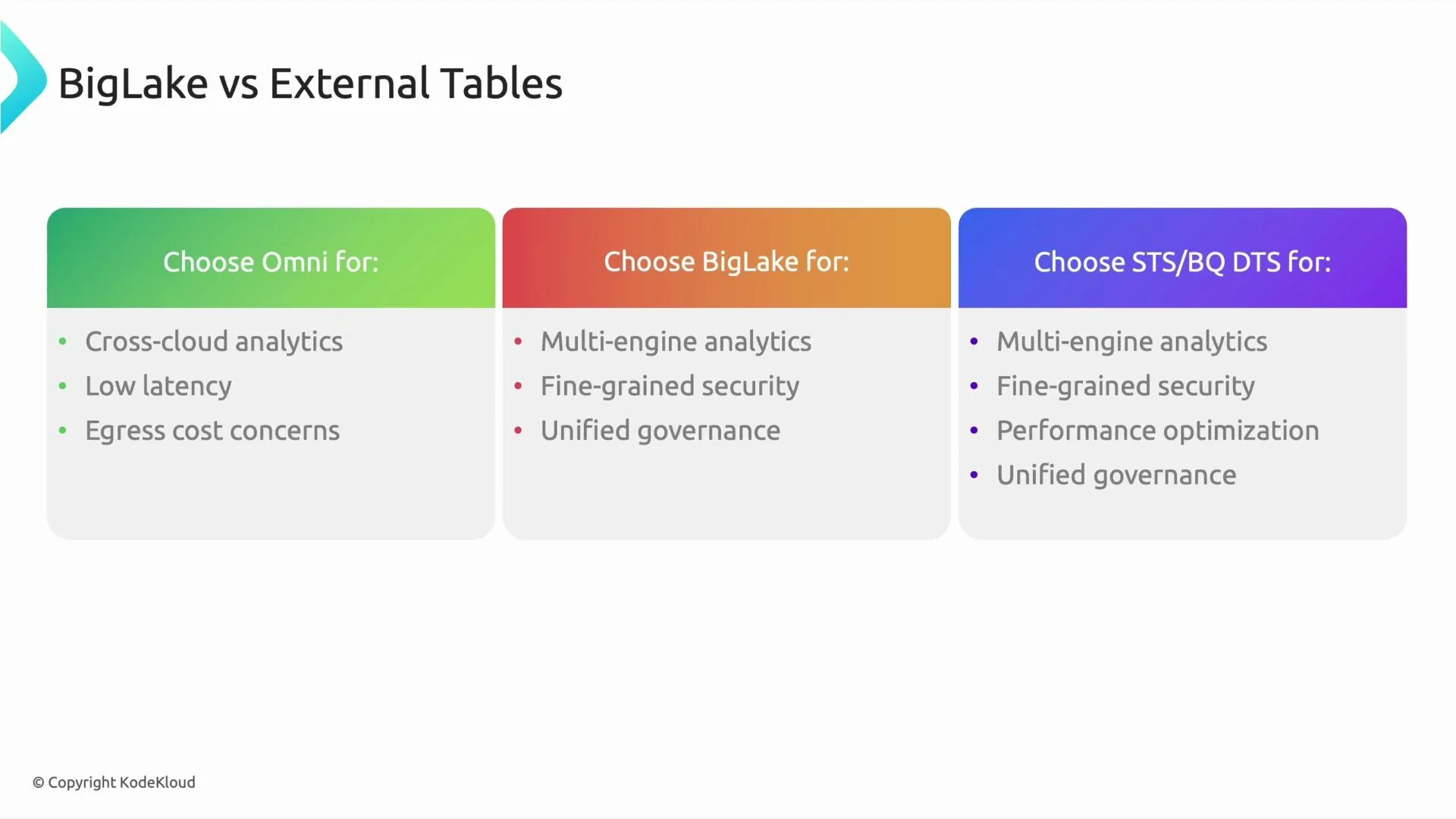
- If the requirement explicitly says “do not move data” or mentions compliance/regulatory restrictions, pick BigQuery Omni.
- If the question emphasizes open formats, cross-engine analytics, or a single governance plane, pick BigLake (and mention Dataplex/permissions if relevant).
- If the question asks to bring data into GCP (migrate, archive, or schedule repeated imports), choose STS or BQ DTS depending on whether the target is Cloud Storage or BigQuery.
Final recap
- BigQuery Omni = cross-cloud querying without moving data; compute executes in the other cloud via Anthos.
- BigLake = unified, governed storage layer for open formats with fine-grained security and multi-engine compatibility.
- Storage Transfer Service / BigQuery Data Transfer Service = managed options for moving or ingesting data into Google Cloud (bulk or scheduled).
Remember these short hooks for the exam: Omni = query across clouds without moving data; BigLake = unified governance + open formats + multi-engine access; STS/BQ DTS = move or ingest data into GCP.
- BigQuery Omni: https://cloud.google.com/bigquery-omni
- BigLake: https://cloud.google.com/biglake
- Storage Transfer Service: https://cloud.google.com/storage-transfer-service
- BigQuery Data Transfer Service: https://cloud.google.com/bigquery-transfer