

Query lifecycle — what happens when you run SQL
A high-level query lifecycle in BigQuery looks like this:- Client submits a SQL query via the Console, client SDK, or REST API. Front-end handles authentication and syntactic validation.
- Query planner and optimizer produce a distributed execution plan.
- Borg schedules and assigns compute resources (slots) to run the plan.
- Dremel executes the query in parallel across many workers (tree-based aggregation).
- Workers read data from Colossus using the Capacitor columnar format and return partial results.
- Results are aggregated and merged, then returned to the client.
Colossus — distributed storage layer
Colossus is Google’s next-generation distributed file system and is the foundation of BigQuery’s durable, scalable storage. BigQuery stores data in columnar files inside Colossus; this layout reduces unnecessary I/O because queries only read the columns they need. Columnar storage also enables stronger compression and encoding techniques, which reduces storage cost and speeds up scans.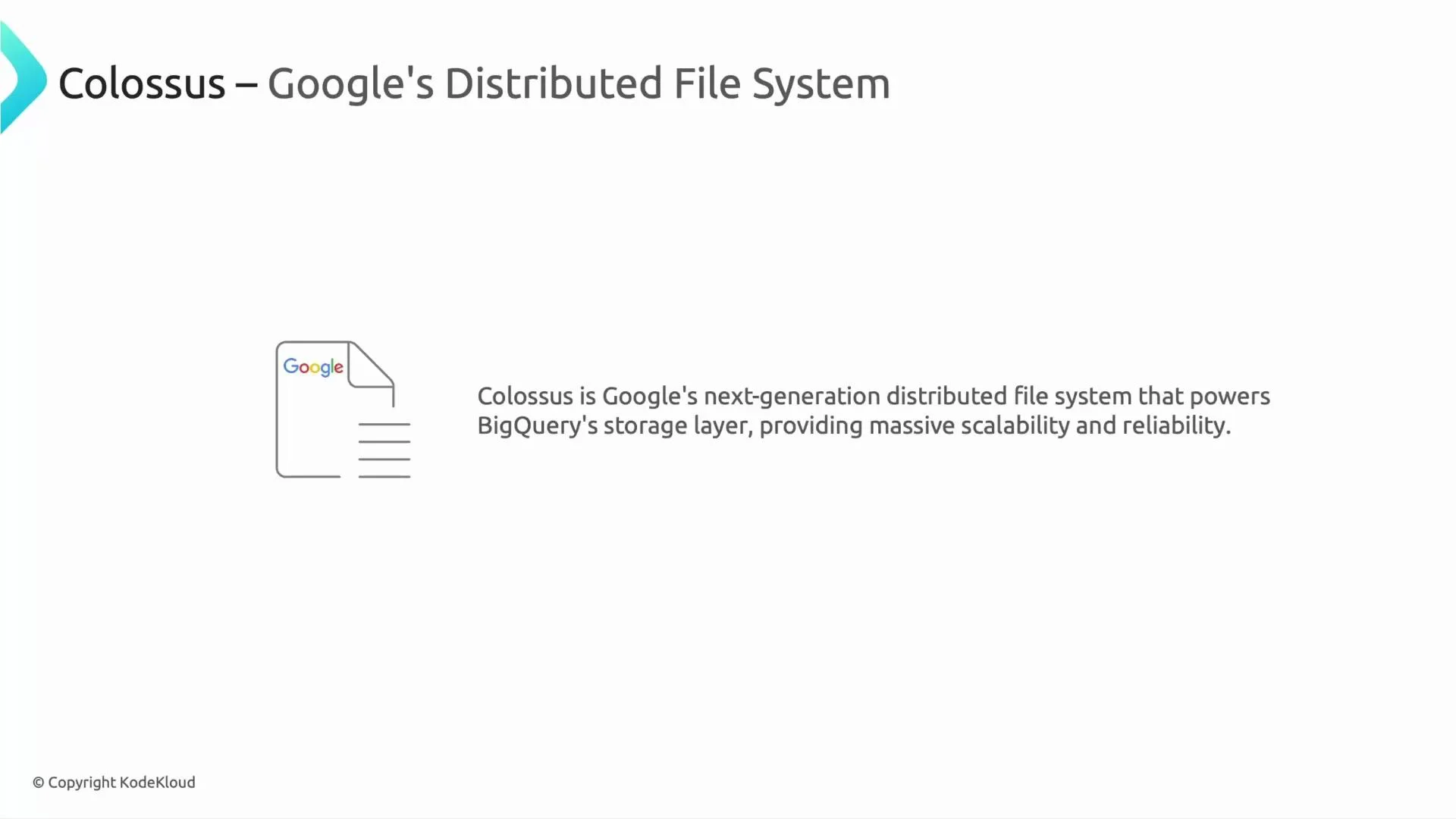
Capacitor — BigQuery’s columnar format
Capacitor is BigQuery’s optimized columnar format for analytics. It stores each column contiguously and applies column-level compression/encoding (dictionary encoding, run-length encoding, delta encoding, etc.). These features often yield very large space savings (Google reports up to ~90% in some cases), which directly lowers I/O and cost while improving query performance.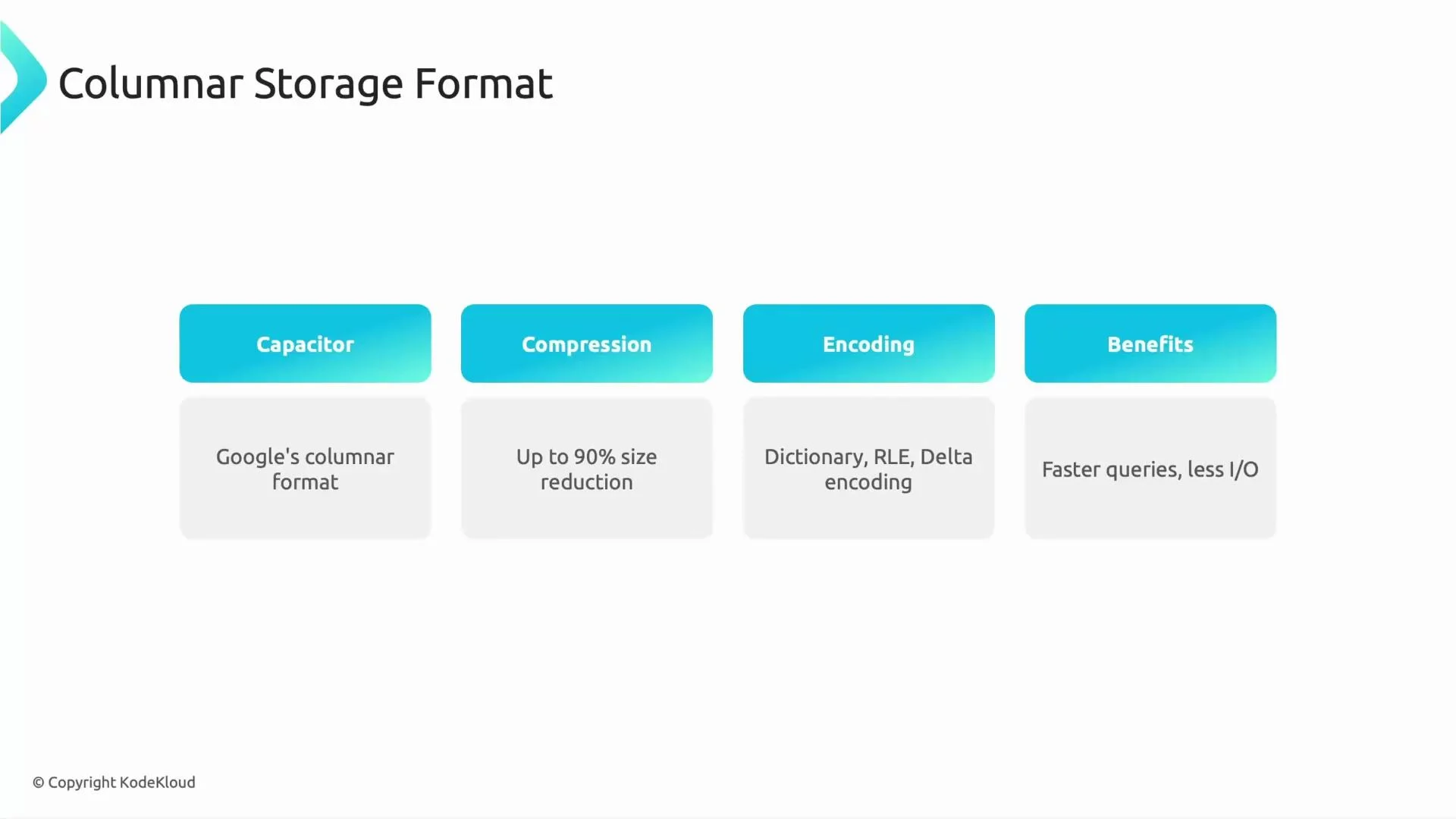
Replication, erasure coding, and fault tolerance
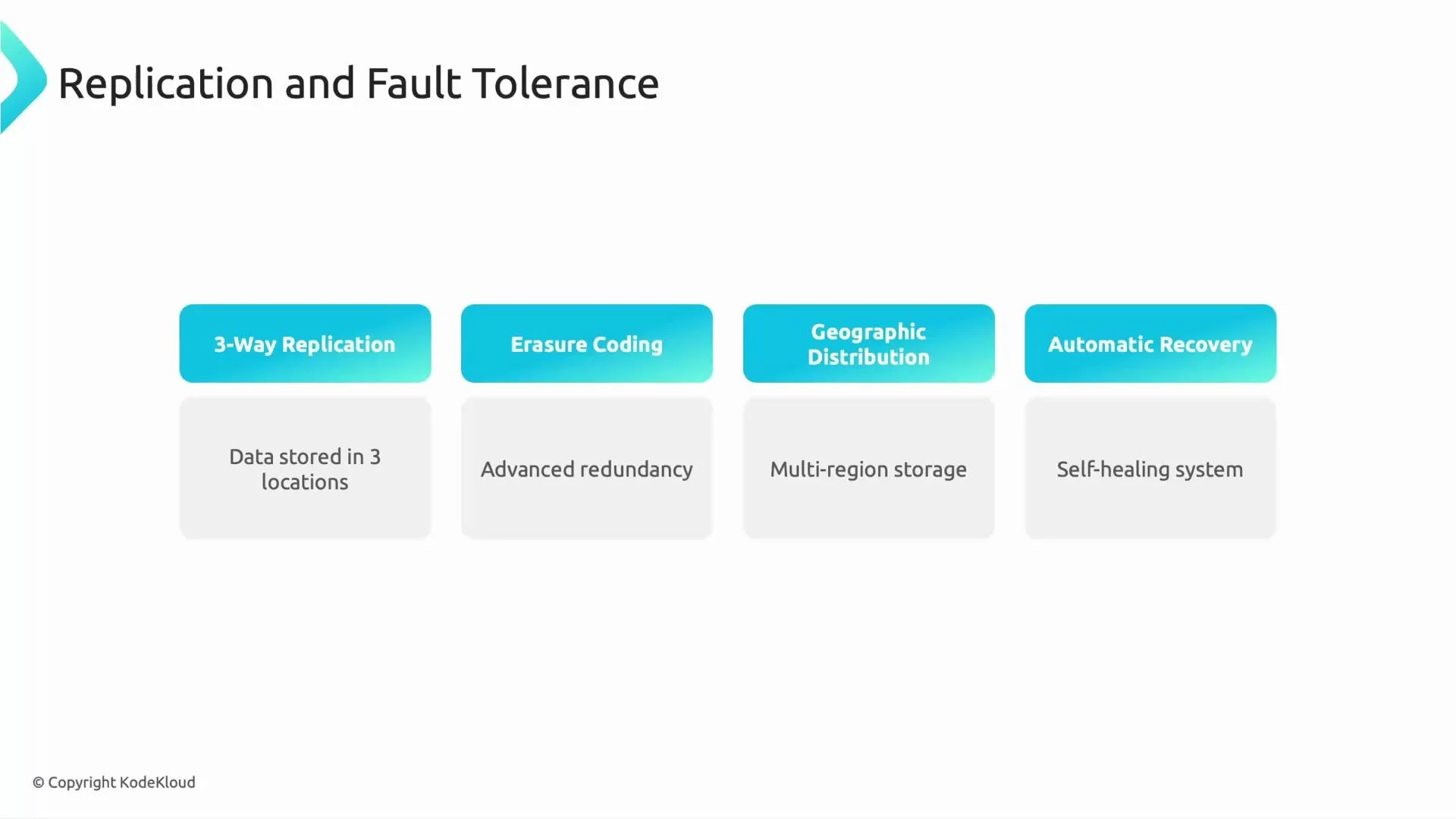
BigQuery ensures durability and availability via multi-layer redundancy:- Data is distributed across machines, racks, and geographic locations.
- Erasure coding (parity-based protection) reduces overhead compared to full replication while preserving fault tolerance.
- Automatic rebuild and recovery processes restore lost data when hardware fails.
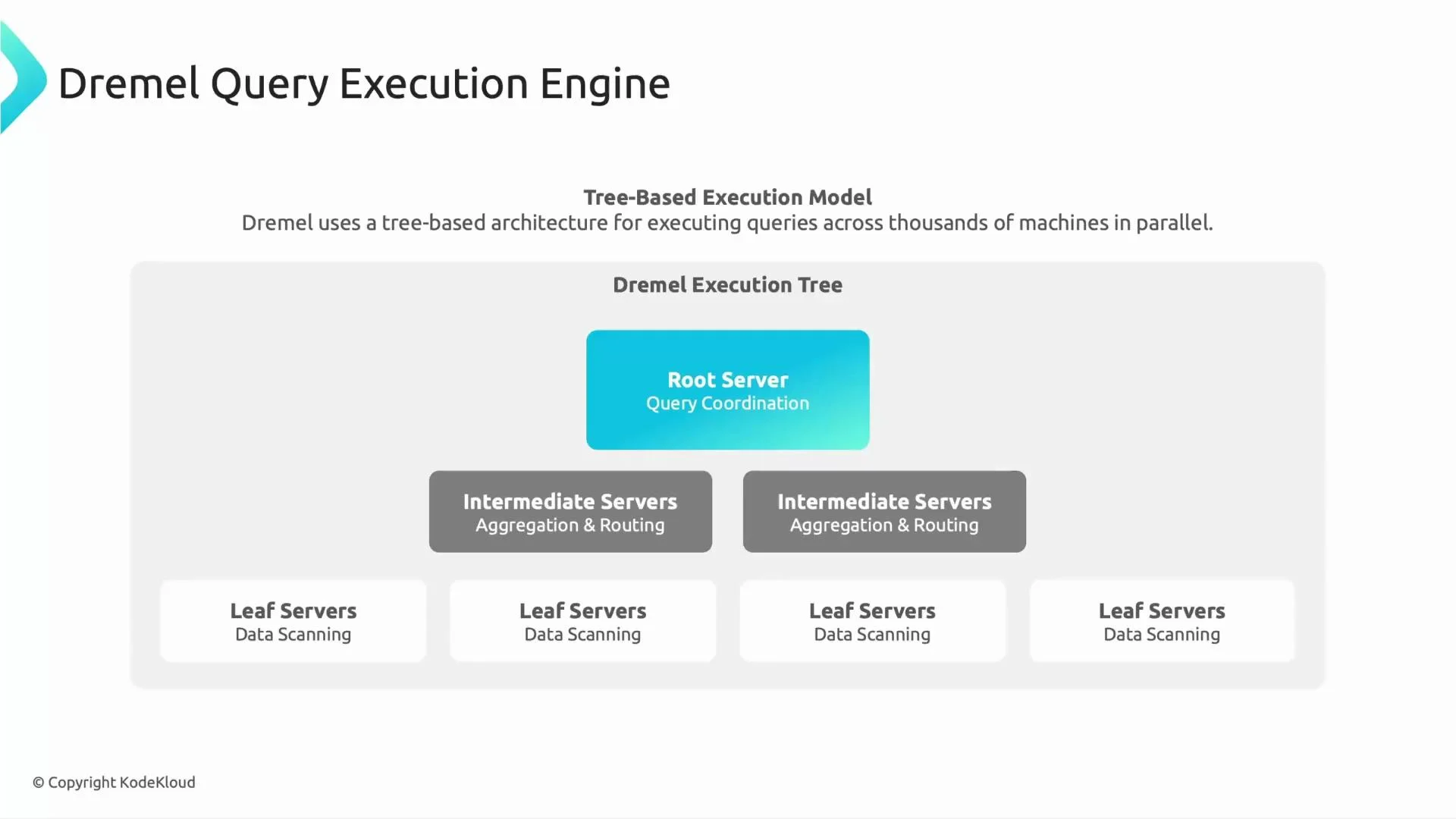
Dremel — distributed query execution engine
Dremel is the tree-based, massively parallel query engine that runs SQL queries in BigQuery. Its architecture is optimized for aggregating results from thousands of parallel workers with minimal network overhead:- Leaf servers scan columnar data from Colossus and compute partial results.
- Intermediate servers aggregate and combine child results.
- A root server merges final results and returns them to the client.
Borg — cluster management and scheduling
Borg is Google’s cluster manager that schedules and isolates compute tasks across the fleet. For BigQuery:- Borg assigns workers to run Dremel tasks.
- It enforces resource constraints and isolation.
- It maximizes overall utilization across many tenants and workloads.
Slots and resource management
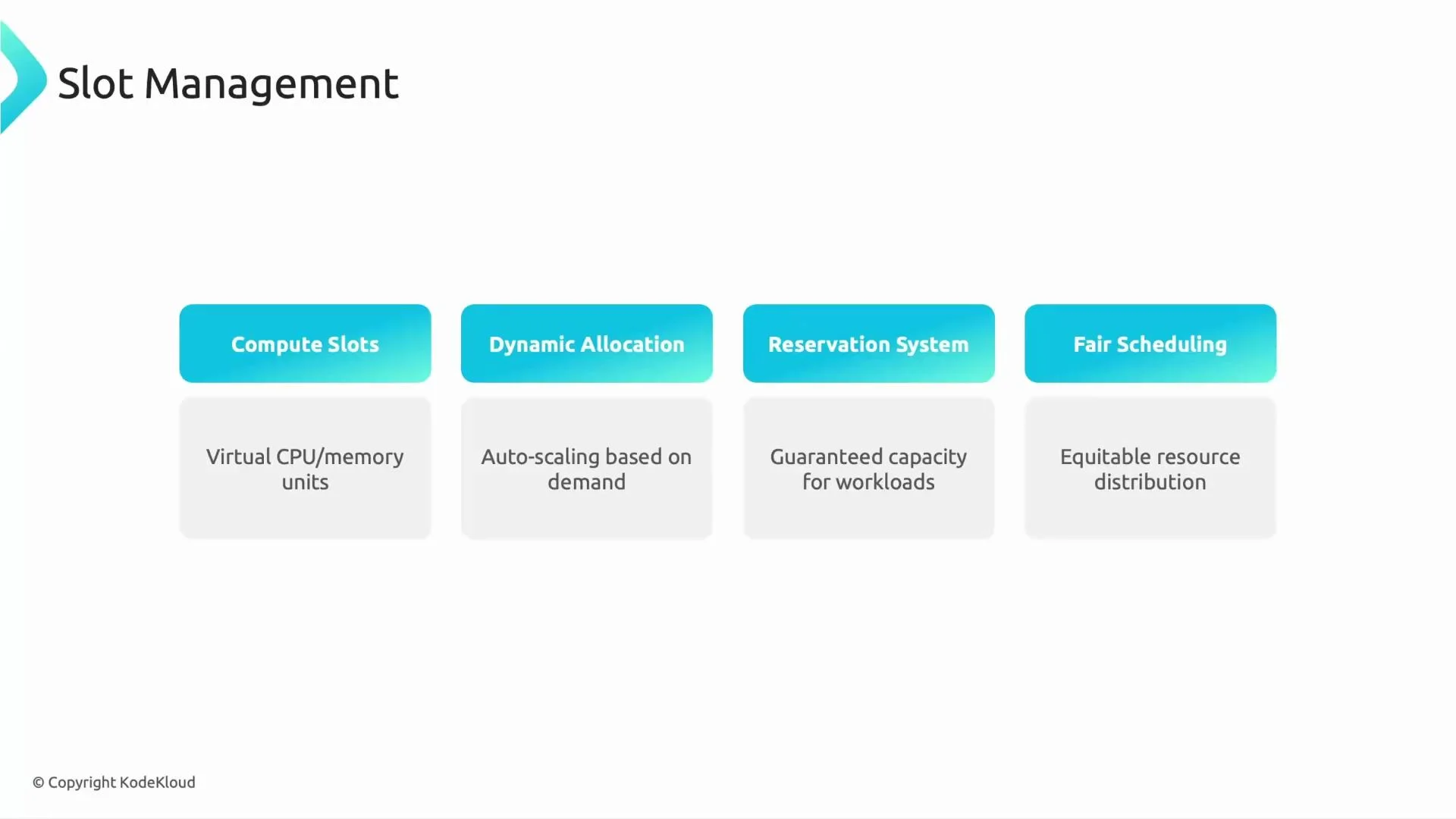
BigQuery runs query work using logical units called slots. A slot is a slice of CPU and memory used by Dremel execution workers. Key behaviors:- Slots are allocated dynamically per query; BigQuery can scale allocation up or down based on workload.
- Customers can purchase reserved slots for predictable, guaranteed capacity.
- BigQuery uses fair scheduling to balance throughput and fairness for concurrent jobs.
Global network fabric — Jupiter
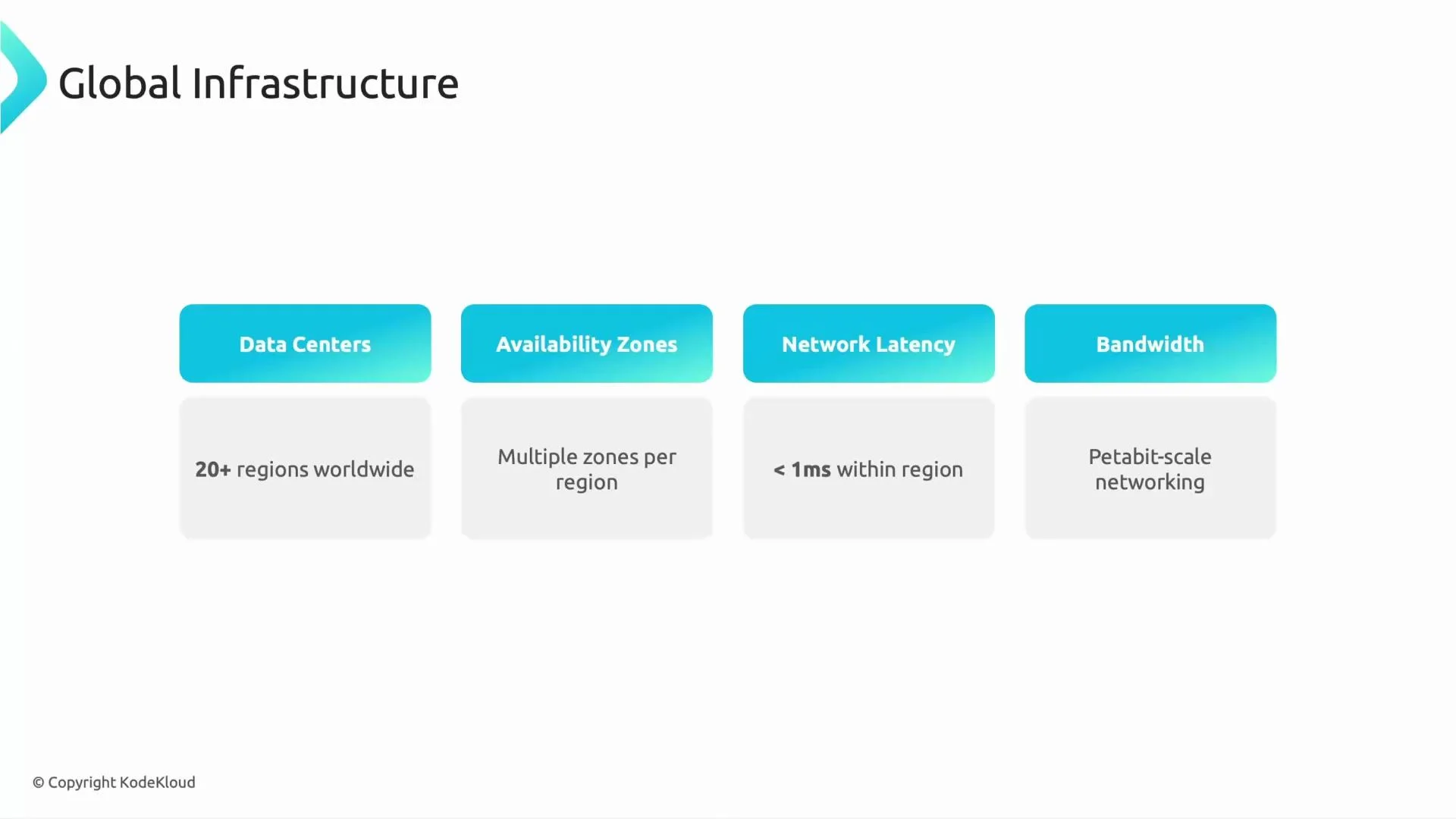
BigQuery depends on Google’s global network fabric (often referenced as Jupiter) to move data rapidly between storage and compute. Features include:- Multiple regions and availability zones for geographic diversity.
- Low-latency, high-bandwidth links within and across data centers.
- Petabit-scale backbone to support large-scale analytics.
Component summary
Putting it all together
When you submit a query, BigQuery converts SQL into a distributed plan that Dremel executes using slots scheduled by Borg. Dremel workers scan columnar Capacitor files stored in Colossus; aggregated partial results flow up the Dremel tree and are merged at the root. Jupiter’s high-bandwidth network keeps data movement fast, and Colossus’ replication/erasure coding ensures durability and availability. BigQuery is serverless from the user’s perspective: Google manages the underlying compute, storage, and network so you can focus on analytics rather than cluster operations.“Serverless” in BigQuery means Google manages the servers, capacity, and operations for you — but the underlying compute, storage, and network infrastructure (Borg, Dremel, Colossus, Jupiter, etc.) still exists and is optimized for performance, scalability, and reliability.
Next topics to explore
- BigQuery logical model: datasets, tables, views
- Table design: schema best practices, partitioning, and clustering
- Performance tuning: slot reservations, flat-rate vs on-demand pricing
- Storage management and compression strategies
Links and references
- BigQuery documentation: https://cloud.google.com/bigquery
- Dremel paper (Google): https://research.google/pubs/pub36632/
- Colossus and GoogleFS: https://research.google/pubs/