

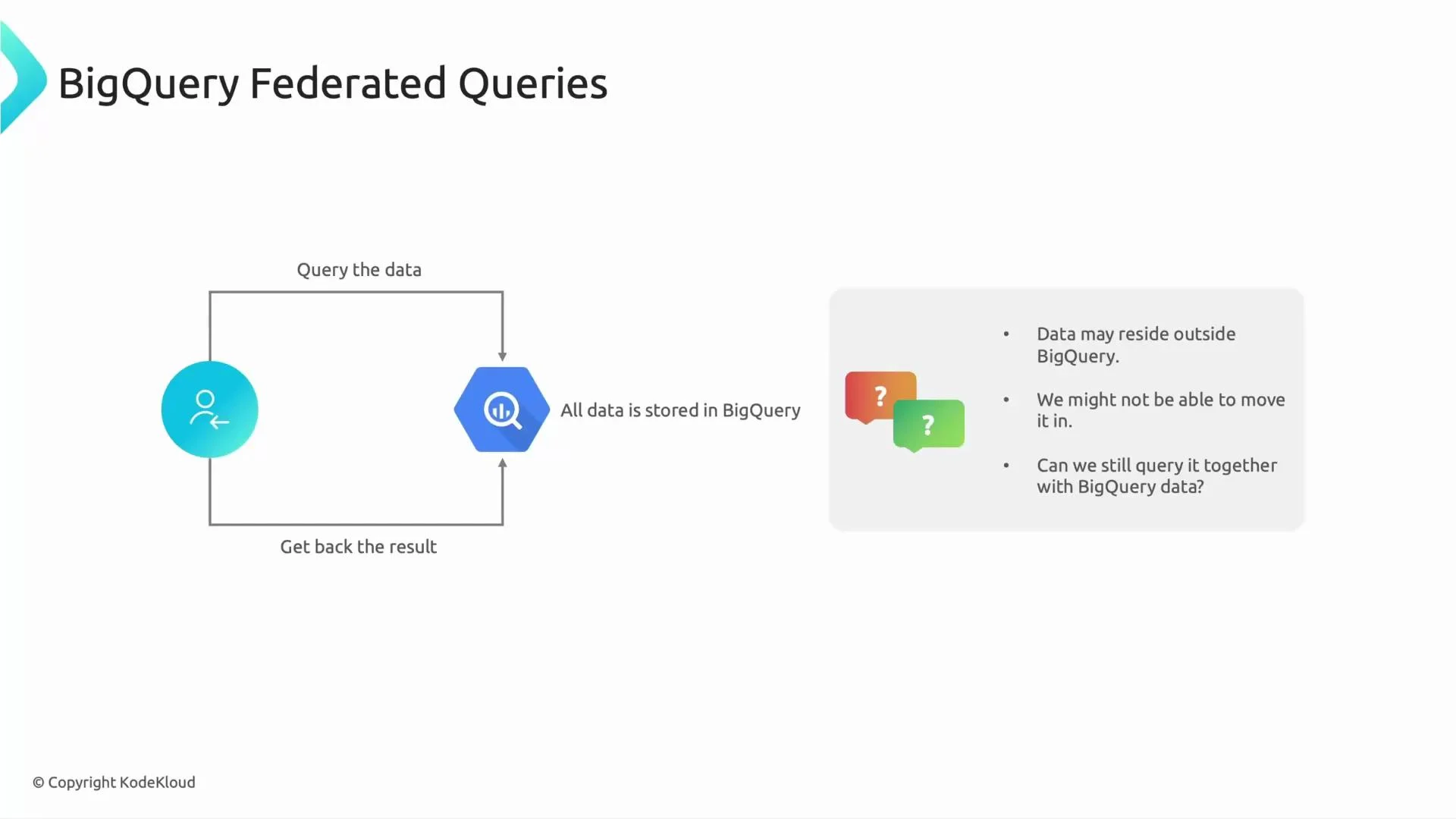
- Federated queries let BigQuery read external data sources at query time and join that data with native BigQuery tables.
- Supported external sources include Cloud Storage (CSV, JSON, Avro, Parquet, ORC), Google Drive / Google Sheets, Cloud SQL (MySQL/PostgreSQL) and Cloud Spanner via BigQuery connections, Cloud Bigtable, and other sources exposed through connectors.
- Conceptually similar to query engines like Presto that present a single SQL interface across multiple data sources.
When to use federated queries
- Short-lived, ad-hoc analysis where ingesting data into BigQuery is slower or unnecessary.
- Prototyping, proof-of-concept, or exploratory analysis to validate hypotheses before committing to ingestion and ETL.
- Blending small client-supplied datasets (for example, a Google Sheet) with a production BigQuery dataset to avoid building a pipeline for transient data.
Federated queries can increase latency and may generate charges from both BigQuery and the external data source. Querying transactional systems (Cloud SQL or Cloud Spanner) can affect production performance. For recurring, large-scale analytics, ingesting data into BigQuery is generally more performant and cost-effective.
- Define an external table or create a BigQuery Connection that references the remote data source.
- When your SQL references that external table, BigQuery reads the source data at query time and processes it together with native tables.
- External data is not persisted in BigQuery unless you explicitly load it into a native table.
- Create an external table that points to CSV files in Cloud Storage, then join it with a native table:
- Create an external table with
GOOGLE_SHEETSformat and query it in place (useful for small, client-managed sheets).
Federated queries are excellent for quick results and small-to-medium datasets. For high-frequency queries or large datasets, prefer loading data into BigQuery to reduce latency and cost. Monitor query plan and bytes processed, and avoid scanning unnecessary columns or files in the external source.
- Limit the scanned data: use file filtering (for Cloud Storage URIs), column projection, and WHERE clauses to reduce bytes read.
- Use federated queries for prototyping and low-frequency use; move stable, high-volume data into BigQuery for repeated analysis.
- For Cloud SQL or Spanner, consider creating read replicas or exporting snapshots if analytical queries would impact production performance.
- Track and monitor costs that may come from both BigQuery processing and the external source (e.g., Cloud SQL I/O).
- BigQuery External Data Sources and Federated Queries (official docs)
- Querying Cloud SQL and Spanner from BigQuery
- Presto / Trino — querying multiple data sources