Welcome back — in this lesson we’ll examine semi-structured data formats and the Google Cloud services best suited to store, query, and process them. Semi-structured data sits between rigid relational rows and free-form blobs: it has identifiable structure (keys, tags, nested objects) but allows variability across records. Common real-world examples include logs, user profiles with optional fields, and nested order payloads. Why this matters: choosing the right storage and processing model affects development speed, query patterns, scalability, and cost.

Common semi-structured formats

  • JSON — JavaScript Object Notation; ubiquitous for web APIs and application payloads; supports nested objects and arrays.
  • XML — Extensible Markup Language; tag-based and used in many enterprise integrations.
  • YAML — Human-friendly configuration files and manifests.
  • Avro — Compact binary format with explicit schema; widely used in streaming and batch pipelines; supports schema evolution.
  • Parquet — Columnar on-disk format optimized for analytical queries and compression.
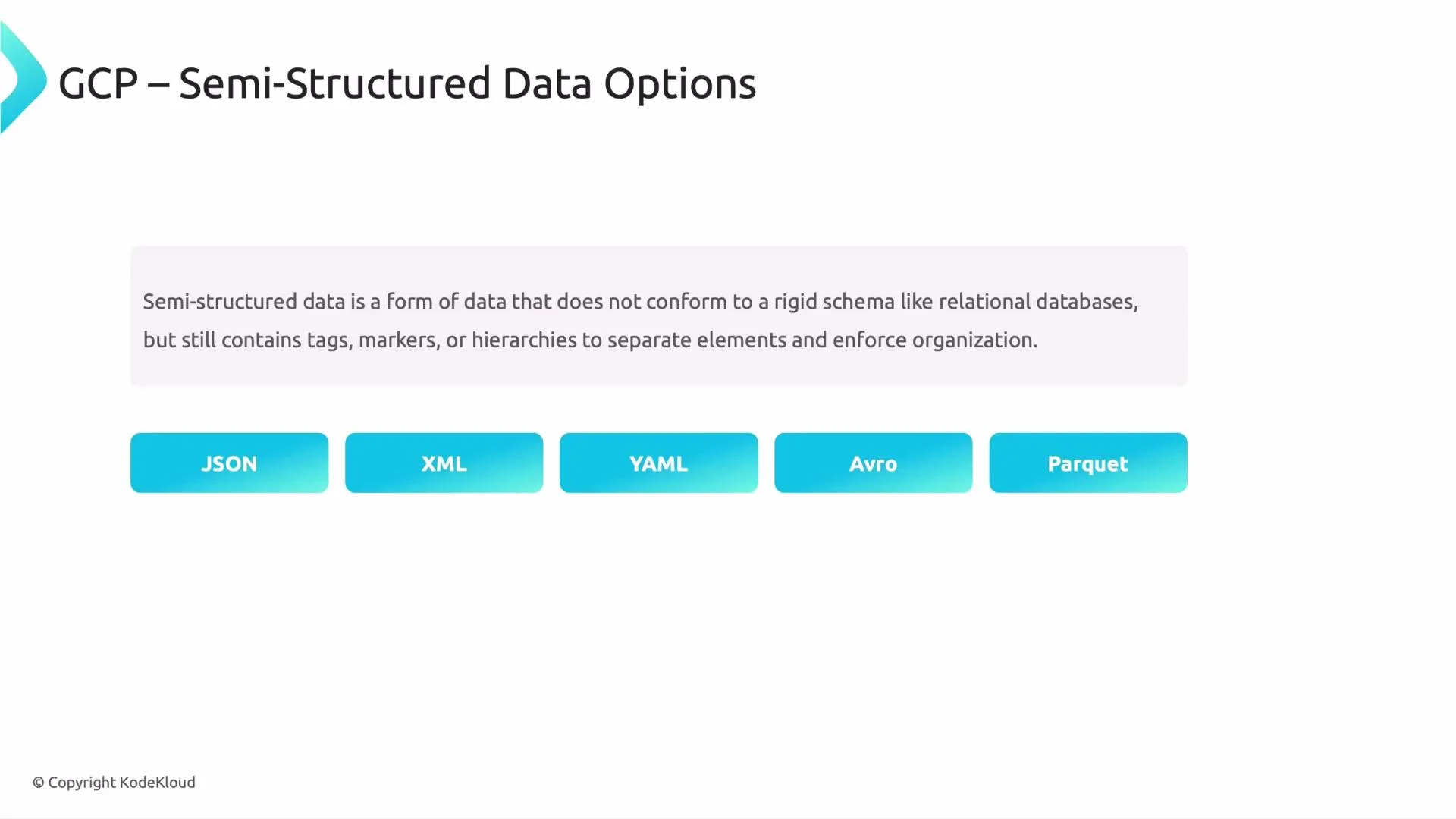
A slide titled "GCP – Semi-Structured Data Options" showing a short definition of semi-structured data and five labeled buttons: JSON, XML, YAML, Avro, and Parquet. The slide is branded with a small "© Copyright KodeKloud" at the bottom.

Example: a typical JSON document

The following JSON illustrates nested objects and arrays commonly found in semi-structured application data:
{
    "user_id": 12345,
    "name": "John Doe",
    "email": "john@example.com",
    "orders": [
        { "order_id": 101, "amount": 250.00 },
        { "order_id": 102, "amount": 175.50 }
    ],
    "preferences": { "newsletter": true }
}
You can store JSON in relational databases — for example, Cloud SQL (MySQL/PostgreSQL) supports JSON/JSONB column types — but mapping nested or variable documents to normalized tables can be cumbersome and may not reflect the application’s read/write patterns. For highly variable schemas, document-style lookups, or very high write throughput across diverse record shapes, purpose-built semi-structured stores are often a better fit.
Cloud SQL supports JSON/JSONB columns. Use relational JSON support for occasional semi-structured fields or when you need strong relational guarantees. For primary document storage and flexible schema patterns, consider a document or wide-column store instead.

Why use semi-structured data?

  • Flexible schema: records can differ in fields without schema migrations.
  • Faster iteration: no need to design and migrate strict schemas up front.
  • Self-describing: keys and nested structures travel with the data, simplifying client-side usage.

Semi-structured formats at a glance

FormatBest forNotes
JSONWeb APIs, mobile/web app dataHuman readable; newline-delimited JSON is common in pipelines
XMLEnterprise integrations, configVerbose but widely supported
YAMLConfig files, CI/CD manifestsReadable, supports comments
AvroStreaming and batch pipelinesBinary, compact, enforces schema for evolution
ParquetAnalytics and OLAP workloadsColumnar, efficient for large-scale queries

GCP services that handle semi-structured data

Below are commonly used Google Cloud services and when to choose each. For detailed docs, see links in the table.
ServiceUse casesKey characteristics
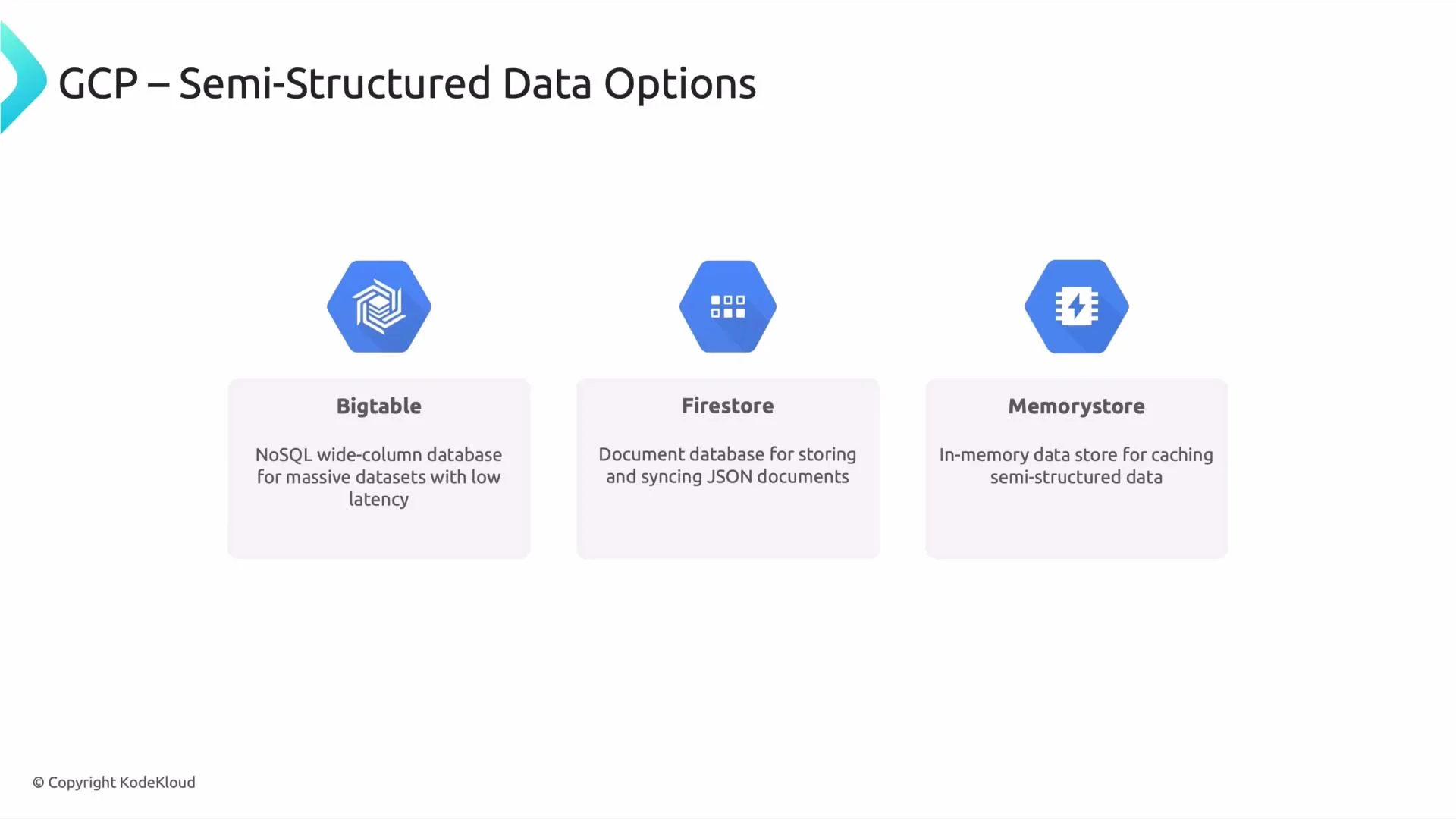
BigtableTime-series, IoT, real-time analytics, very large-scale key-value workloadsWide-column NoSQL for massive throughput and low-latency reads/writes. Design row keys and column families carefully for access patterns. Bigtable docs
FirestoreMobile/web apps, user profiles, real-time syncDocument database with nested JSON-like documents, realtime synchronization, offline support, and ACID transactions at the document level. Good for app state and user-driven data. Firestore docs
MemorystoreCaching, session storage, ephemeral fast-access dataManaged Redis or Memcached. In-memory key-value store for low-latency access; not intended as durable primary storage. Memorystore docs
Memorystore (Redis/Memcached) is designed for caching and ephemeral state. Do not rely on it as the sole durable store for critical or long-lived data.

Analytics and big-data workflows

For analytic workloads, combine on-disk semi-structured formats (Avro, Parquet, newline-delimited JSON) with query engines such as BigQuery or data pipelines via Dataflow. A common pattern is:
  • Write Avro/Parquet to Cloud Storage for compact, schema-aware storage.
  • Use BigQuery to run SQL analytics over those files (BigQuery can query Parquet/Avro/JSON directly).
  • Use Dataflow or Dataproc for ETL, transforms, or streaming ingestion.
This approach provides cost-efficient storage plus powerful analytical querying.
A slide titled "GCP – Semi-Structured Data Options" showing three Google Cloud services — Bigtable, Firestore, and Memorystore — each with a short description and icon.
A full deep dive would include Bigtable row-key design patterns, Firestore security rules and indexing, and Memcached/Redis eviction strategies. Thanks for watching — see you in the next lesson.

Watch Video