

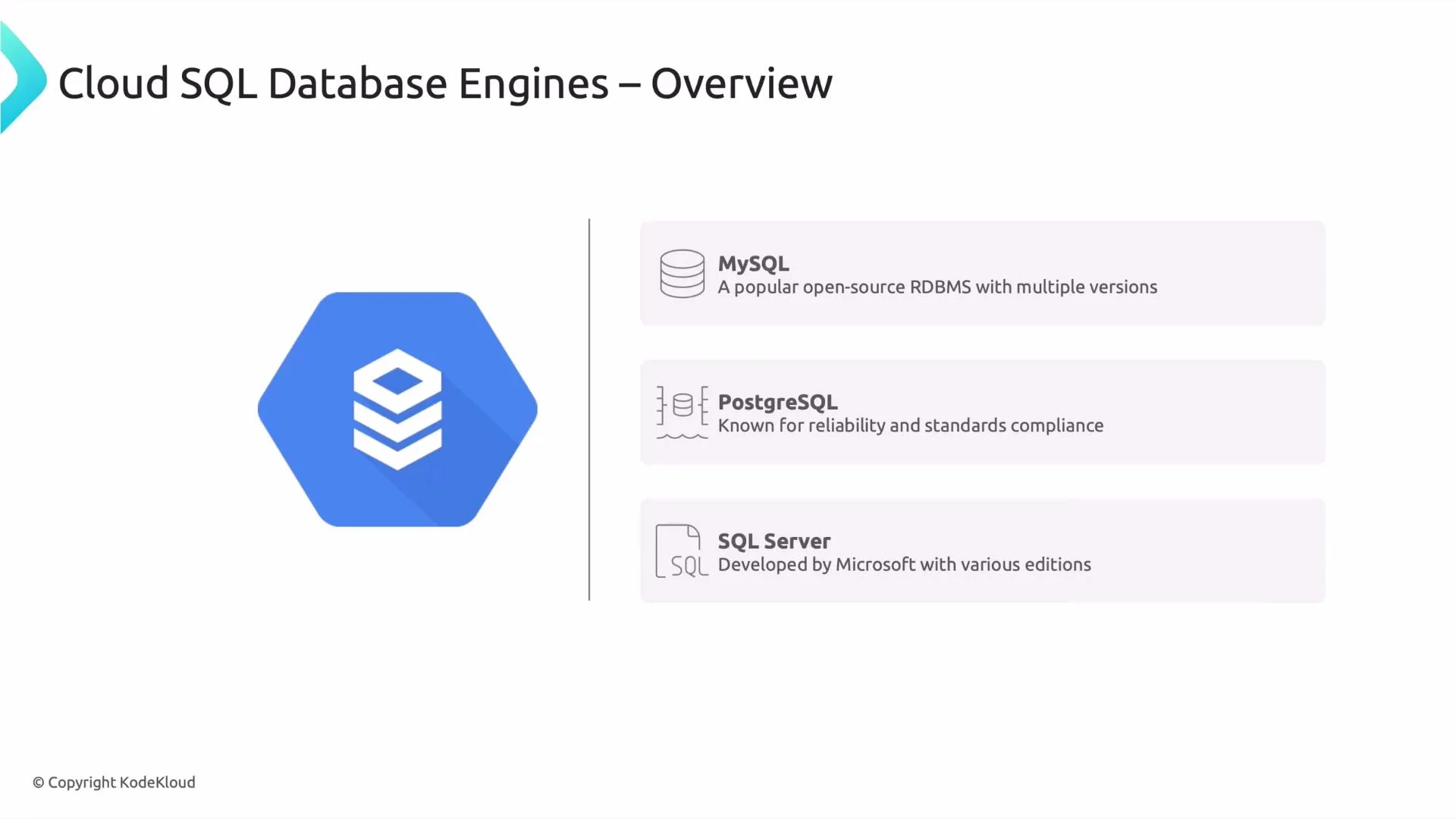
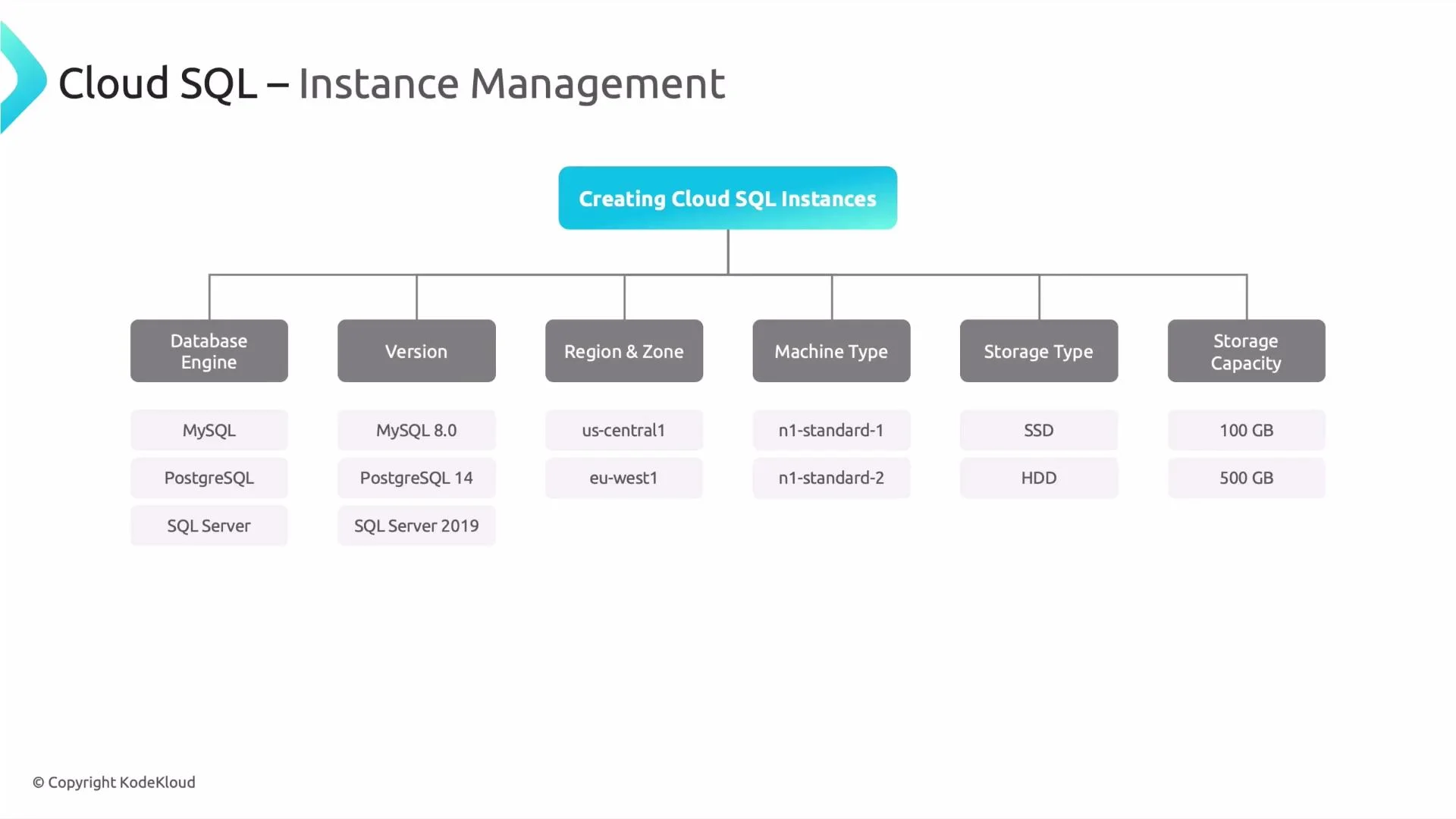
- Choose the database engine and exact engine version that matches your application dependencies.
- Select the region (and optionally a zone) to minimize latency by placing data near your application and users.
- Pick a machine type (shared-core or dedicated) to define vCPU and memory characteristics.
- Choose storage type: SSD for higher throughput and IOPS, HDD for lower-cost, less I/O-intensive workloads.
- Set initial storage capacity and enable auto storage increase so instances grow automatically instead of hitting full-disk outages.
- Configure high availability (regional primary/standby with automatic failover) for production-critical systems.
- Add read replicas where needed (available for MySQL and PostgreSQL) to scale read traffic.
- Configure backups, automated maintenance windows, and, where supported, point-in-time recovery (PITR).
Enable auto storage increase and consider high availability for production instances. These are common best practices for preventing outages and meeting availability and recovery requirements.
- Monitoring & logging: Use Cloud Monitoring and Cloud Logging to track performance metrics, CPU/Memory utilization, connections, and slow queries.
- Security & access: Enforce IAM roles, use private IP or Cloud SQL Proxy for secure connectivity, and enable SSL/TLS for client connections.
- Backup & recovery: Configure automated daily backups and use PITR (when supported) to restore to a specific point in time.
- Maintenance: Define maintenance windows so optional patching and engine version upgrades occur at a predictable time.
- If you need global scale and strong consistency across regions, the next lesson covers Cloud Spanner (a globally distributed relational database).
- For guided setup and migration patterns, review the Cloud SQL documentation and Cloud SQL migration guides.
- Cloud SQL documentation
- Cloud SQL best practices and high availability
- Cloud Monitoring
- Cloud Logging