Welcome back. In this lesson we’ll explore Cloud Spanner’s interleaved tables and demonstrate how cascading deletes (ON DELETE CASCADE) work. Interleaving improves query performance by colocating parent and child rows on storage, reducing I/O and network round trips—advantages that grow with scale (millions of rows). Follow along in the GCP Console to see this in action. Open the Cloud Spanner Instances page in the GCP Console and select your instance.
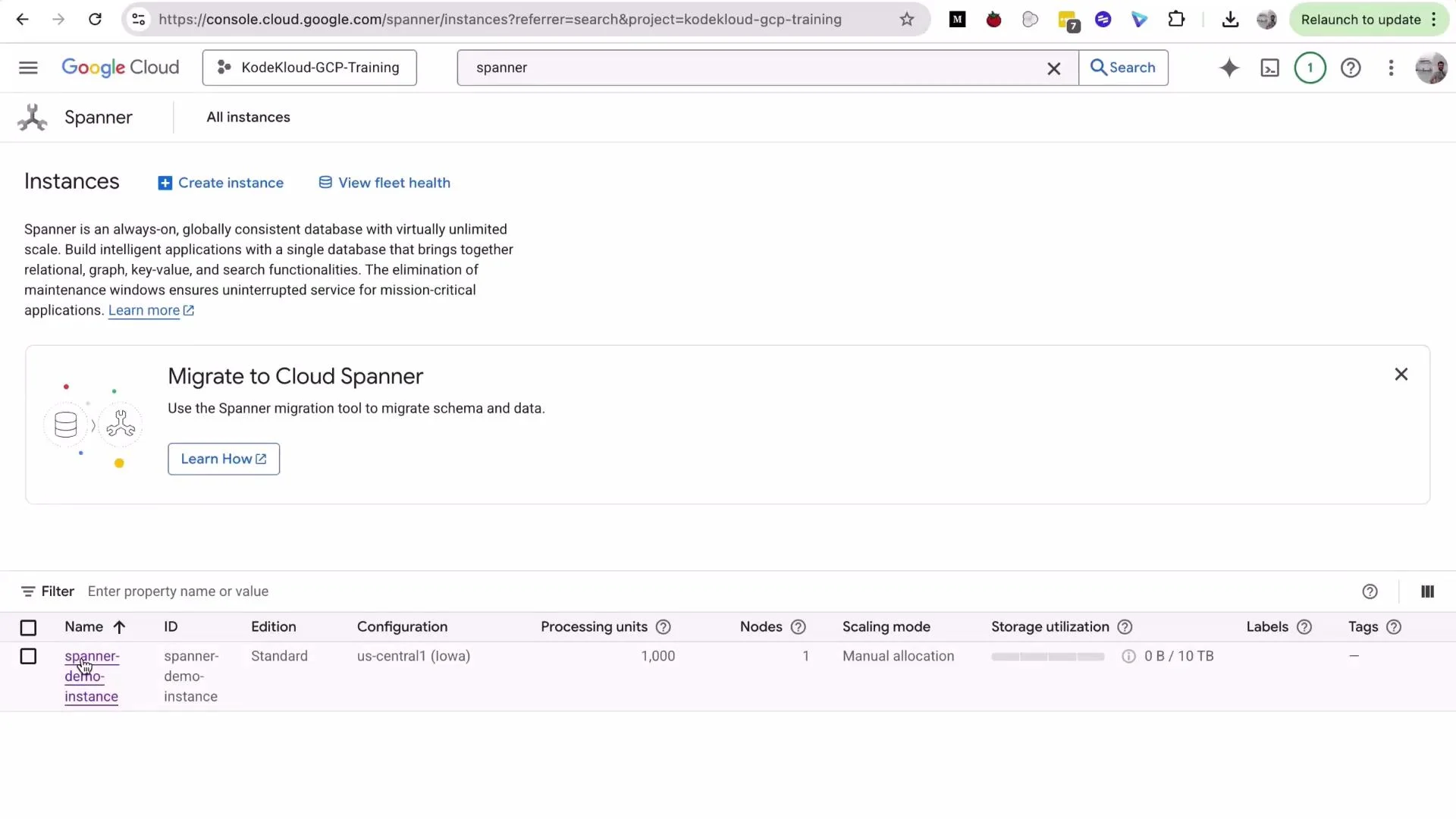
A screenshot of the Google Cloud Console showing the Cloud Spanner "Instances" page with a "Create instance" button and a "Migrate to Cloud Spanner" banner. A demo instance named "spanner-demo-instance" is listed in the table with region, nodes, and storage details.
Cloud Spanner is a managed, strongly-consistent, horizontally scalable database. It can be costly for long-running demo resources—delete or scale down instances when you finish to avoid unexpected charges.
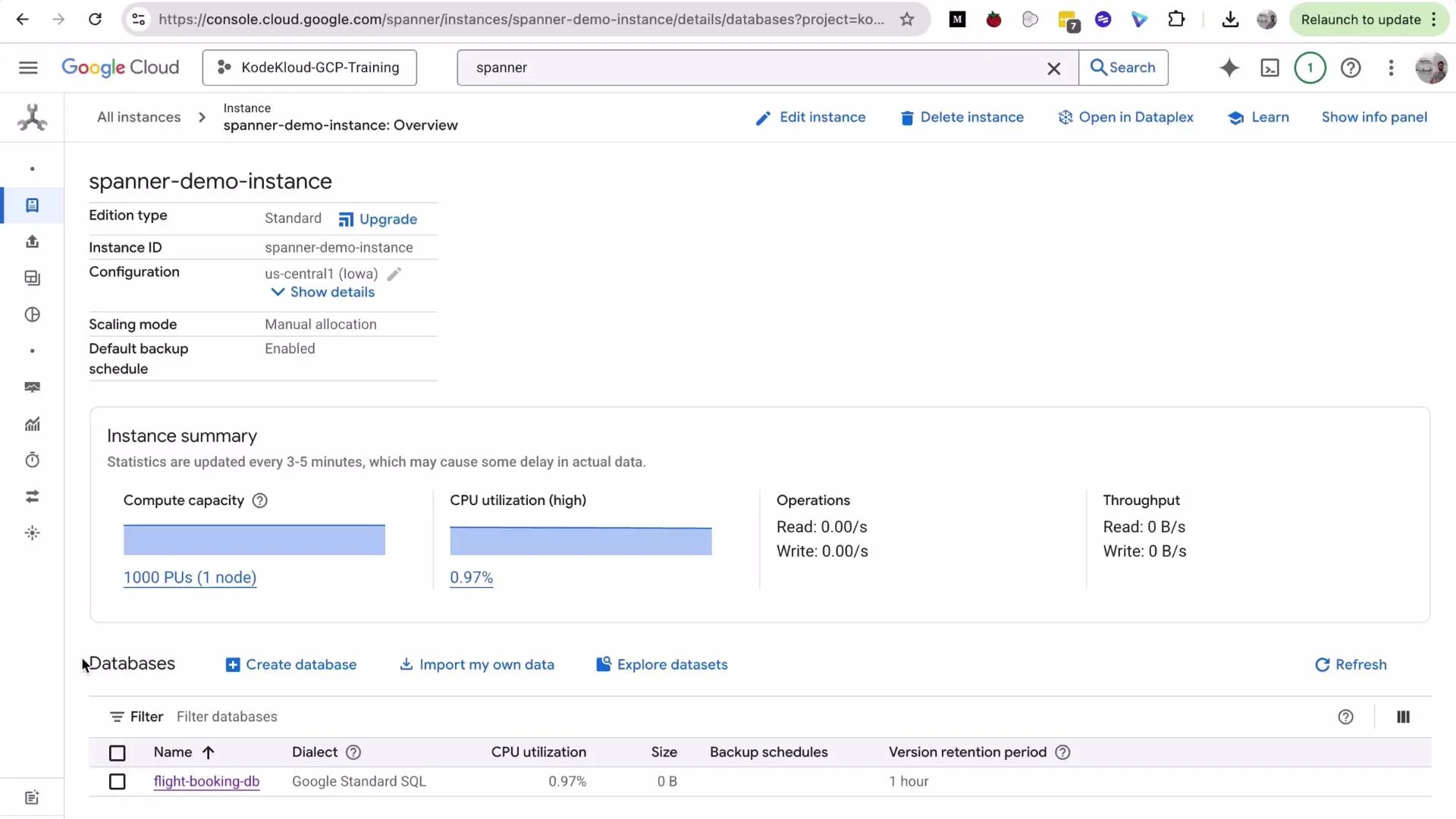
Open the instance to view databases and then open Spanner Studio from the database sidebar to run queries and inspect schema and data.
A Google Cloud Console screenshot showing the Cloud Spanner instance "spanner-demo-instance" overview, including compute capacity (1000 PUs) and CPU utilization (0.97%). The page also lists a database named "flight-booking-db" and options to create or import databases.
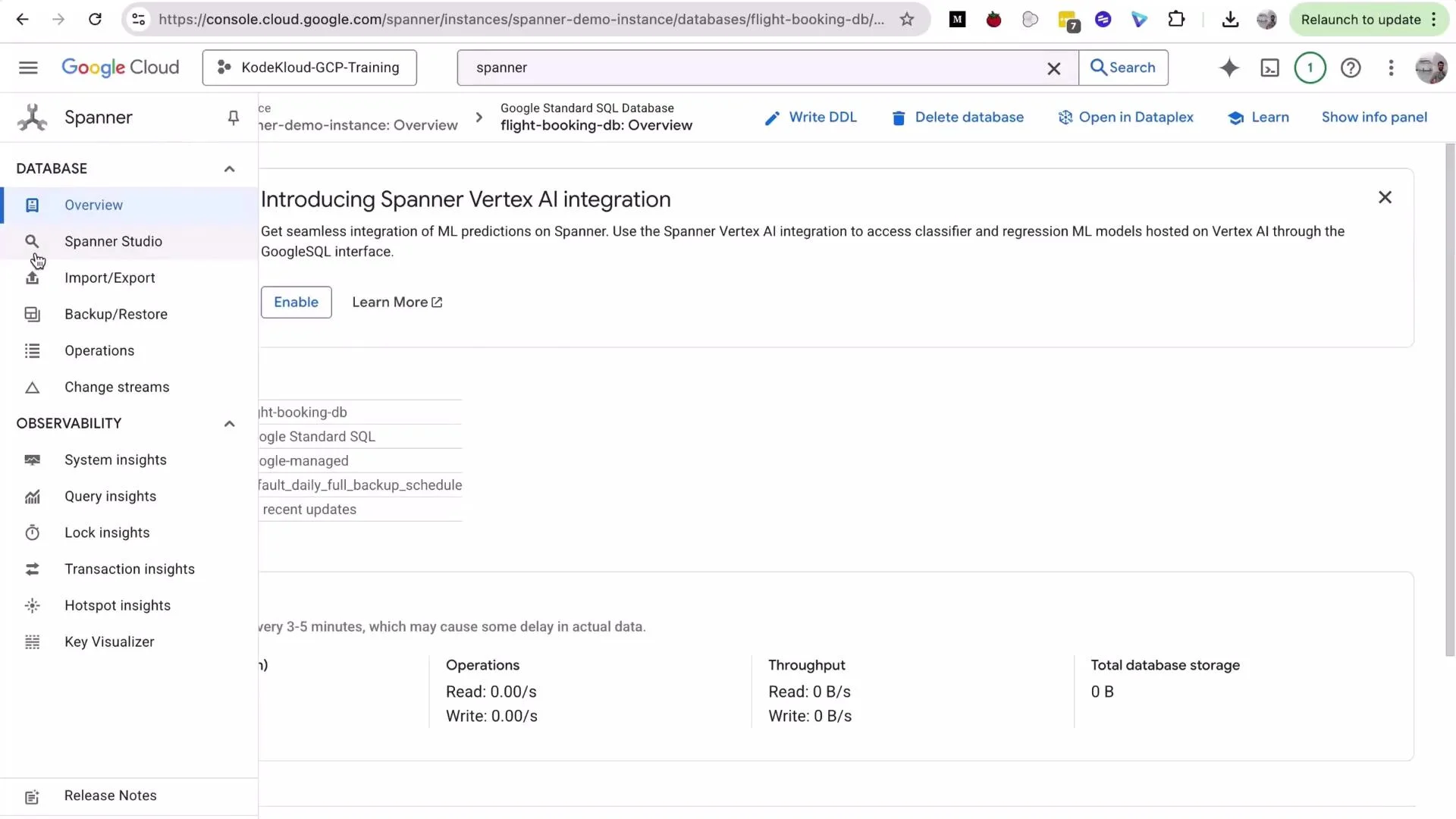
A Google Cloud Console screenshot showing the Spanner database overview page with a banner introducing Spanner Vertex AI integration. The left sidebar lists Spanner menu items like Overview, Spanner Studio, Import/Export and various observability tools.

Example queries: Flights and Bookings

In this demo database we have two tables: Flights (parent) and Bookings (child). The following queries show common access patterns where interleaving provides benefits.
  • Get each flight with its total bookings:
SELECT
    f.FlightId,
    f.FlightNumber,
    f.Origin || ' → ' || f.Destination AS Route,
    COUNT(b.BookingId) AS NumberOfBookings
FROM Flights f
LEFT JOIN Bookings b ON f.FlightId = b.FlightId
GROUP BY f.FlightId, f.FlightNumber, f.Origin, f.Destination
ORDER BY f.FlightId;
  • Show detailed bookings for a single flight (example FlightId = 'FL005-20251002'):
SELECT
  b.BookingId,
  b.PassengerName,
  b.BookingClass,
  b.BookingStatus,
  b.TotalAmount,
  f.FlightNumber,
  f.Origin || ' → ' || f.Destination AS Route
FROM Bookings b
JOIN Flights f ON b.FlightId = f.FlightId
WHERE b.FlightId = 'FL005-20251002';
Interleaved tables store parent and child rows together, which often reduces latency for queries like these—especially when scanning a flight and its bookings.

Demonstrating cascading delete (ON DELETE CASCADE)

When defining an interleaved child table you can include ON DELETE CASCADE. That causes Spanner to delete child rows automatically when the parent row is deleted. This is atomic and safe: the parent and all interleaved descendants (children, grandchildren, etc.) are deleted within the same transaction; if anything fails the whole operation rolls back. Steps to demonstrate:
  1. Inspect existing child rows for a target flight:
SELECT * FROM Bookings WHERE FlightId = 'FL005-20251002';
You should see two booking rows (for example BK10013 and BK10014).
  1. Verify the total number of bookings in the table:
SELECT COUNT(*) AS TotalBookings FROM Bookings;
Example output before delete:
TotalBookings
14
  1. Delete the parent flight row:
DELETE FROM Flights WHERE FlightId = 'FL005-20251002';
Spanner will report the parent row deletion (for example: 1 row deleted). Because Bookings is interleaved with ON DELETE CASCADE, Spanner also deletes the associated bookings in the same transaction.
  1. Verify child rows and totals after the delete:
-- No rows should be returned
SELECT * FROM Bookings WHERE FlightId = 'FL005-20251002';

-- Count reflects child rows removed
SELECT COUNT(*) AS TotalBookings FROM Bookings;
Example output after delete:
TotalBookings
12
  1. Confirm the parent flight is gone:
SELECT * FROM Flights WHERE FlightId = 'FL005-20251002';
  1. List remaining flights:
SELECT FlightId, FlightNumber FROM Flights ORDER BY FlightId;
Example result:
FlightId                 FlightNumber
"FL001-20250930"         "AA101"
"FL002-20250930"         "UA205"
"FL003-20251001"         "DL303"
"FL004-20251001"         "SW450"

Quick reference: what to expect and why it matters

TopicBehavior / BenefitExample
Interleaved storageParent and child rows are stored together for better locality and lower latencyFaster JOINs and single-key lookups
Cascading deleteON DELETE CASCADE removes interleaved descendants automatically and atomicallyDeleting a flight removes its bookings in one transaction
Transactional guaranteesDelete of parent + children is all-or-nothingNo partial deletes or orphaned rows
Use casesOrders/order_items, accounts/transactions, hierarchical recordsAny parent-child access pattern at scale

Important cleanup step

Cloud Spanner instances are billable. Delete demo instances when you’re done to avoid charges.
Before leaving the project, delete or scale down your Spanner instance to stop billing. Deleting an instance is permanent—confirm the instance ID when prompted.
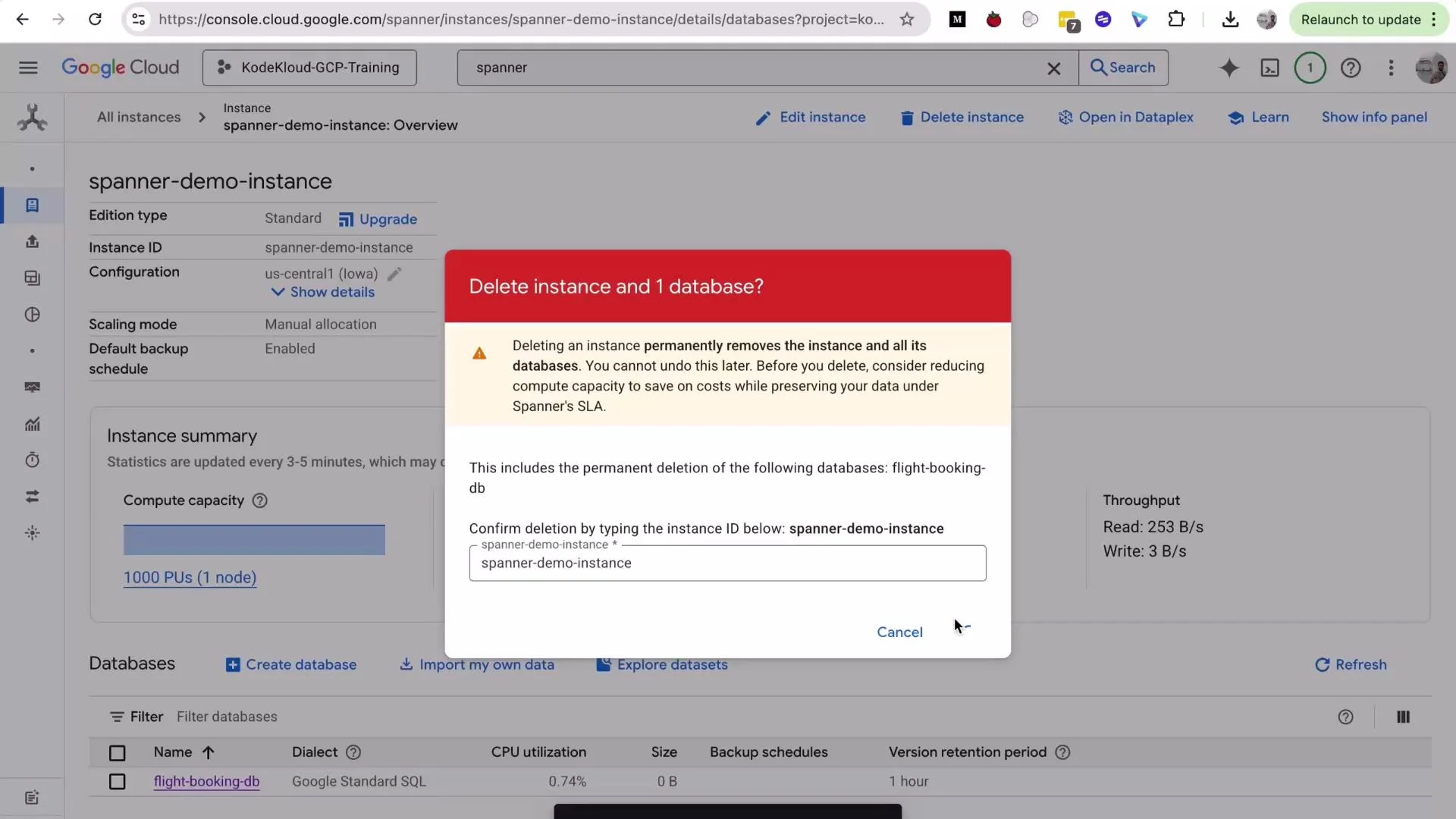
A Google Cloud Spanner console screenshot showing the "spanner-demo-instance" overview with a modal dialog asking to confirm deletion of the instance and its database. The red warning banner explains the permanent deletion and includes a text field to type the instance ID (flight-booking-db listed).
That’s all for this lesson. Key takeaways recap:
  • Use interleaved tables to colocate related rows and improve read performance at scale.
  • ON DELETE CASCADE ensures child rows are removed automatically and transactionally when a parent is deleted.
  • Cascading deletes apply recursively through interleaving depth (children, grandchildren, …).
Further reading: See you in the next lesson.

Watch Video