

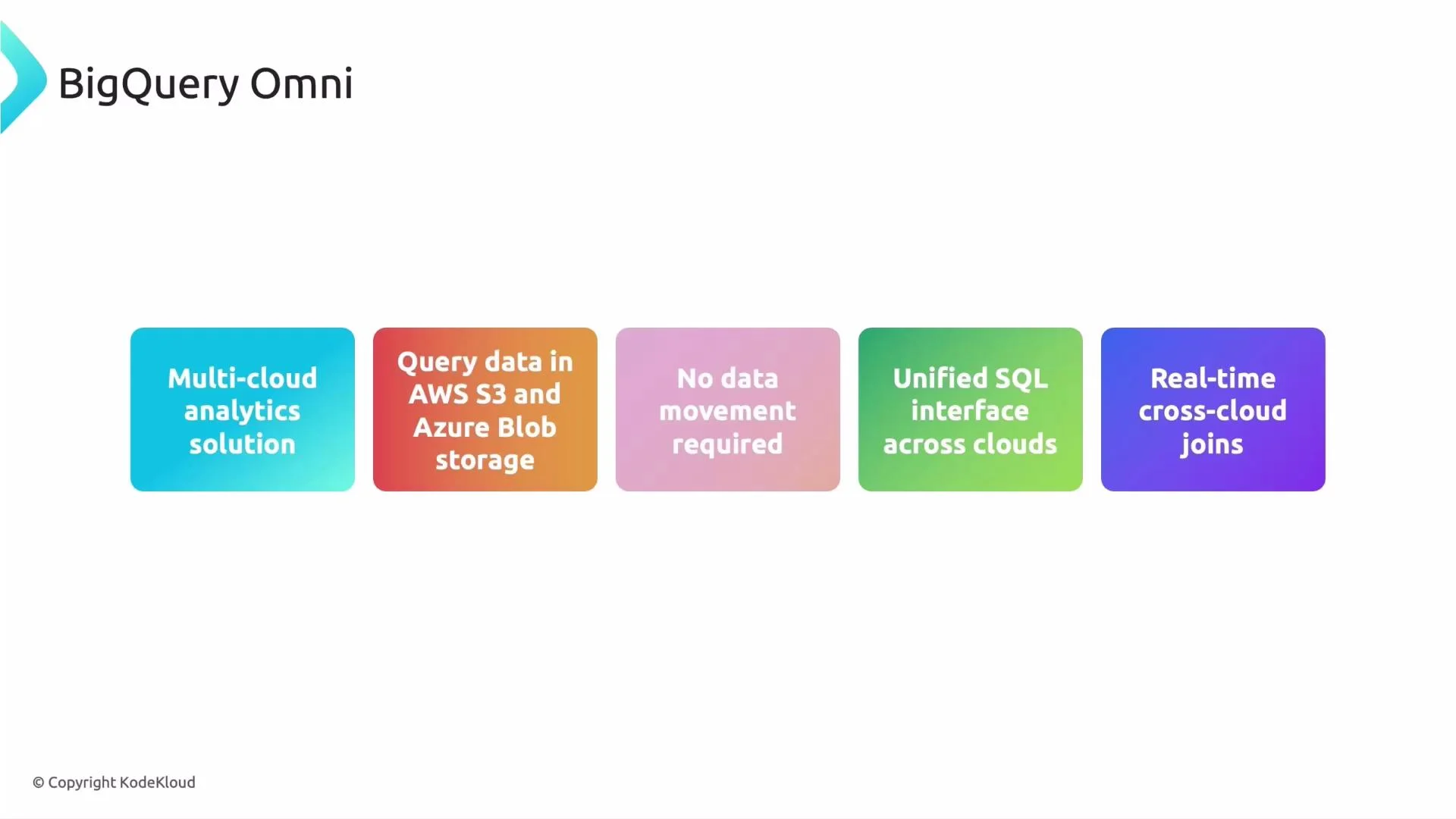
- Run BigQuery SQL against data in AWS S3 and Azure Blob Storage without migrating data.
- Perform near-real-time cross-cloud joins between datasets that live in different clouds, using the same BigQuery dialect and tooling.
- Reduce egress, improve latency, and avoid lift-and-shift migrations.
What powers BigQuery Omni?
- Anthos-based runtime: Google uses Anthos to deploy a managed BigQuery compute runtime into the AWS or Azure region that hosts your data. This runtime is managed by Google — you don’t provision it.
- Local compute near data: The runtime executes inside the same cloud region as the storage (S3 or Blob), minimizing cross-cloud egress and latency.
- Unified operations and governance: Access control, auditing, and operational policies are enforced from your Google Cloud control plane so governance can remain centralized.
- Runtime optimizations: Query planning pushes processing close to the data sources and minimizes unnecessary data movement.
Design-time flow (planning and integration)
- Discover: Inventory datasets and their cloud locations (AWS S3, Azure Blob, or GCP).
- Model & optimize: Design table models and queries to reduce cross-cloud data exchange. Decide whether in-place processing is sufficient or if selective migration is needed.
- Integrate: Connect those queries into existing orchestration and pipelines, re-using your BigQuery SQL and tools.
Runtime flow (what happens when you run a query)
- Submit: You run a SQL query via the BigQuery UI, CLI, or API.
- Route: BigQuery’s control plane analyzes the query and routes parts that reference external cloud storage to the Anthos-hosted runtime in that cloud.
- Execute: The runtime processes data in-place against S3 or Blob Storage.
- Return & combine: Only results or minimized intermediate data are returned to BigQuery’s control plane, which combines results and delivers the final output.
Note: Access and permissions are managed through the Google Cloud control plane. Your organization receives service account and role assignments for secure, auditable access to remote cloud storage. Always verify cross-cloud IAM and storage policies before running production queries.
How to query external cloud data (example)
Below is a simplified example showing the pattern for creating an external table that references cloud storage and querying it. Replace placeholders with your project, dataset, connection, and URIs.- Create an external table referencing external storage (example syntax — adapt to your environment and the connection resource created during setup):
- Query and join with a native BigQuery table:
Why organizations adopt BigQuery Omni
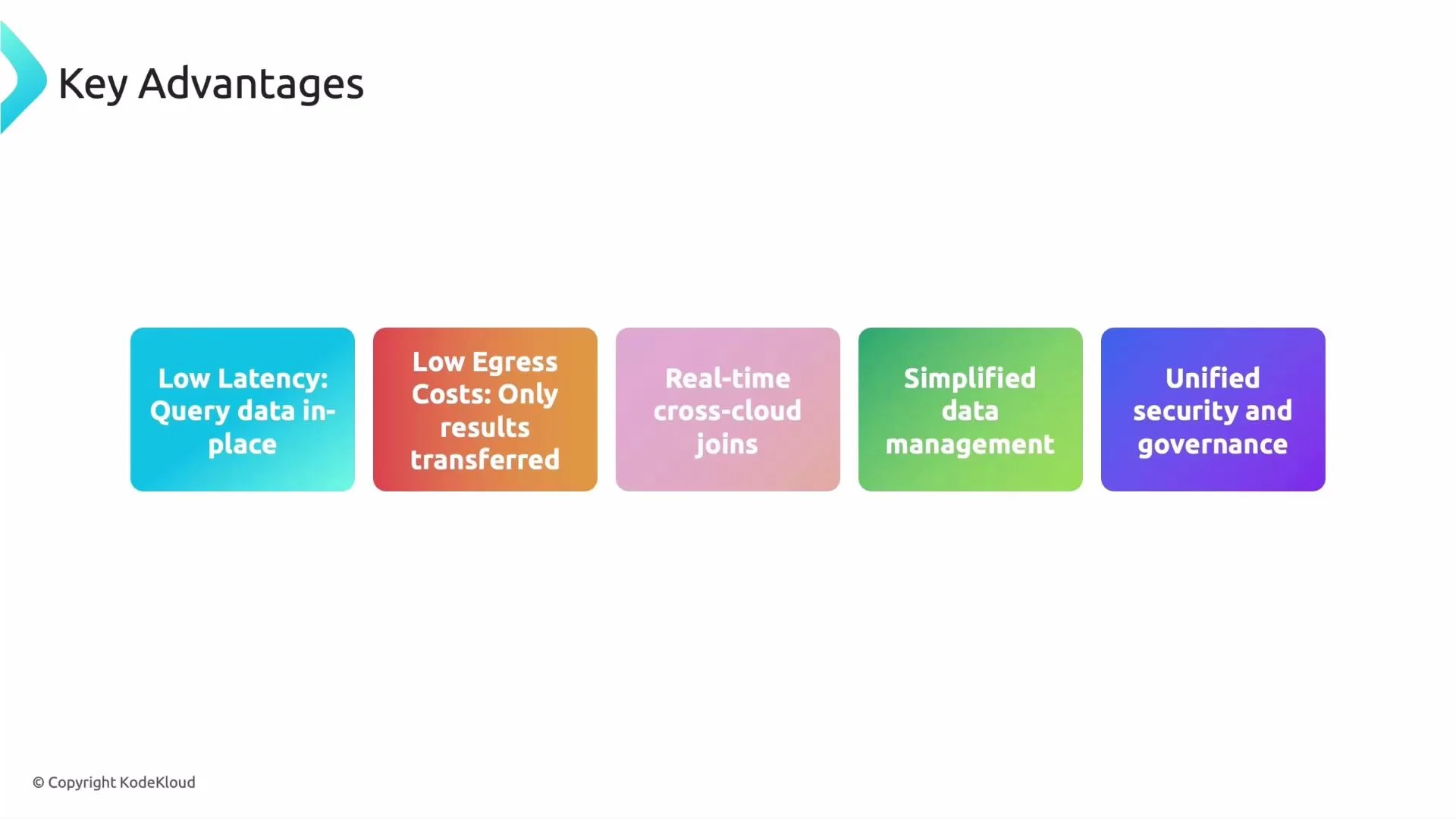
- Low latency: Processing occurs near the data, reducing round-trip delays.
- Lower egress costs: Avoid large-scale data transfer out of cloud providers by executing close to the data.
- Near-real-time cross-cloud analytics: Join and analyze across clouds without duplicating pipelines.
- Simplified operations: Reduce the need for complex ETL and synchronization workflows.
- Centralized security and governance: Enforce consistent policies and auditing from Google Cloud.
Primary use cases
- Multi-cloud enterprises that must analyze datasets spread across providers without consolidation.
- Legacy or regulated datasets that are costly or risky to migrate.
- Teams needing combined, near-real-time analytics across cloud storage systems.
- Situations where building and maintaining cross-cloud ETL pipelines is impractical or slow.
Quick comparison: BigQuery Omni vs traditional data movement
Exam tip / practical guidance
If a question describes multi-cloud data analysis where moving data is expensive or slow, BigQuery Omni is often the preferred solution. Always check details: if long-term consolidation or special processing is required, migrating data to GCP or using specialized tools might be more appropriate.Warning: While BigQuery Omni minimizes egress, some network transfer may still occur depending on query shape (e.g., large intermediate shuffles). Estimate costs and test query plans before running large-scale workloads.
Summary
BigQuery Omni provides a managed, BigQuery-native way to analyze data in AWS S3 and Azure Blob Storage without copying data into GCP. It uses an Anthos-based runtime to bring compute to the data, reduces egress and latency, and centralizes security and governance — making it an effective option for multi-cloud analytics. Further reading and references- BigQuery Omni documentation
- Anthos overview
- BigQuery external data sources and connections
- AWS S3
- Azure Blob Storage