

Isolation models: Shared VPC vs Separate VPCs
There are two primary approaches organizations adopt for VPC networking in multi-project environments:-
Shared VPC
A single centrally managed VPC lives in a host project, and other projects (service projects) attach to subnets in that host. Think of this as an apartment building: projects get their own space but share plumbing, routing, and network policy. Shared VPC is ideal when you want centralized routing, consistent subnet design, and centralized enforcement of firewall/NAT policies. -
Separate VPC per project
Each project has its own VPC network and is managed independently—like separate houses. This model gives stronger isolation between teams or environments and is preferred when compliance, auditing, or strict separation of duties is required. Connectivity between separate VPCs must be explicitly established (VPC Peering, Cloud VPN, Cloud Interconnect, or Private Service Connect).
- Choose Shared VPC for centralized control, consistent policy, and simplified network operations.
- Choose separate VPCs when you need strict project-level isolation and a reduced blast radius.
Quick comparison
Project boundary: the first and strongest isolation layer
By default, each GCP project gets its own logical isolation (including resource quotas, billing, IAM scoping, and VPCs—a default network may be created unless auto-create is disabled). Use the project boundary as your primary partitioning mechanism to limit the impact of misconfigurations and to organize costs and permissions.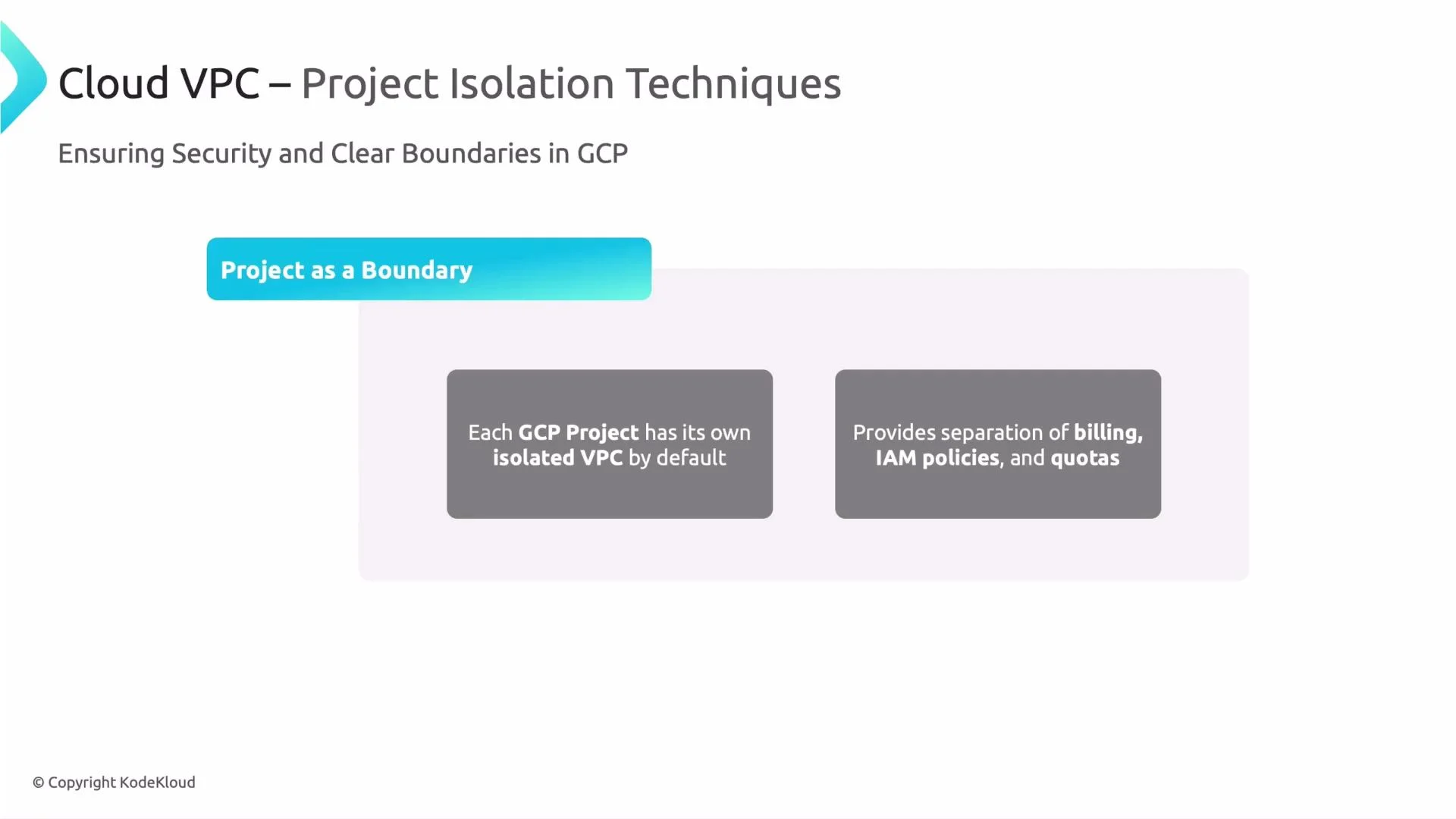
Treat the project boundary as your primary isolation mechanism: it separates network, billing, IAM, and quotas. Use folders and organization policies to group and consistently govern projects.
- Use folders and organization policies to enforce naming, labels, and network creation rules (for example, disable auto-create network for new projects).
- Map environments to projects (e.g., prod, staging, dev) and allocate quotas and billing accordingly to reduce accidental cross-impact.
- Apply least-privilege IAM at the project or folder level to reduce administrative risk.
Firewall and IAM boundaries: enforce segmentation and access control
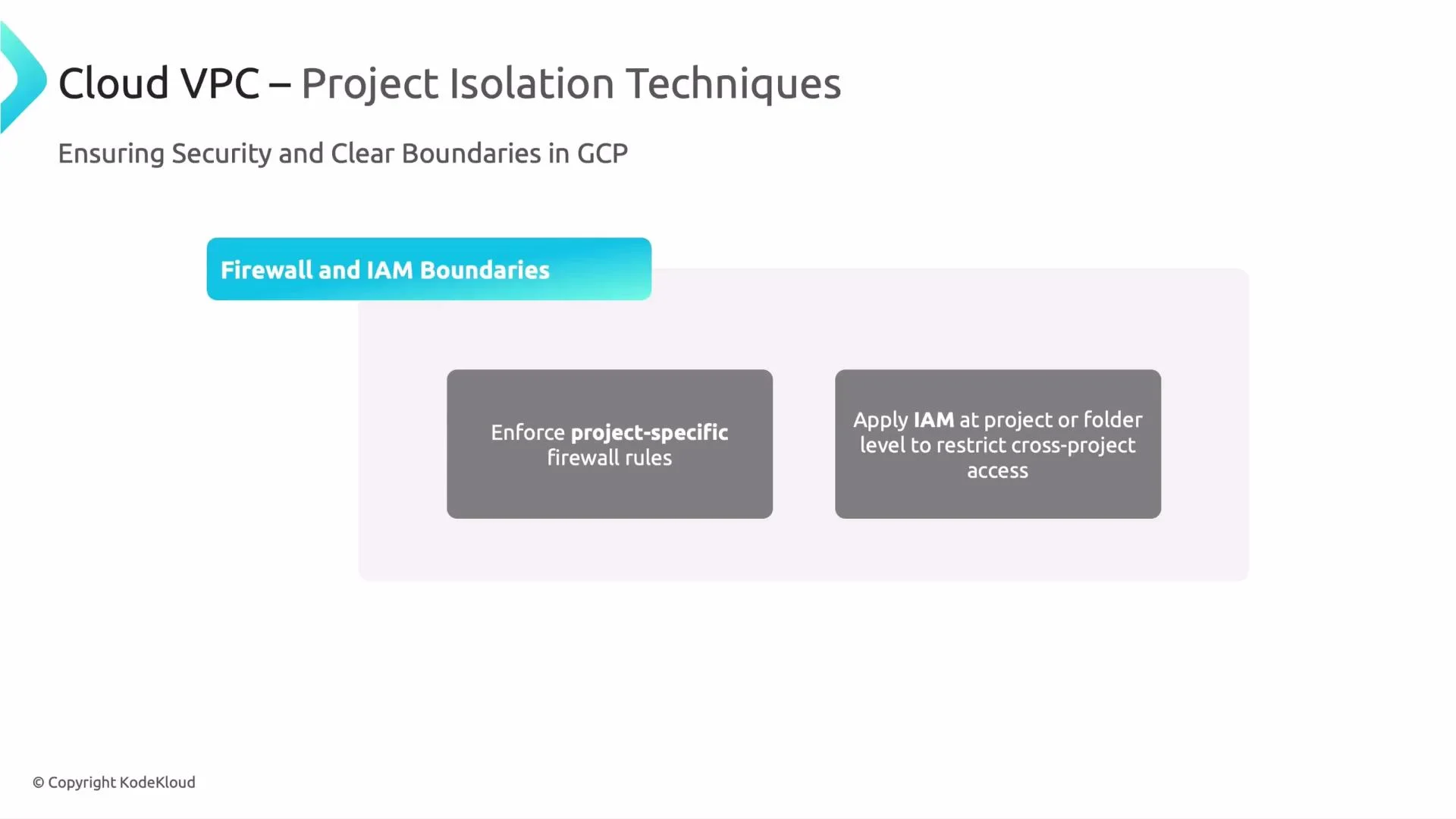
Two additional, essential layers of isolation are firewall rules (network-level) and IAM (identity-level):-
Firewall rules
GCP firewall rules are stateful and applied per VPC. They are evaluated by priority and can be targeted using instance tags or service accounts. In Shared VPC setups, rules in the host network determine allowed traffic for all attached service projects. For strict segmentation, use deny rules, non-overlapping subnet ranges, and carefully ordered priorities. -
IAM boundaries
IAM controls who can administer or access resources. Apply IAM at the organization, folder, or project level to prevent unauthorized cross-project access. Shared VPC requires specific roles (for example,roles/compute.networkAdminandroles/compute.networkUser) so service projects can attach resources to host project subnets without granting broader network admin privileges. Enforce least privilege and prefer role binding at folder-level when possible to scale securely.
Connectivity options when projects must communicate
When you need controlled connectivity between projects, choose from these explicit options and combine them with firewall + IAM controls:- Shared VPC — central network with host/project attachment
- VPC Peering — low-latency private connectivity, but no transitive peering
- Cloud VPN — encrypted IPsec tunnels for cross-region or cross-cloud links
- Cloud Interconnect — high-throughput, low-latency private connections for on-prem to GCP
- Private Service Connect — privately access-managed services across projects
When connecting VPCs, explicitly plan routing, firewall rules, and IAM. Misconfigured routes or overly permissive firewall rules can inadvertently bypass project isolation.
- Use non-overlapping CIDR blocks to avoid routing conflicts.
- Prefer Shared VPC when many teams need consistent access to central services (DNS, NAT, logging).
- With VPC Peering, remember that it is non-transitive: plan a hub-and-spoke or use Shared VPC for transitive requirements.
- Validate firewall rules at both ingress and egress directions and confirm that service accounts/tags used for scoping are applied consistently.
Summary / Best practices
- Treat the project as your primary isolation boundary for billing, IAM, quotas, and the default network.
- Use Shared VPC for centralized network management and consistent policies; use separate VPCs for strict isolation and compliance.
- Combine IAM and firewall rules to enforce both administrative and traffic-level separation.
- When you connect projects, choose the right connectivity mechanism (Shared VPC, peering, VPN, interconnect, or Private Service Connect) and harden routing and firewall rules.