

Durability
Google Cloud Storage offers extremely high durability — 99.999999999% (eleven 9s). In practice, this means the probability of permanent object loss due to hardware failures is negligible because GCS automatically replicates data across multiple devices and locations.Exam tip: Remember the “11 nines” durability number (99.999999999%) — it’s a key differentiator for GCS and a useful fact for architecture decisions.
Storage location options and trade-offs
Choosing the right location type affects latency, availability, redundancy, and cost. Use the table below to compare options and decide which fits your access patterns and recovery objectives.
Recommended guidance:
- Use single-region for cost-sensitive workloads with locality requirements and acceptable region-level risk.
- Use dual-region when you need higher availability and deterministic low latency between two chosen regions.
- Use multi-region for global services requiring resilient, widely distributed read access.
Automatic failover and traffic routing
For dual-region and multi-region buckets, GCS maintains replicas across the configured locations. If a replica or one of the selected regions experiences an outage, Google Cloud routes requests to healthy replicas automatically — reads (and many types of writes) continue to work without manual intervention. This behavior provides transparent failover for most operational scenarios.Important: Single-region buckets do not have automatic cross-region failover. If the entire region is impacted, you must rely on manual recovery strategies (e.g., pre-configured transfers or backups) to restore access.
Consistency guarantees
GCS provides strong consistency for object operations. That means:- Read-after-write: After a successful upload, subsequent reads see the new object.
- Read-after-update: After an object overwrite, subsequent reads reflect the updated object.
- Immediate visibility simplifies application logic because you don’t need to handle eventual-consistency windows for common operations.
Disaster recovery and backups
GCS integrates into DR strategies through built-in features and services:- Object Versioning: Enable to retain historical versions and recover from accidental deletes or overwrites.
- Storage Transfer Service: Use the Storage Transfer Service to schedule automated, recurring copies between buckets, projects, or from other cloud providers: https://cloud.google.com/storage-transfer
- Cross-location strategies: Combine dual-region/multi-region buckets with replication or scheduled copies to other regions or projects to meet your Recovery Time Objectives (RTOs) and Recovery Point Objectives (RPOs).
- Lifecycle rules: Use lifecycle policies to transition older data to cheaper storage classes or to automatically delete old versions while maintaining an appropriate retention window.
- Enable versioning on your critical production bucket.
- Configure a scheduled Storage Transfer job to copy daily snapshots to a bucket in another region or a separate project.
- Apply lifecycle rules on the backup bucket to transition older snapshots to colder storage classes (e.g., Nearline/Coldline/Archive) to control cost.
Practical considerations
- Security and access controls travel with the bucket; ensure IAM policies and encryption keys are managed consistently across backup locations.
- Test your DR runbooks periodically (perform an actual failover and restore test).
- Monitor storage usage, transfer costs, and data transfer latency to balance cost vs. availability.
- Consider network egress and transfer costs when designing cross-region backups.
Summary
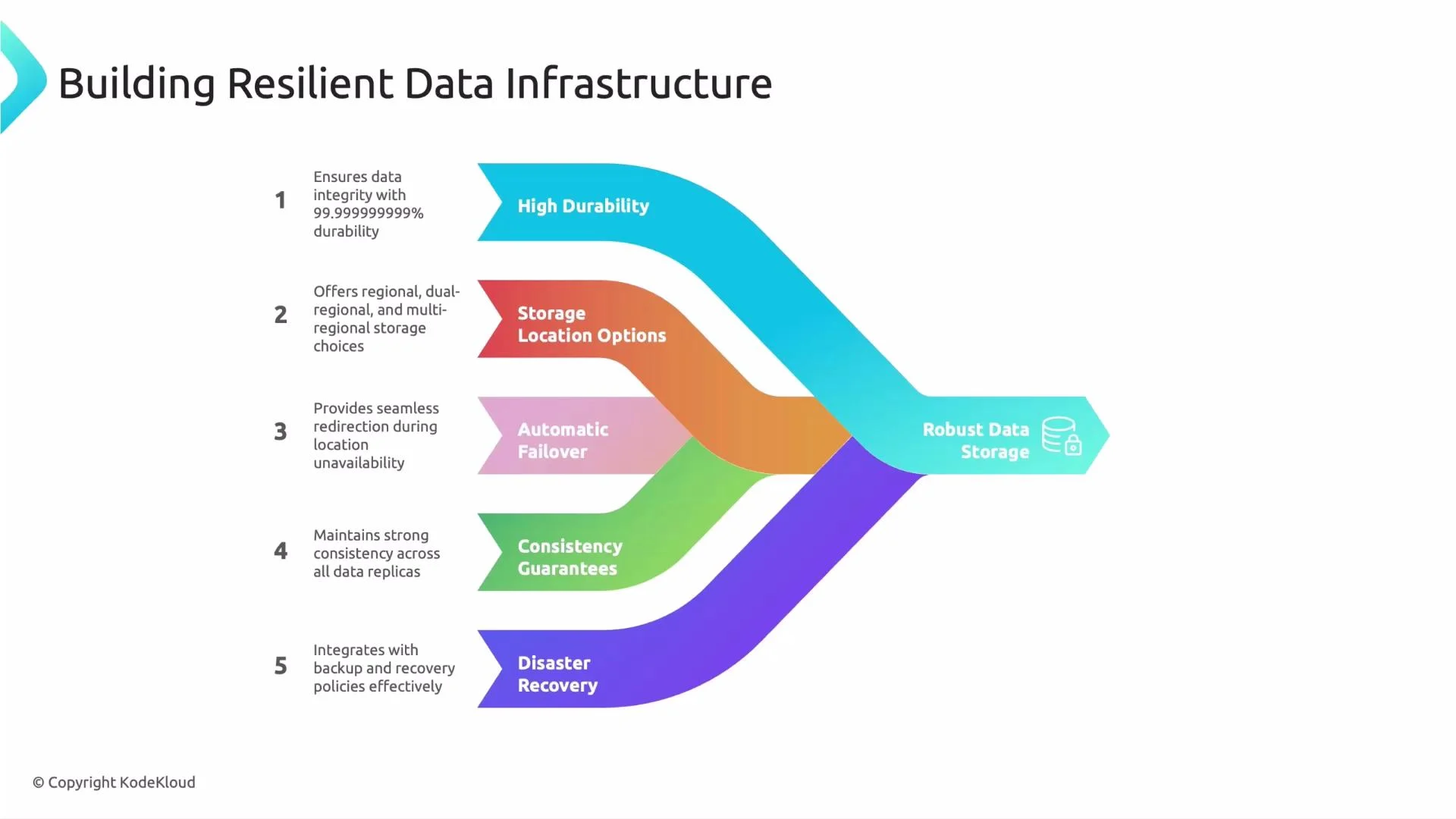
Google Cloud Storage is built for resilient, durable storage and supports multiple architectural patterns for availability and failover:- Durability: 99.999999999% (11 nines).
- Location options: Single-region, Dual-region, Multi-region — choose based on latency, cost, and availability needs.
- Automatic failover: Available for dual-region and multi-region configurations; not available for single-region buckets.
- Consistency: Strong consistency for reads after writes and updates.
- Disaster recovery: Use versioning, Storage Transfer Service, and lifecycle policies to implement backup and recovery strategies that meet your RTO and RPO.
- Google Cloud Storage docs: https://cloud.google.com/storage
- Storage Transfer Service docs: https://cloud.google.com/storage-transfer