

- What does the workload look like? — CPU‑bound, memory‑bound, I/O‑bound, or mixed?
- How are clusters used? — interactive, recurring batch, ad‑hoc, long‑lived, or short‑lived?
Machine types — choose based on workload characteristics
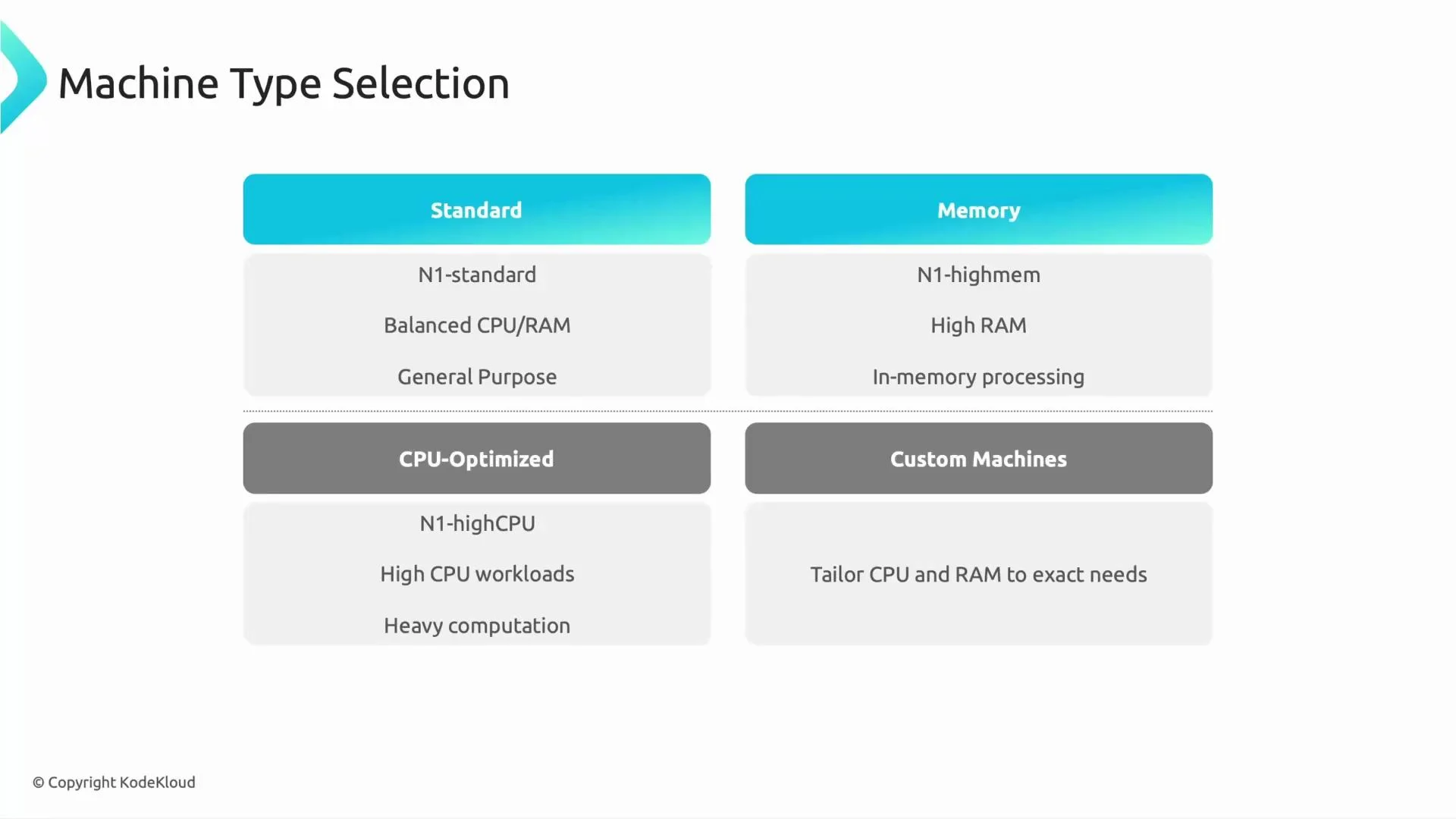
Select worker machine types that align with workload behavior rather than picking instances at random. Below is a quick reference to guide machine selection:
Pick CPU-optimized workers for CPU-heavy MLlib training and memory-optimized workers for large in-memory caching or joins. When your job profile is unclear, start with balanced machines and iterate.
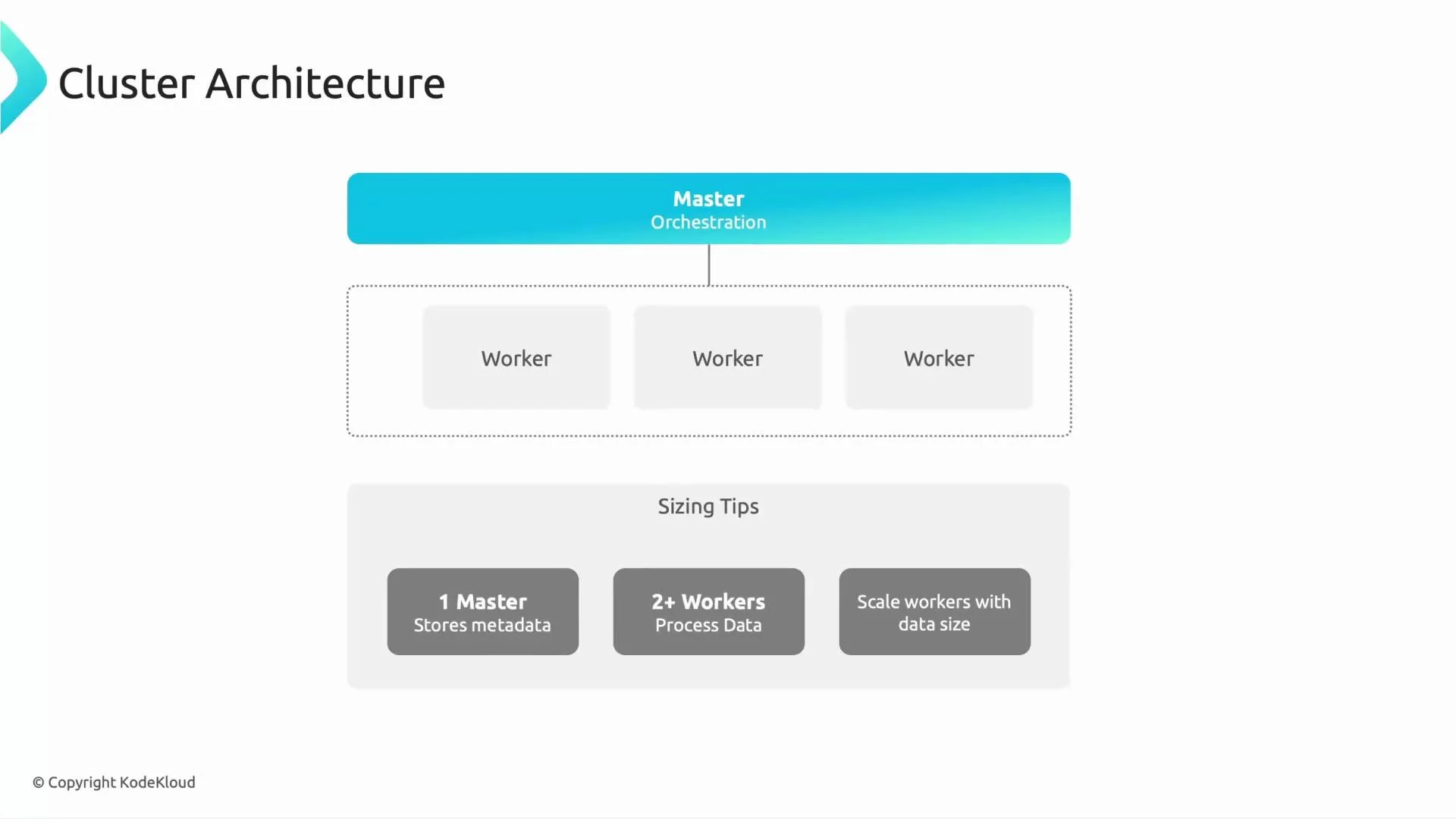
Cluster architecture and sizing tips
A Dataproc cluster typically has:- Master node(s): run resource managers, job schedulers, metadata services, and UI endpoints.
- Worker nodes: execute Spark/YARN tasks and store local shuffle/cache data.
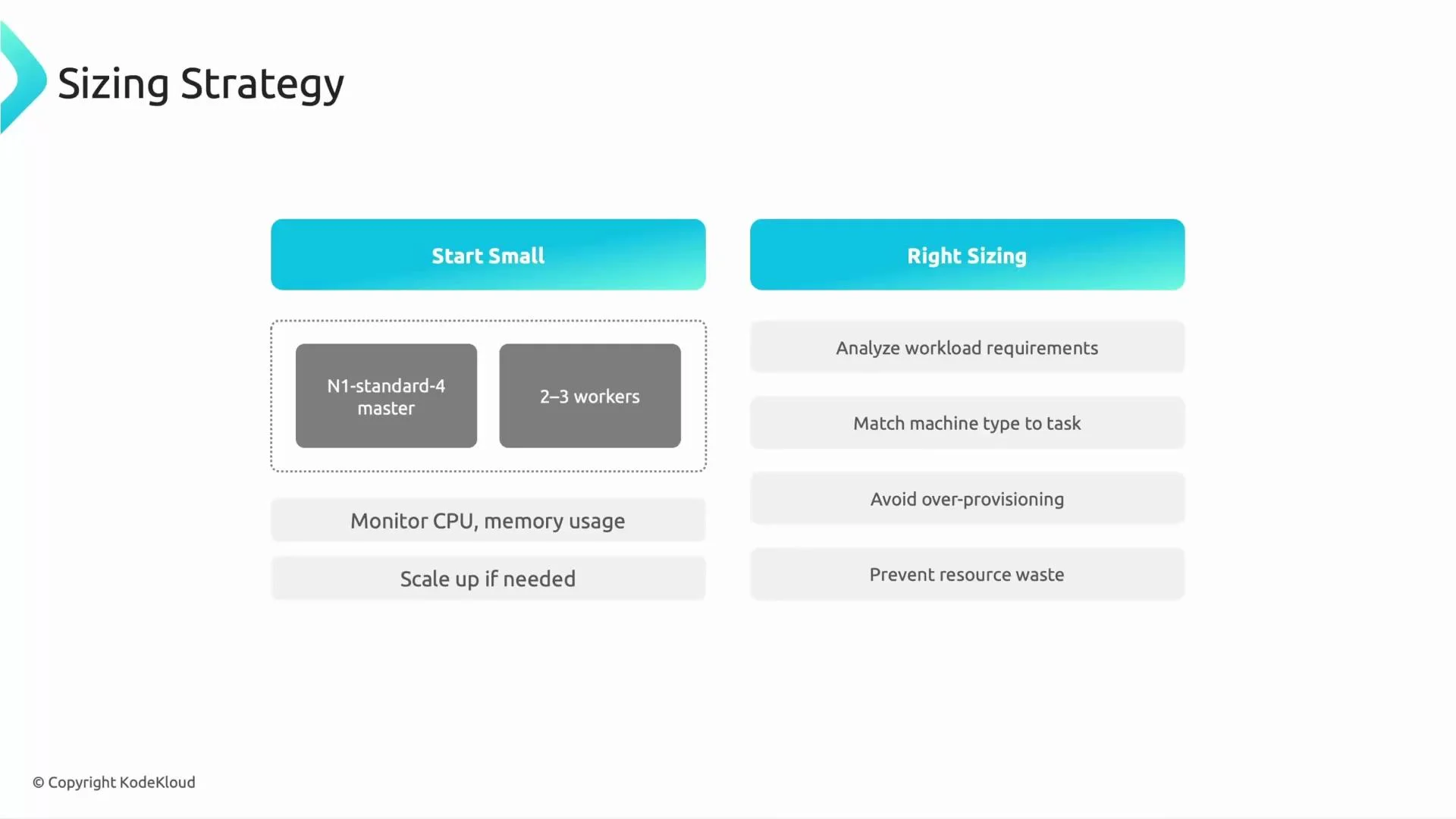
- Start small: one master and 2–3 workers to validate job behavior and collect metrics.
- Measure first: monitor CPU, memory, disk I/O, shuffle, and GC to find bottlenecks before scaling.
- Scale thoughtfully: increasing node count or size may not proportionally reduce job time due to task scheduling, shuffle overhead, and data skew.
- Match resources to workload: scale vCPUs for compute-bound stages and RAM for in-memory or caching stages.
- Consider data locality and disk throughput for I/O-heavy workloads; local SSD or higher network bandwidth may help.
Additional optimization patterns
- Autoscaling: Use Dataproc autoscaling policies to adjust worker counts based on pending tasks and measured utilization.
- Preemptible (spot) workers: Use preemptible VMs for cost savings on fault‑tolerant stages; they can be revoked at any time.
- Ephemeral clusters: Create clusters on demand for scheduled or ad‑hoc batch jobs and delete them after completion to eliminate idle costs.
- Long‑lived clusters: Appropriate for many interactive users or shared jobs — ensure monitoring, idle-node policies, and cleanup routines.
- File sizing and partitioning: Avoid many small files; aim for tens-to-hundreds of MB per file and partition data to match query access patterns.
- Instrumentation: Collect metrics (CPU, memory, disk, shuffle, GC) and job logs to identify hotspots and guide tuning decisions.
When using preemptible workers, plan for worker eviction: design jobs to be fault tolerant or ensure critical stages run on non‑preemptible nodes.
A recommended iterative approach
- Start small — deploy one master and 2–3 workers to characterize job behavior and gather baseline metrics.
- Measure — inspect stage times, task distribution, CPU/memory/disk utilization, shuffle volumes, and GC.
- Diagnose bottlenecks — determine whether the workload is CPU‑bound, memory‑bound, I/O‑bound, or suffering from data skew/small files.
- Adjust resources — change worker machine types (CPU vs memory), tune Spark settings, or increase node counts based on measured bottlenecks.
- Optimize for cost — introduce autoscaling and preemptible workers for noncritical work; prefer ephemeral clusters for scheduled batches.
- Repeat — continuously measure after each change to validate improvement and avoid over‑provisioning.
Links and references
- Dataproc documentation
- Dataproc autoscaling policies
- Preemptible VMs (Compute Engine)
- Compute Engine machine types
- Spark tuning and performance best practices